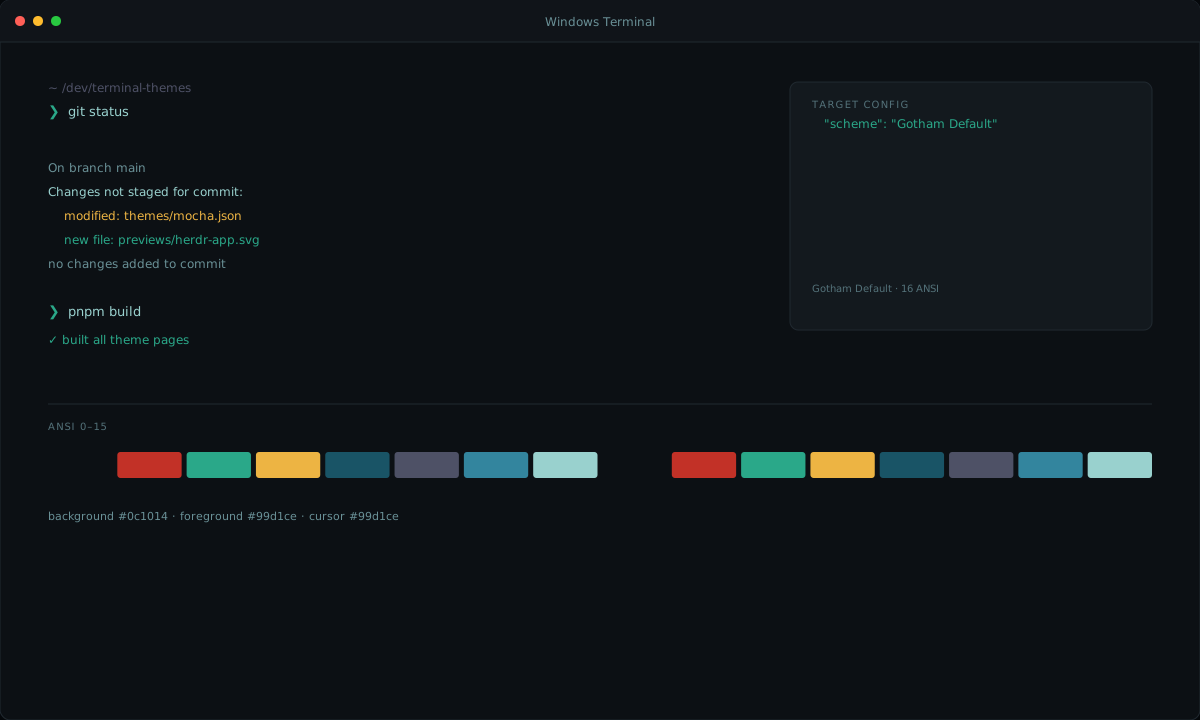
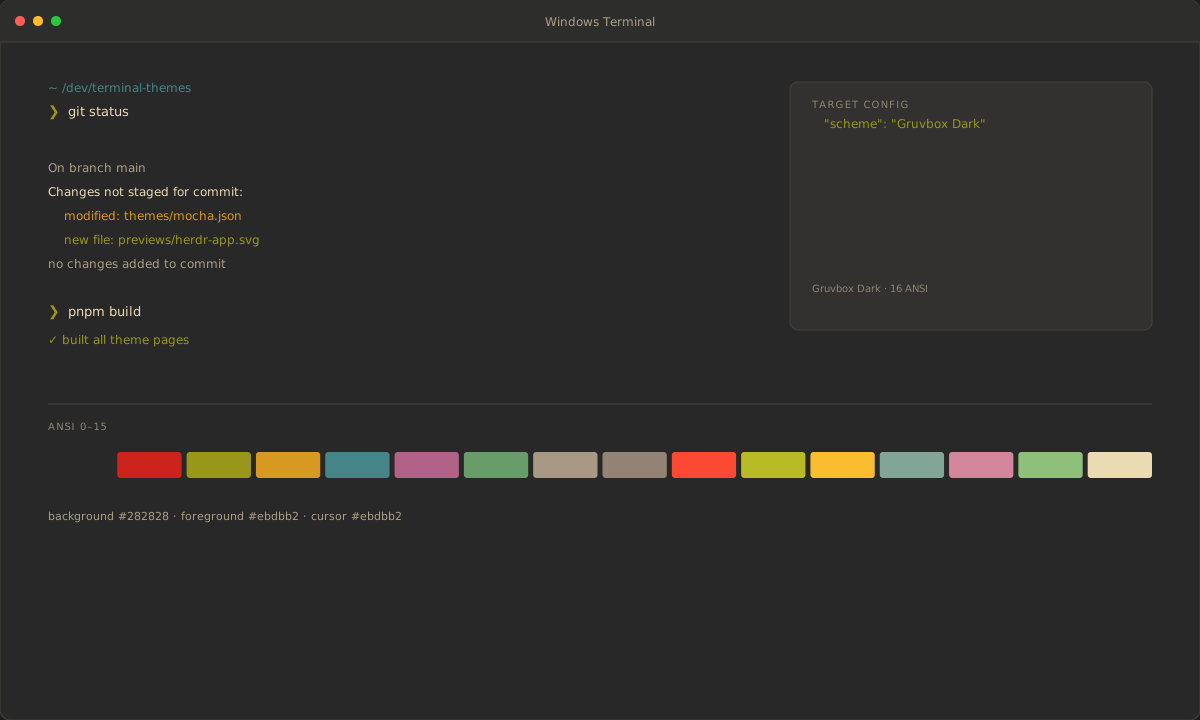
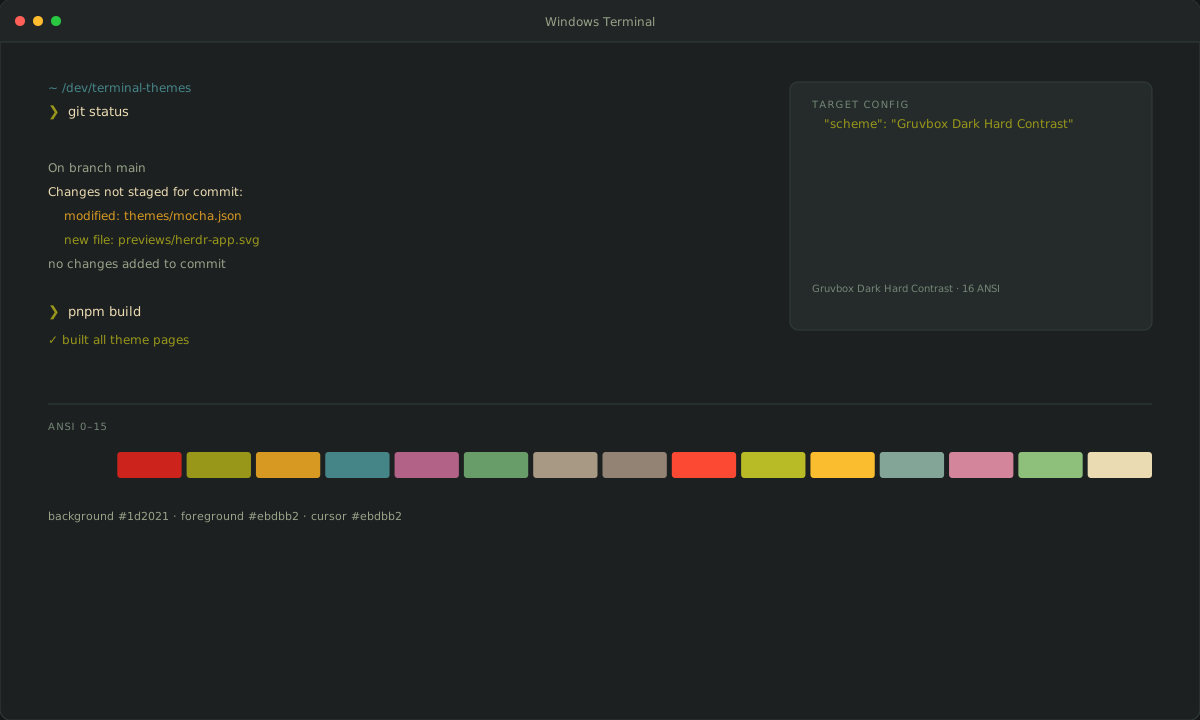
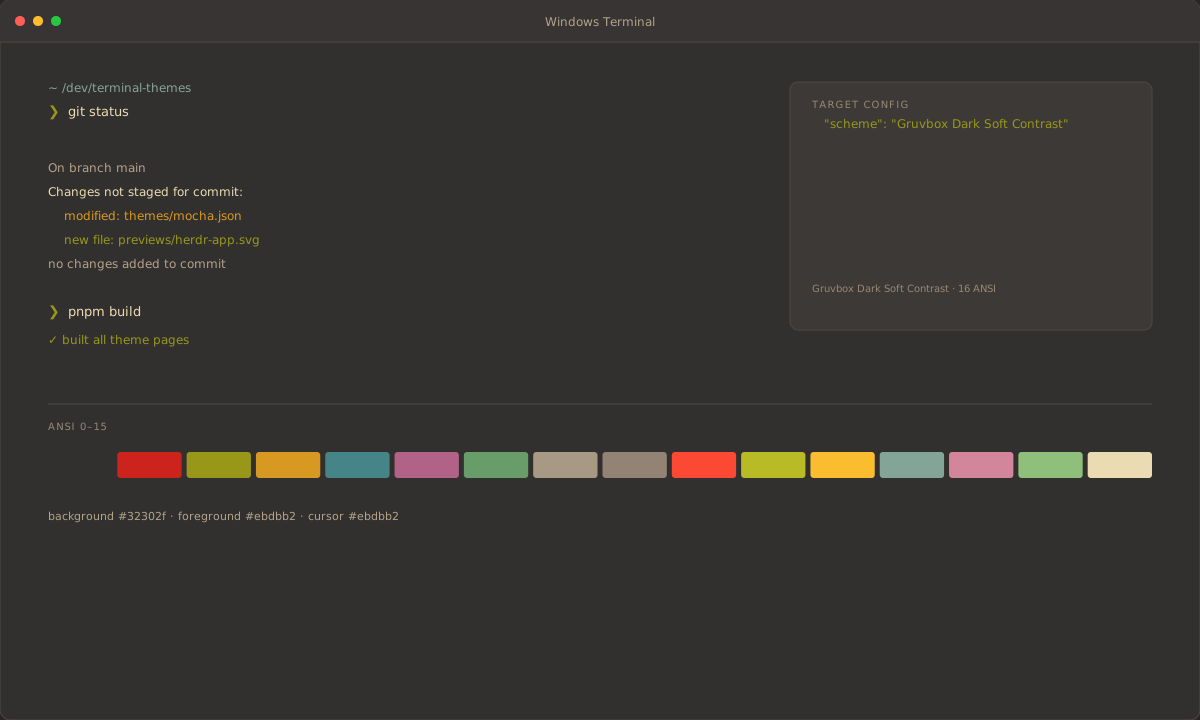
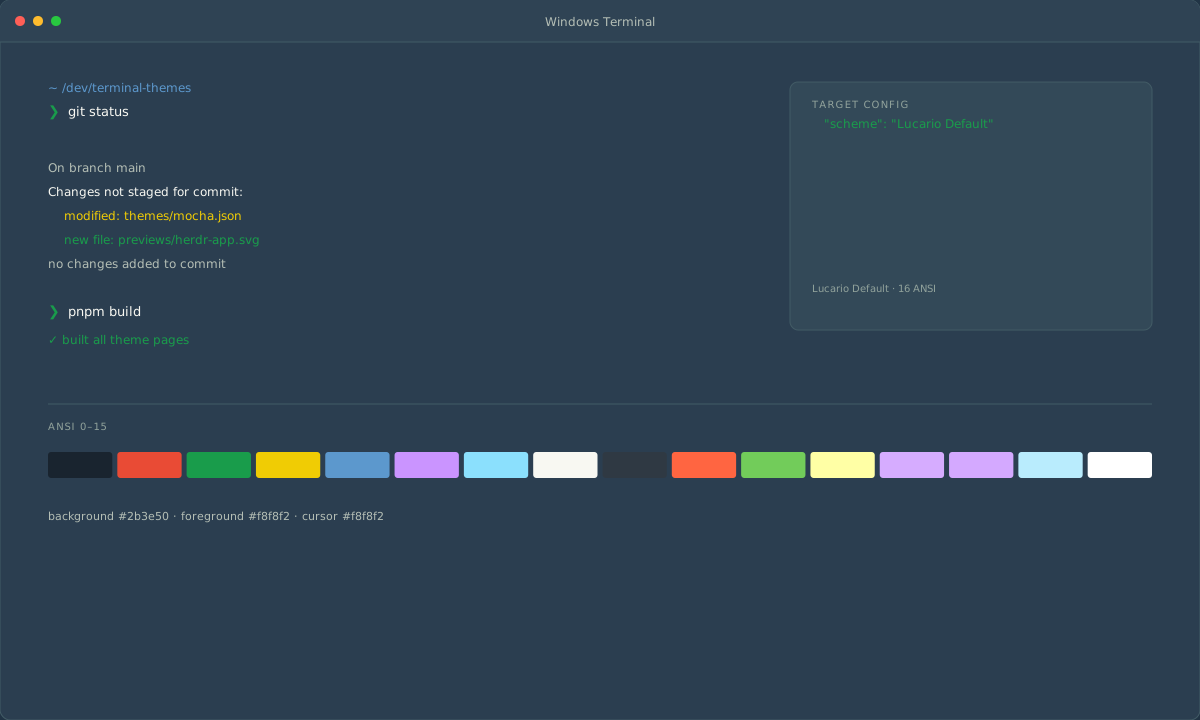
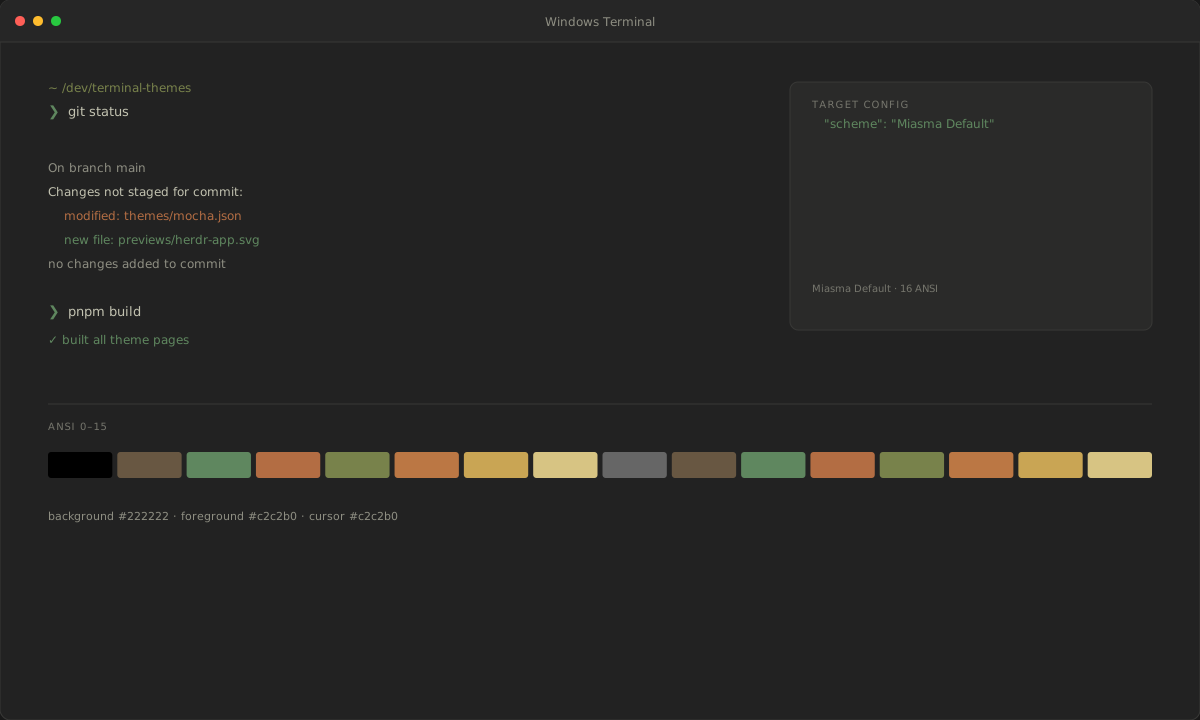
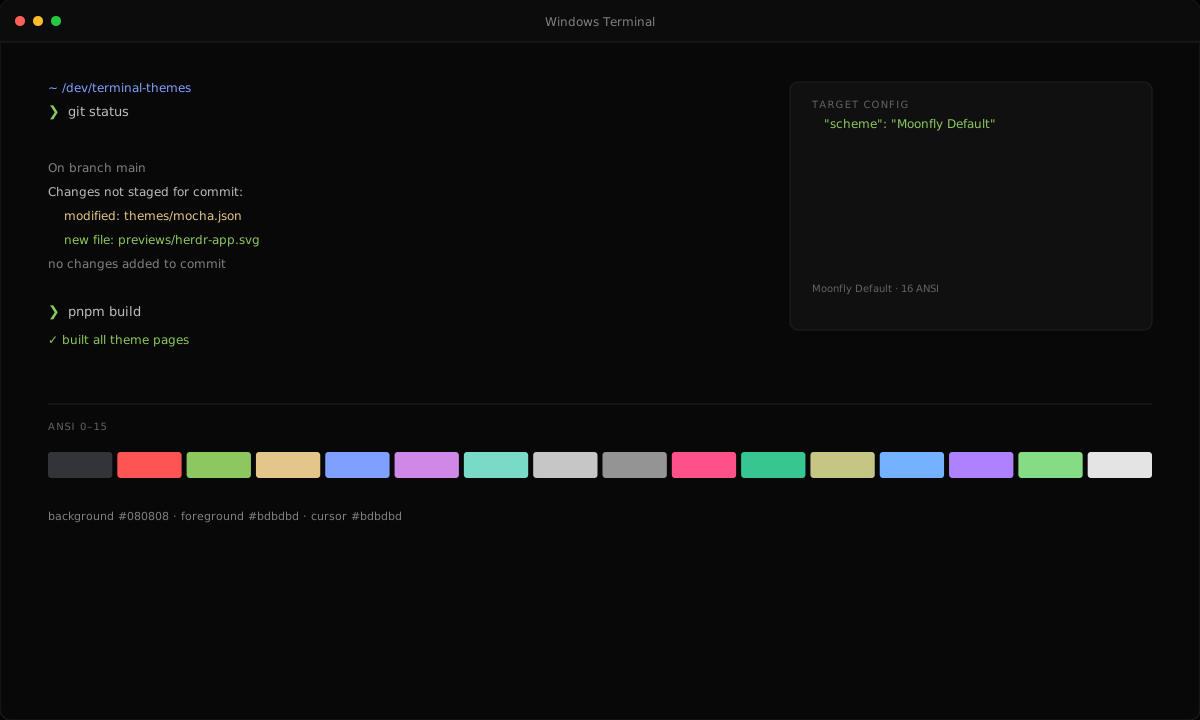
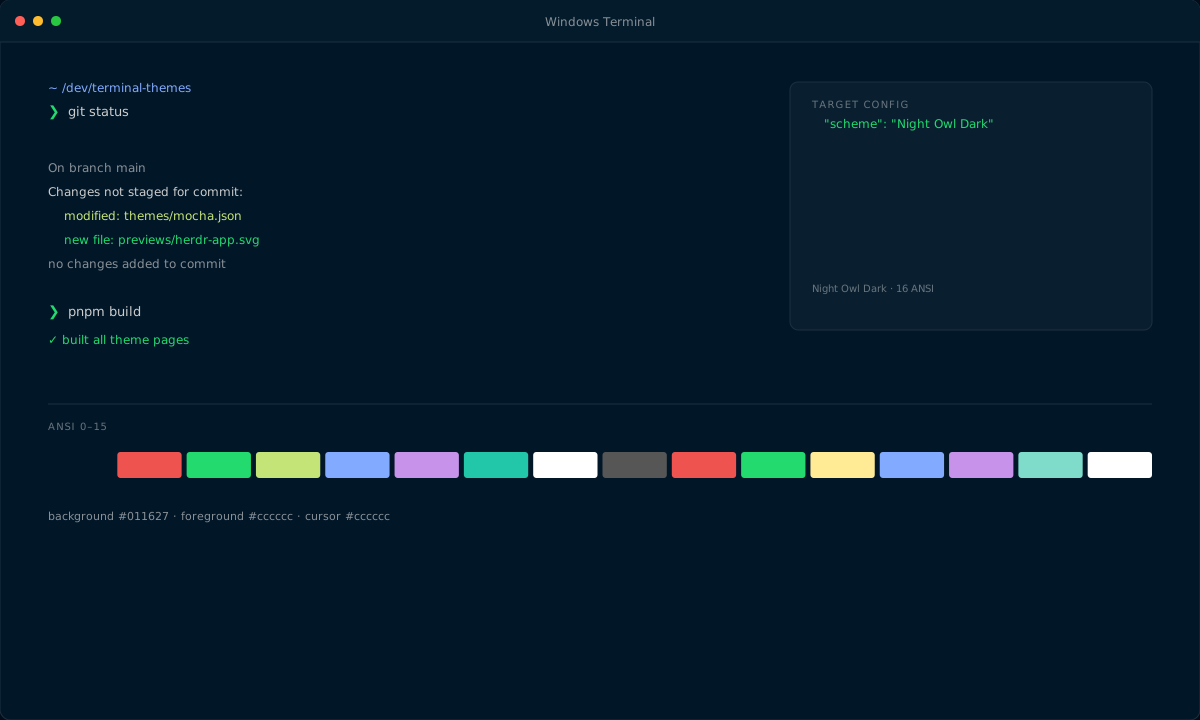
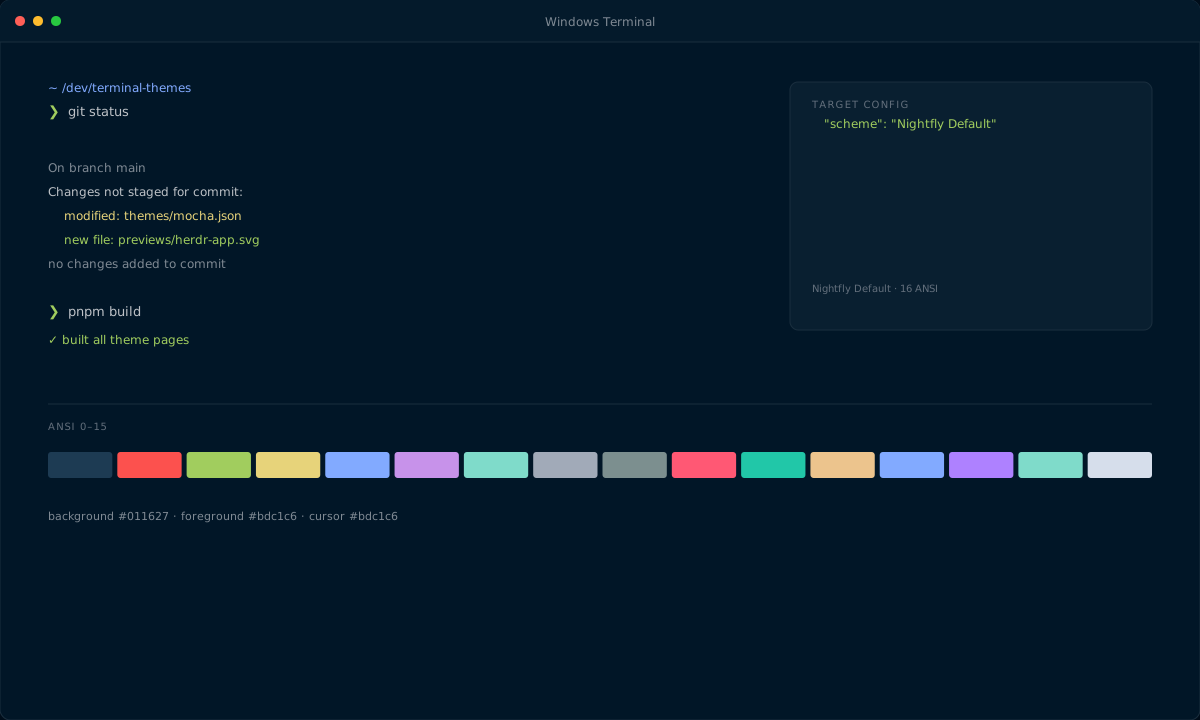
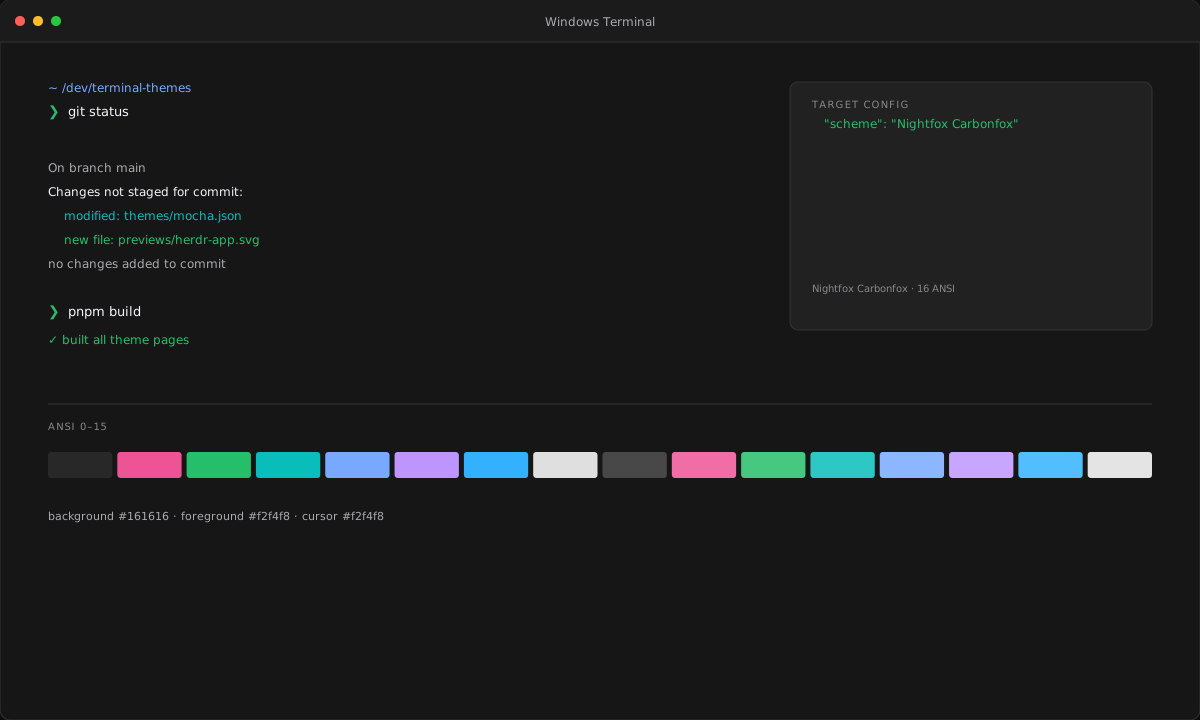
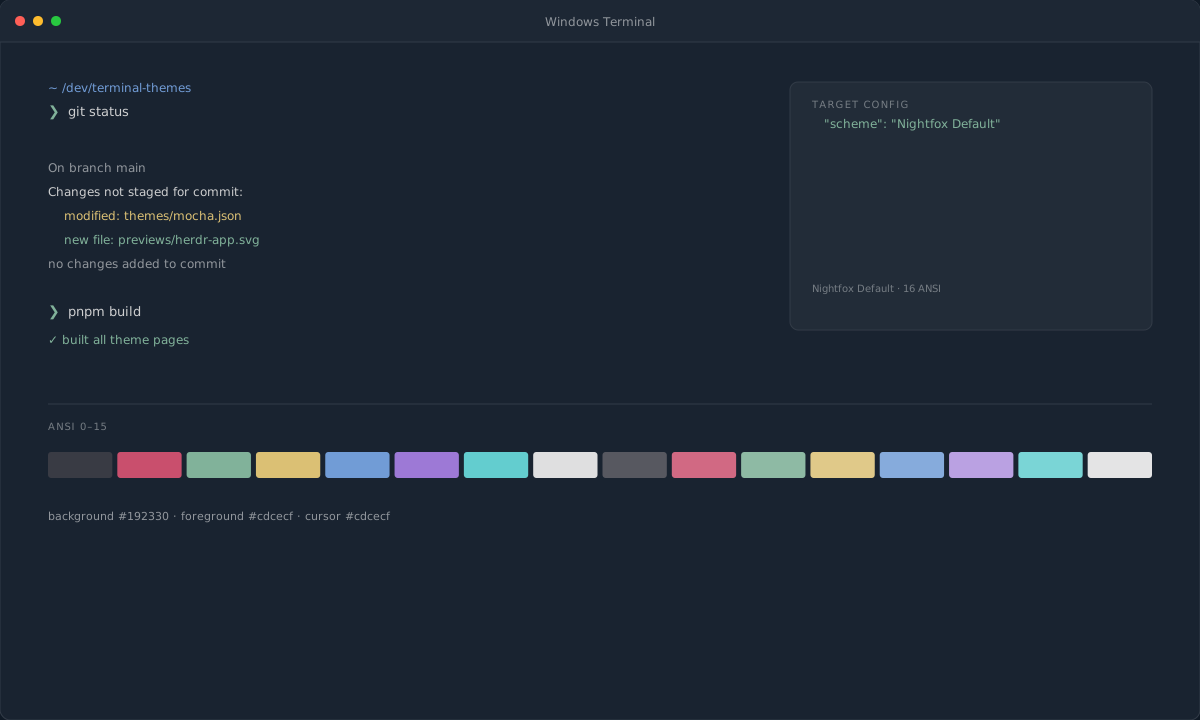
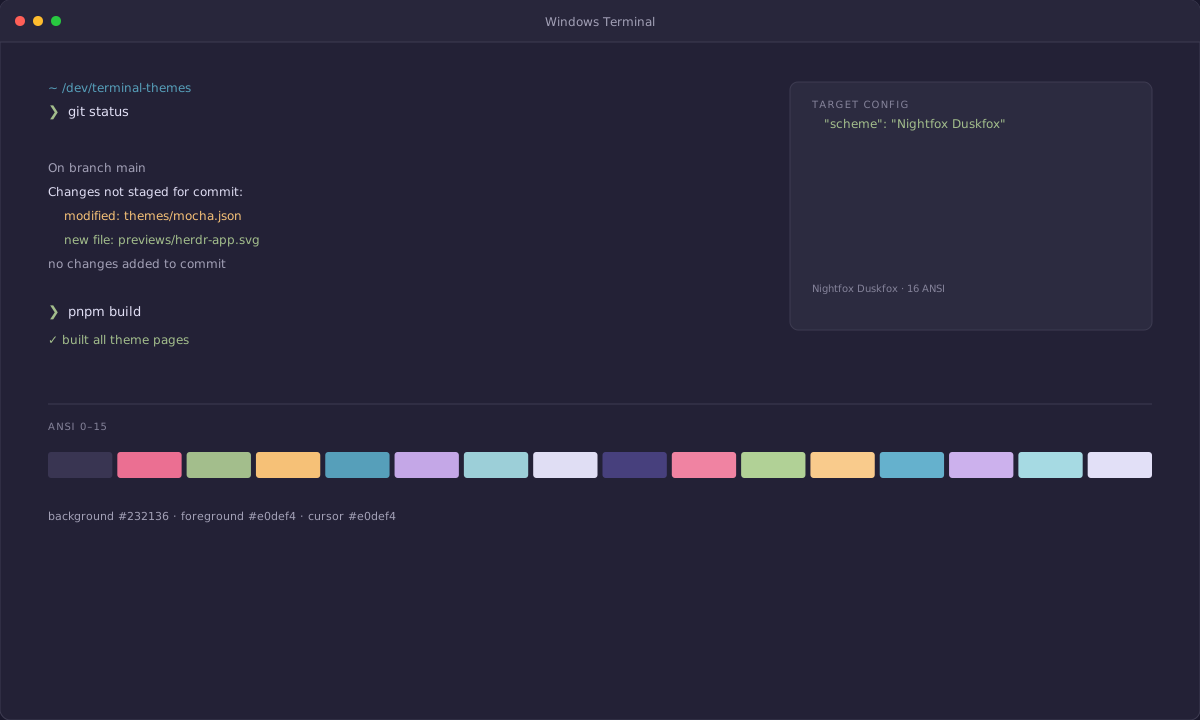
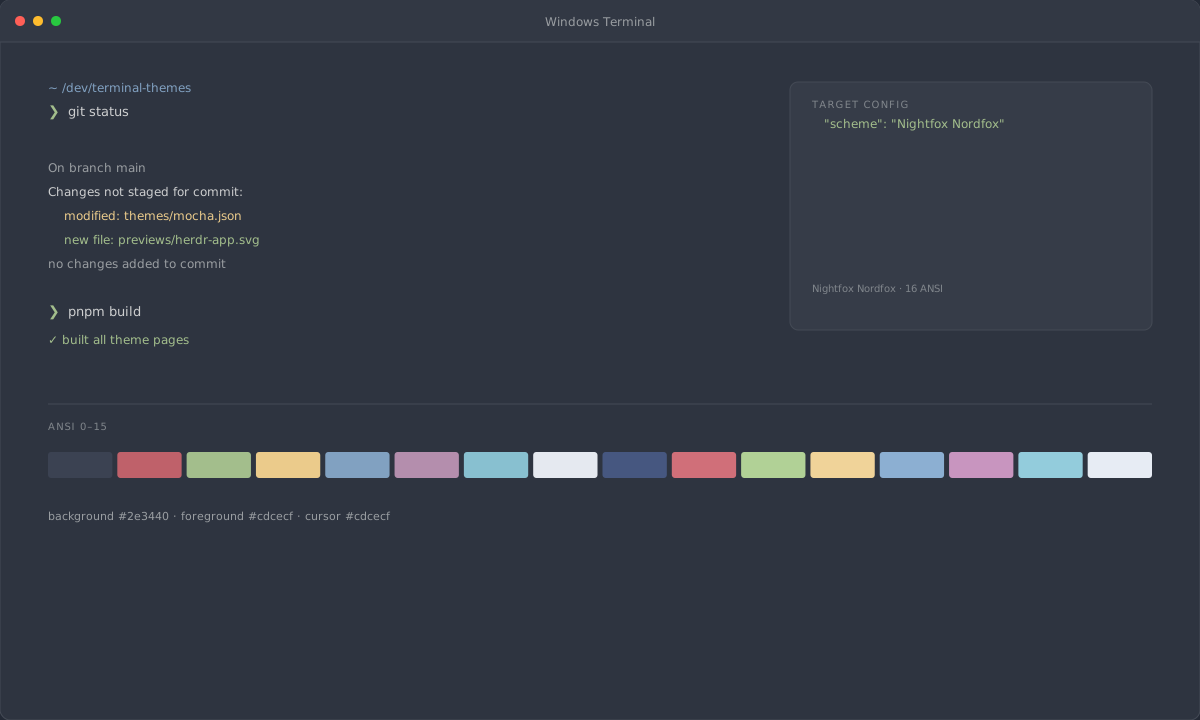
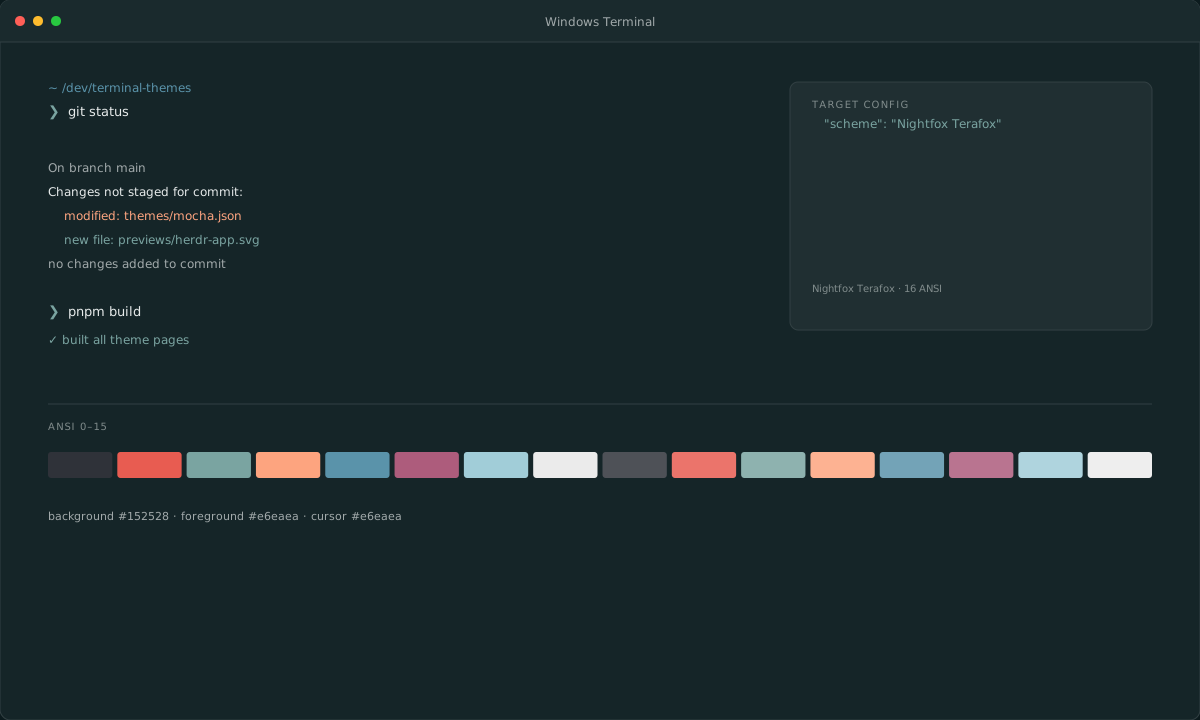
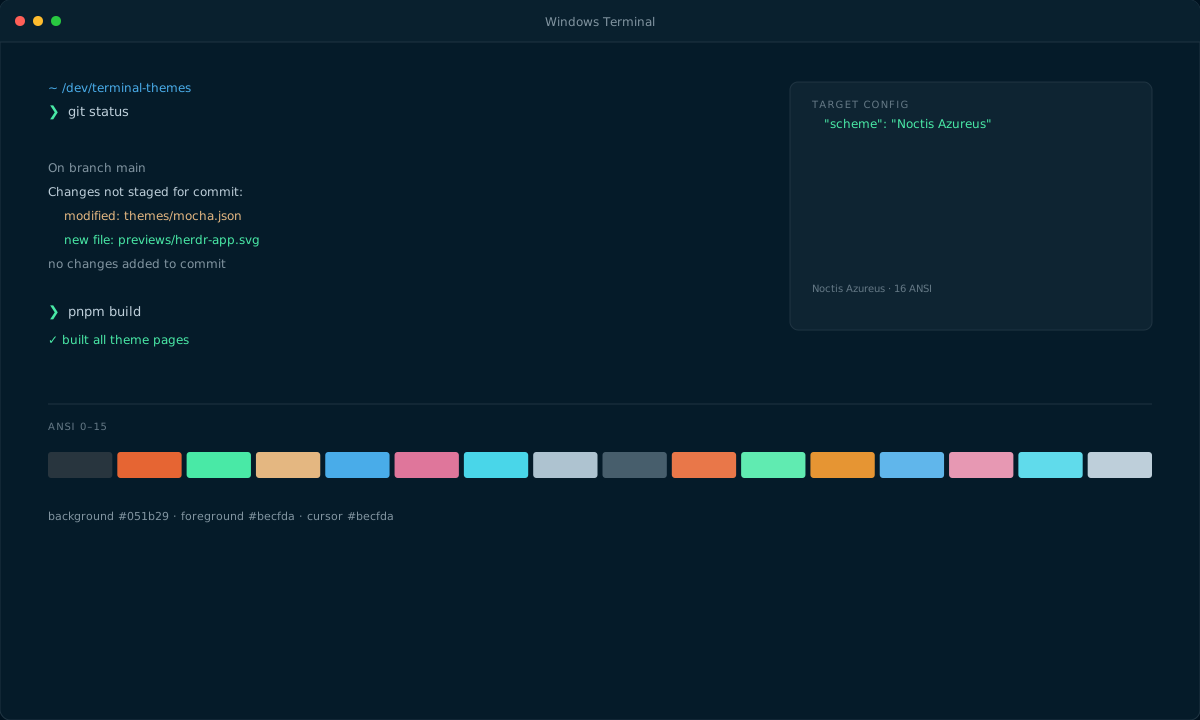
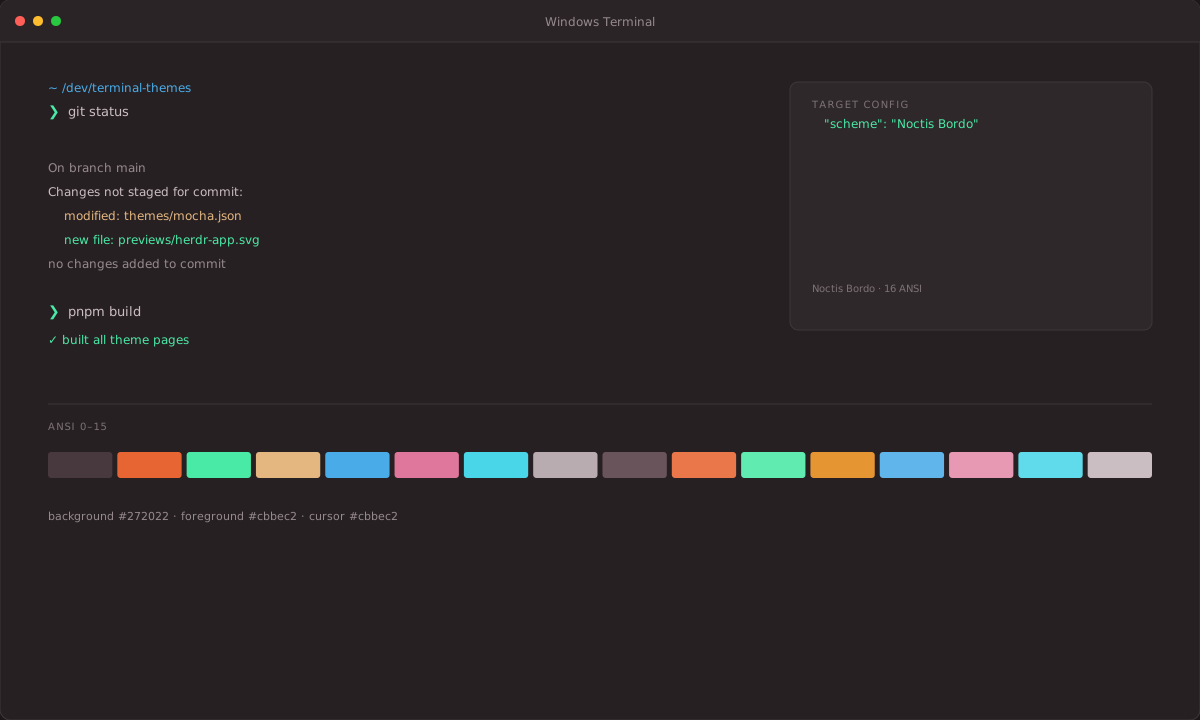
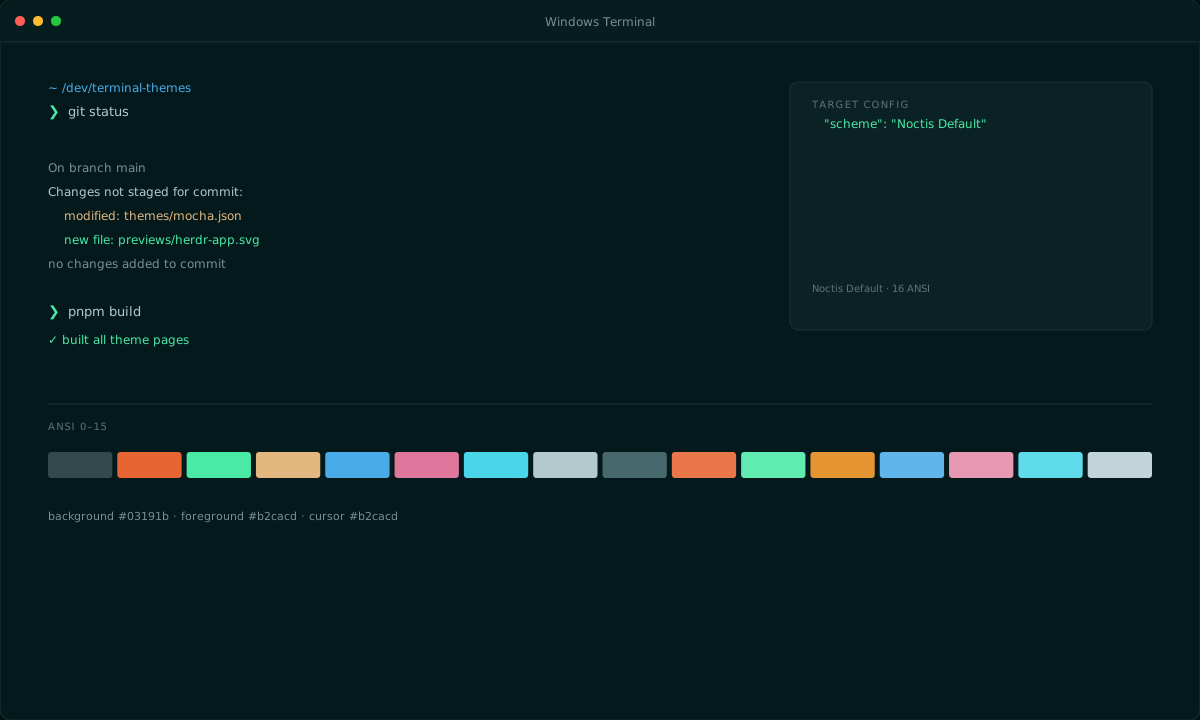
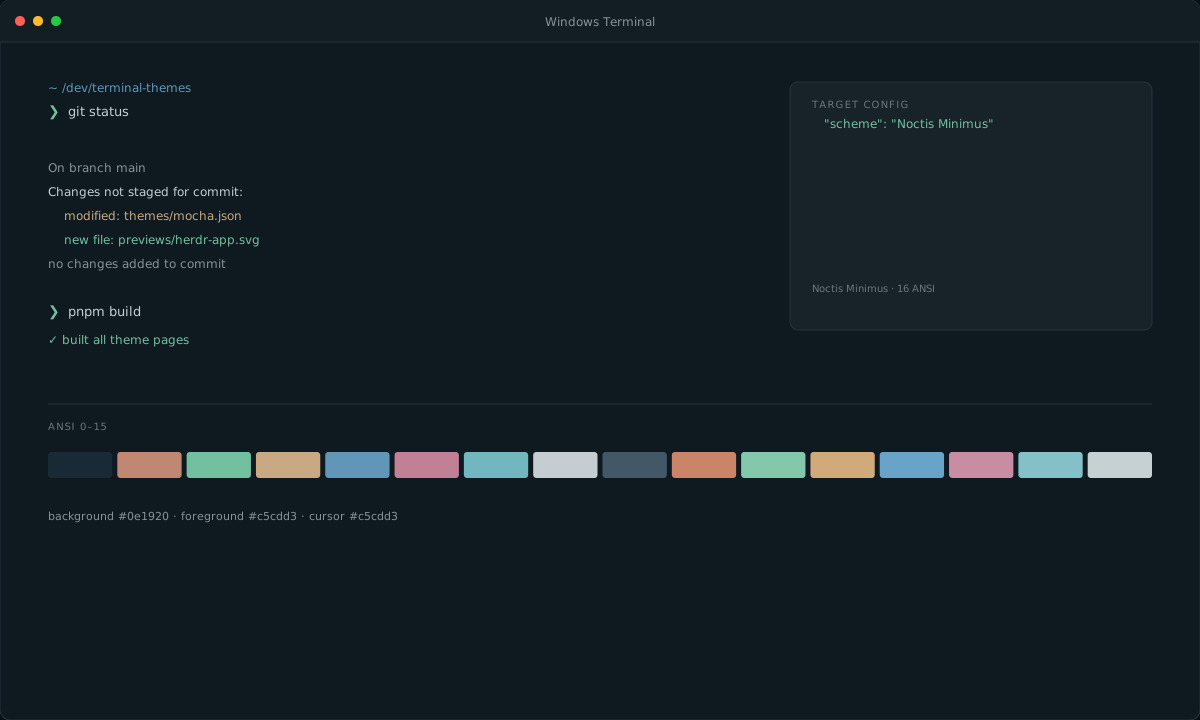
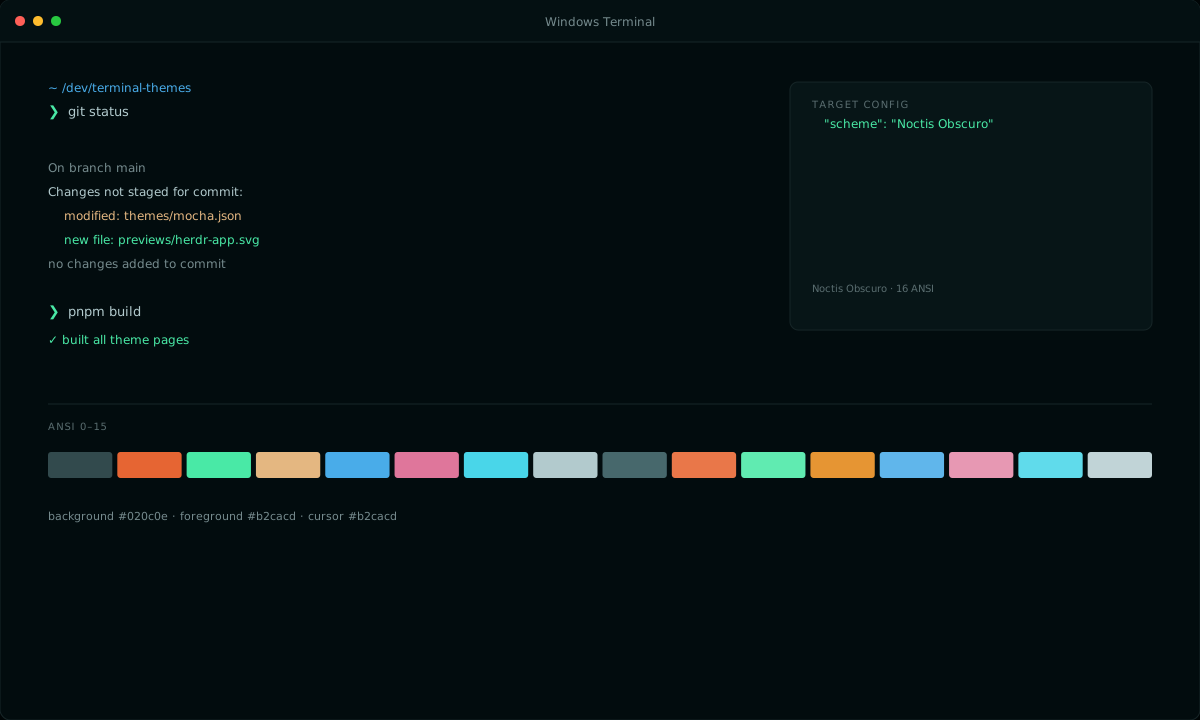
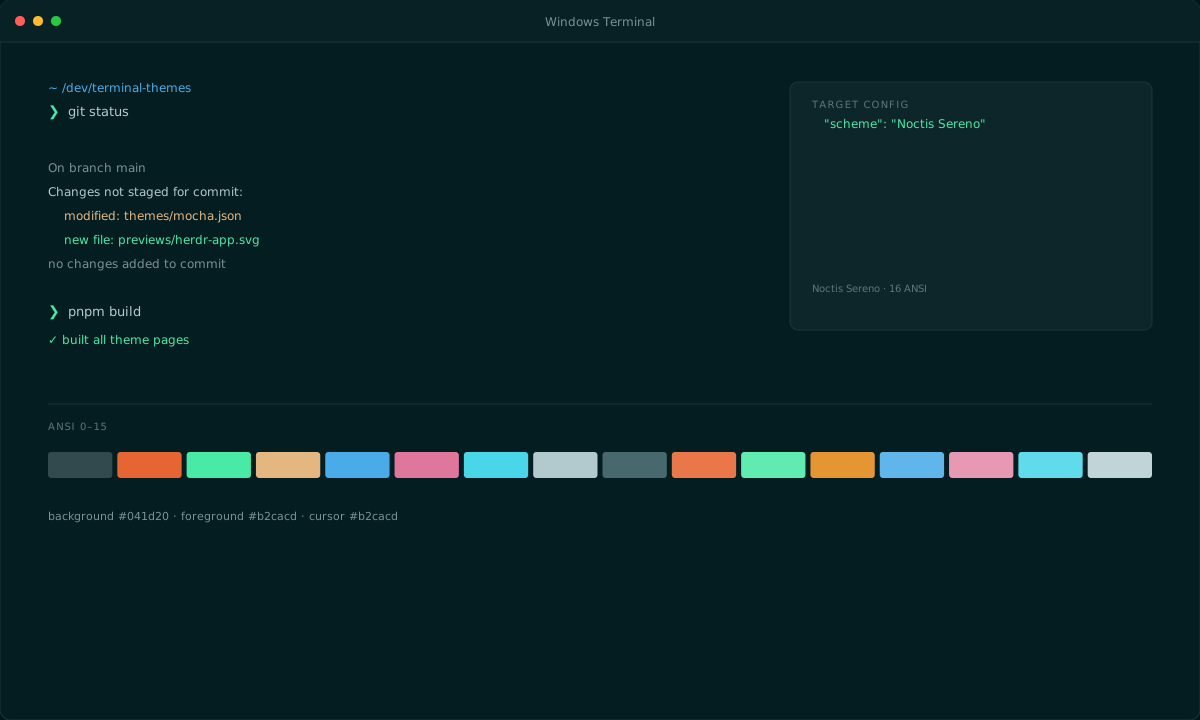
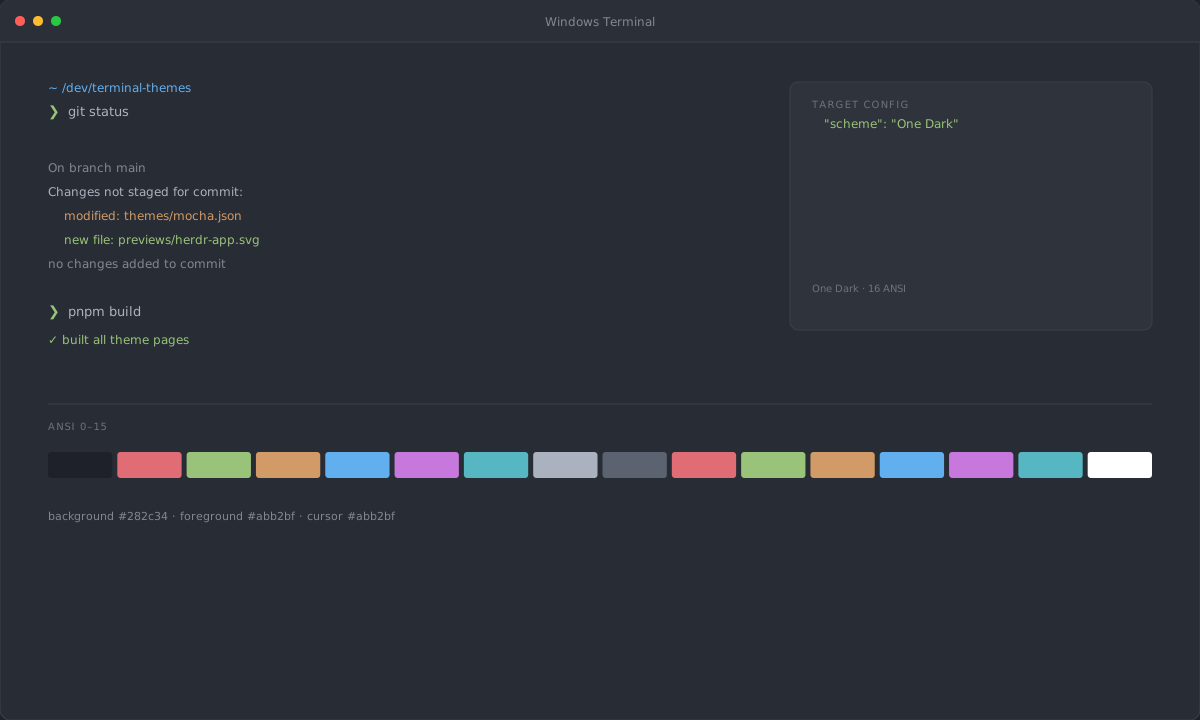
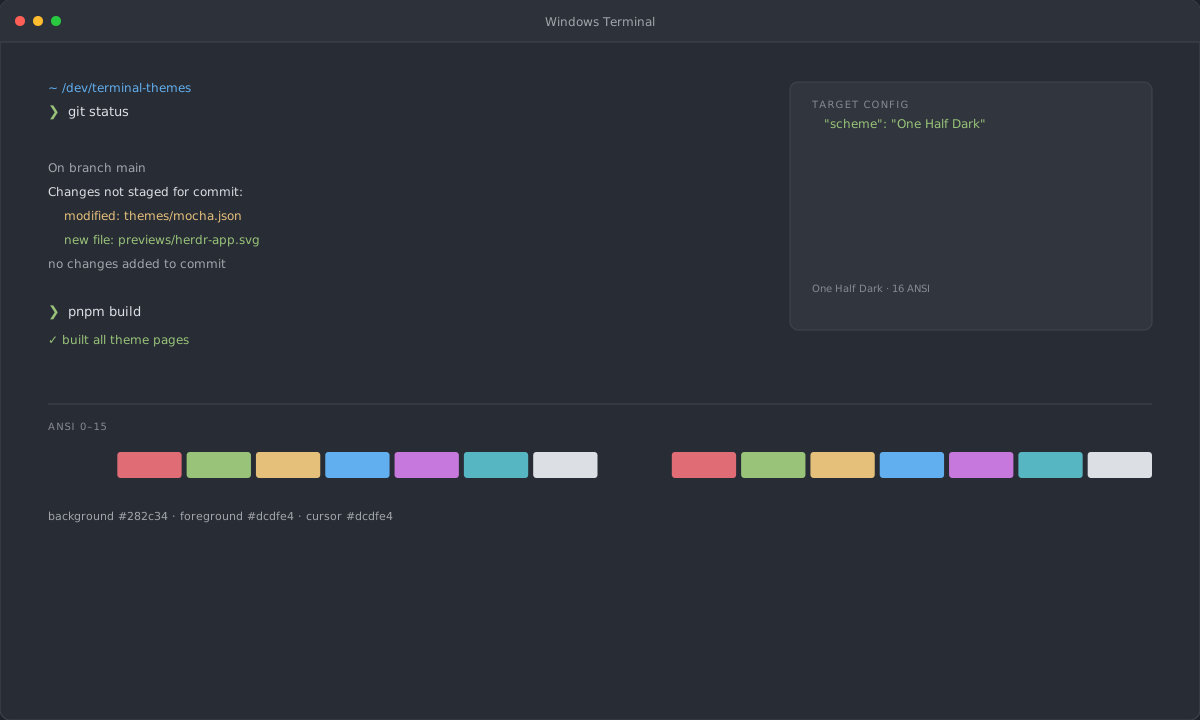
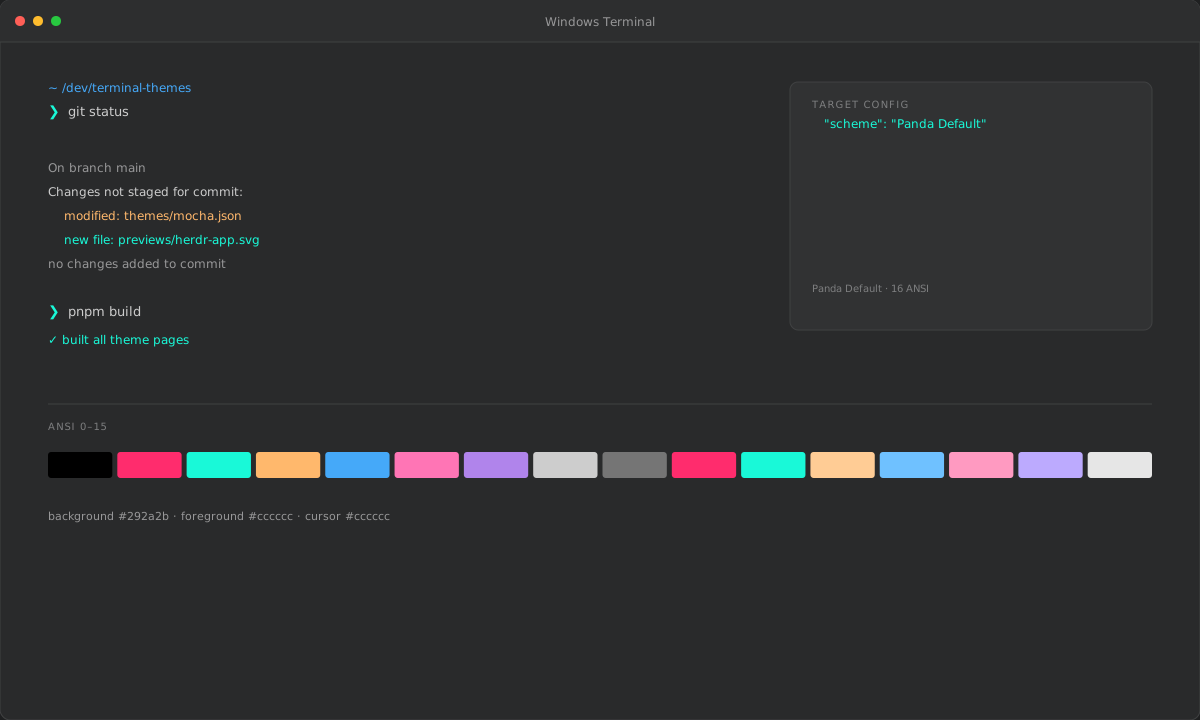
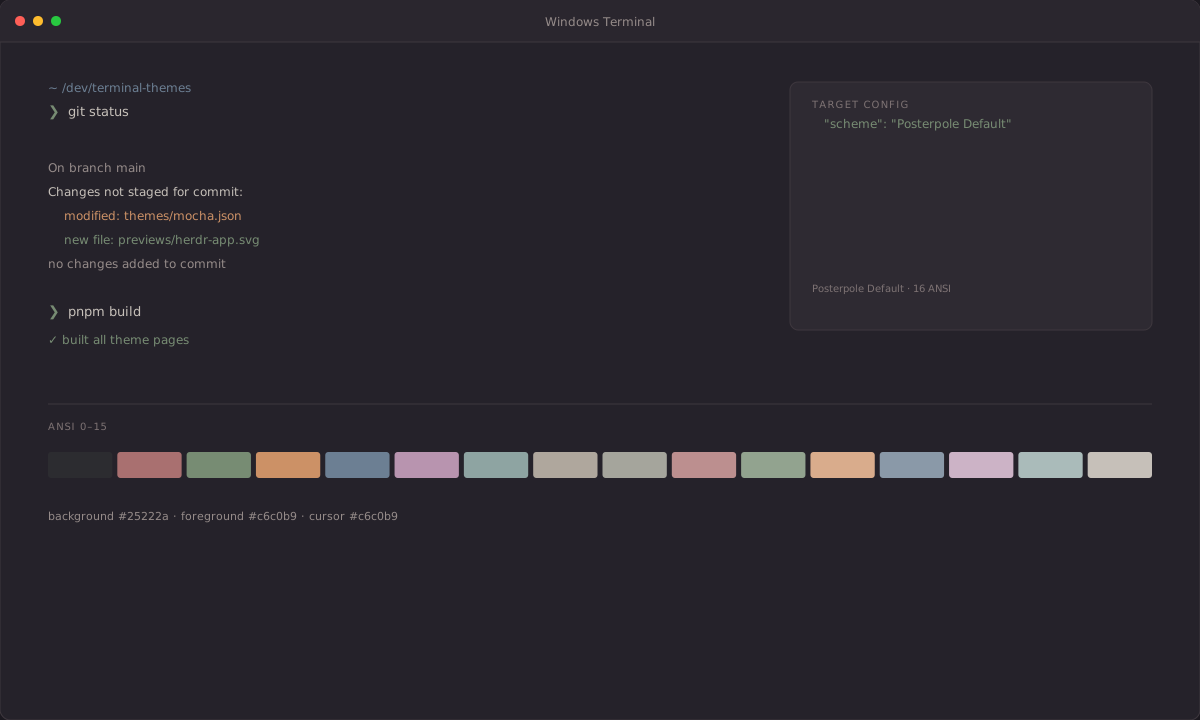
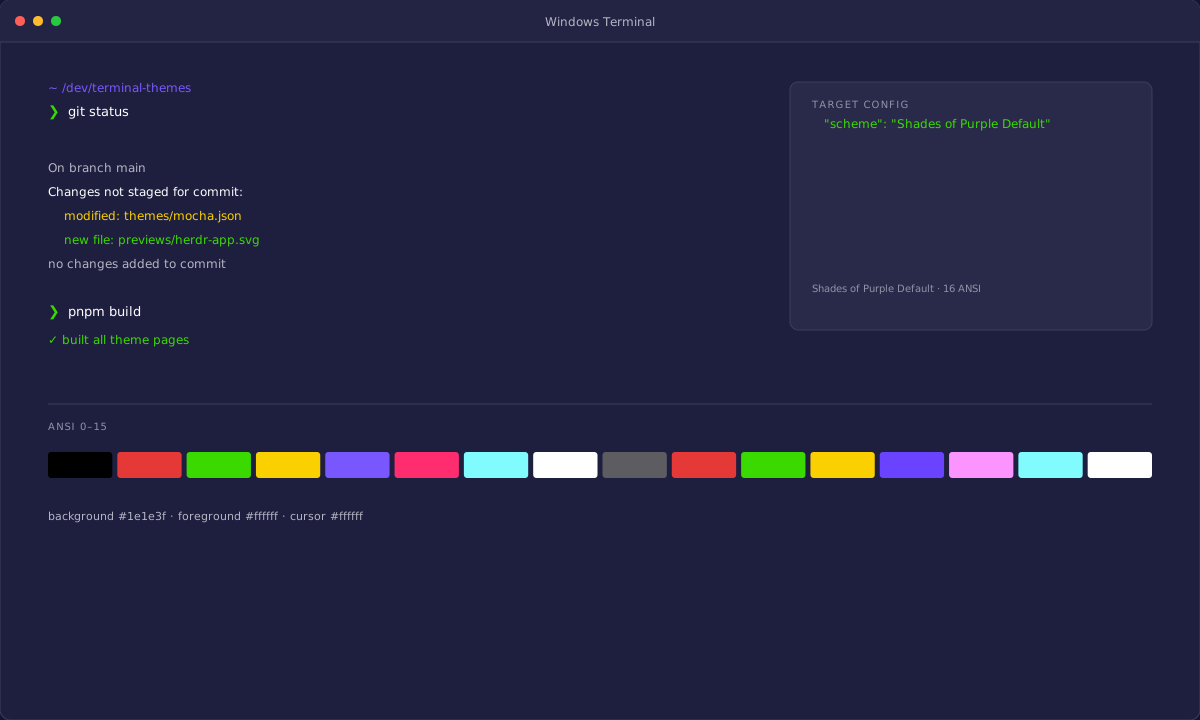
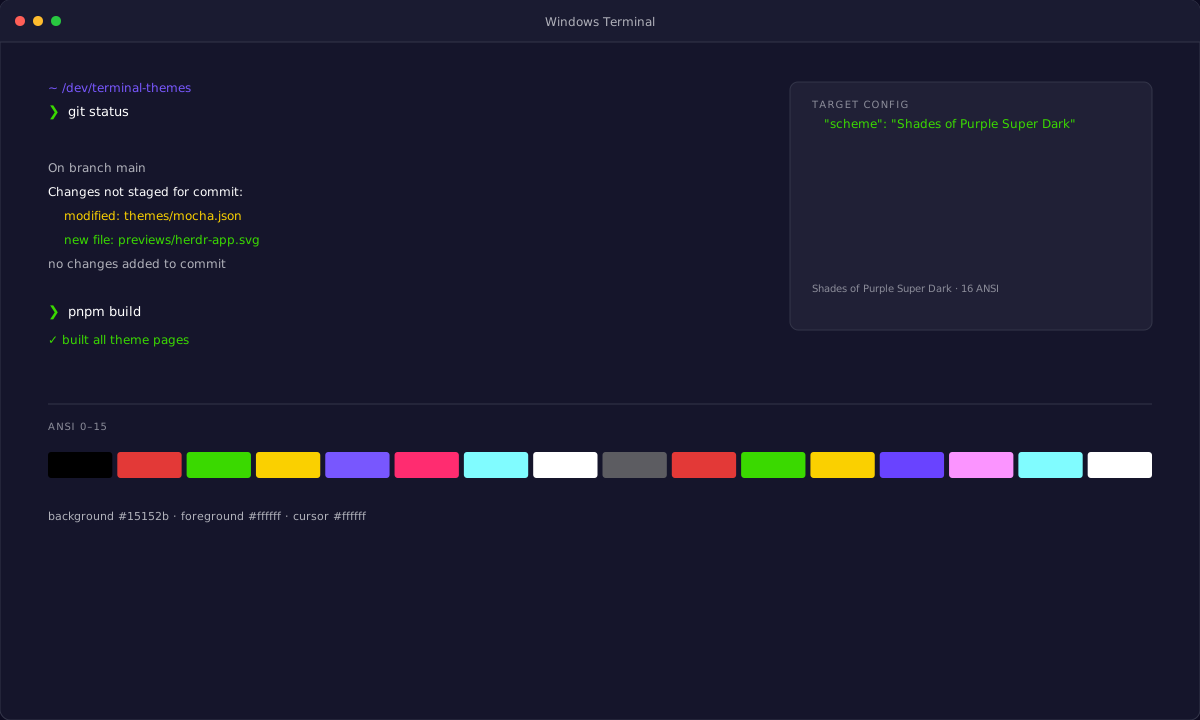
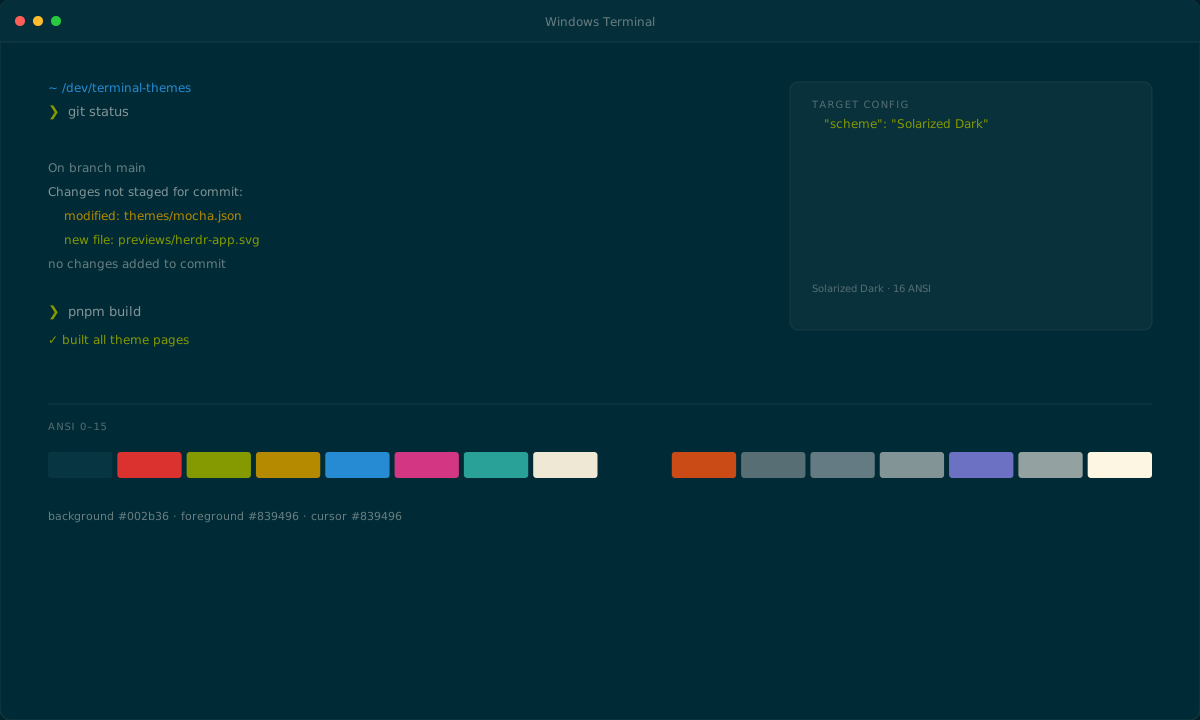
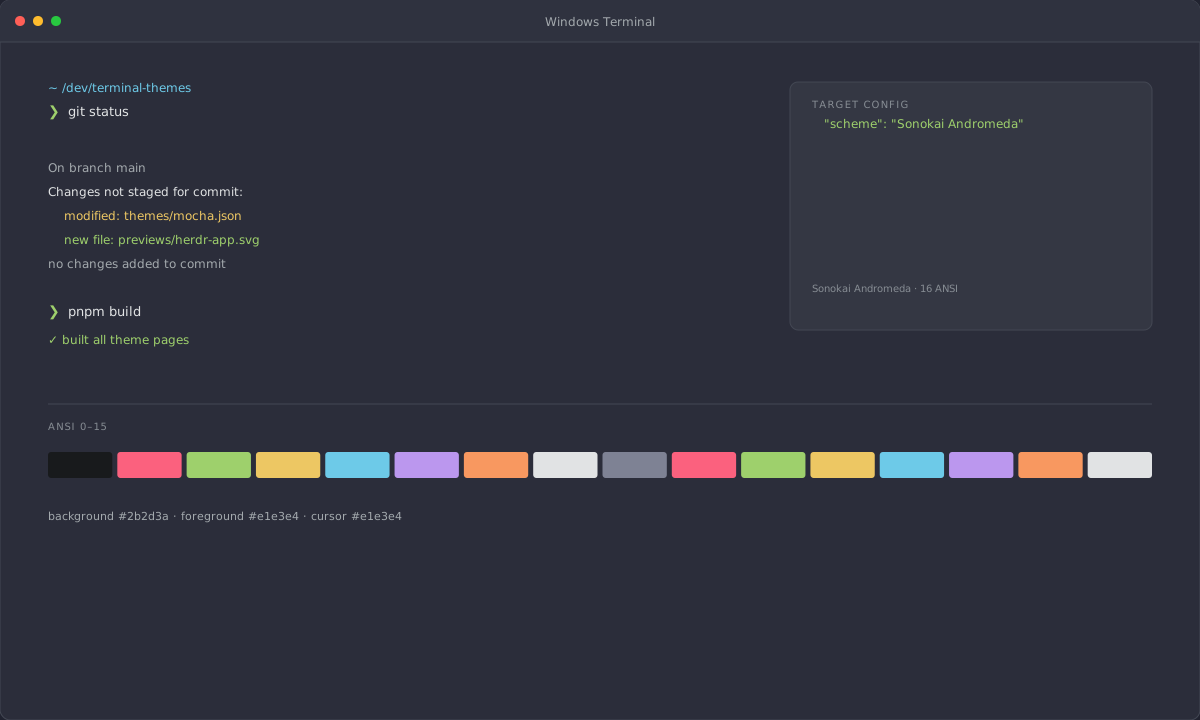
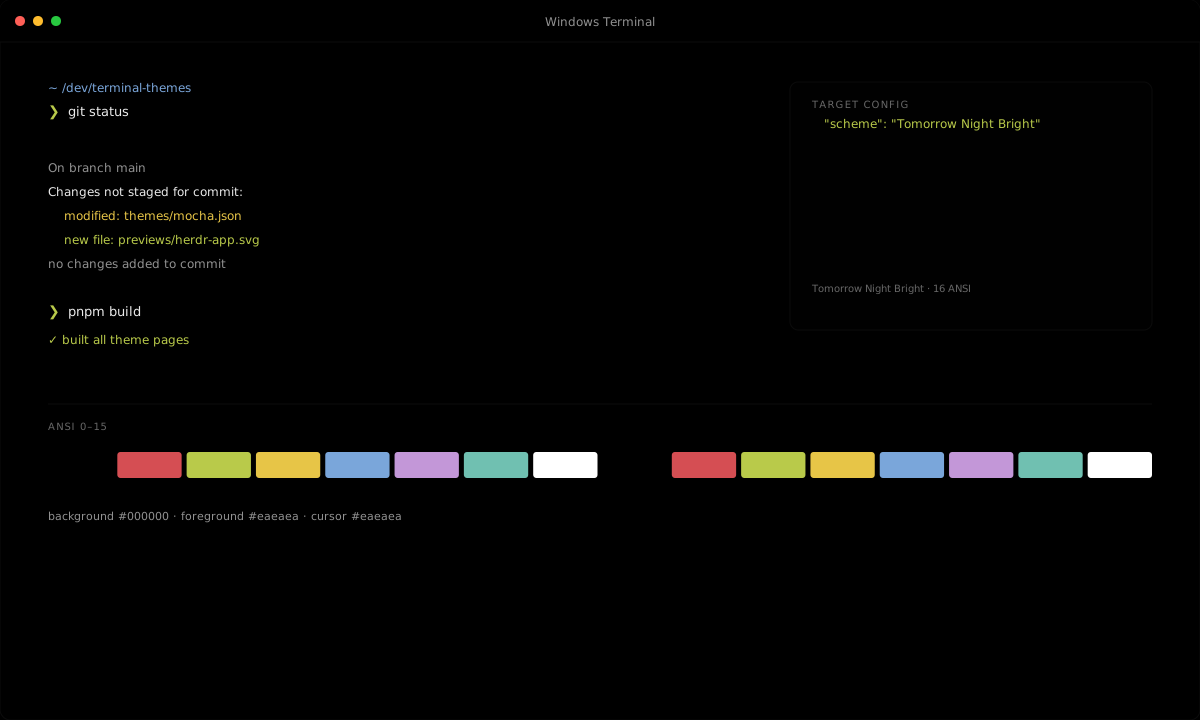
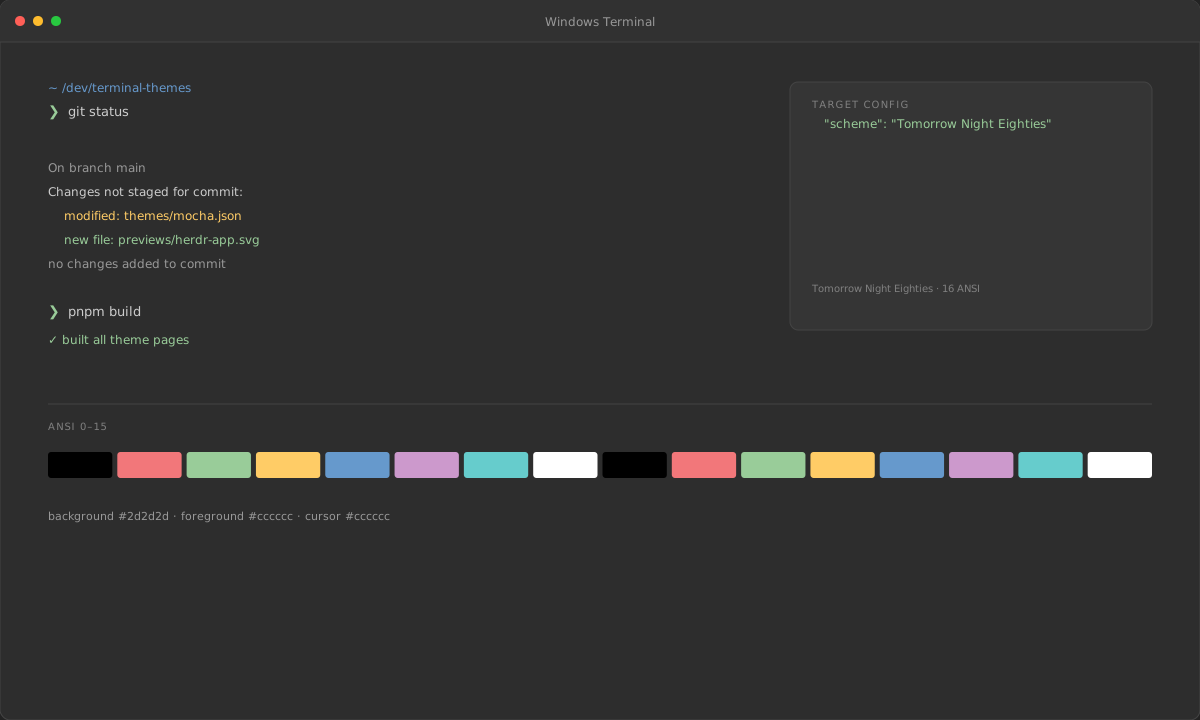
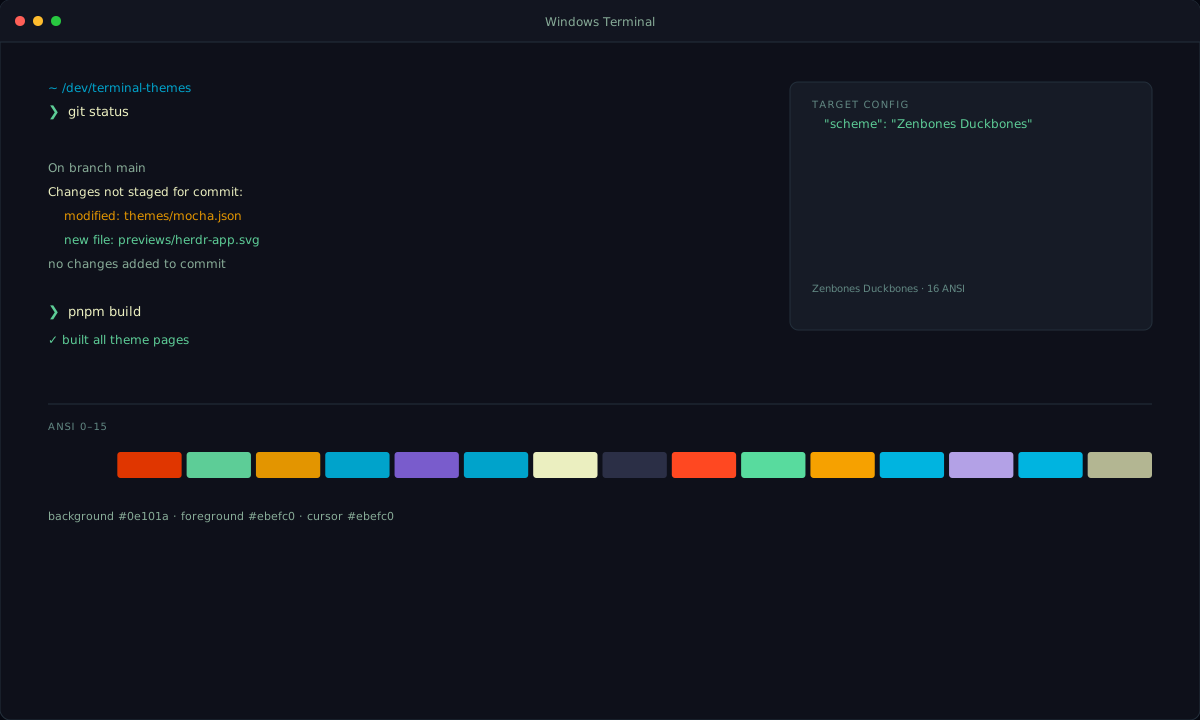
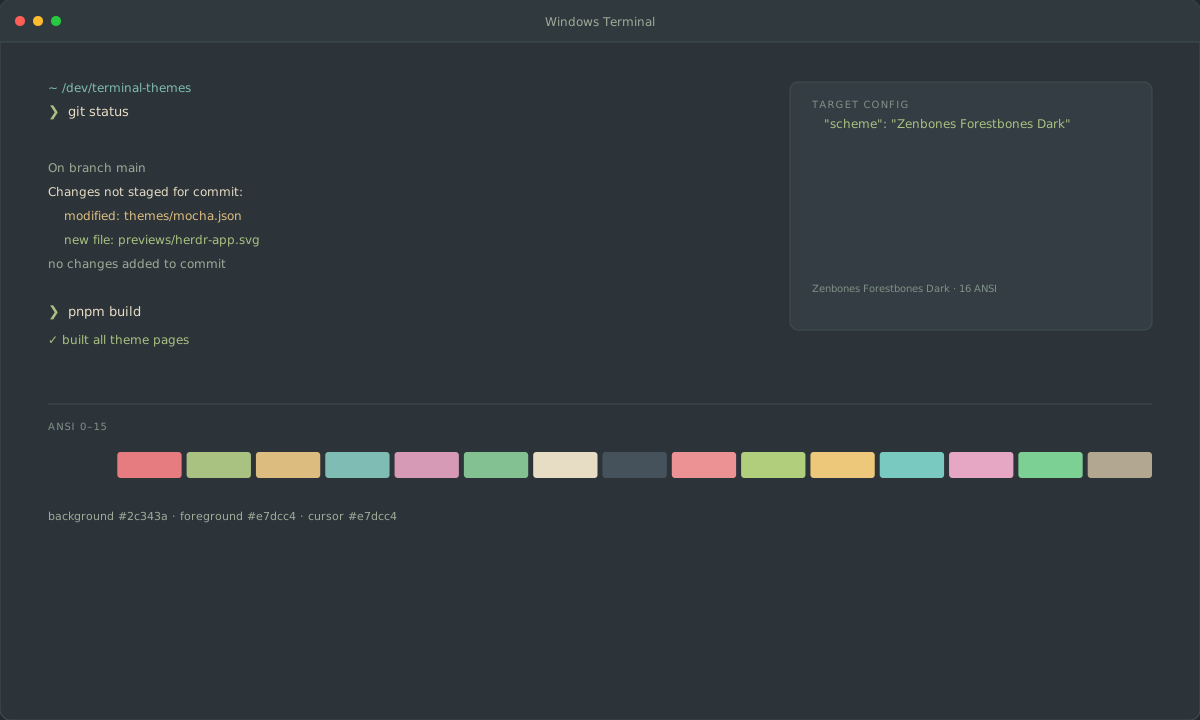
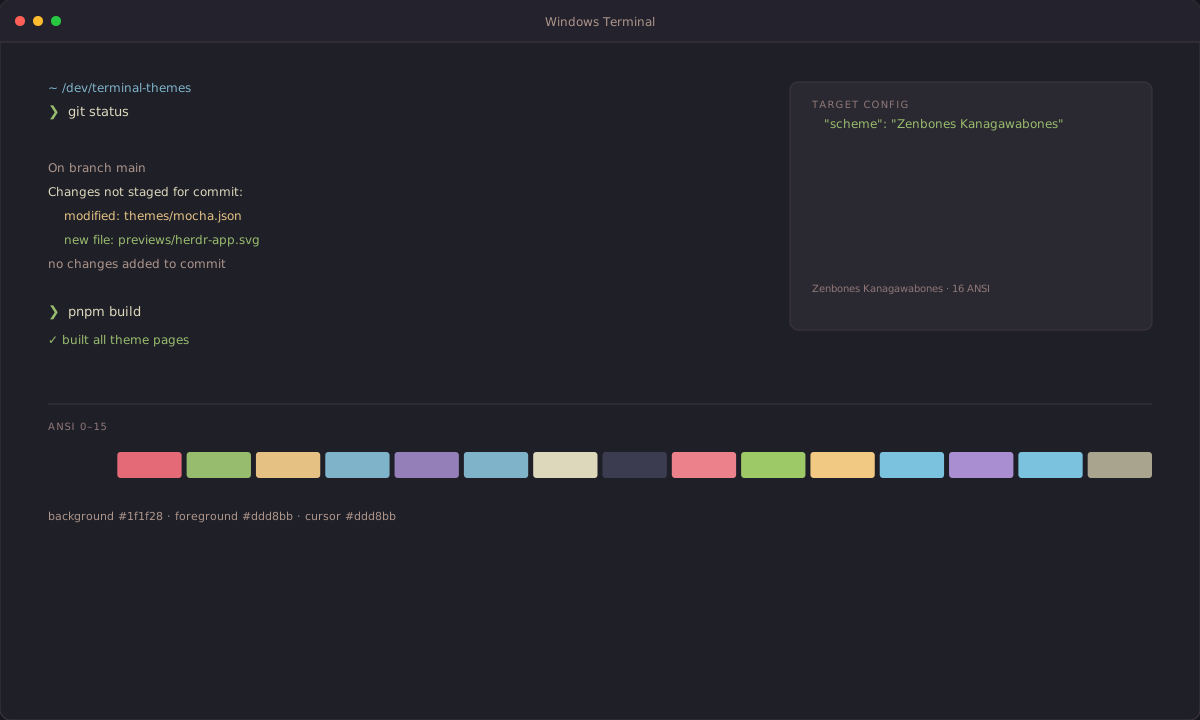
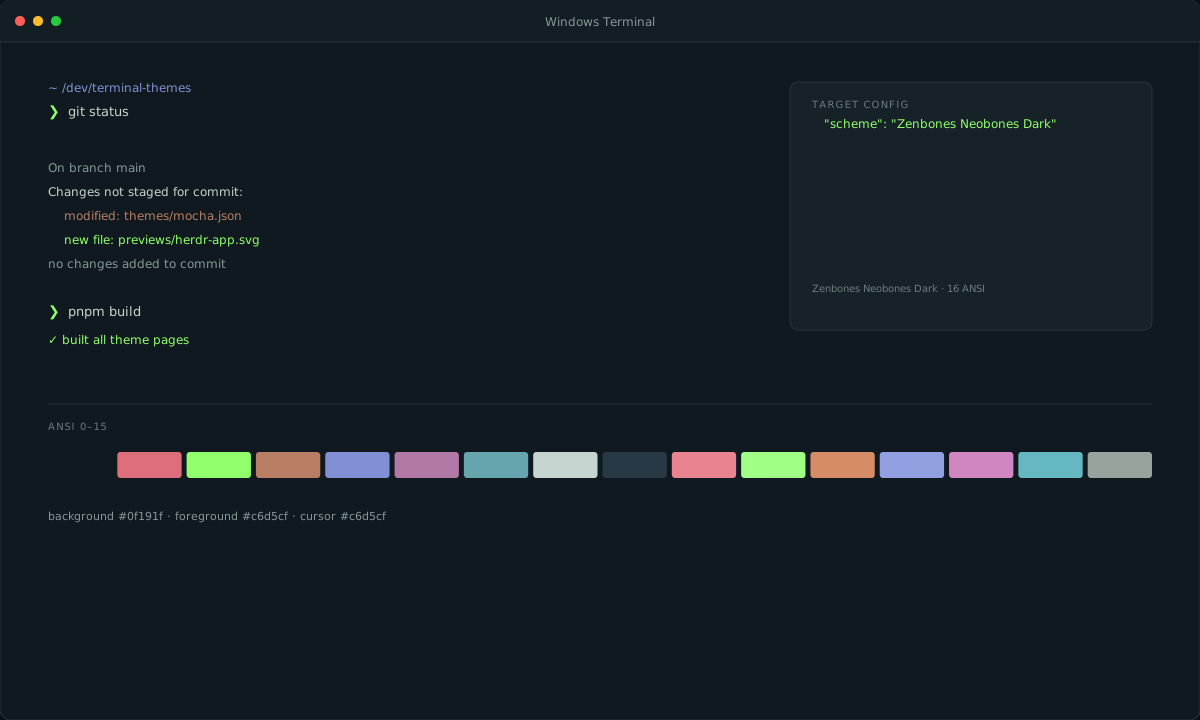
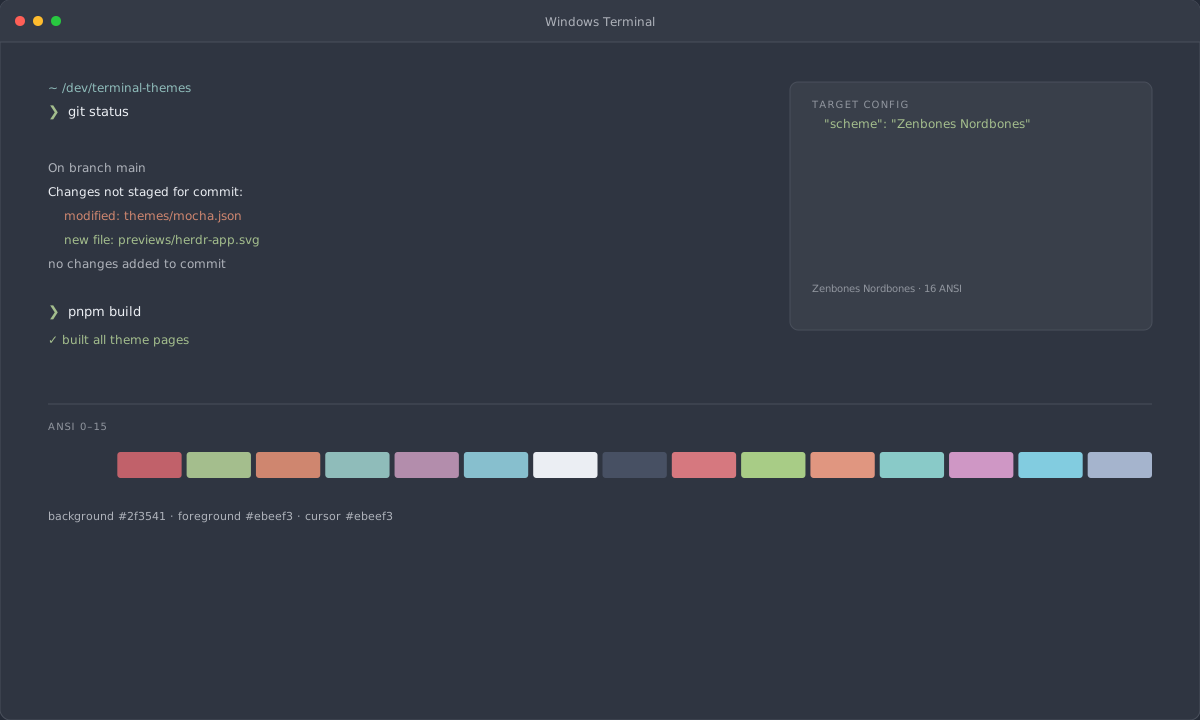
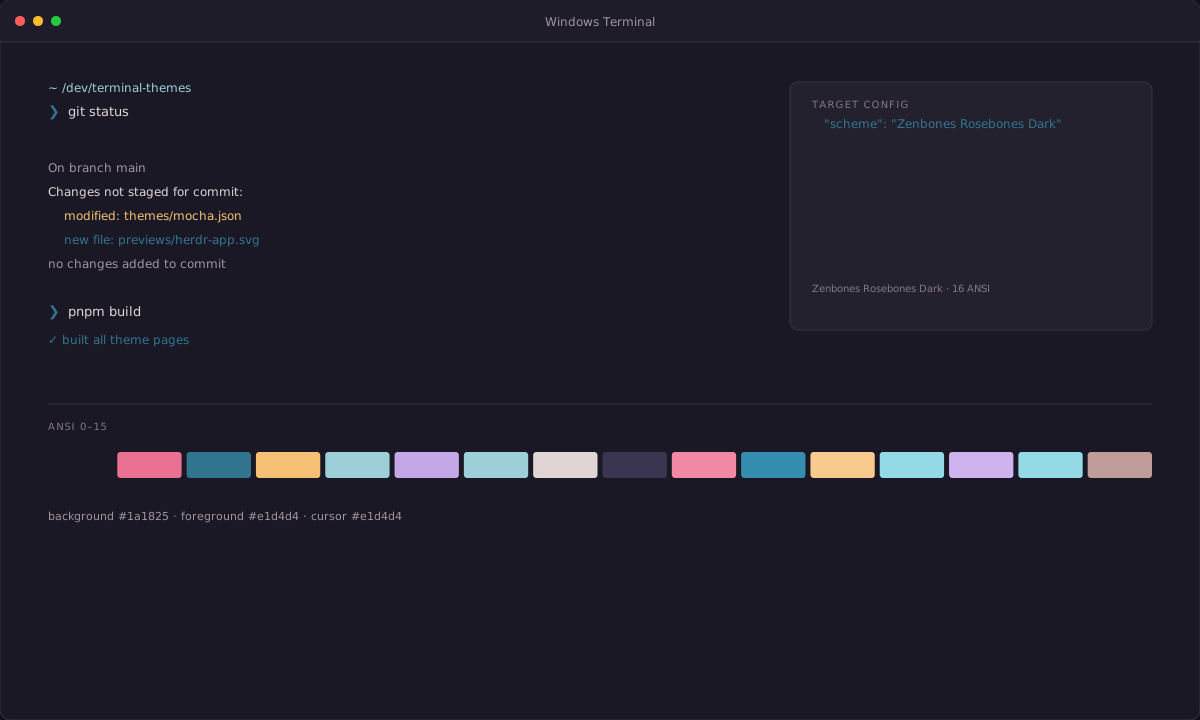
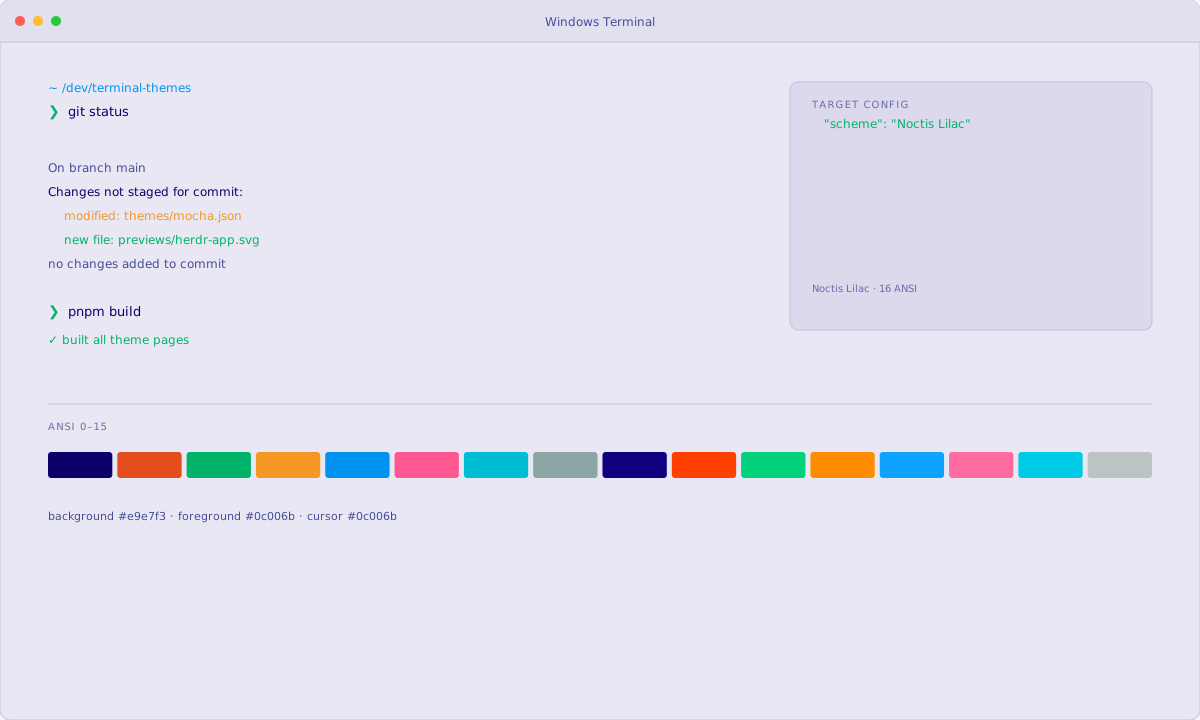
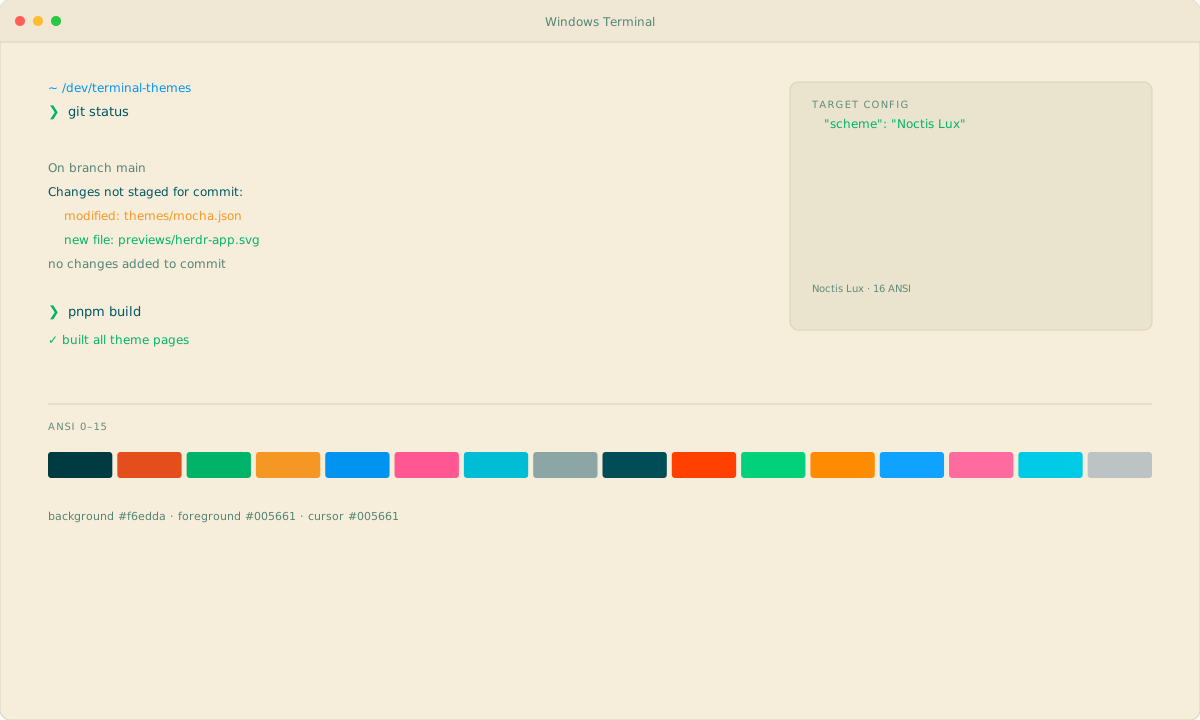
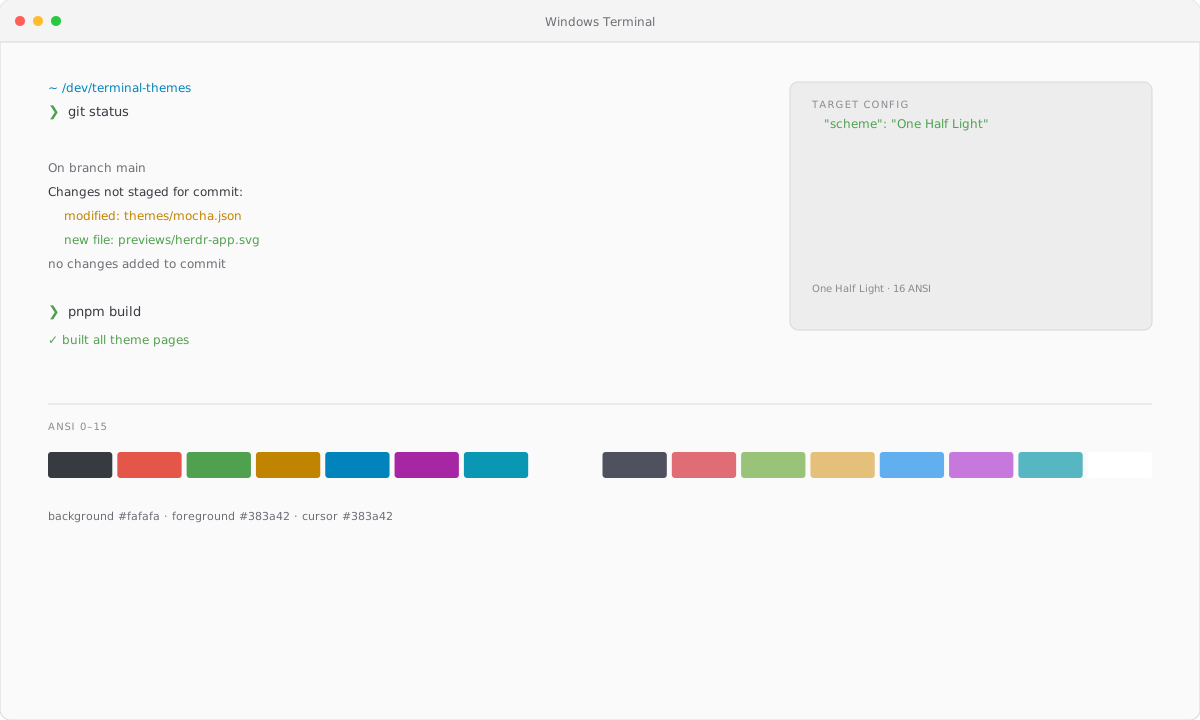
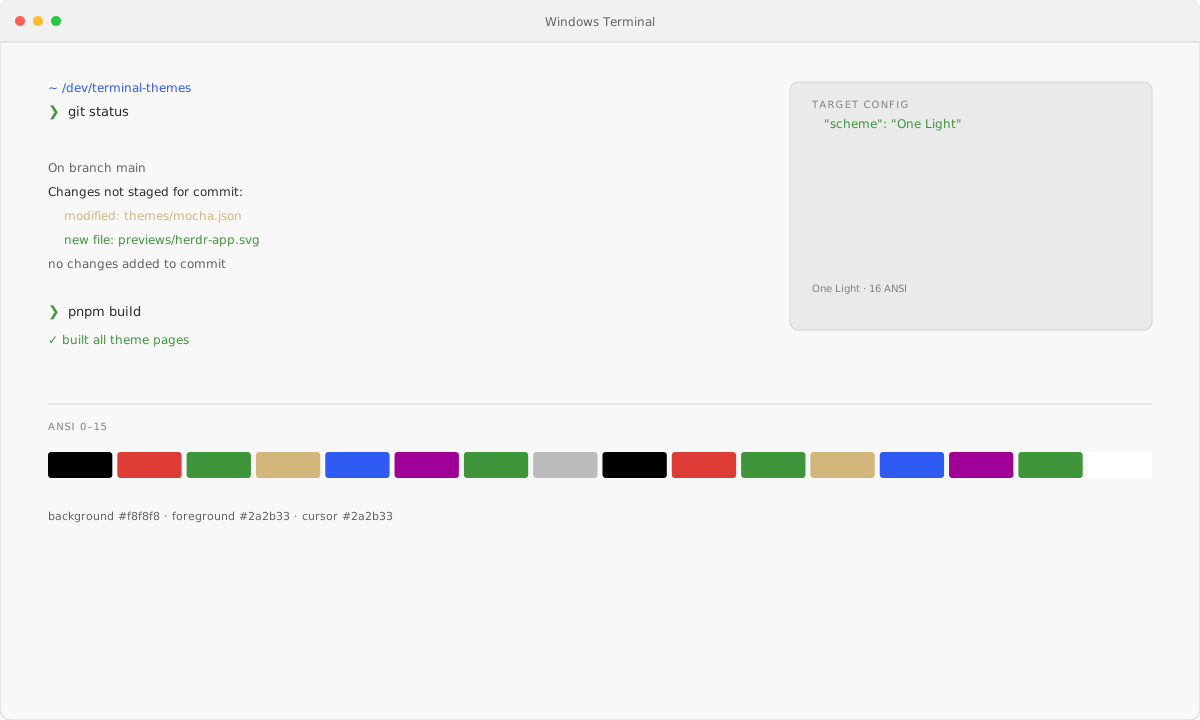
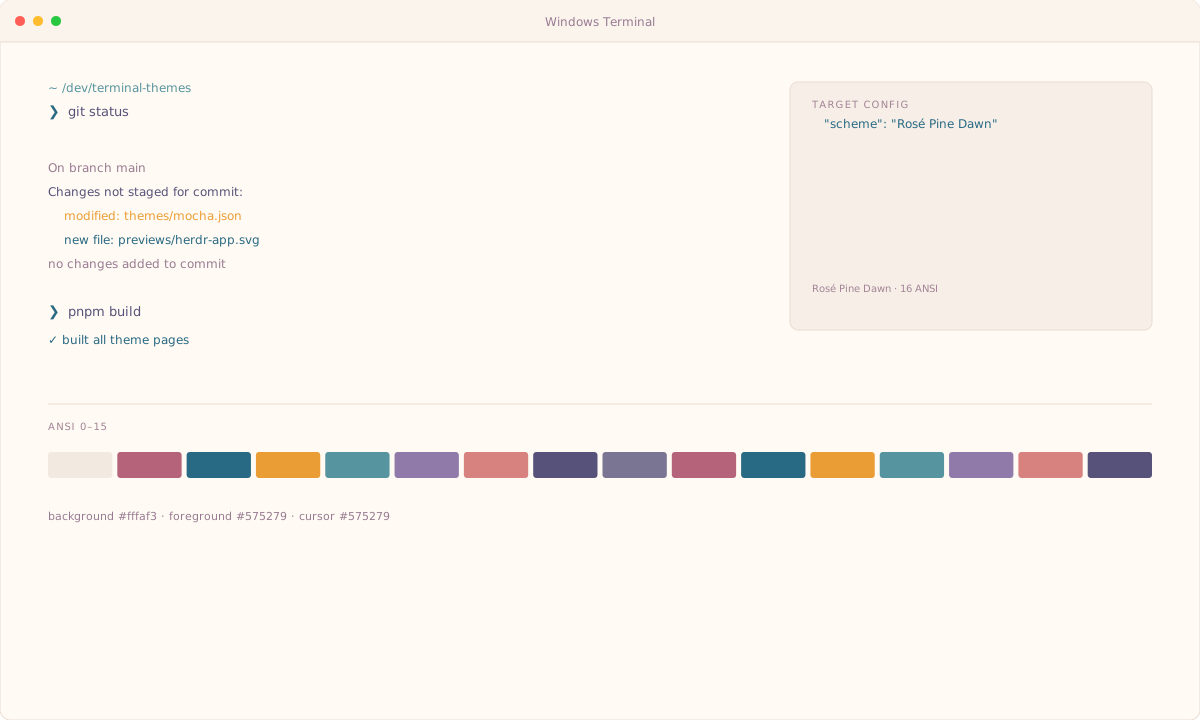
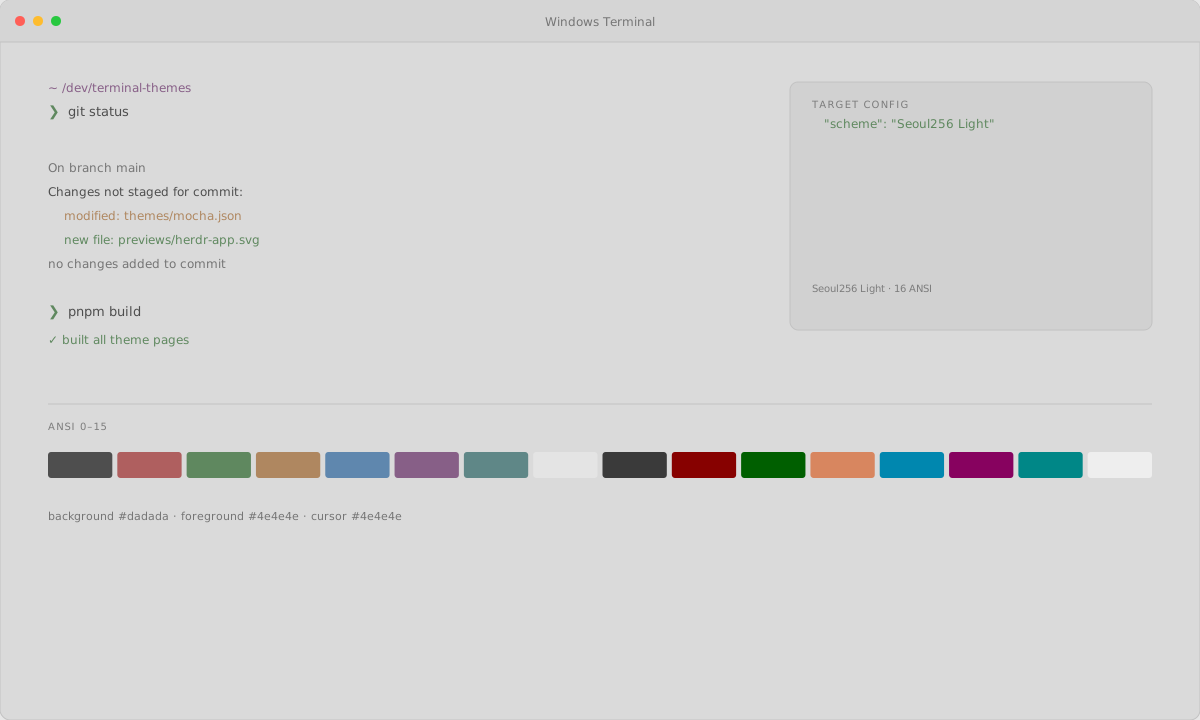
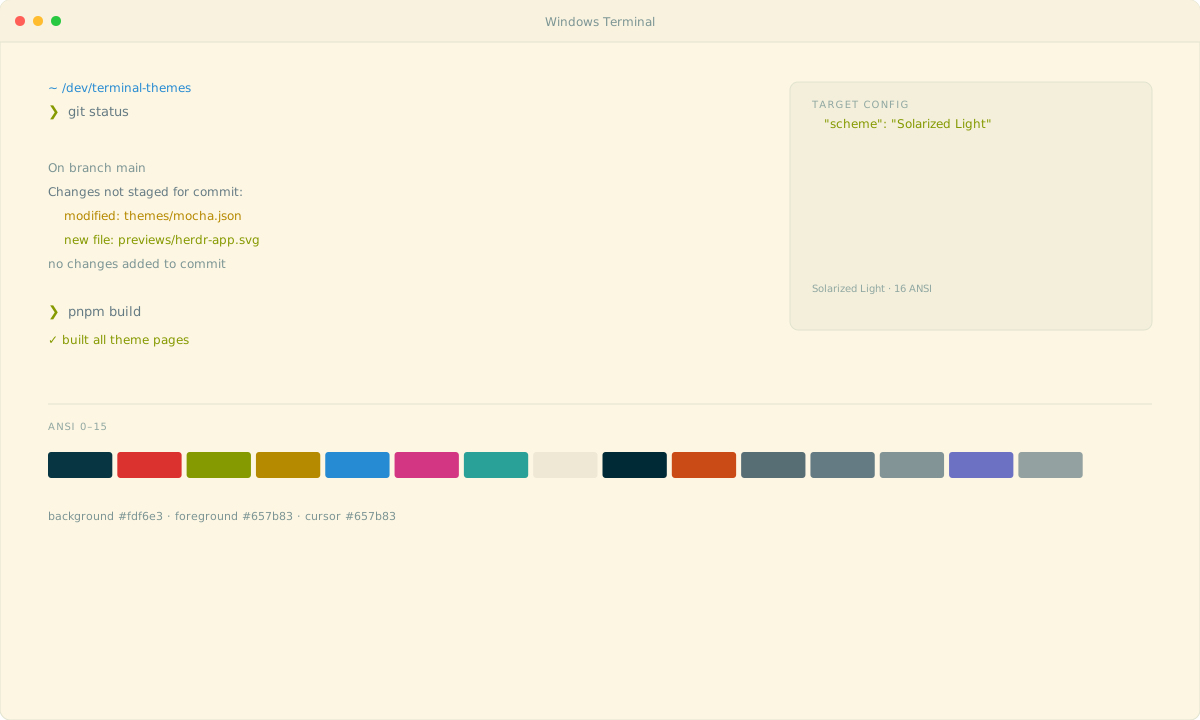
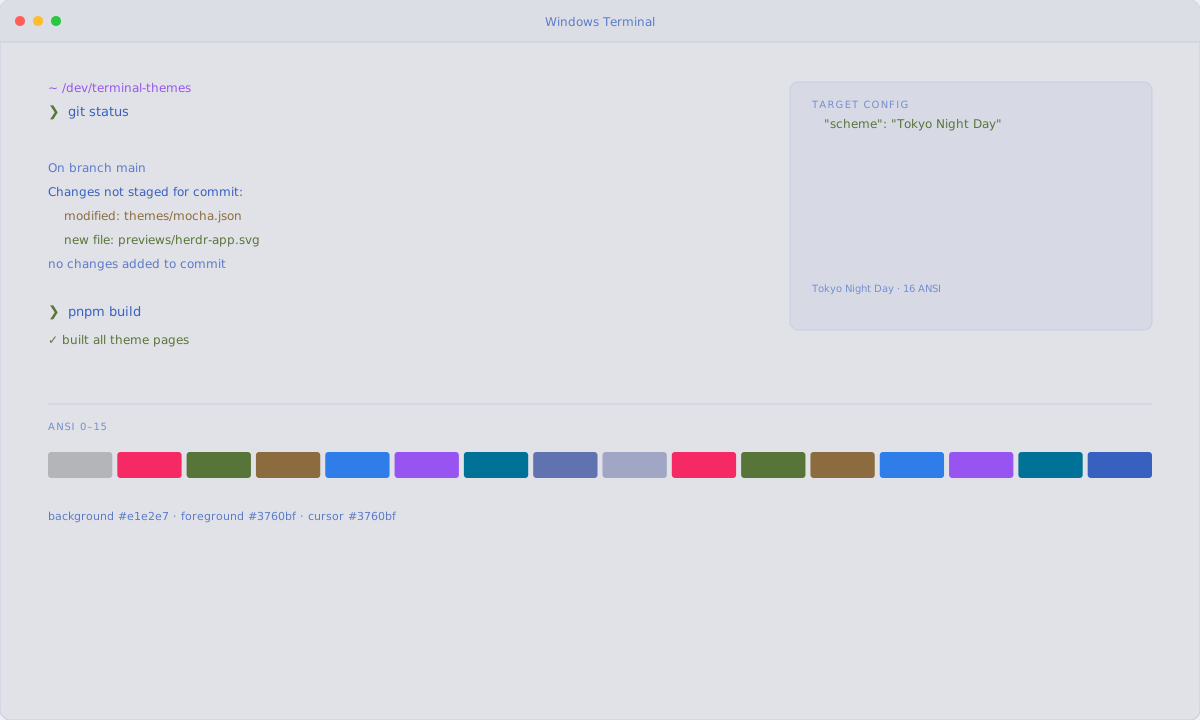
What is a Windows Terminal theme?
To install a theme in Windows Terminal, download the theme file and follow the steps below; this page includes 112 ready-to-use palettes.
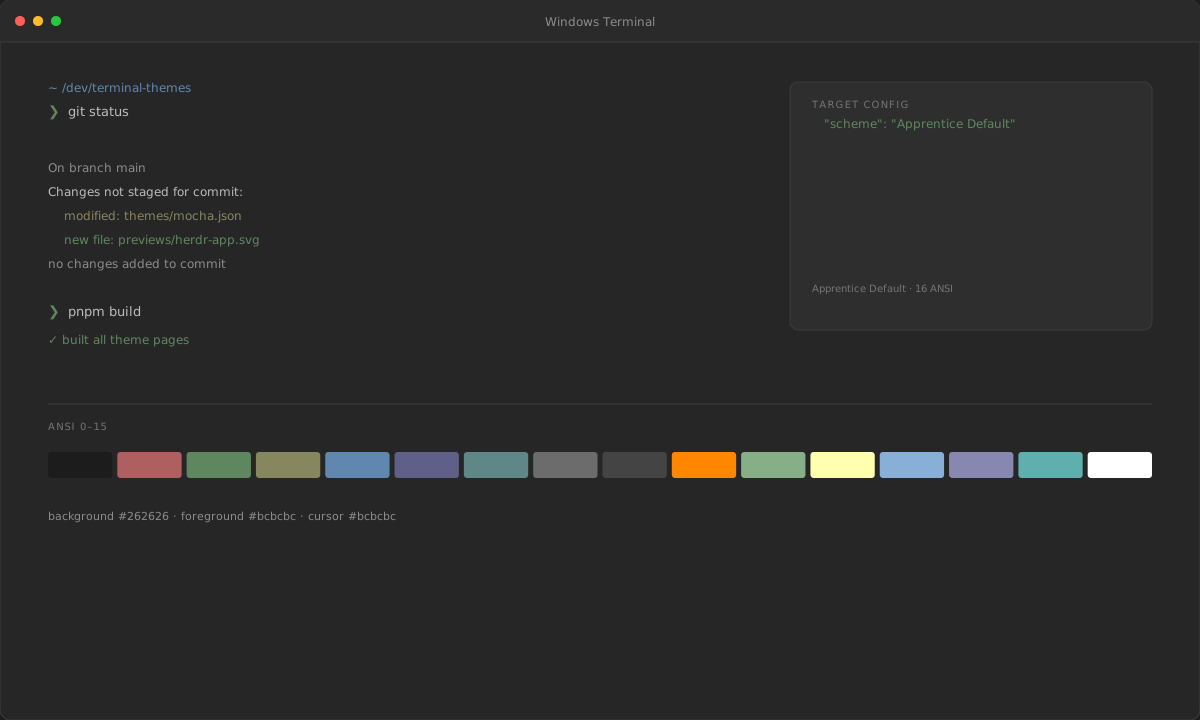
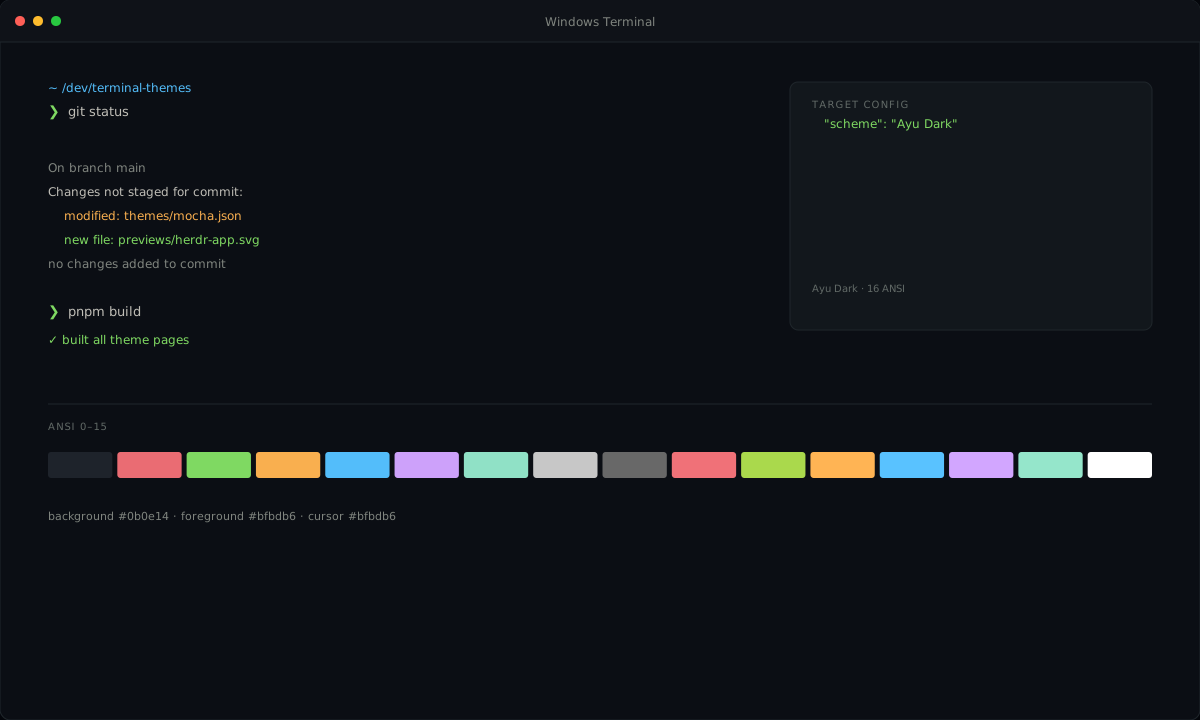
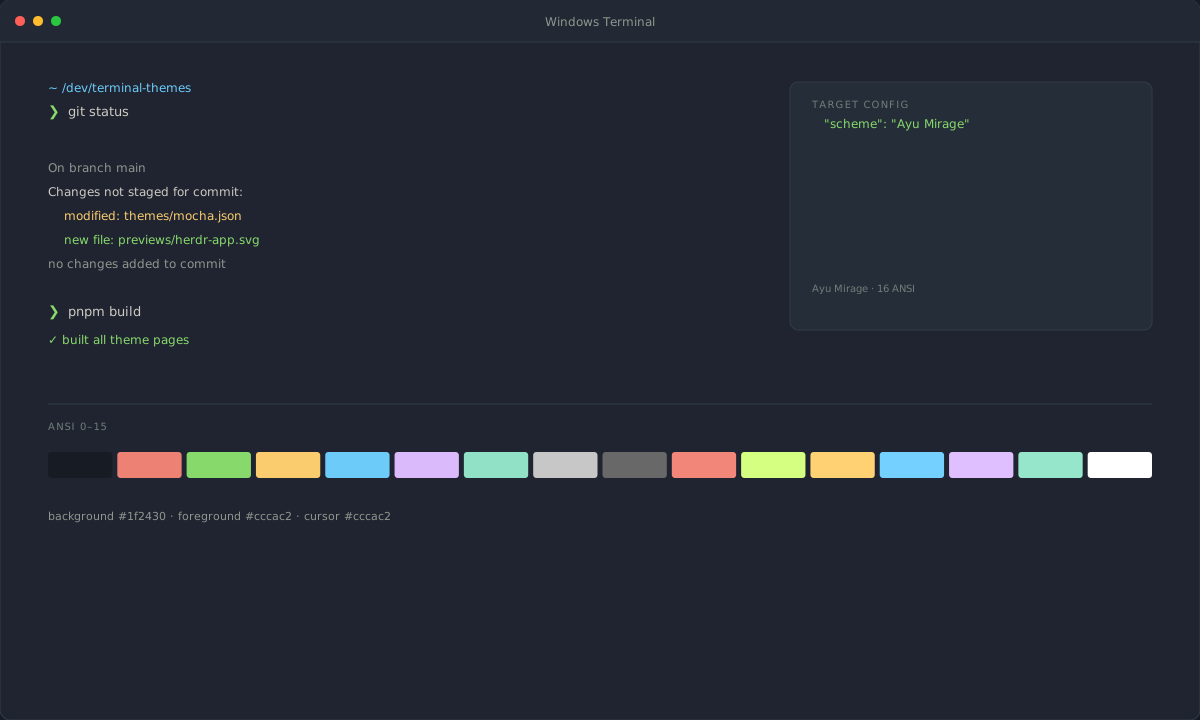
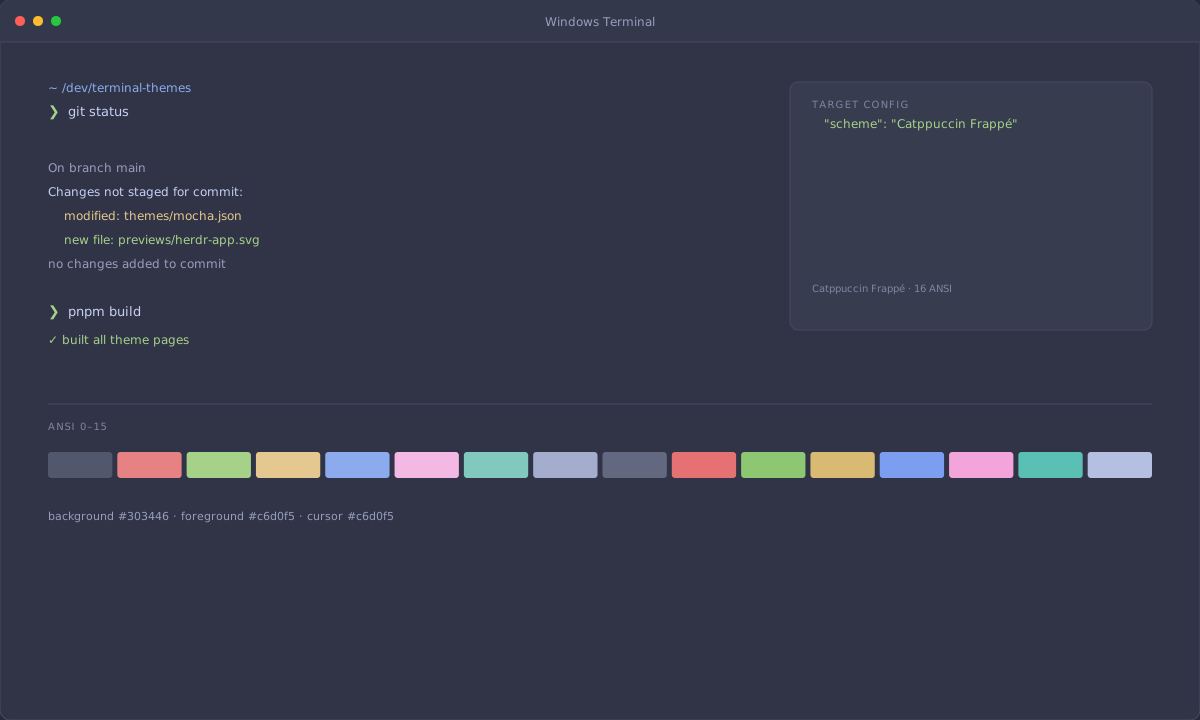
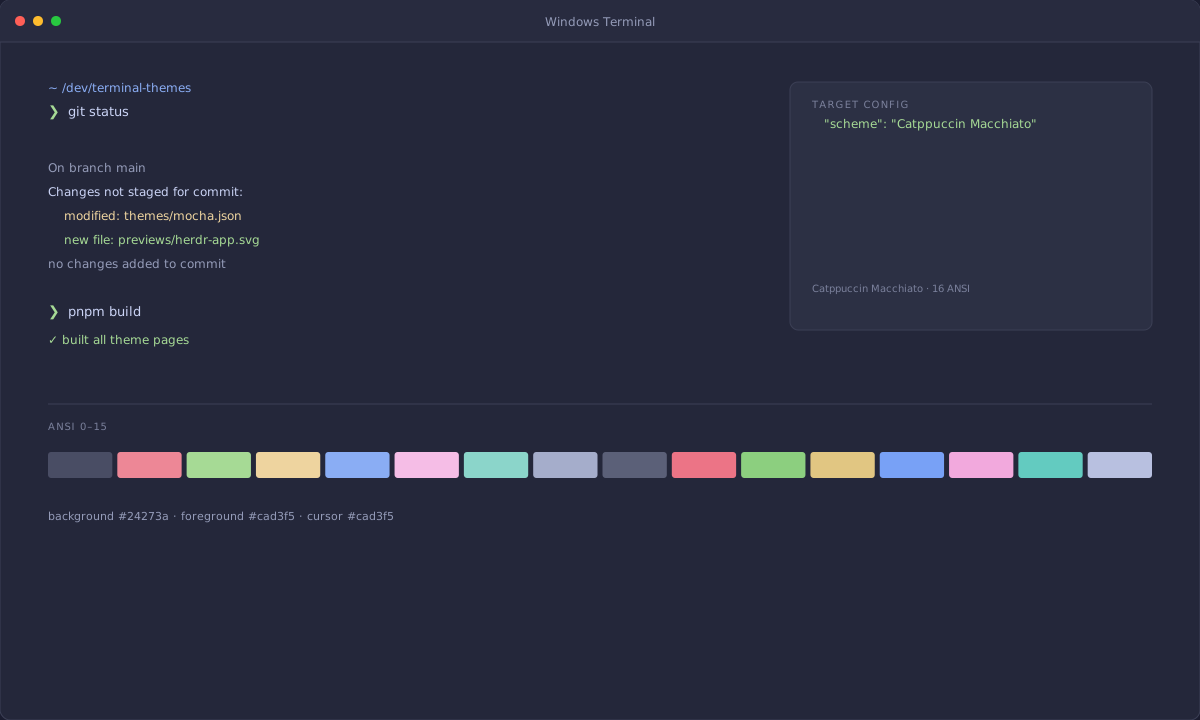
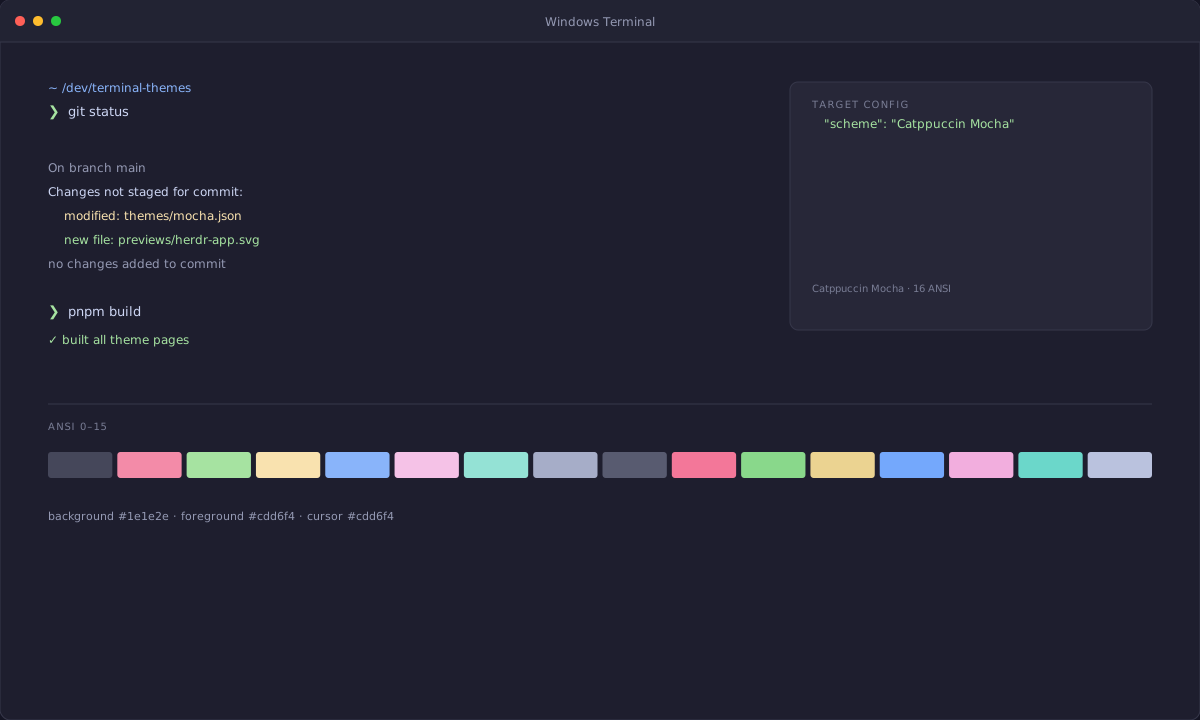
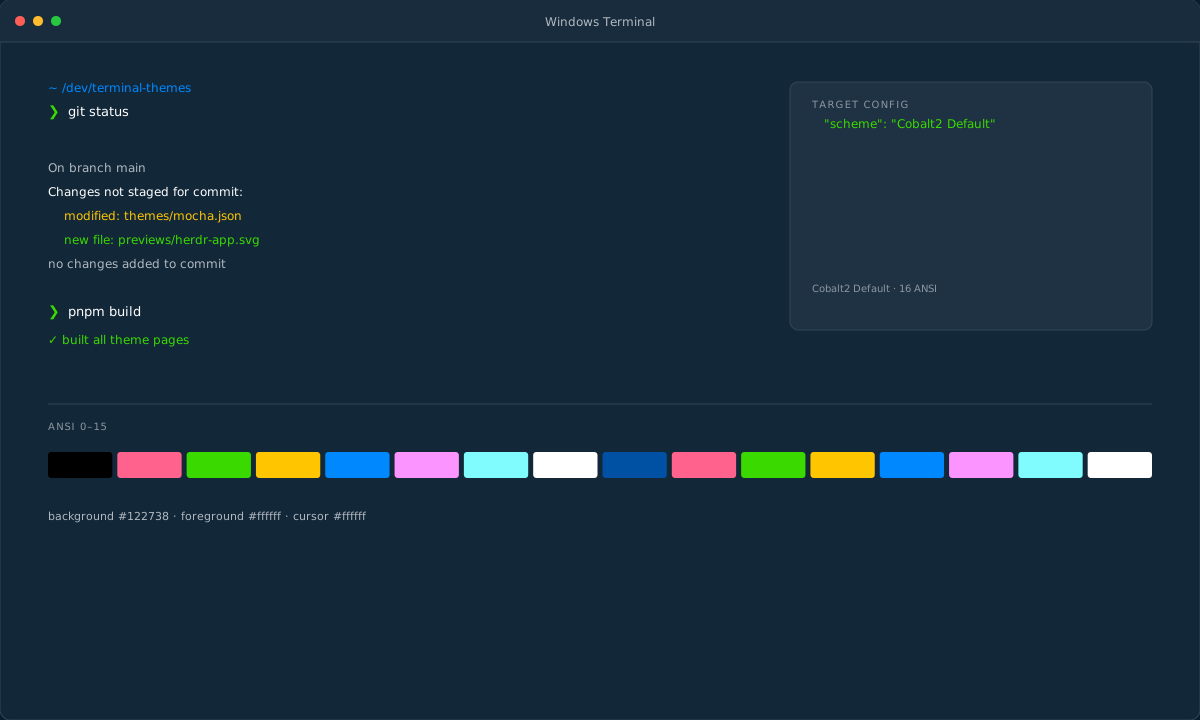
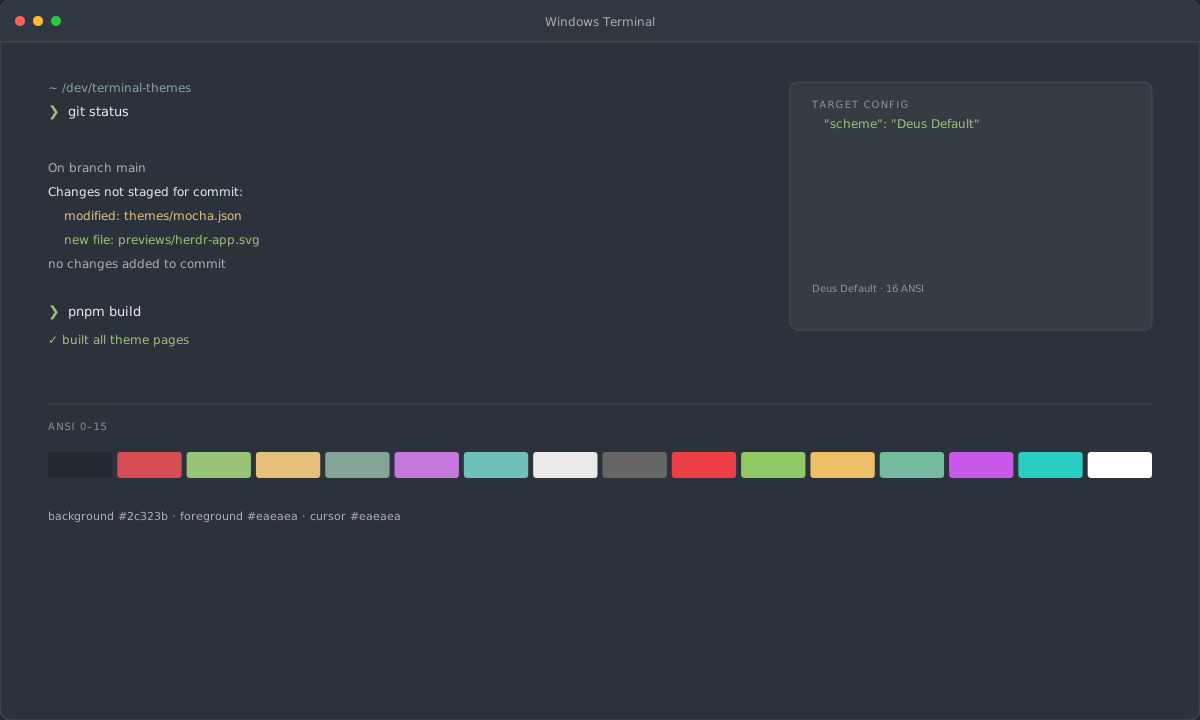
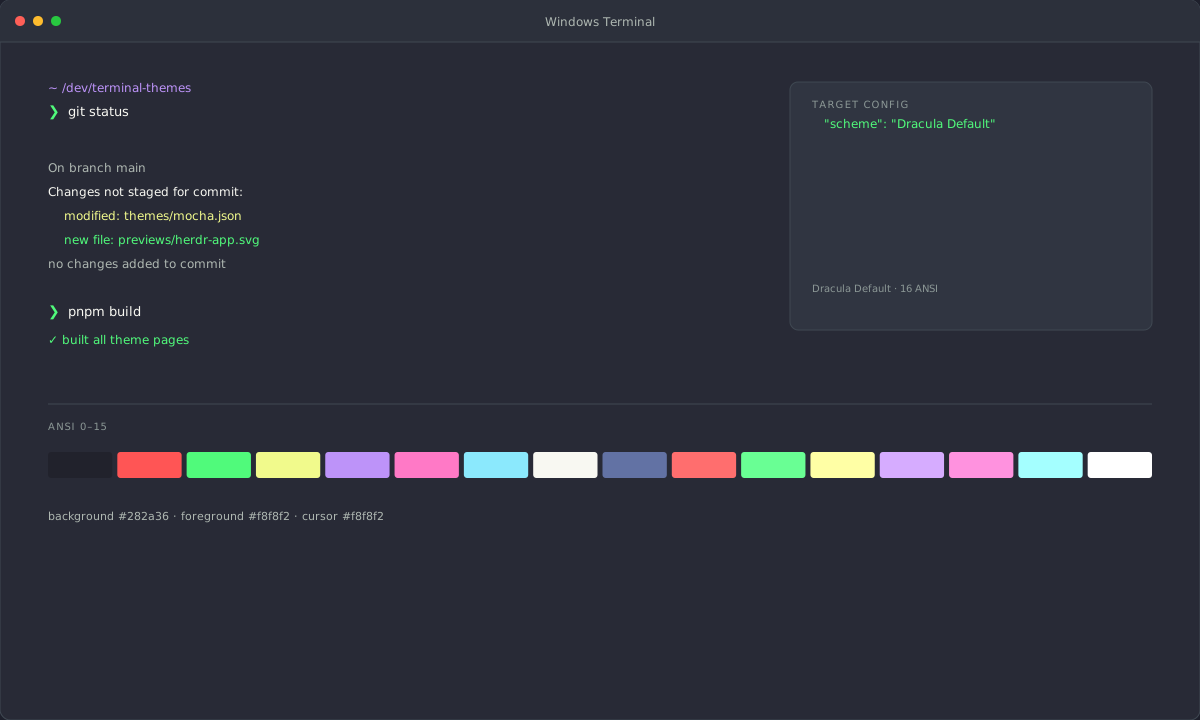
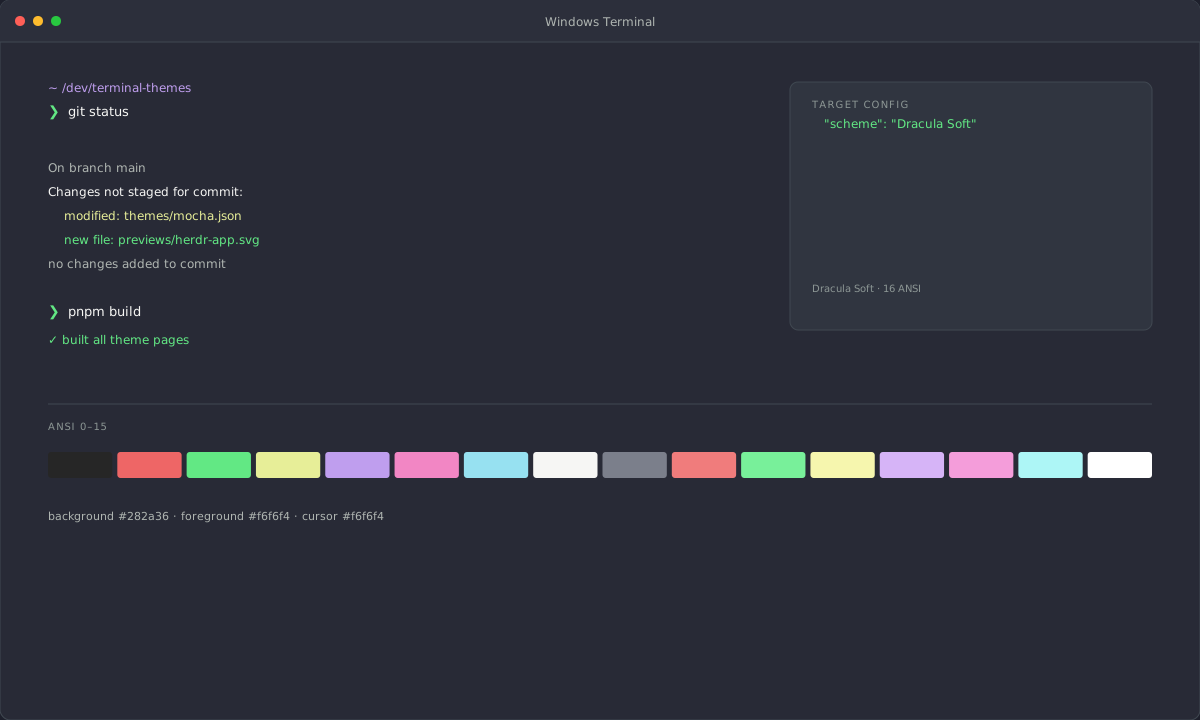
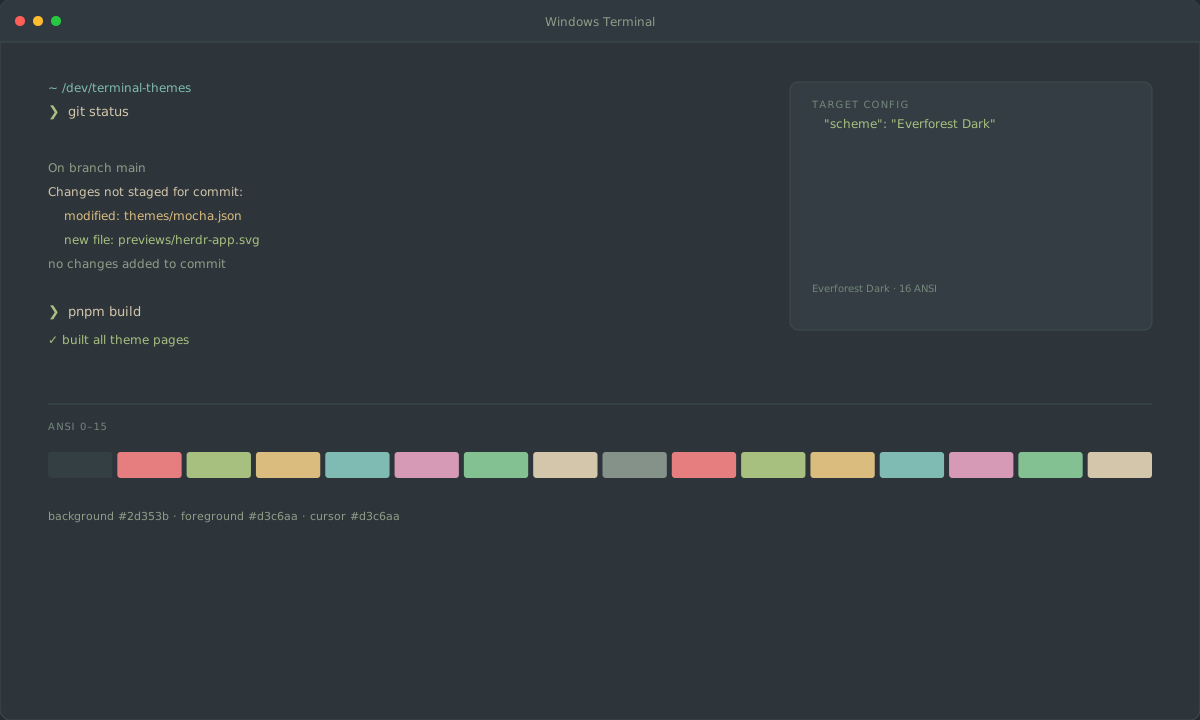
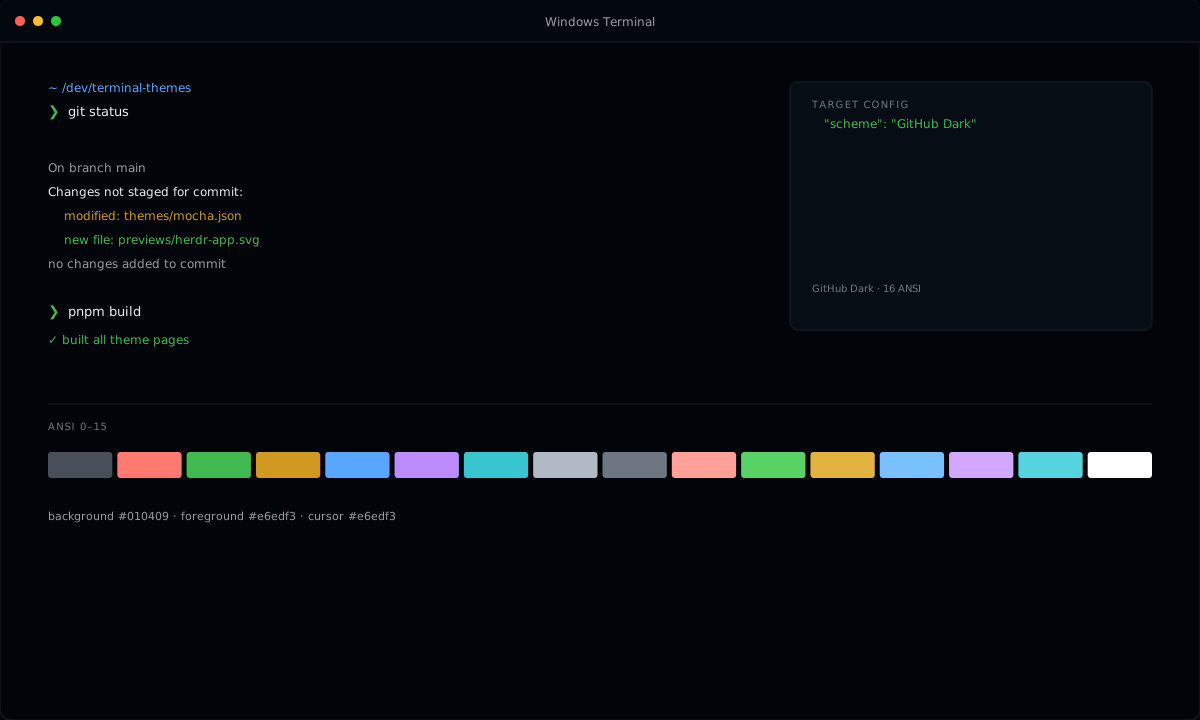
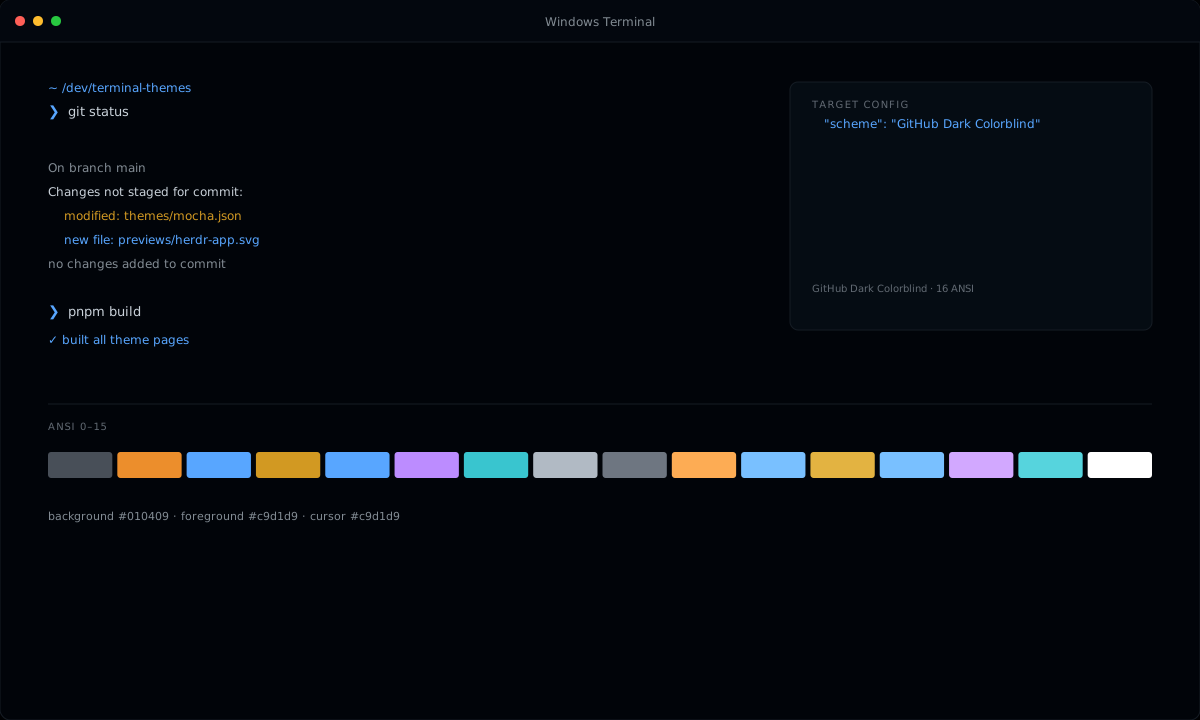
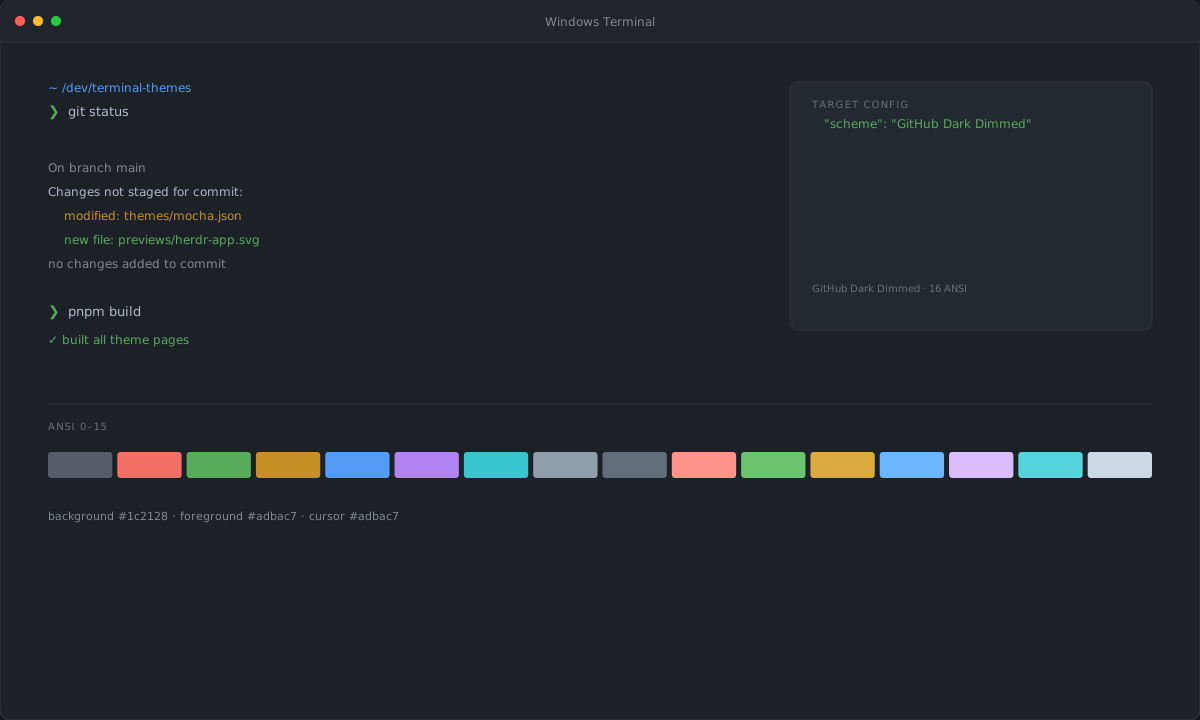
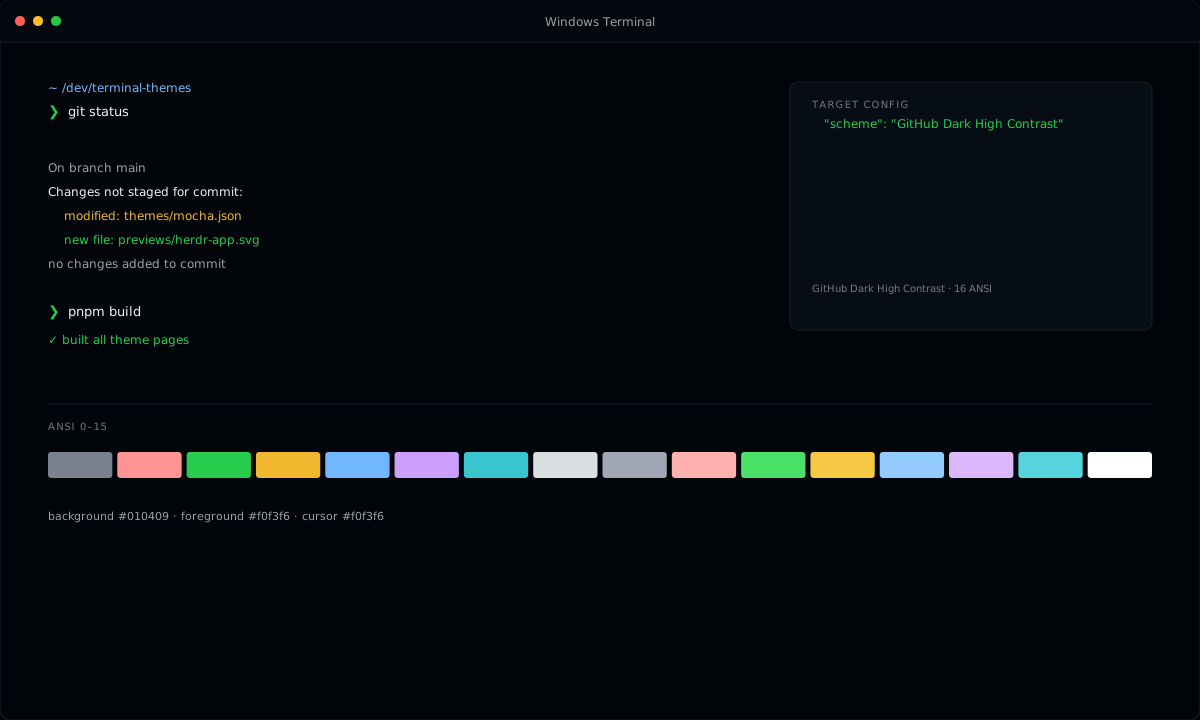
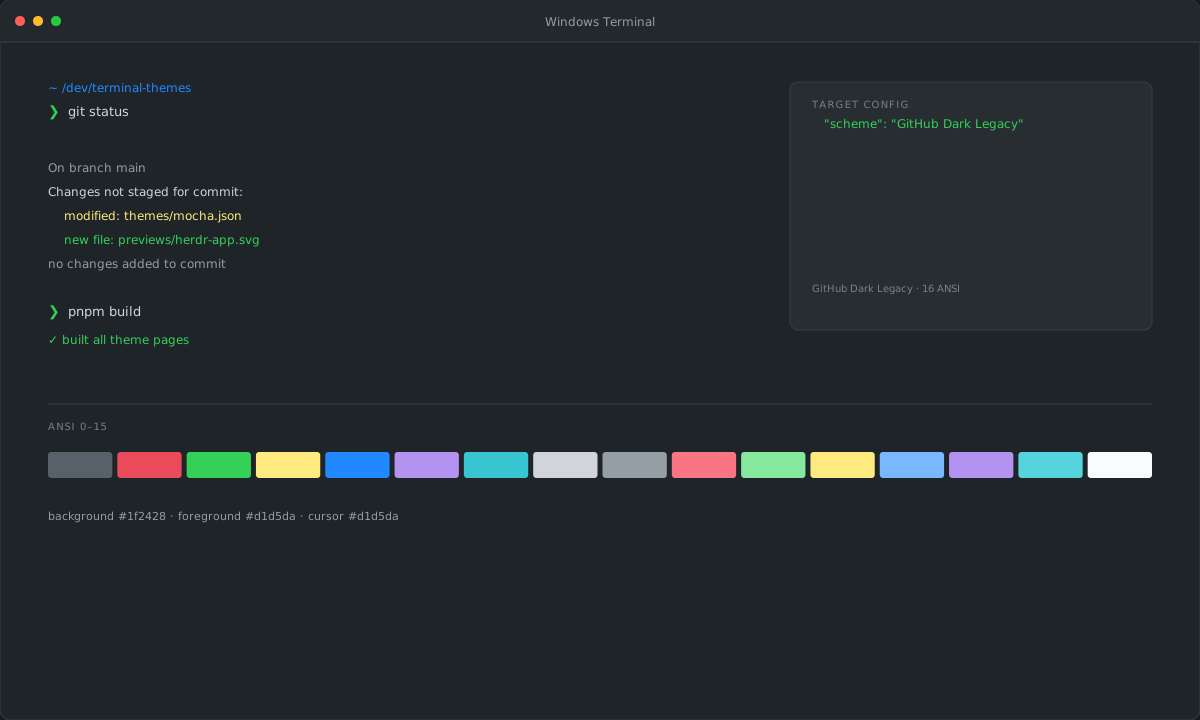
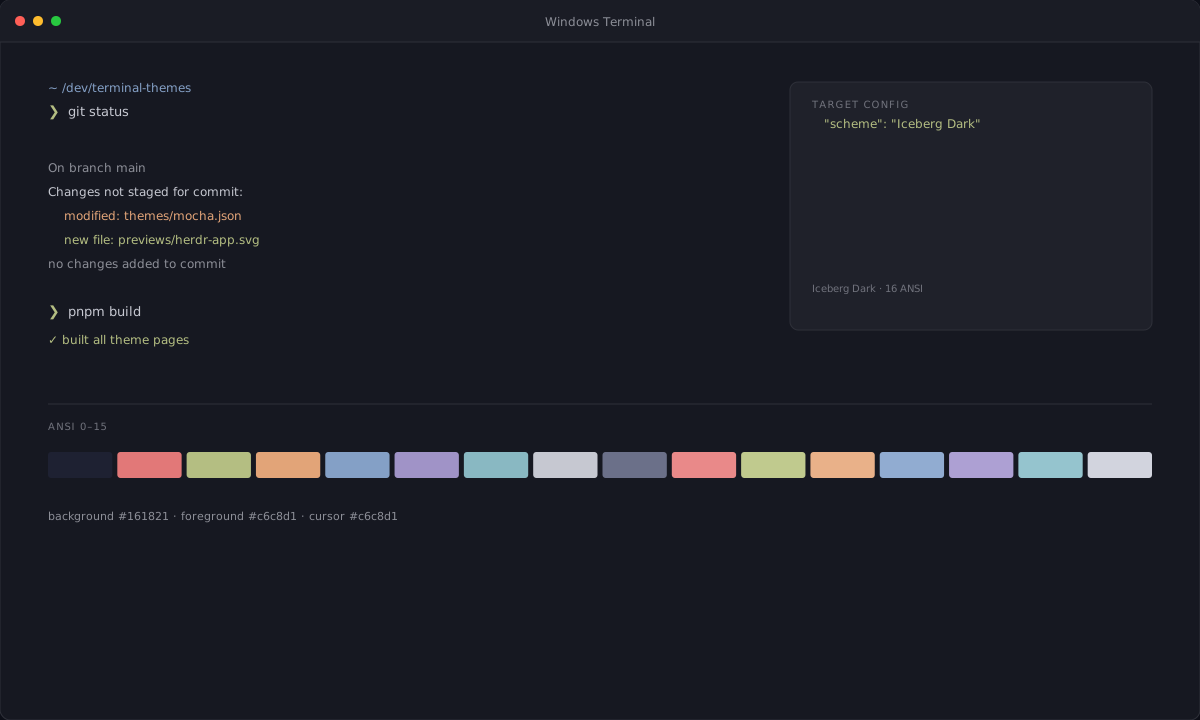
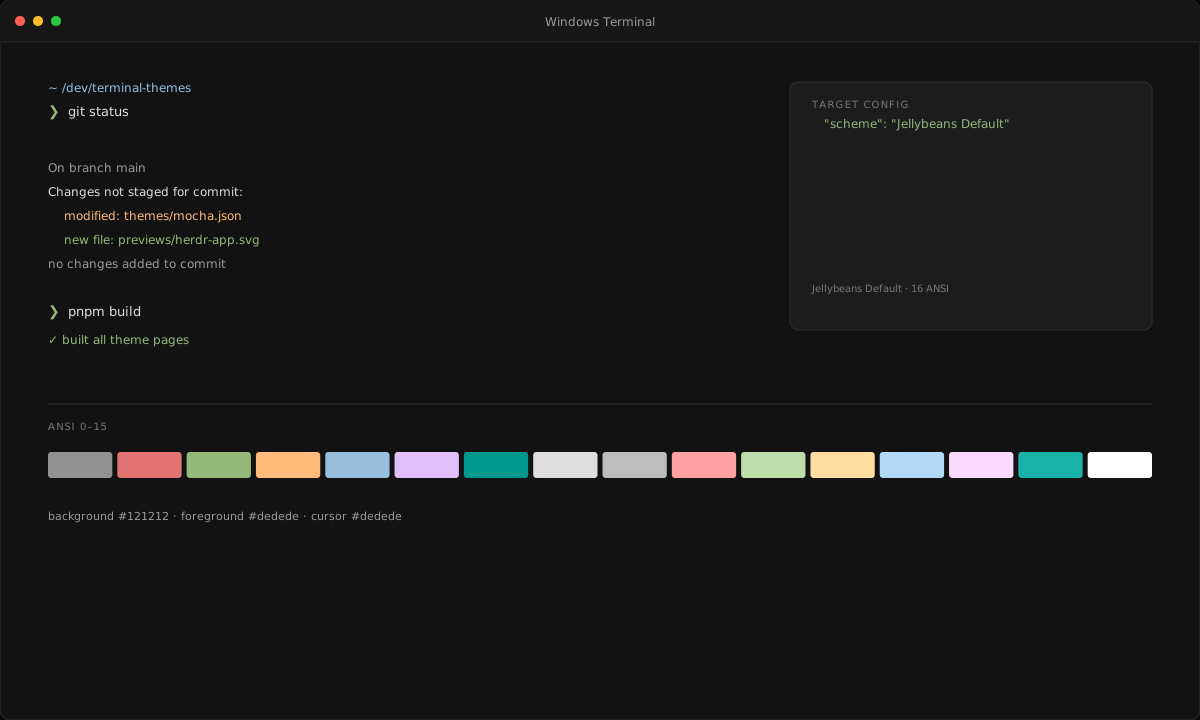
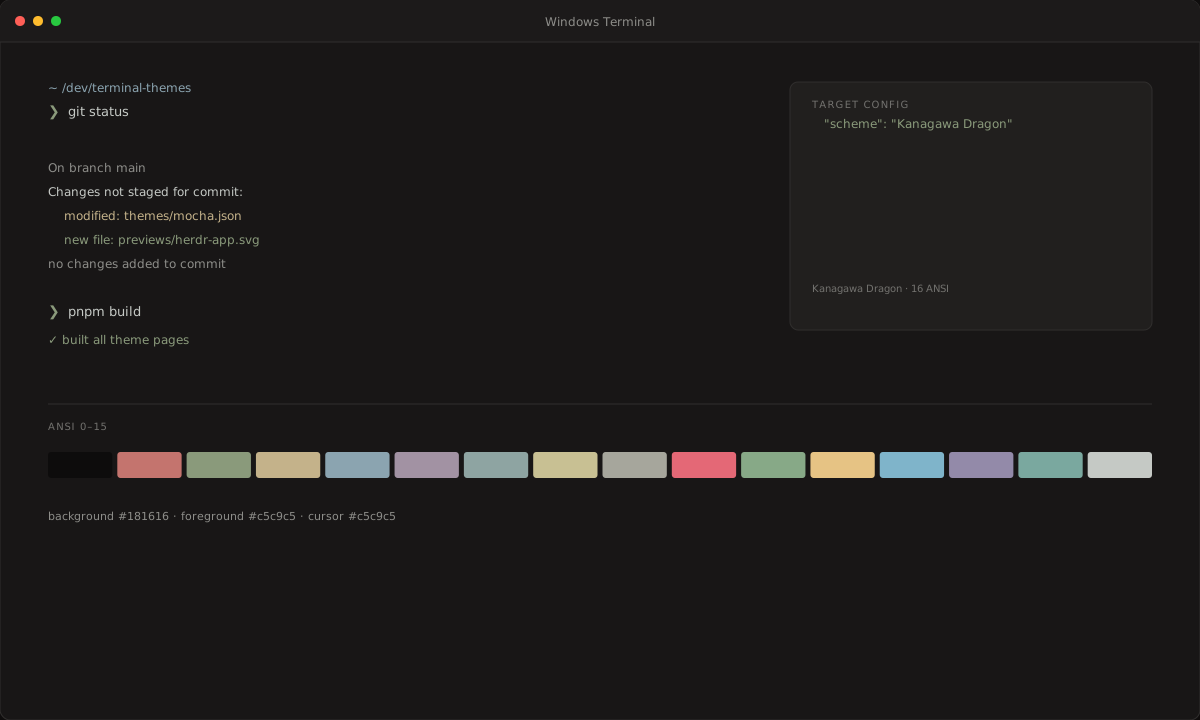
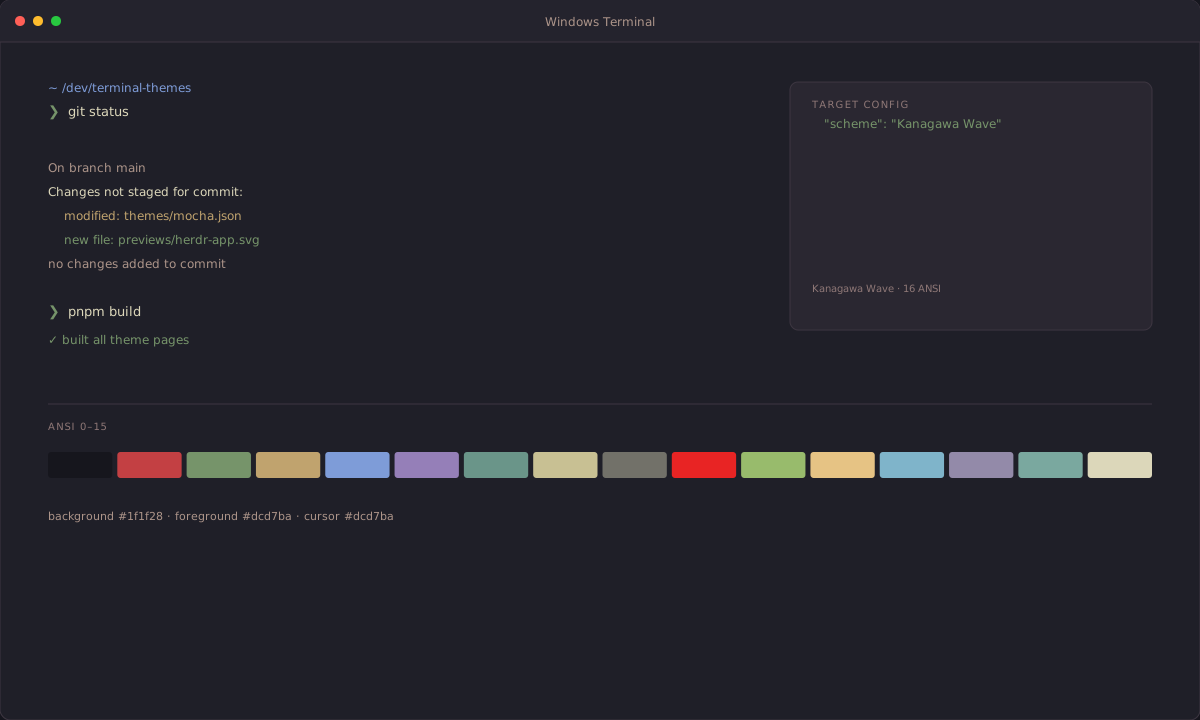
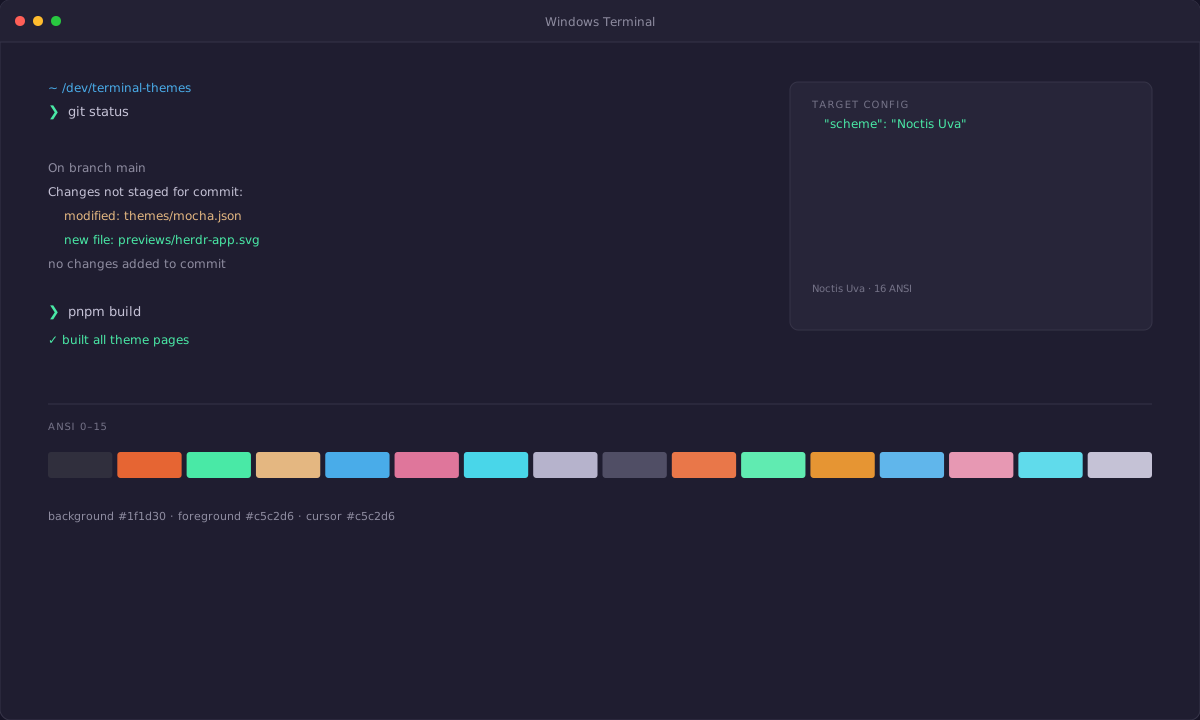
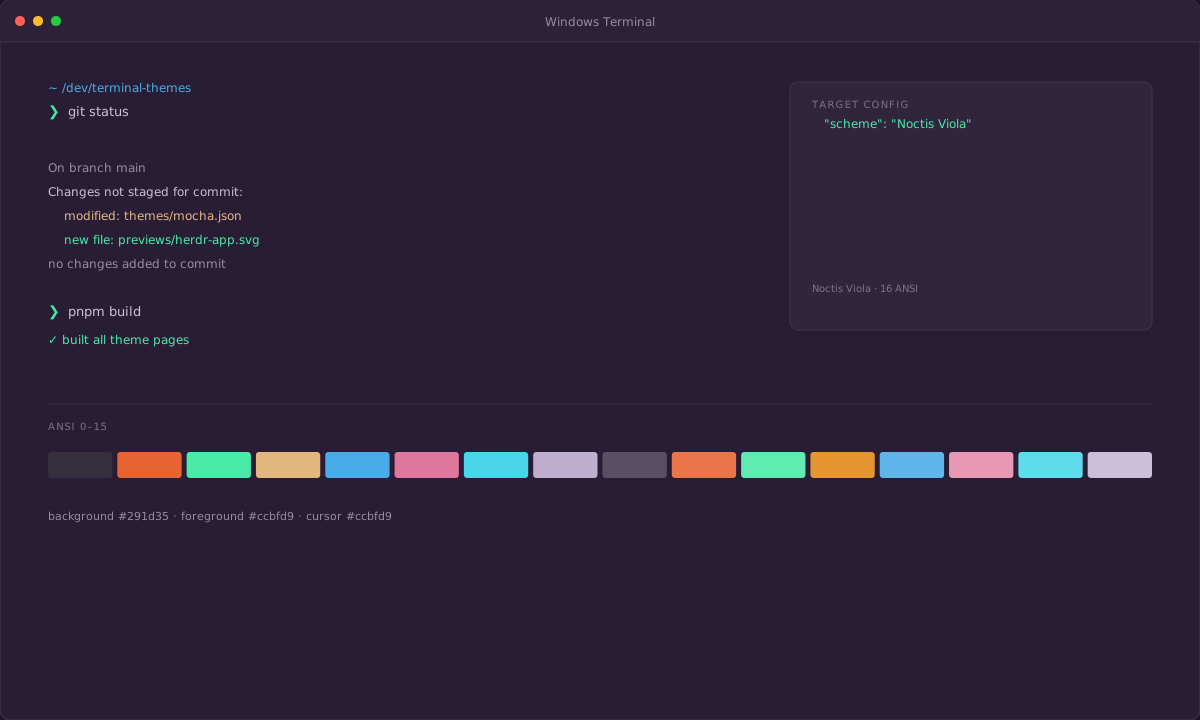
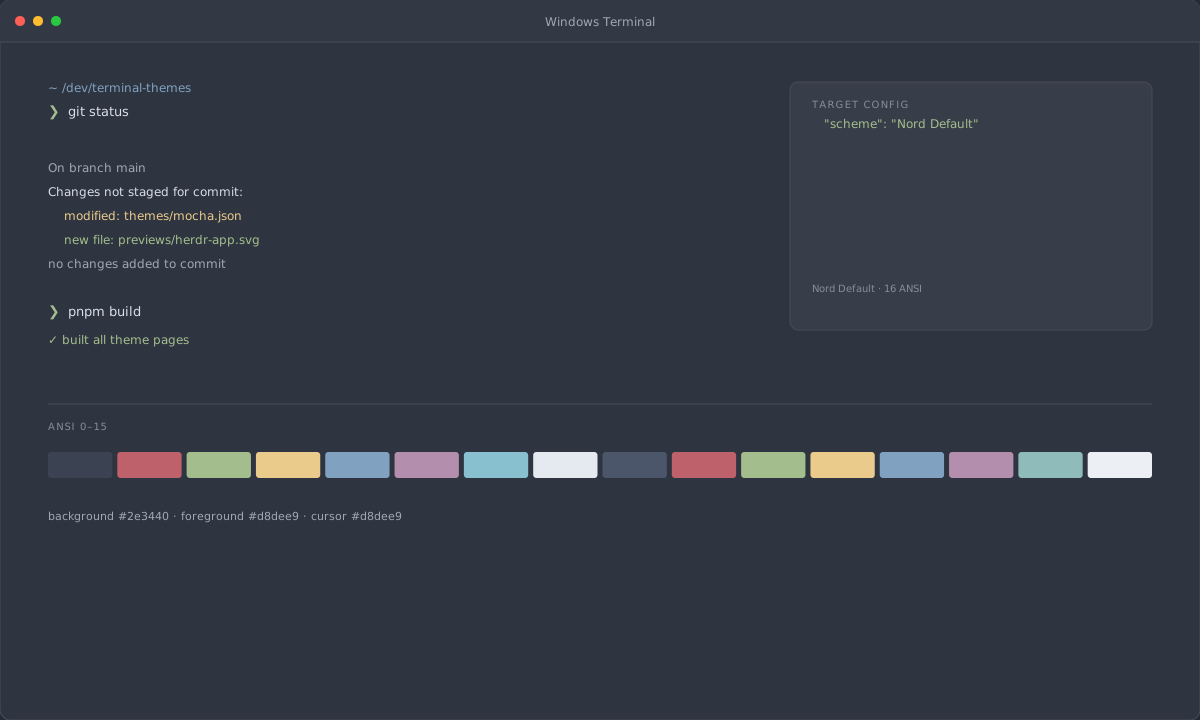
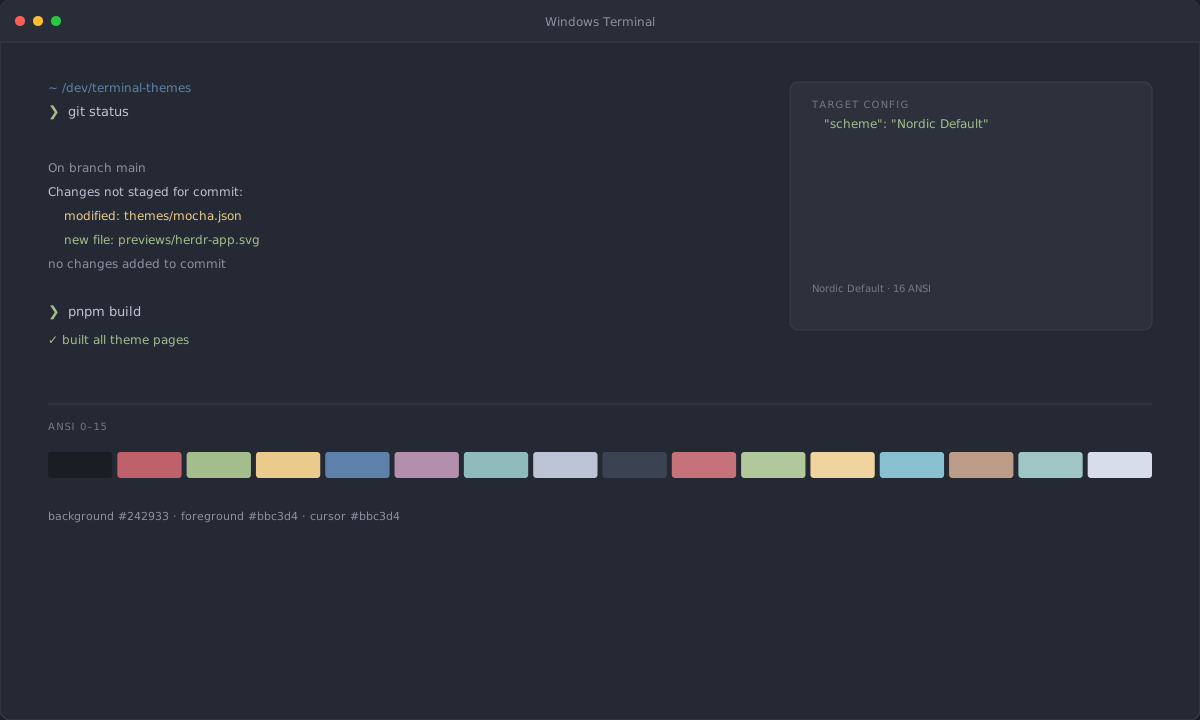
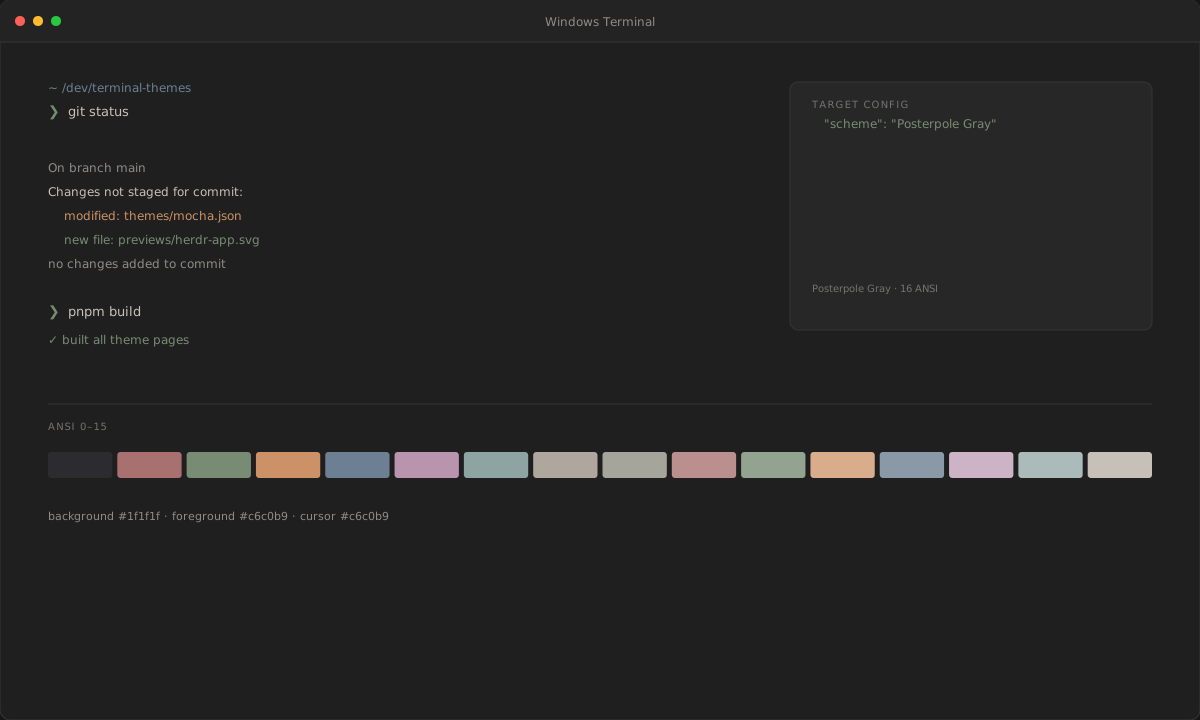
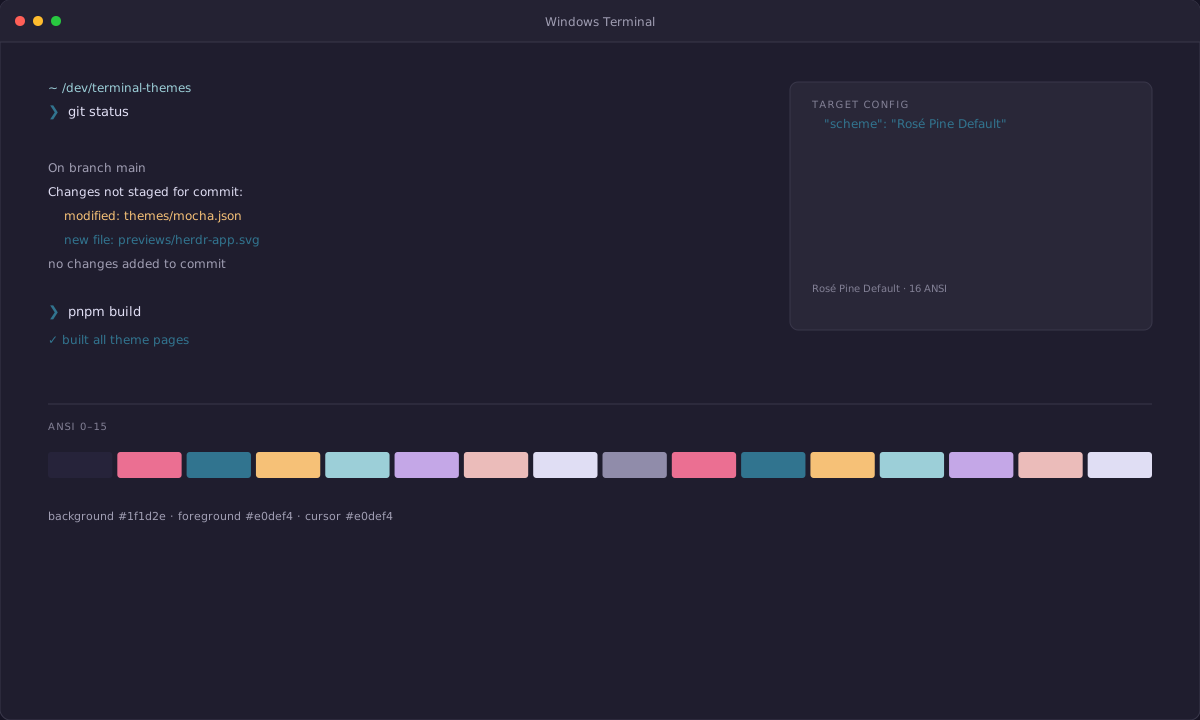
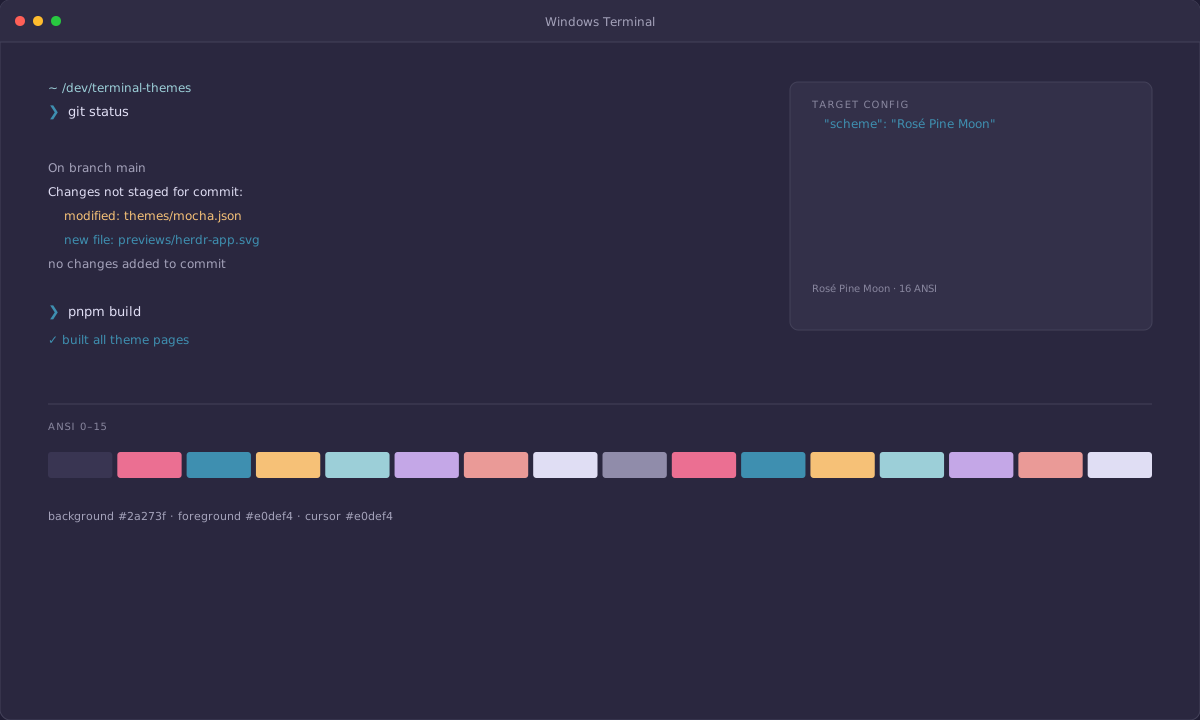
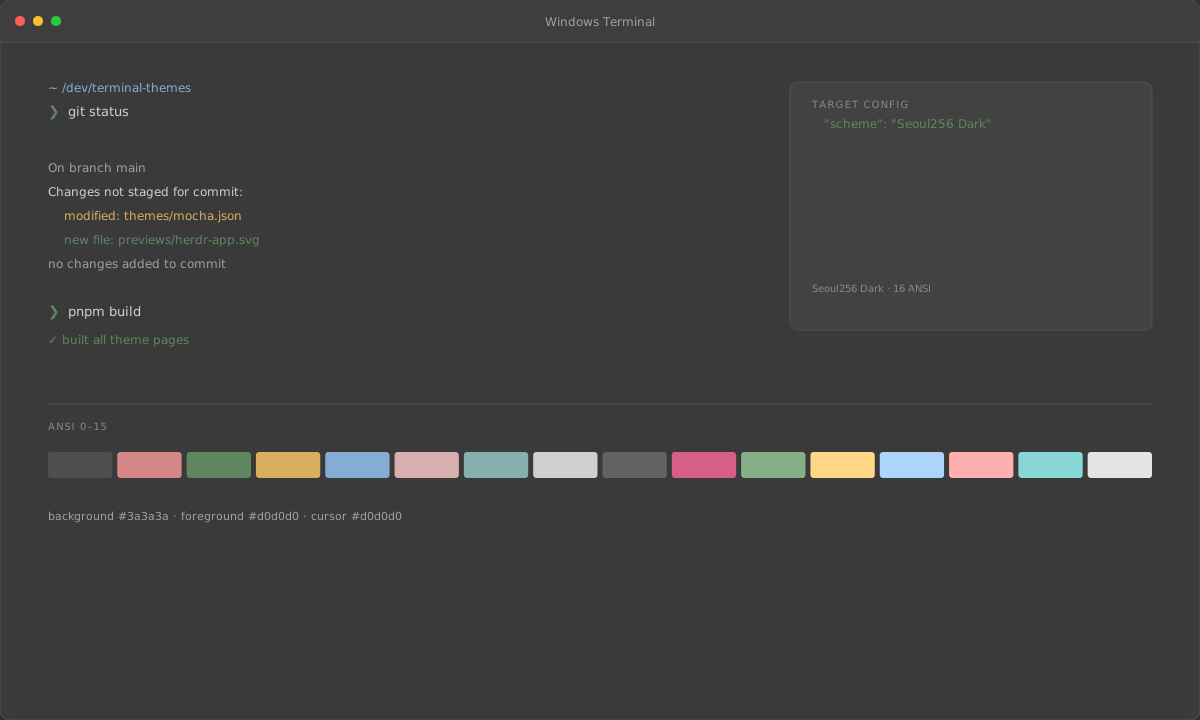
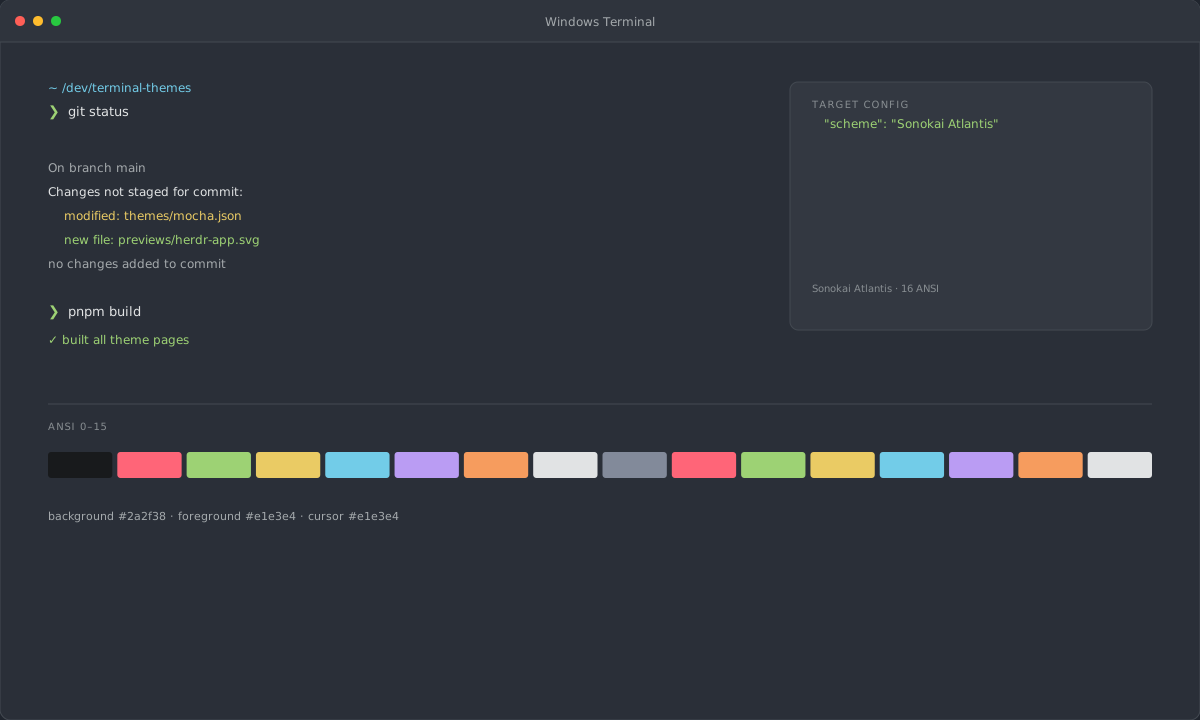
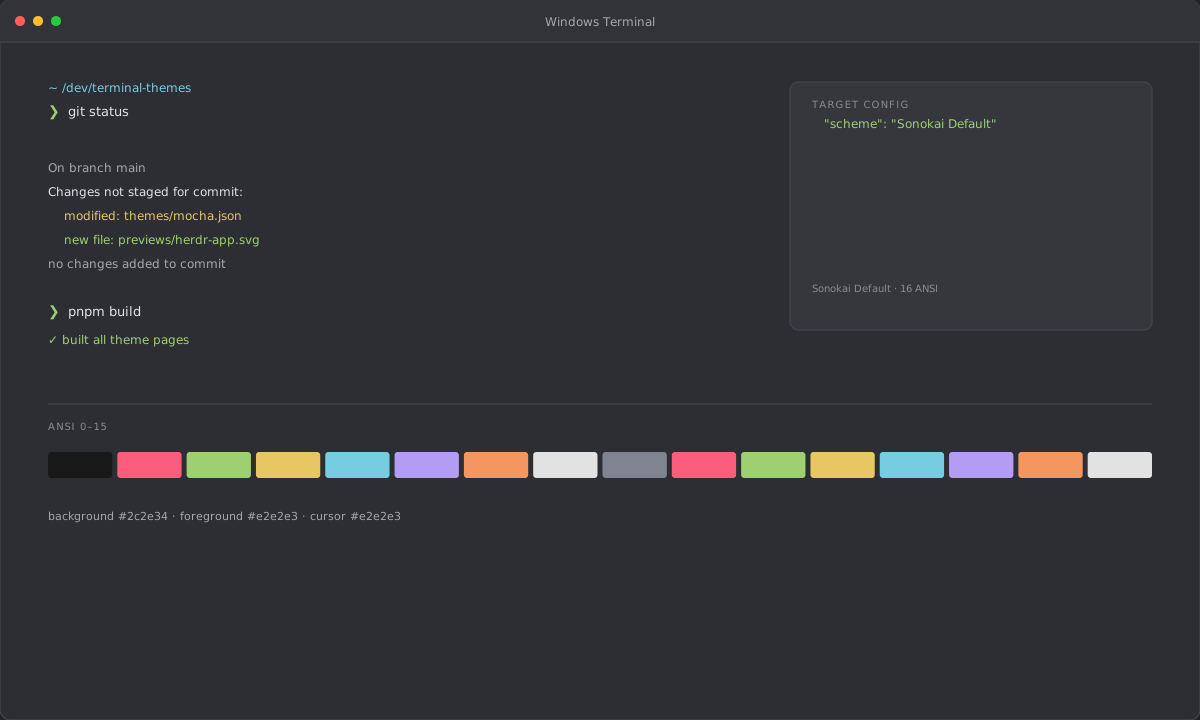
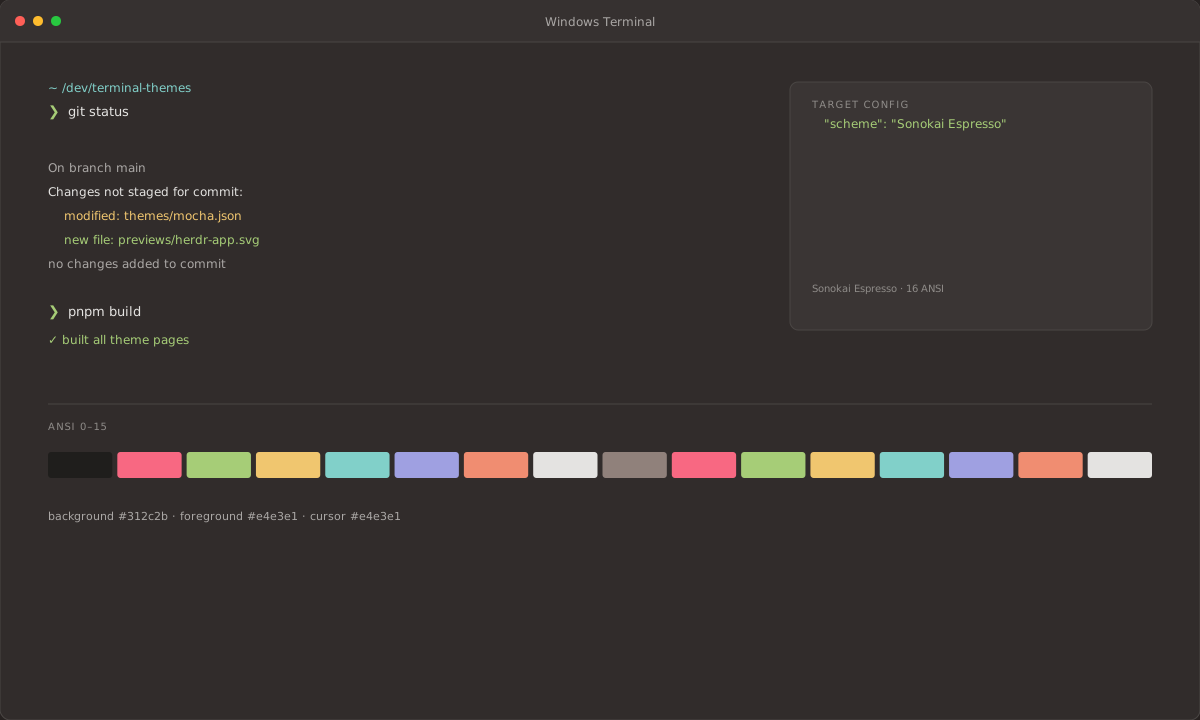
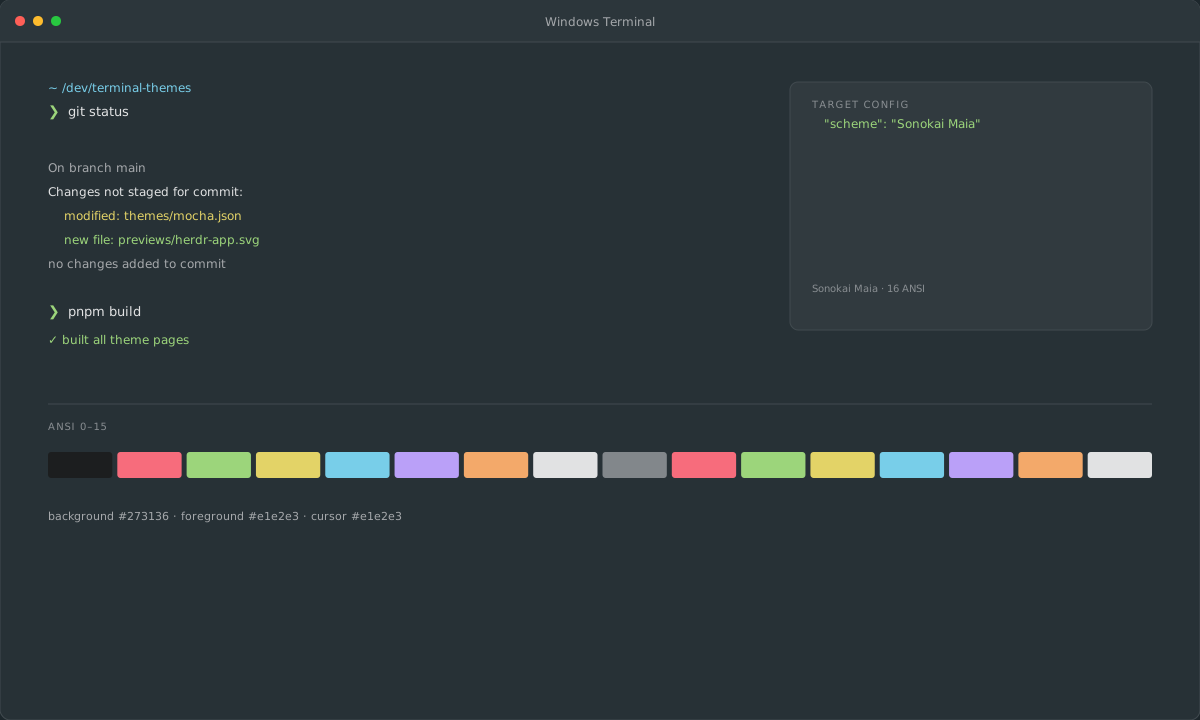
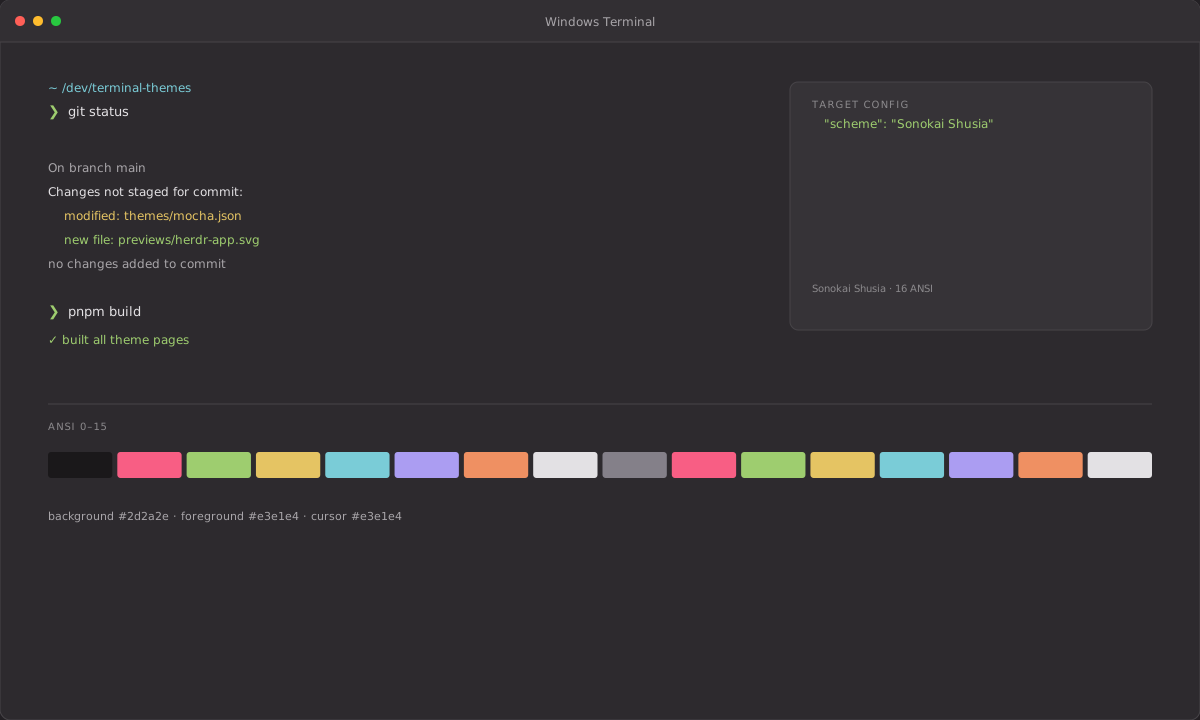
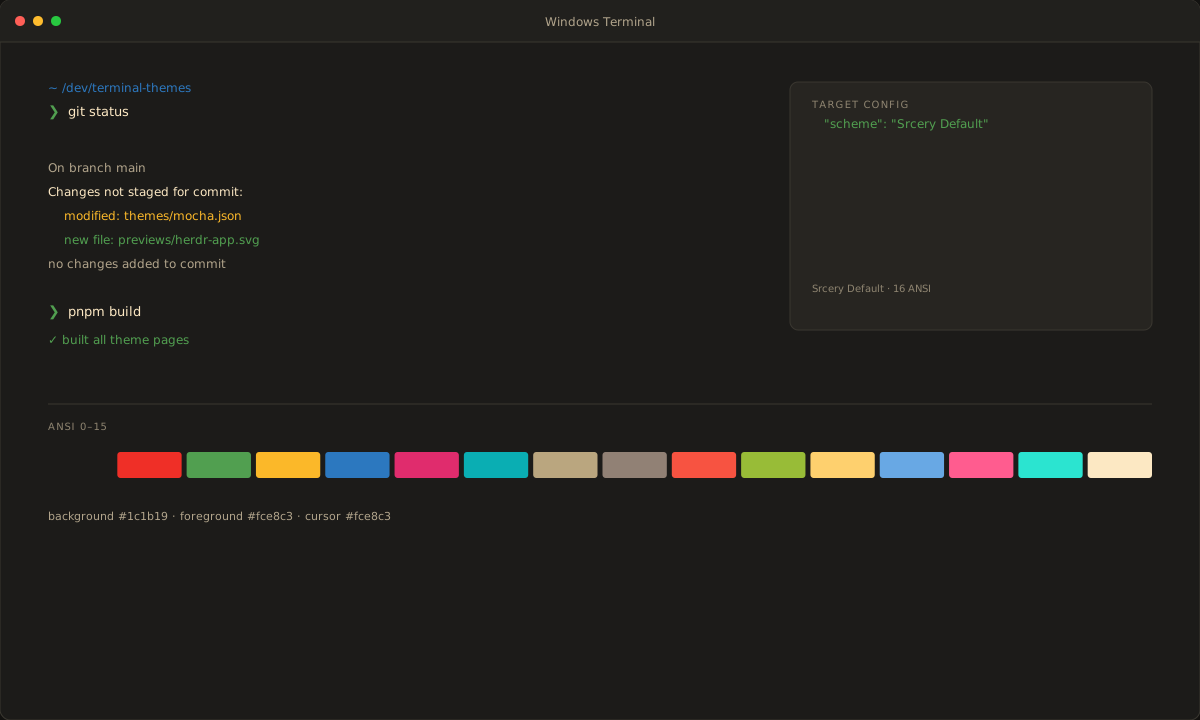
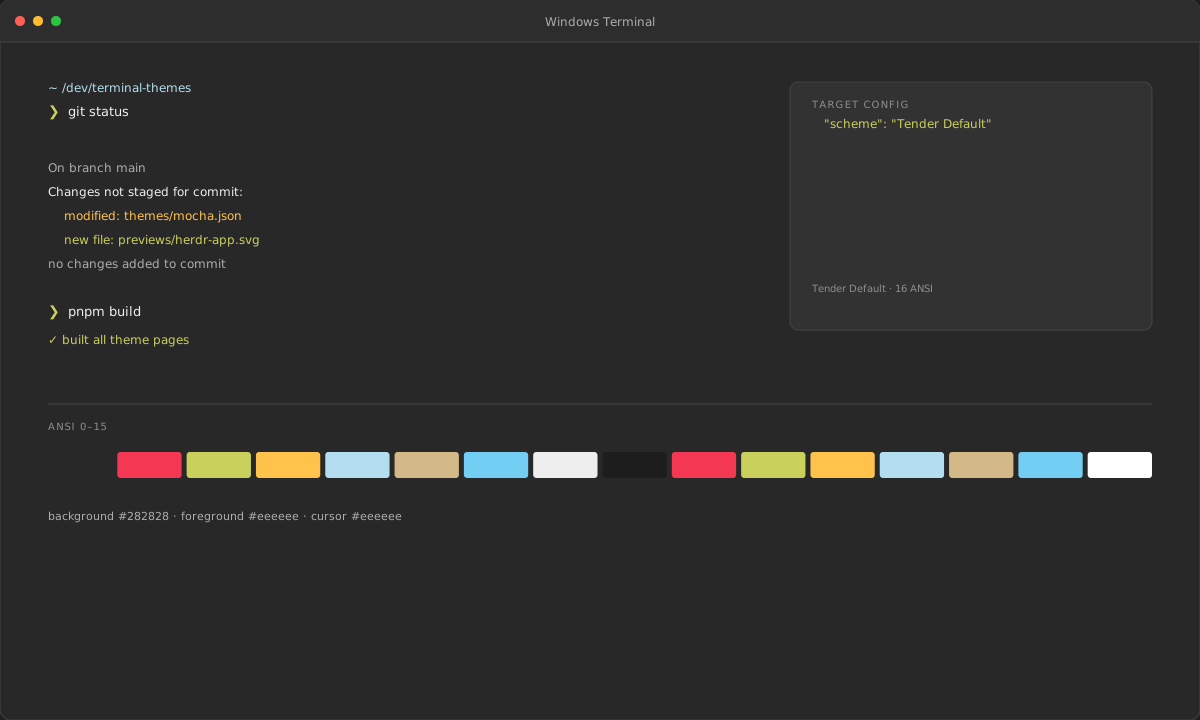
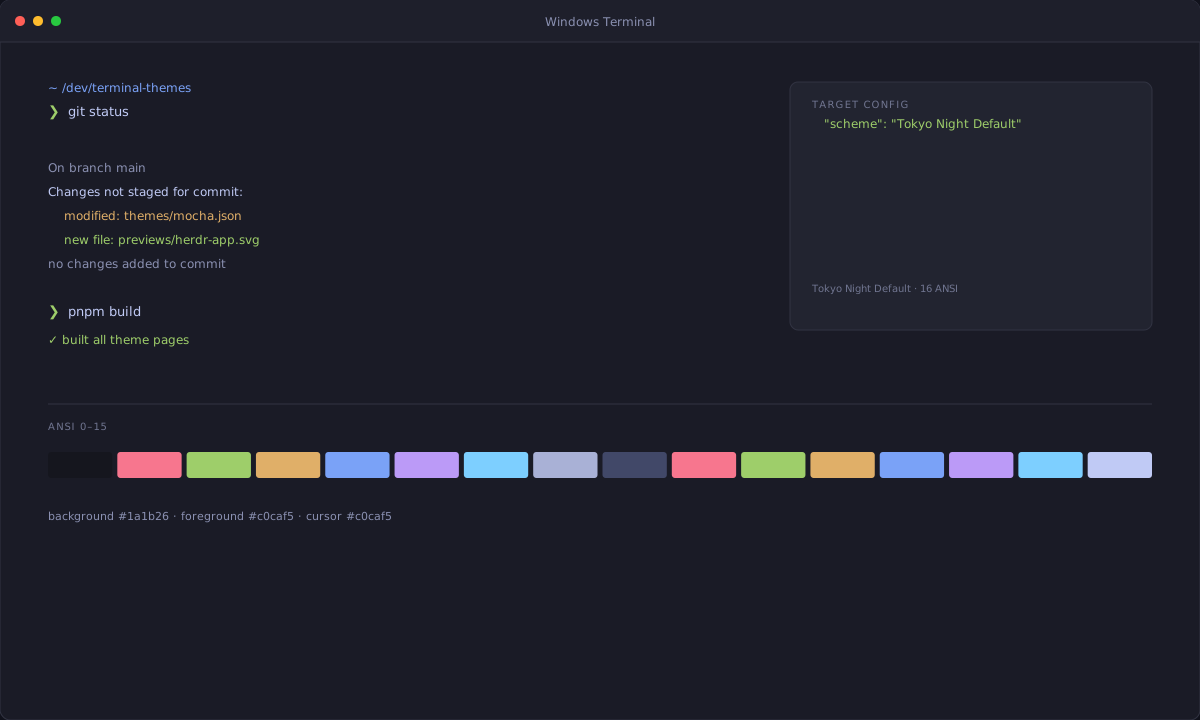
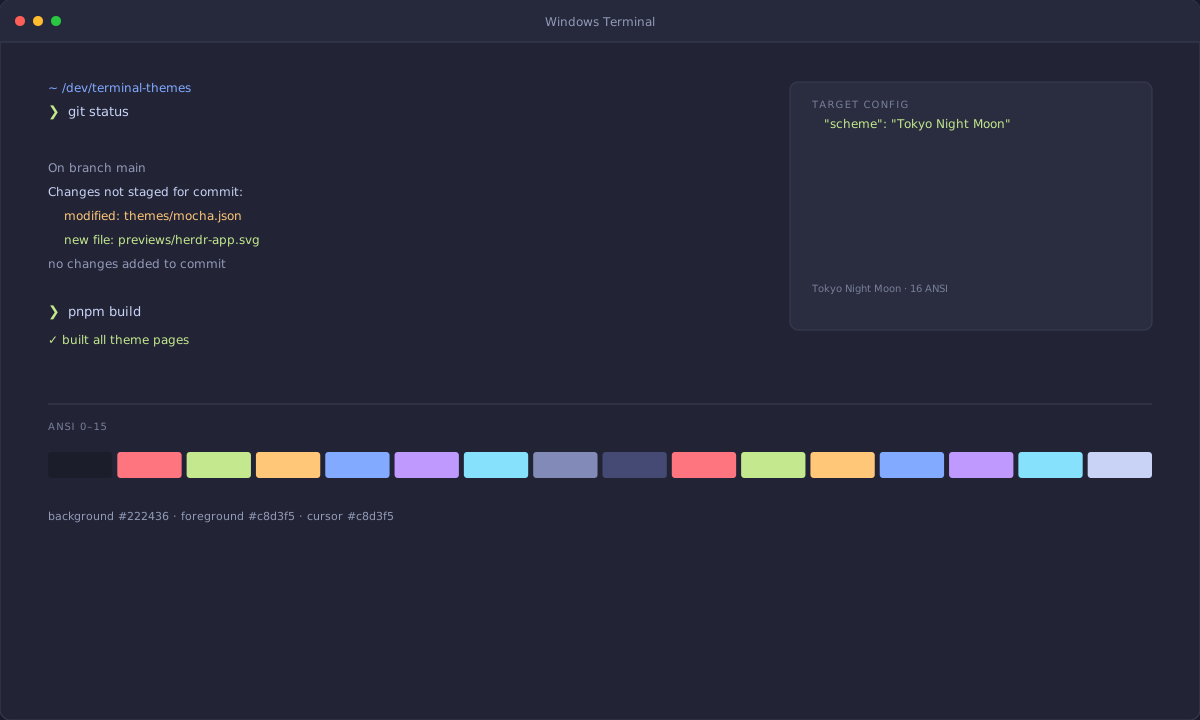
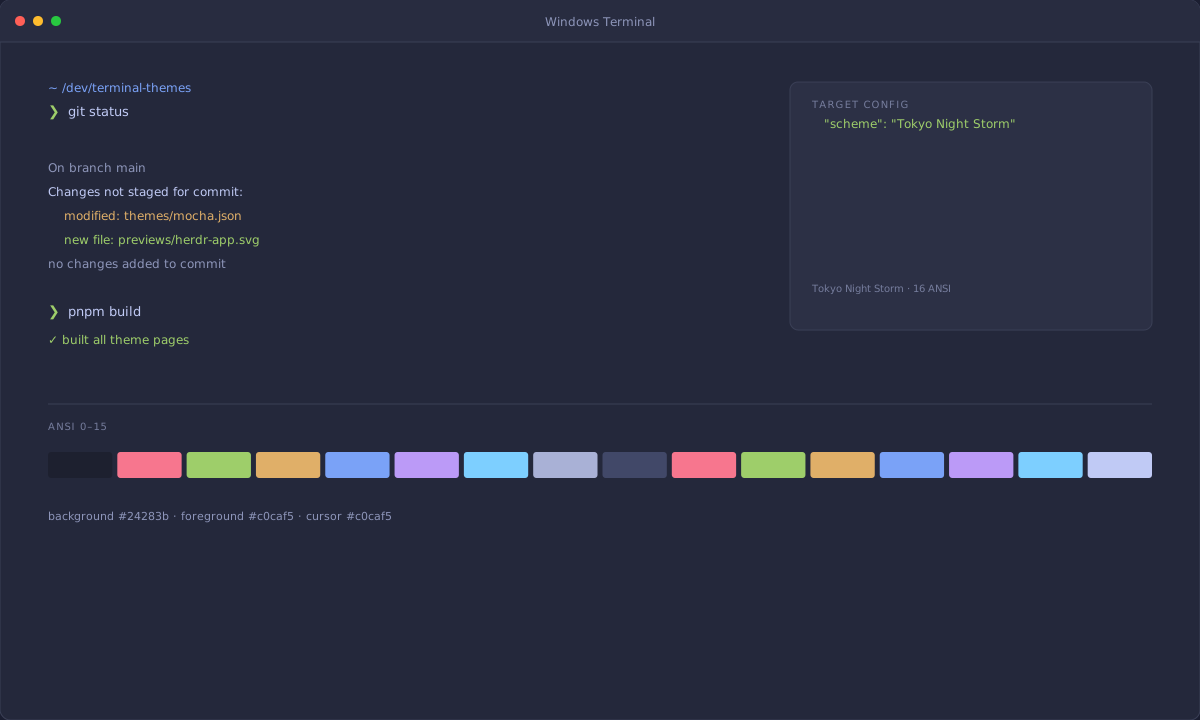
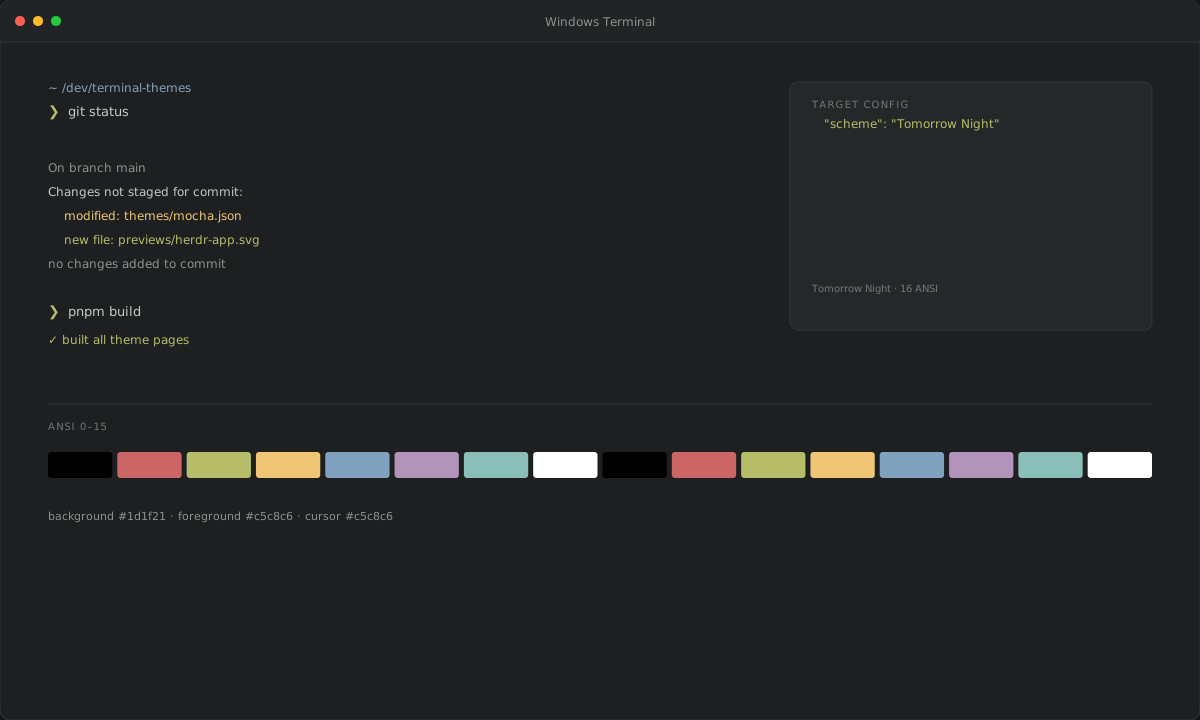
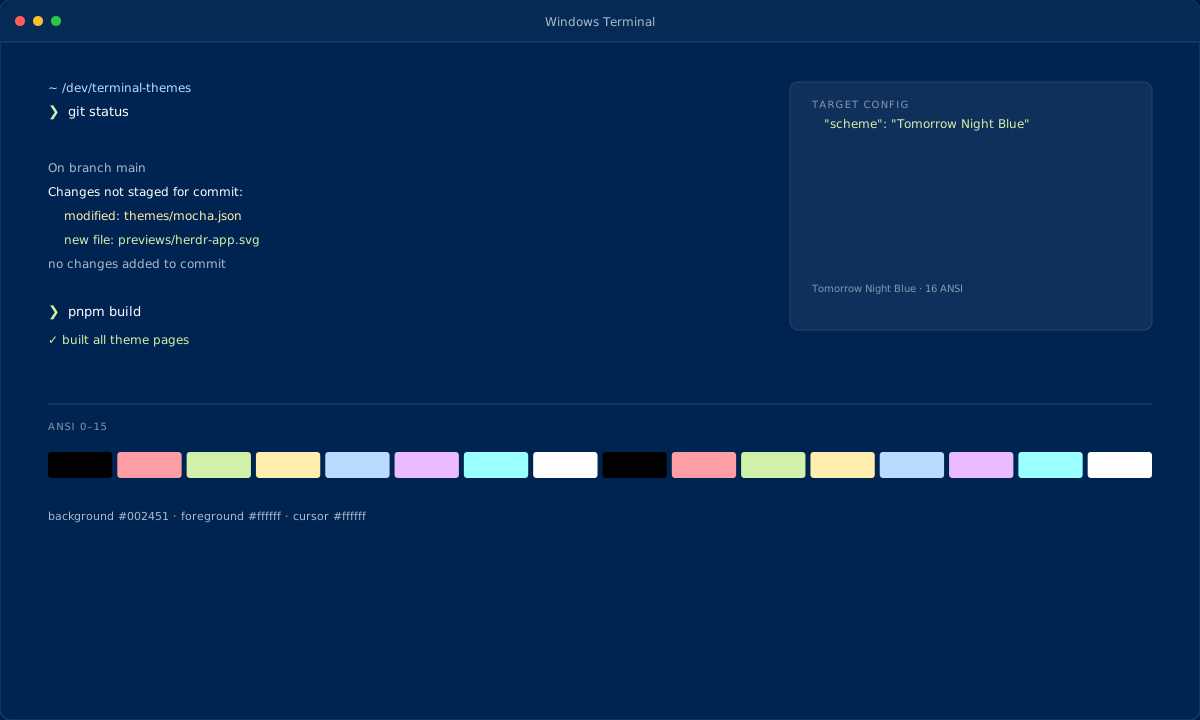
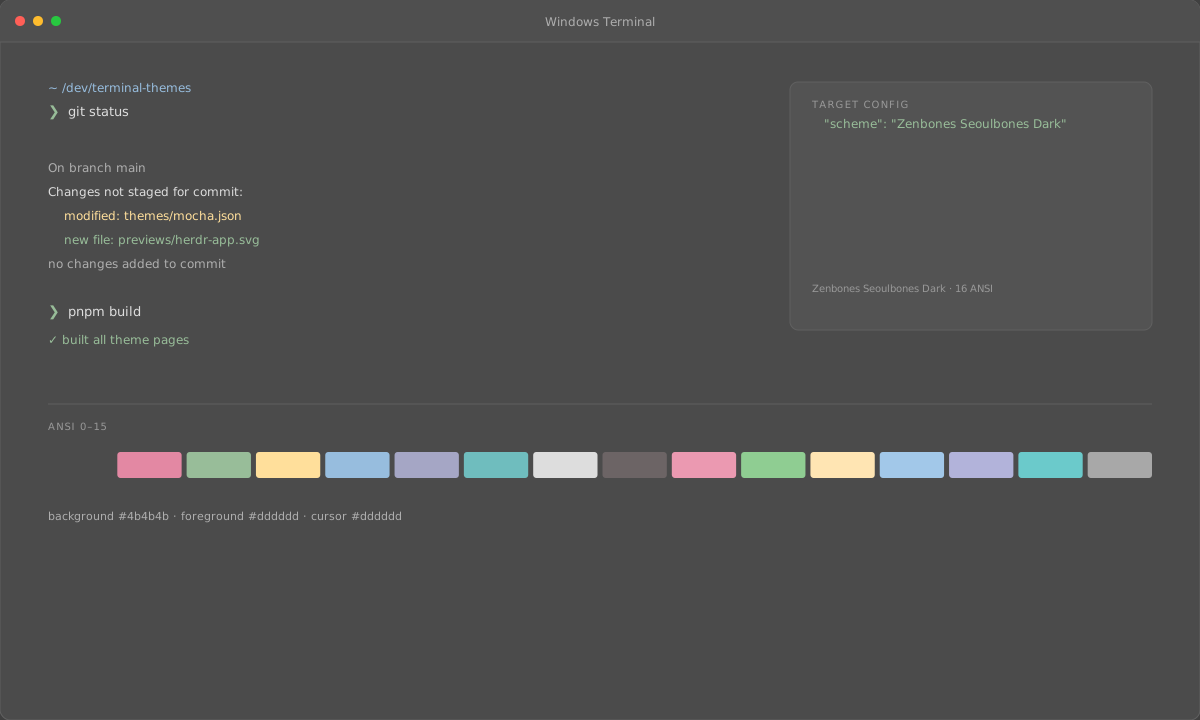
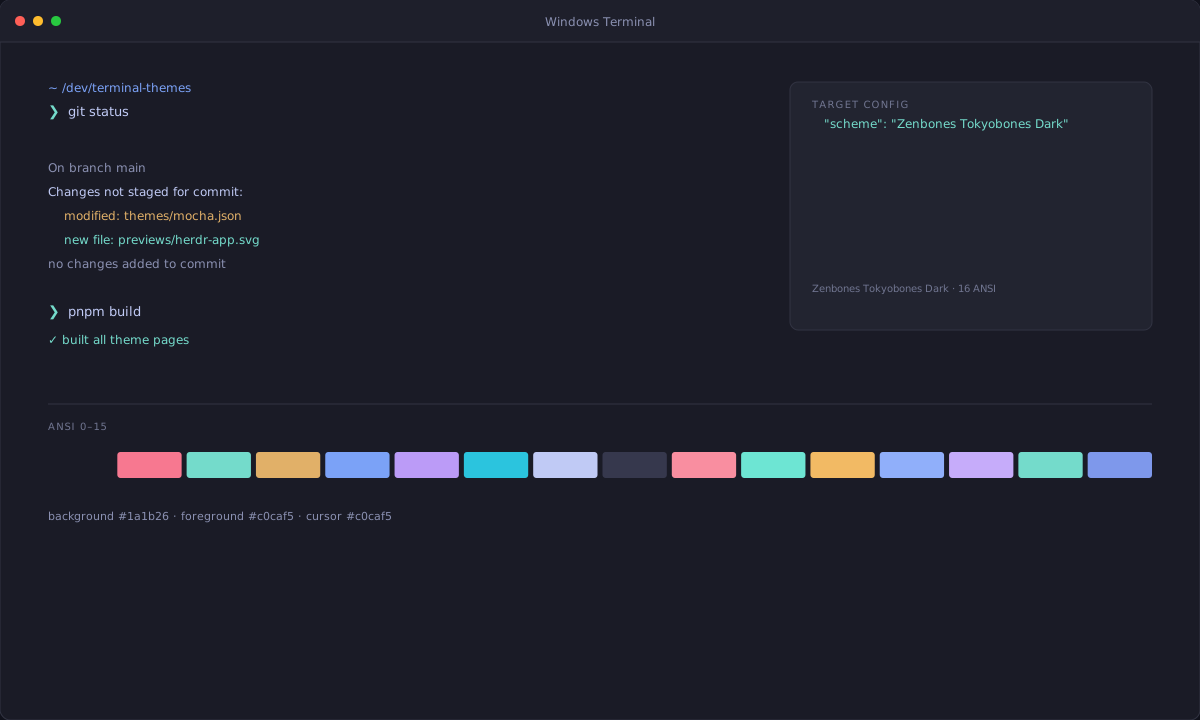
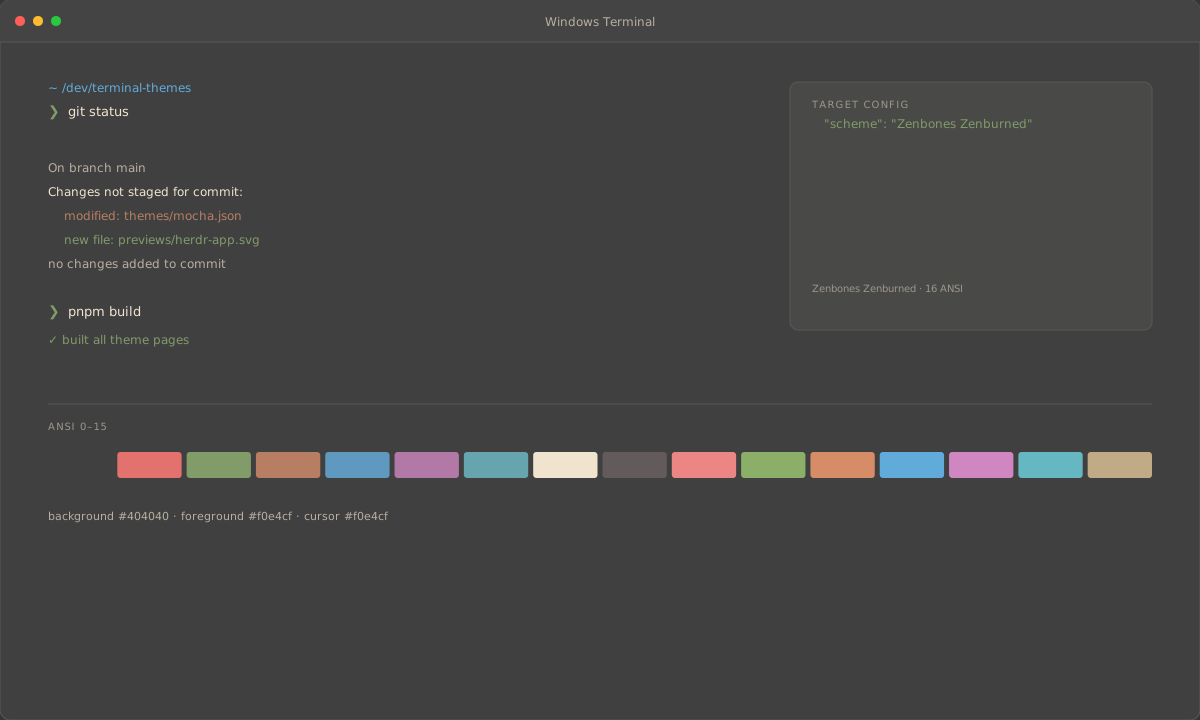
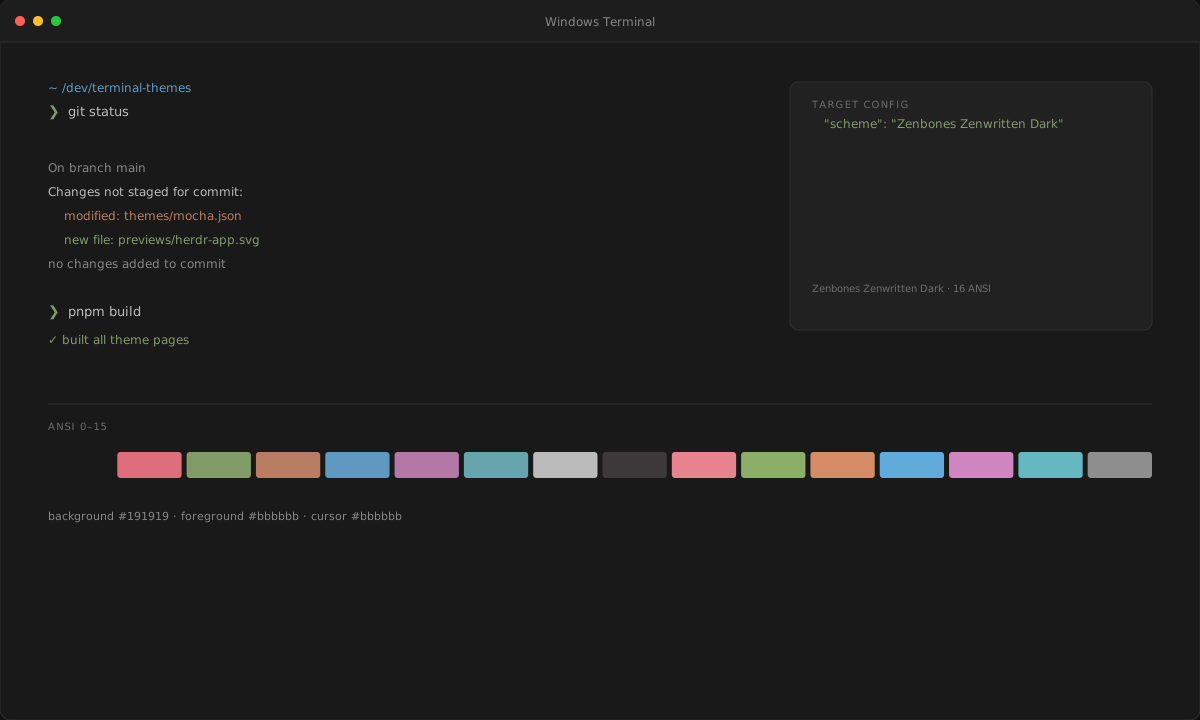
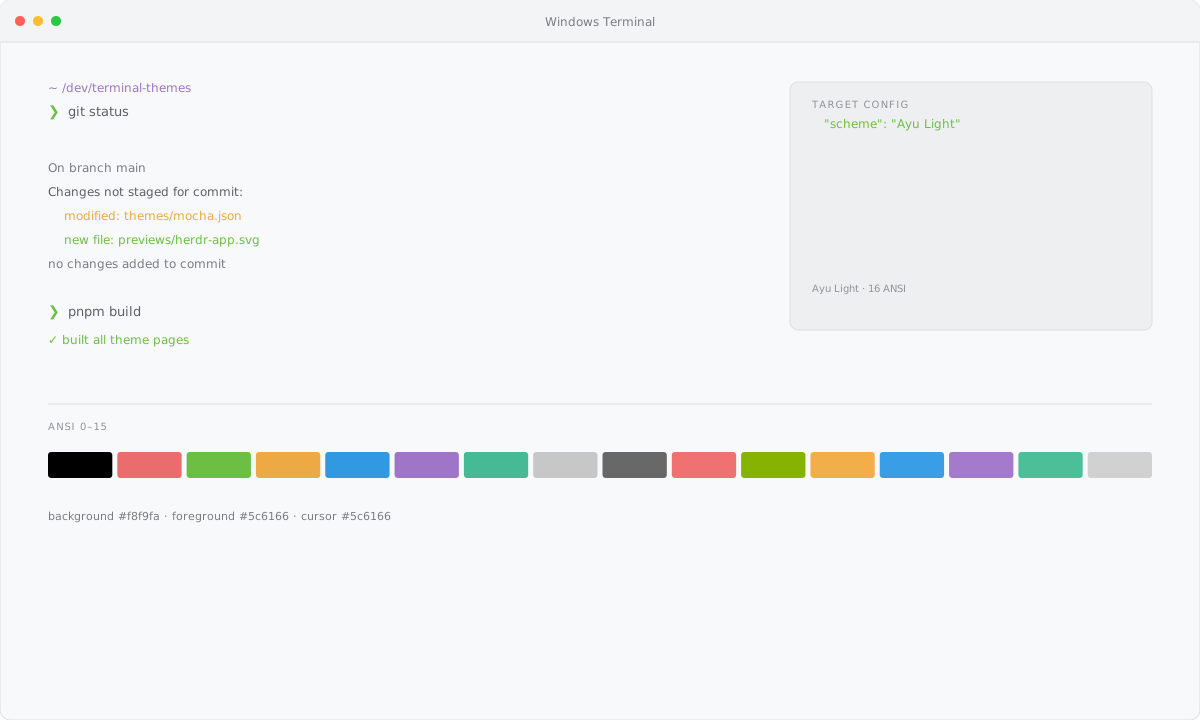
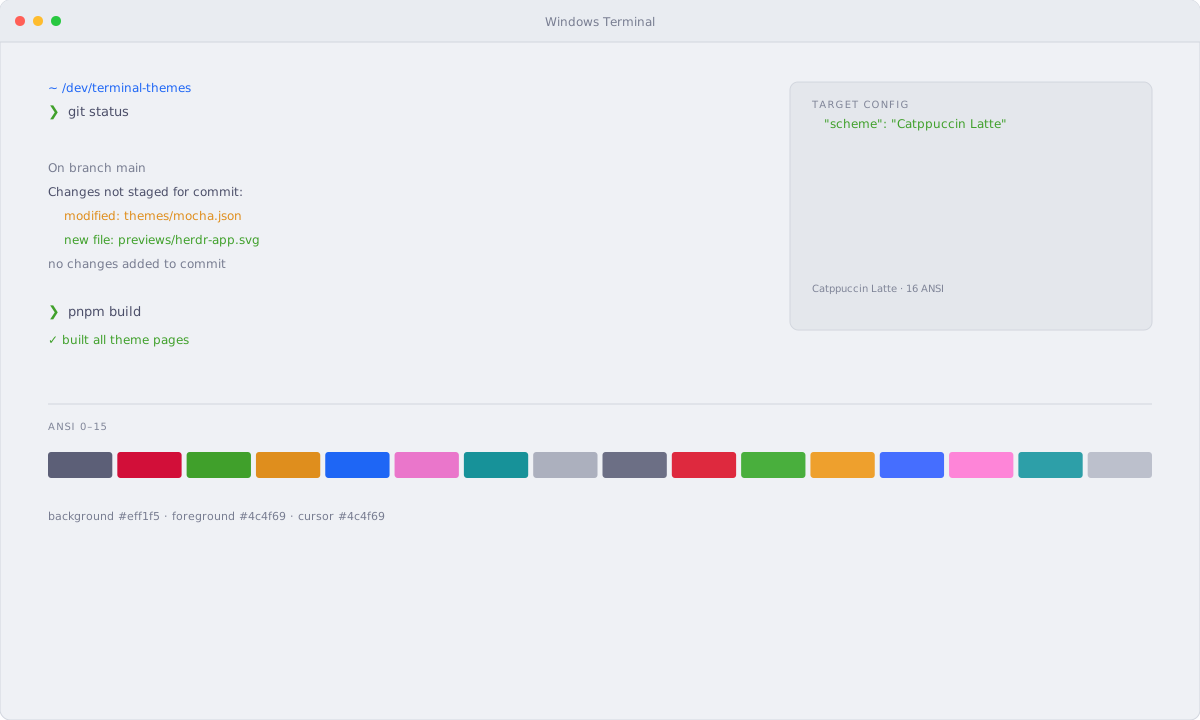
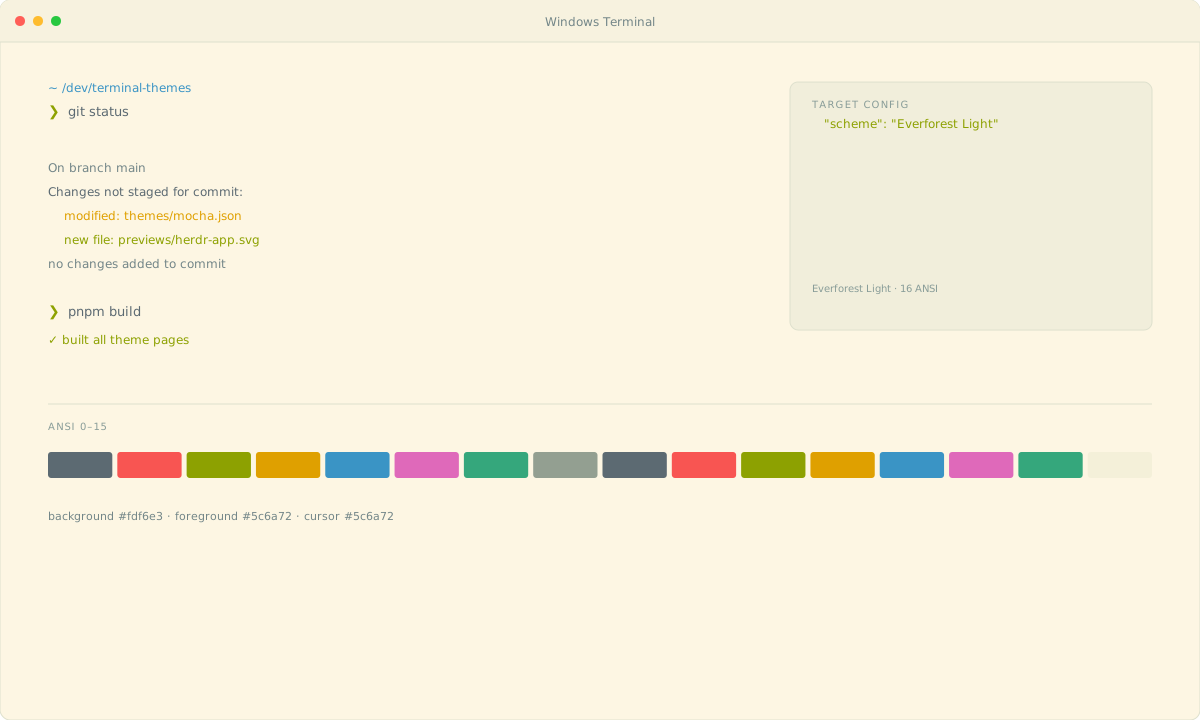
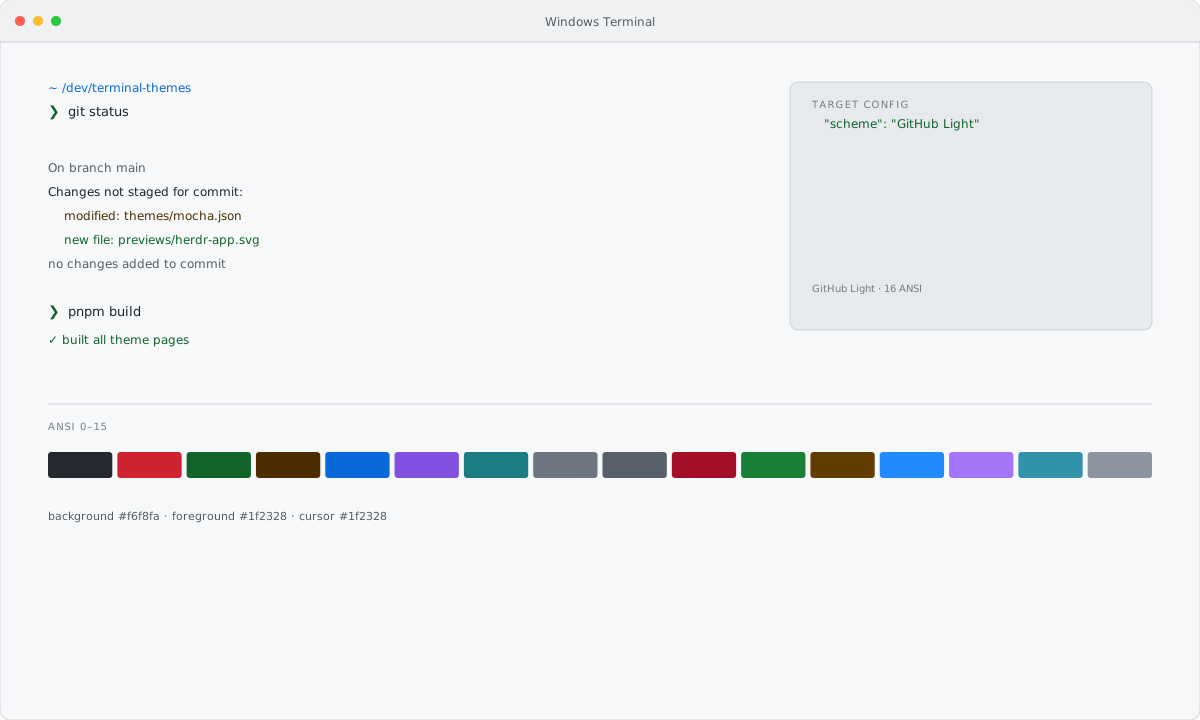
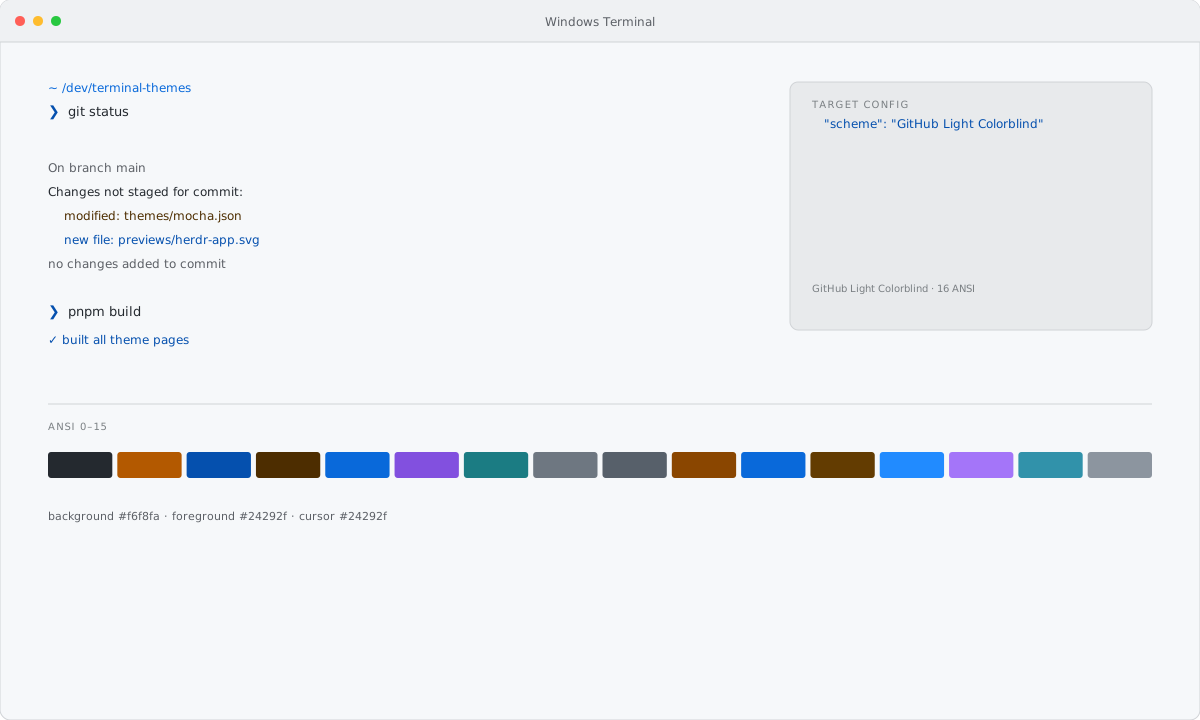
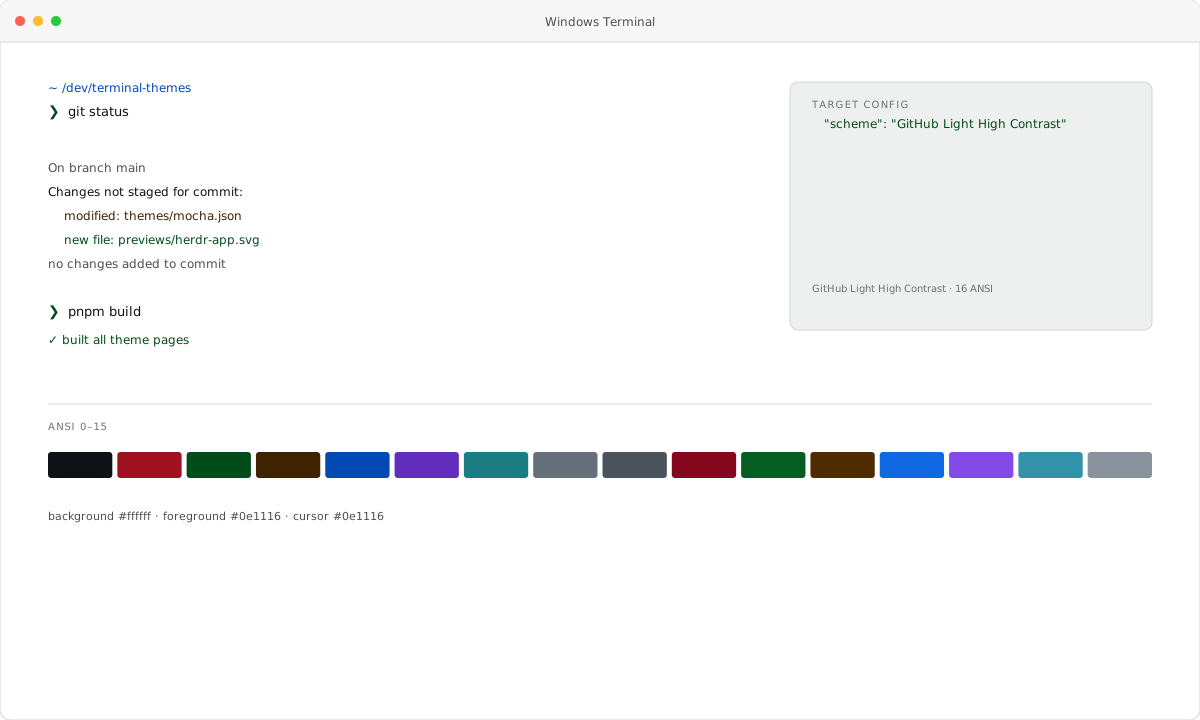
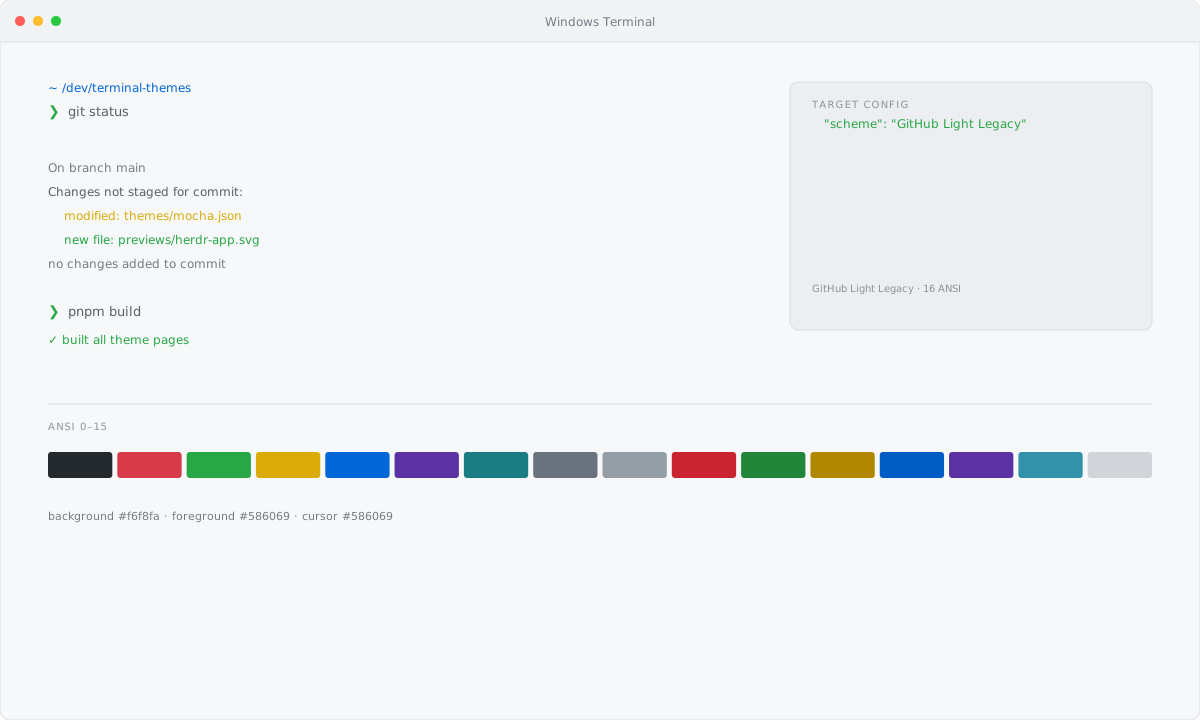
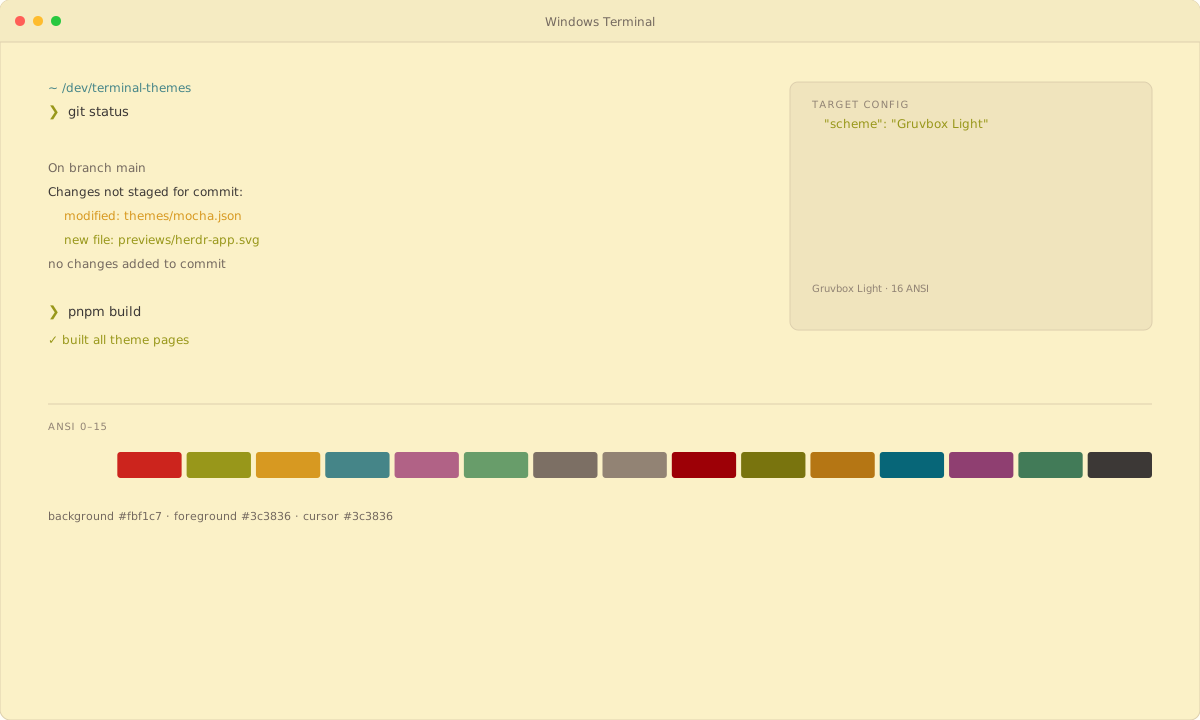
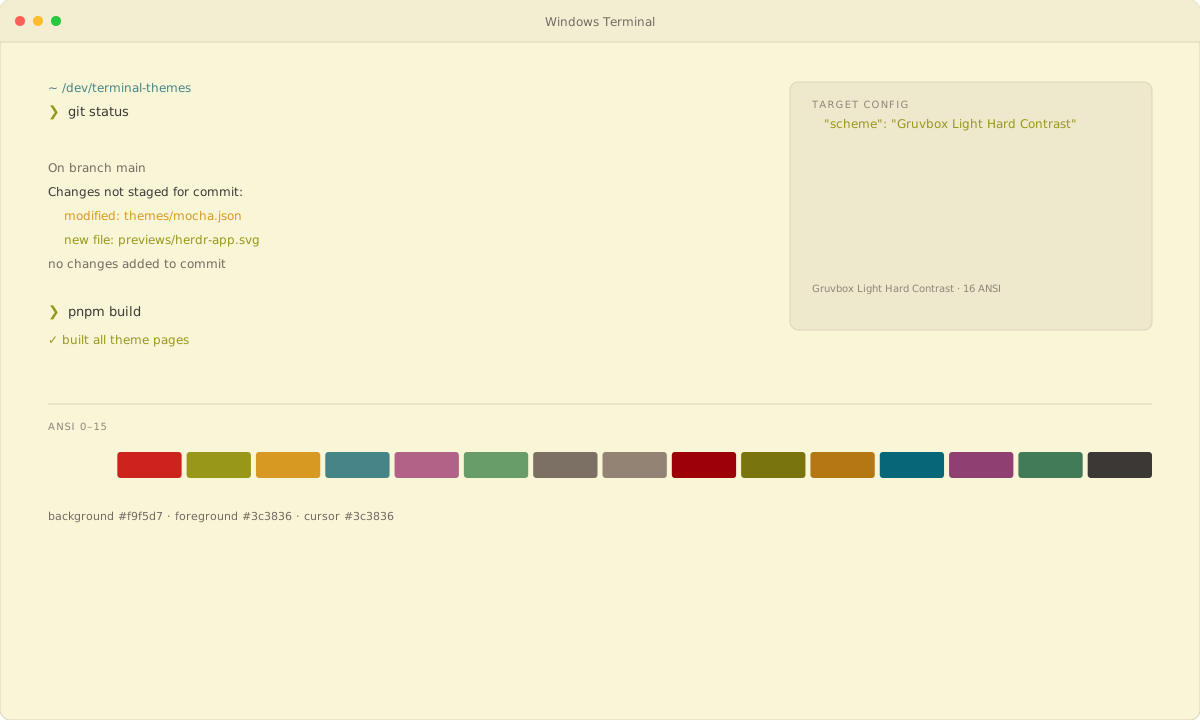
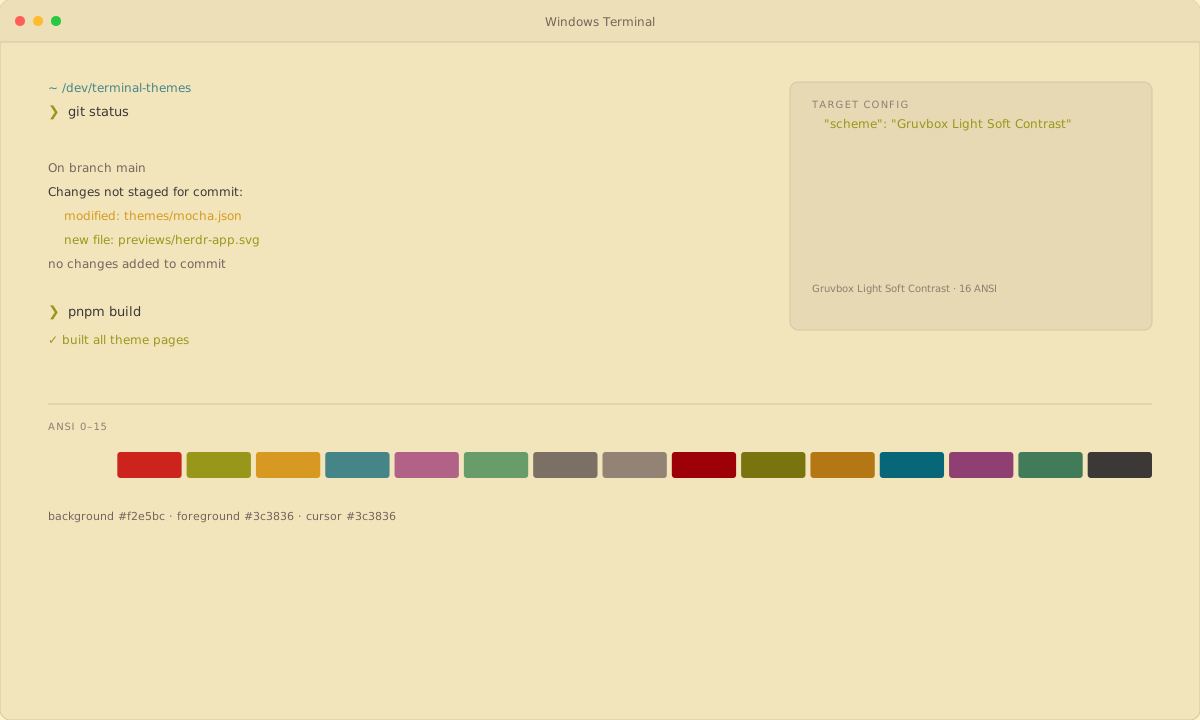
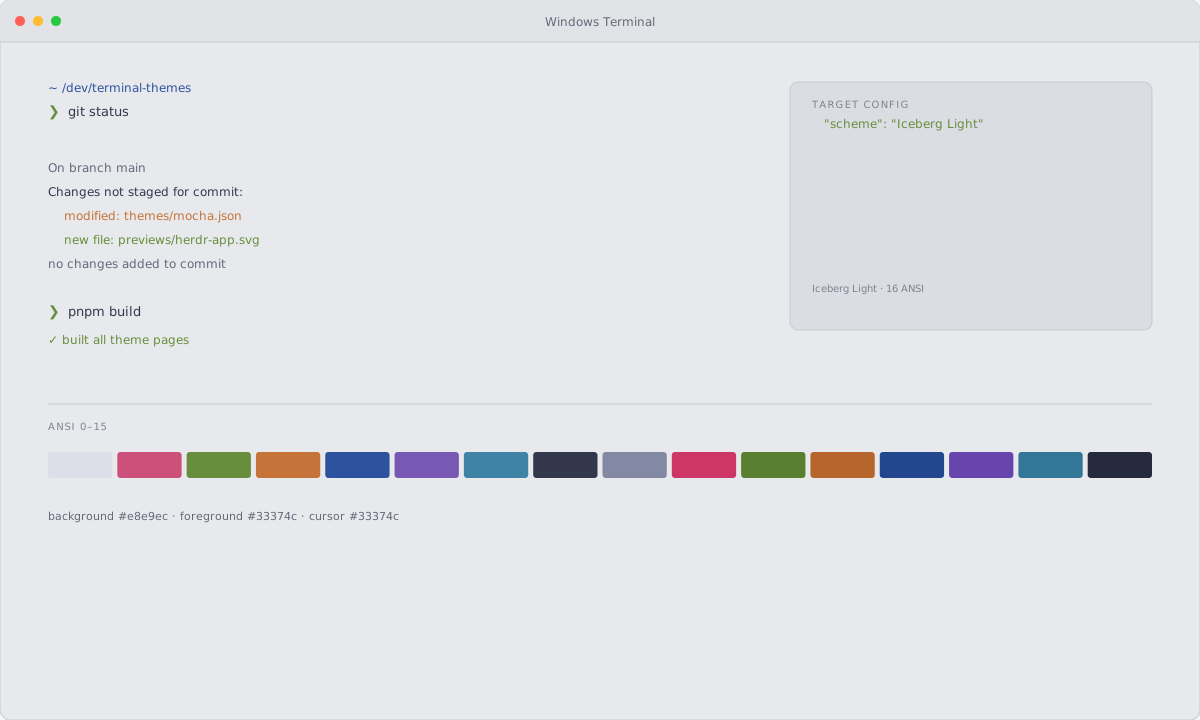
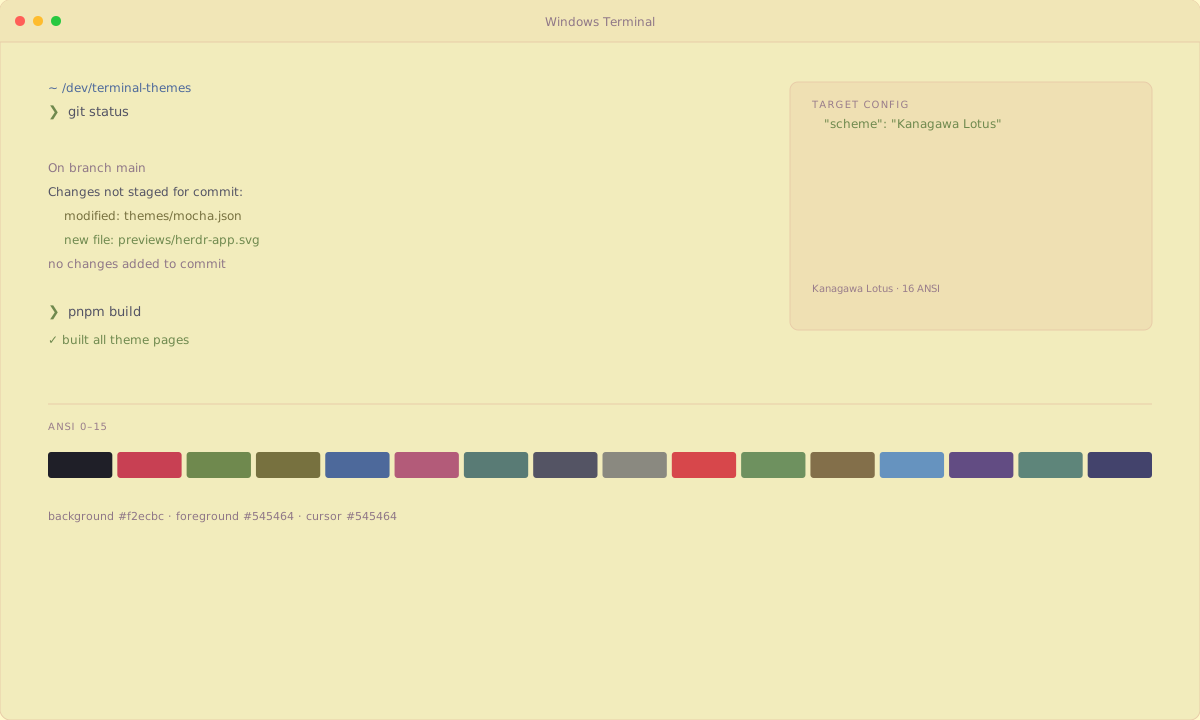
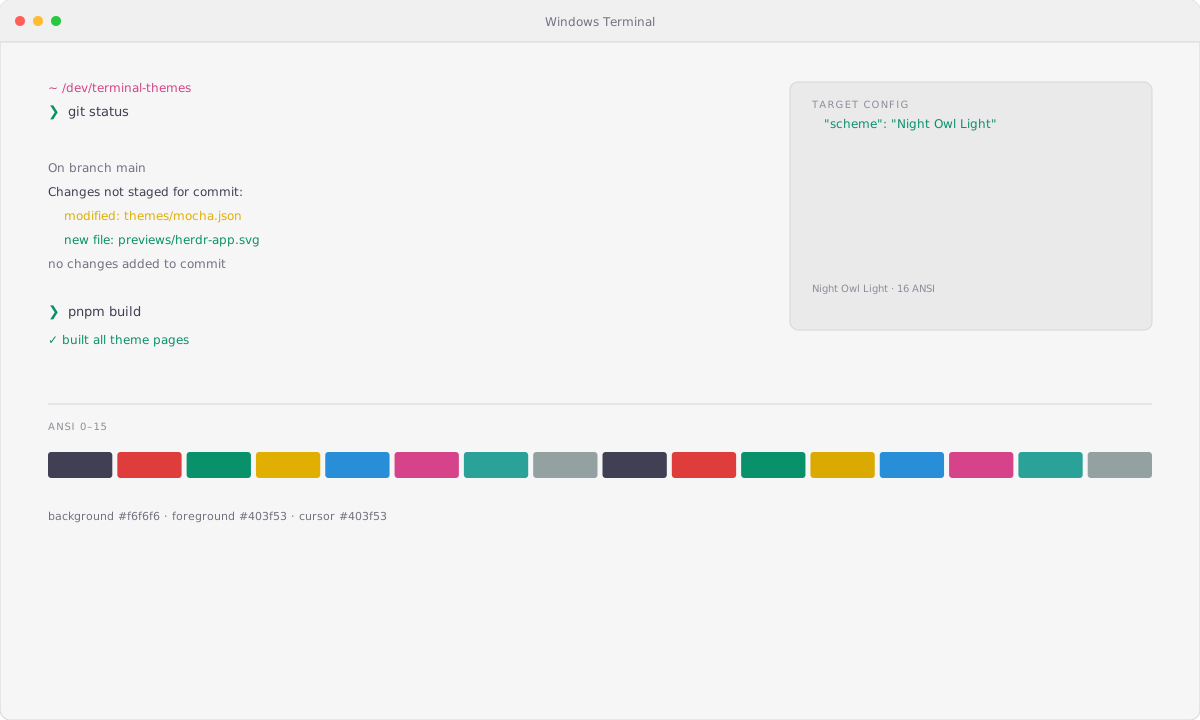
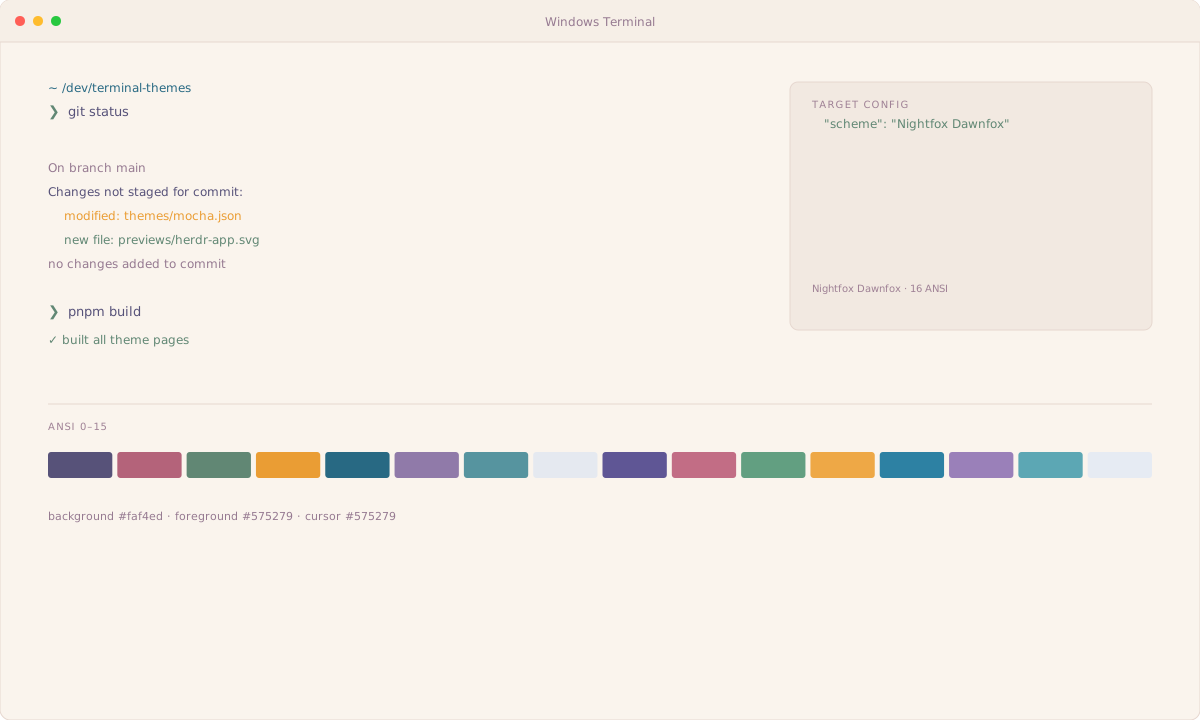
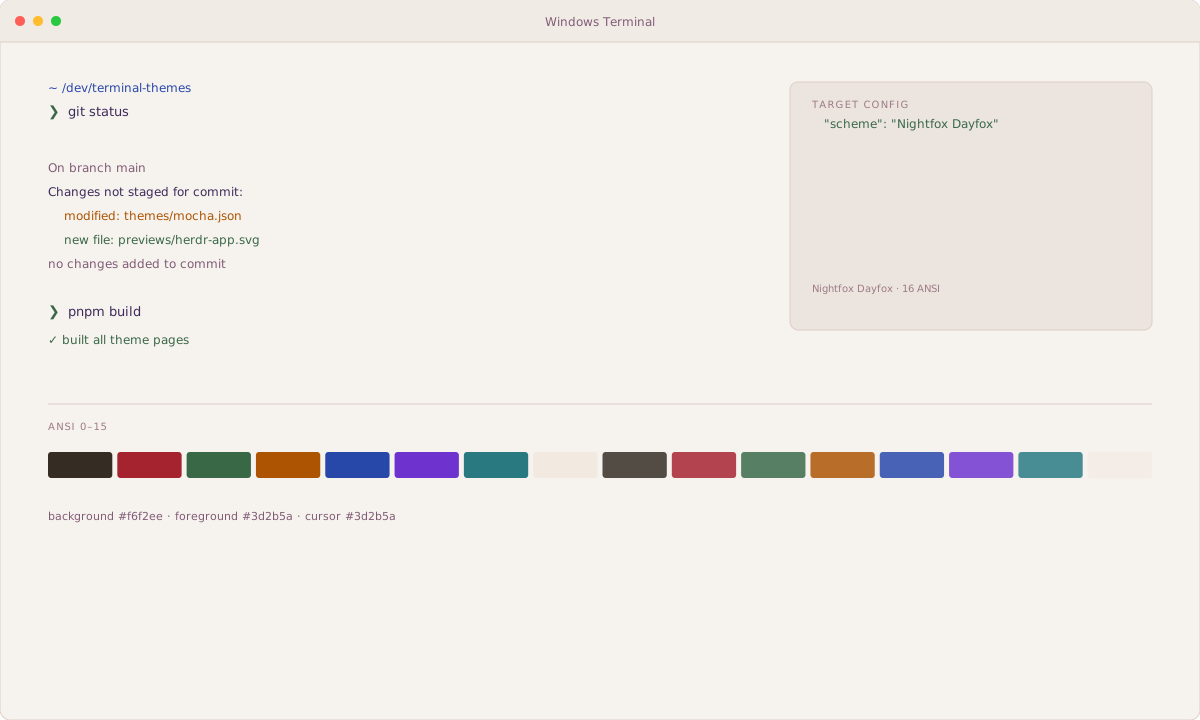
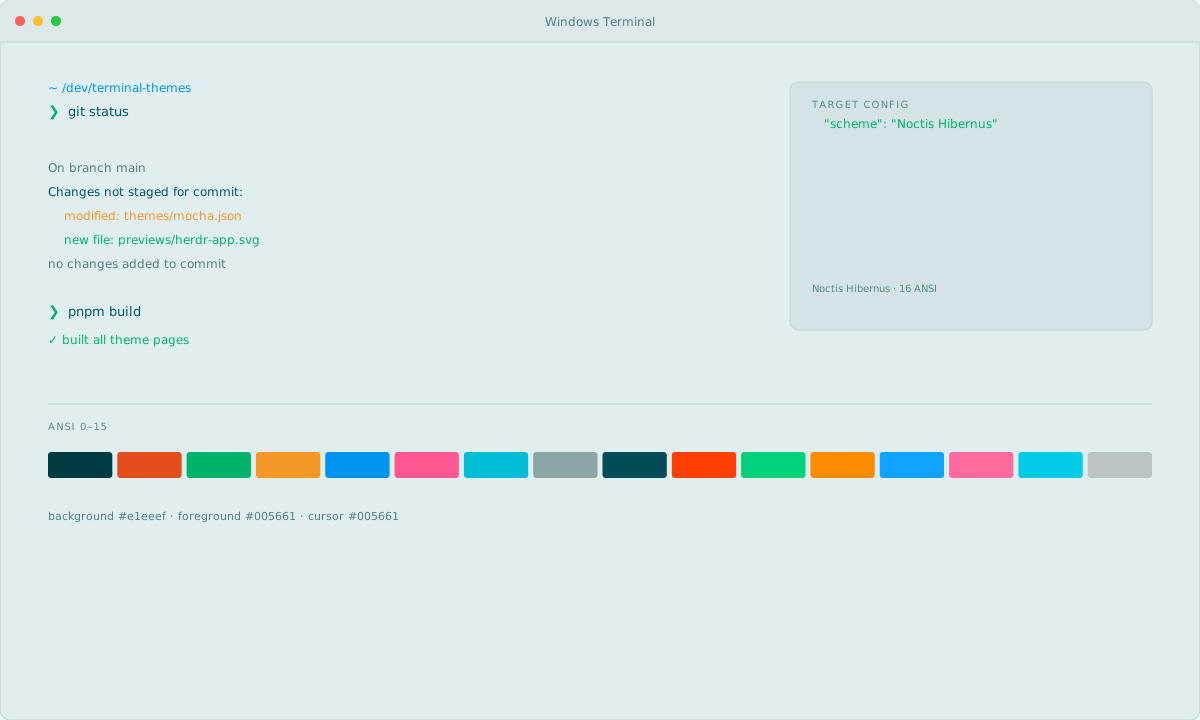
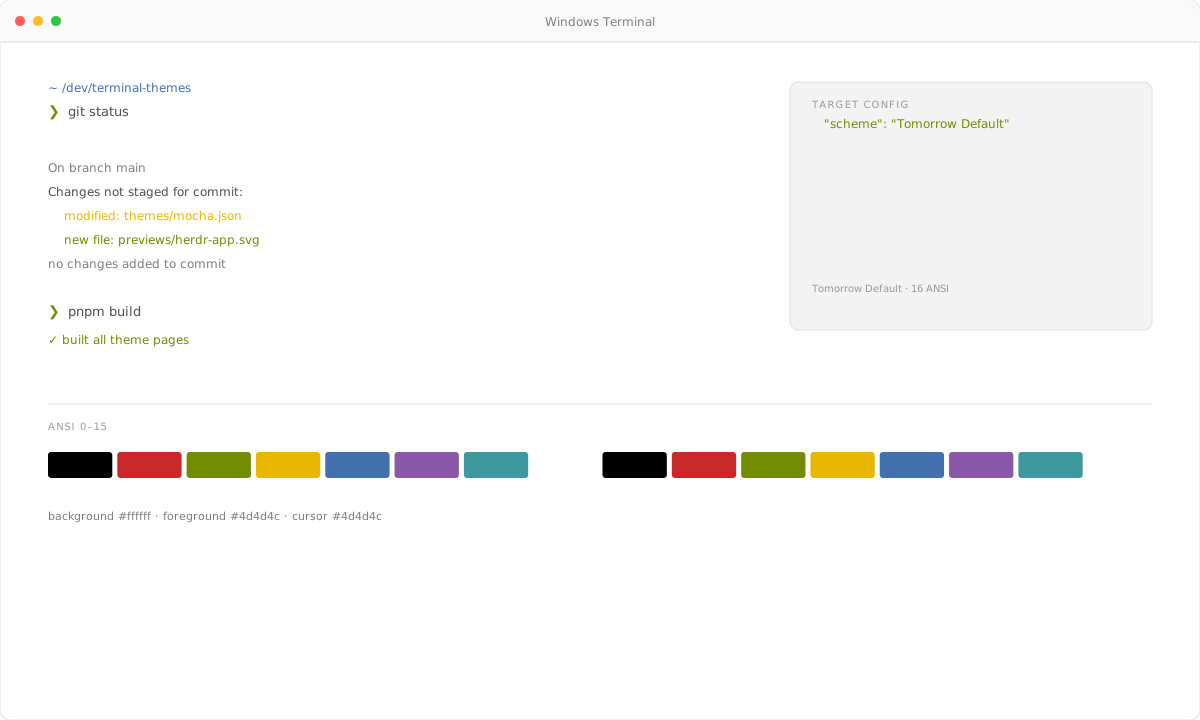
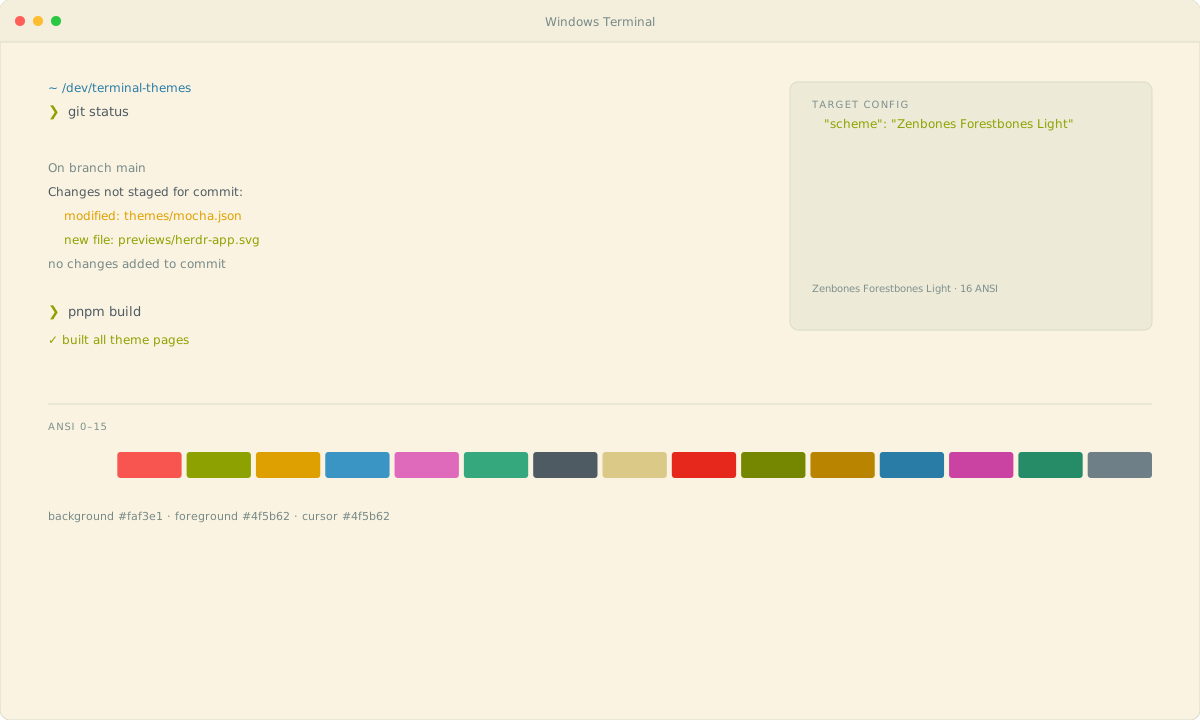
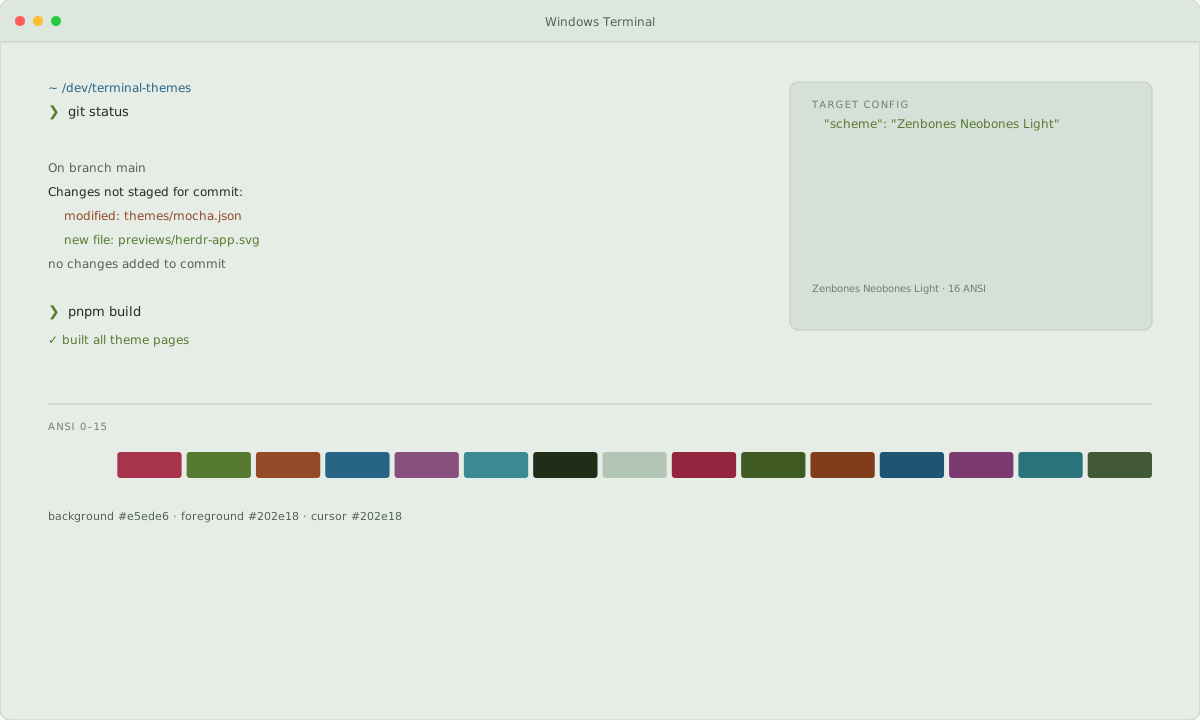
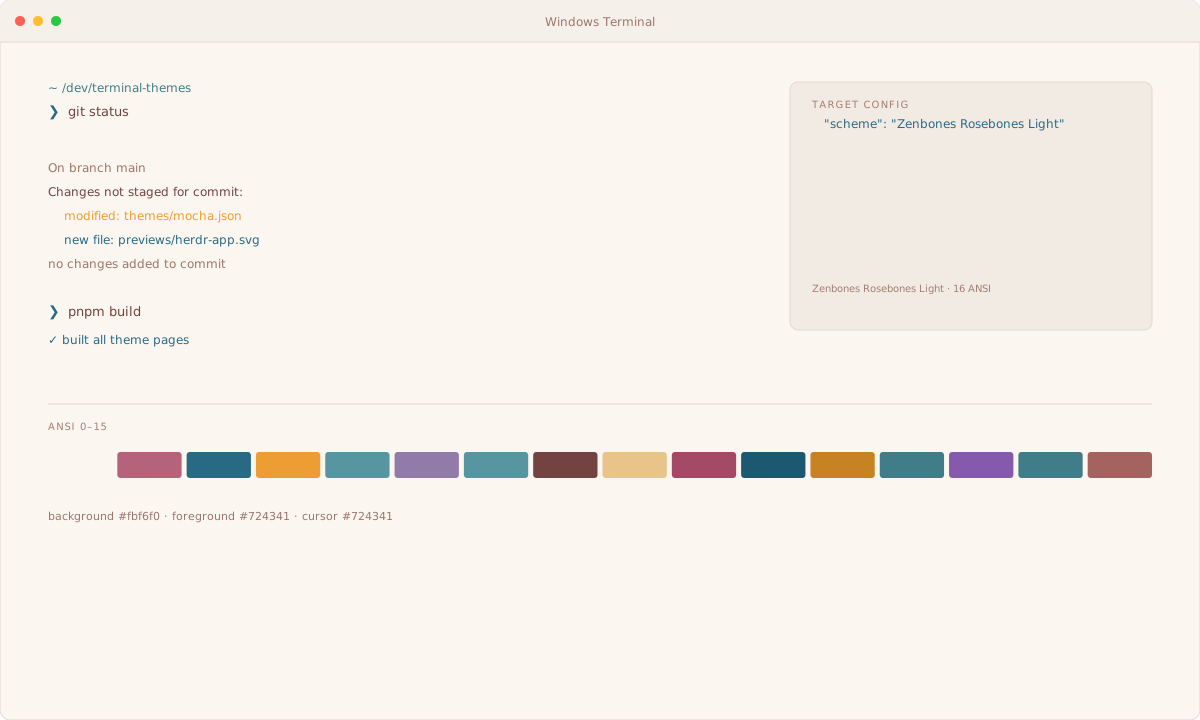
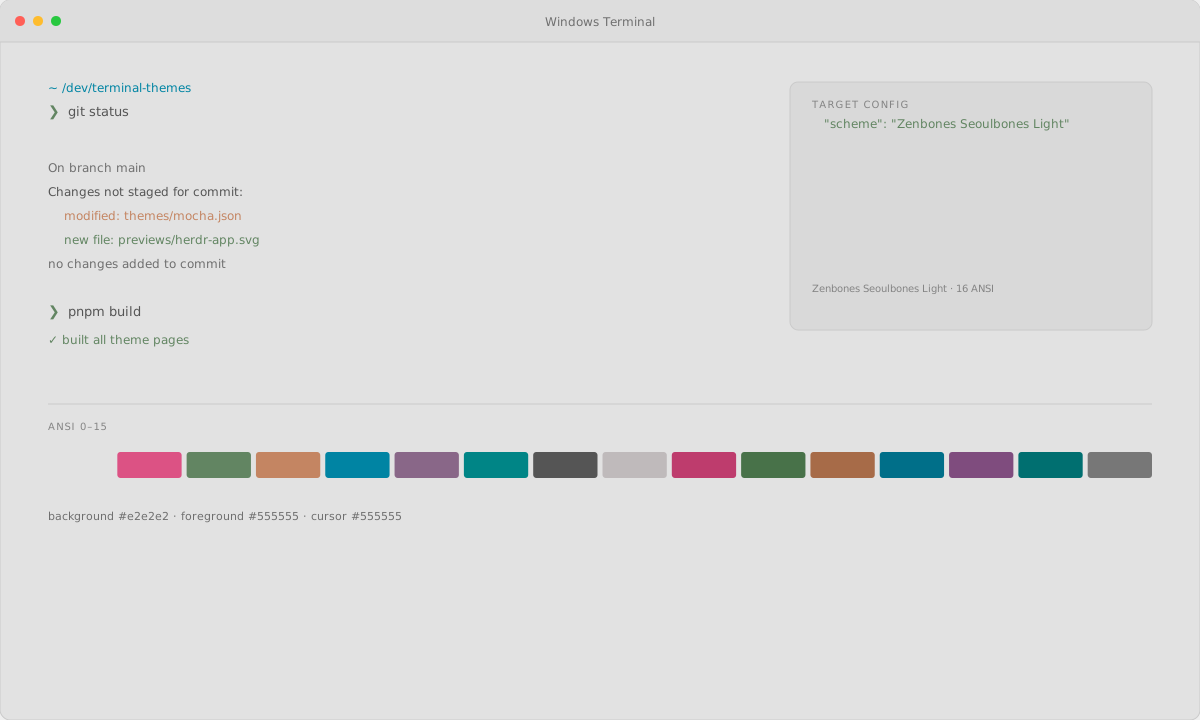
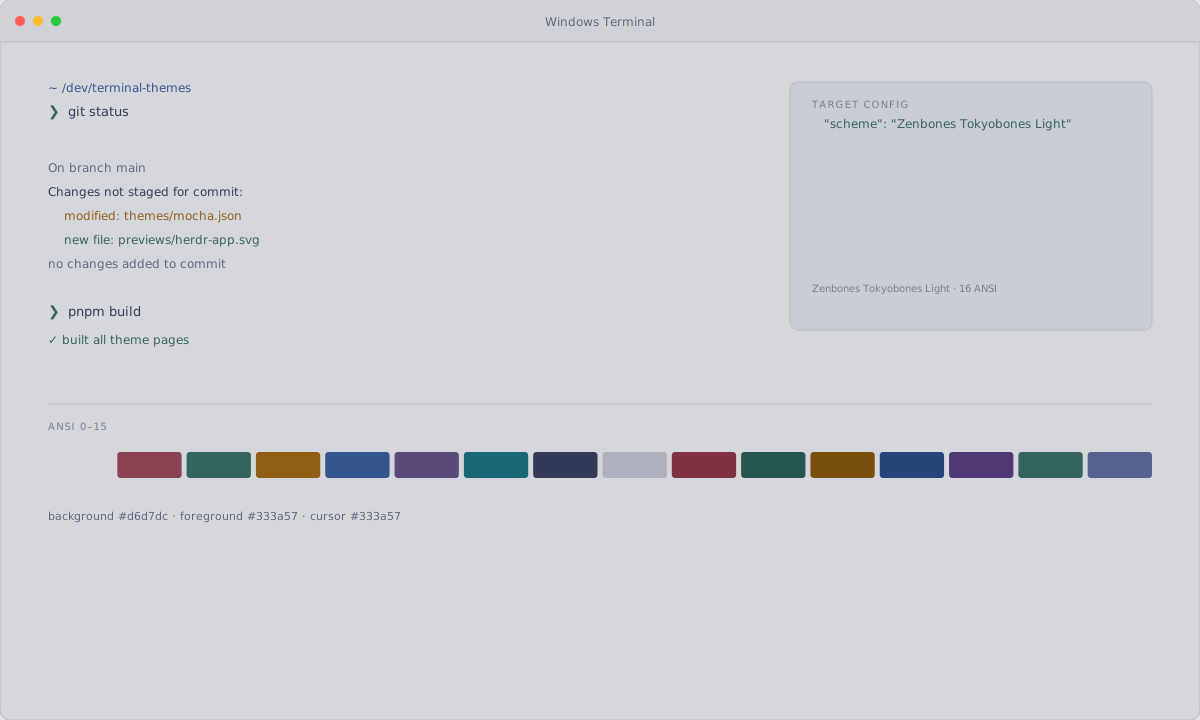
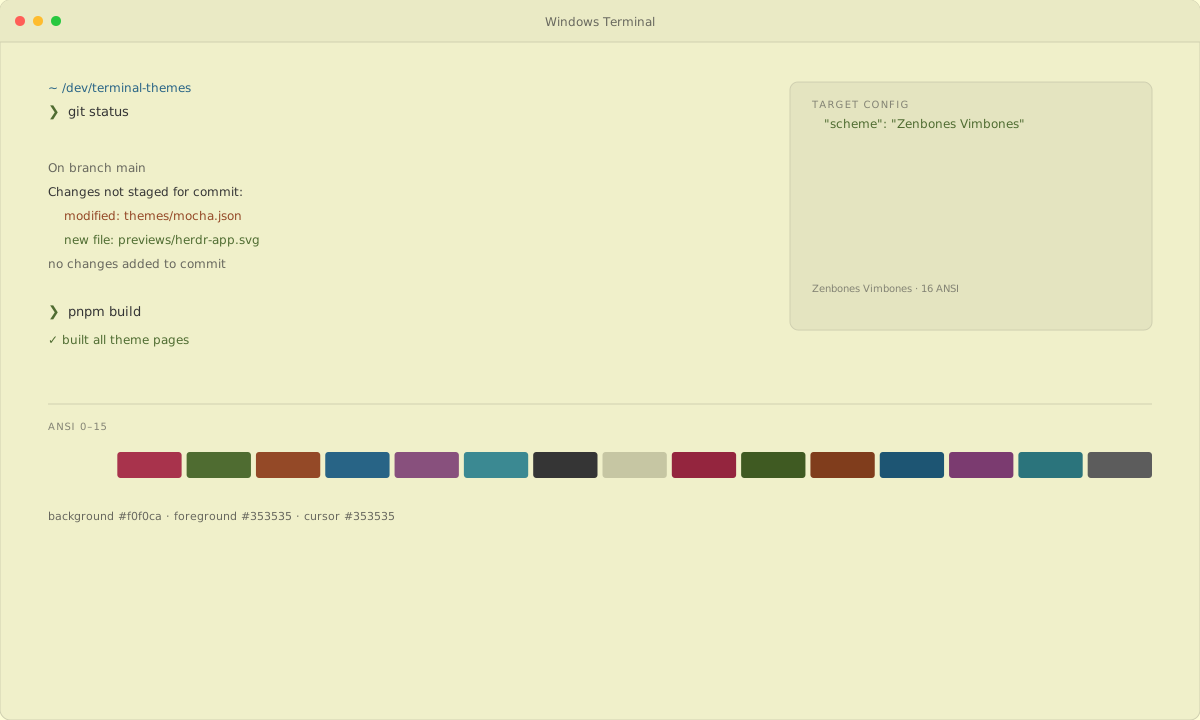
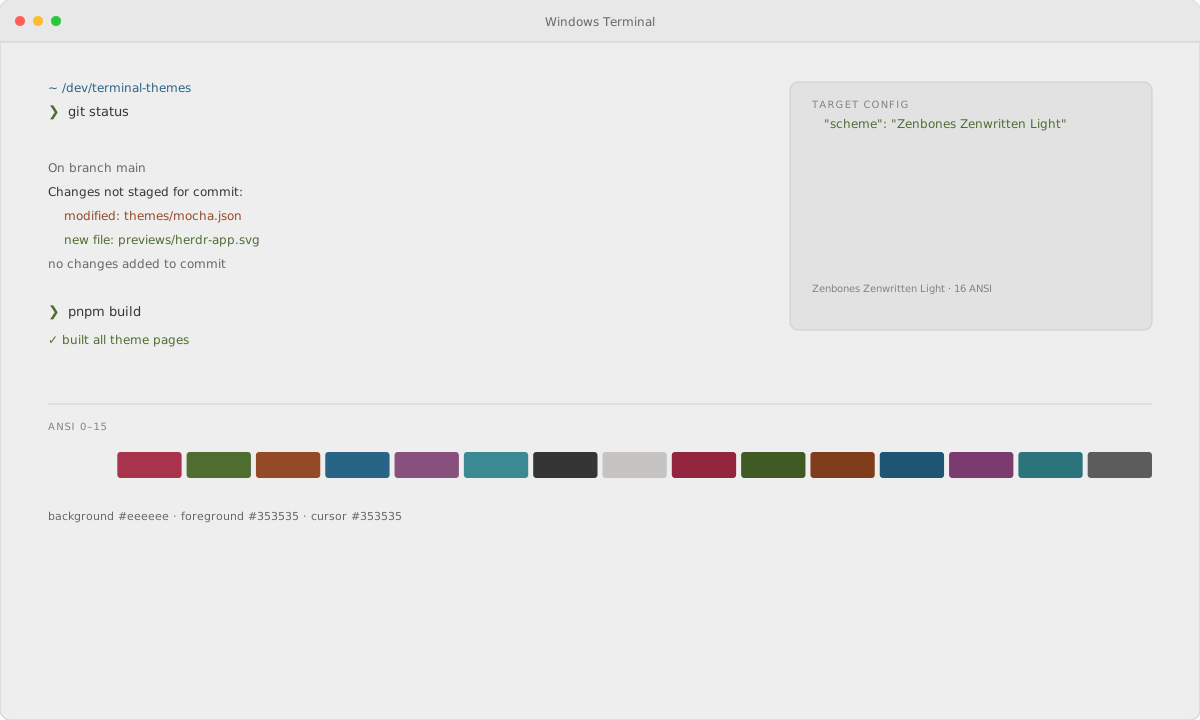
Each palette sets the background, foreground, cursor, selection, and the 16 ANSI colors used by prompts, Git, and editors. One palette is exported to six terminals, so colors stay consistent when you switch apps.
How does Windows Terminal load themes?
Open Windows Terminal → Settings → Open JSON file. Add the exported object to the schemes array. This site generates the native file from one palette instead of copying an upstream theme file or screenshot.