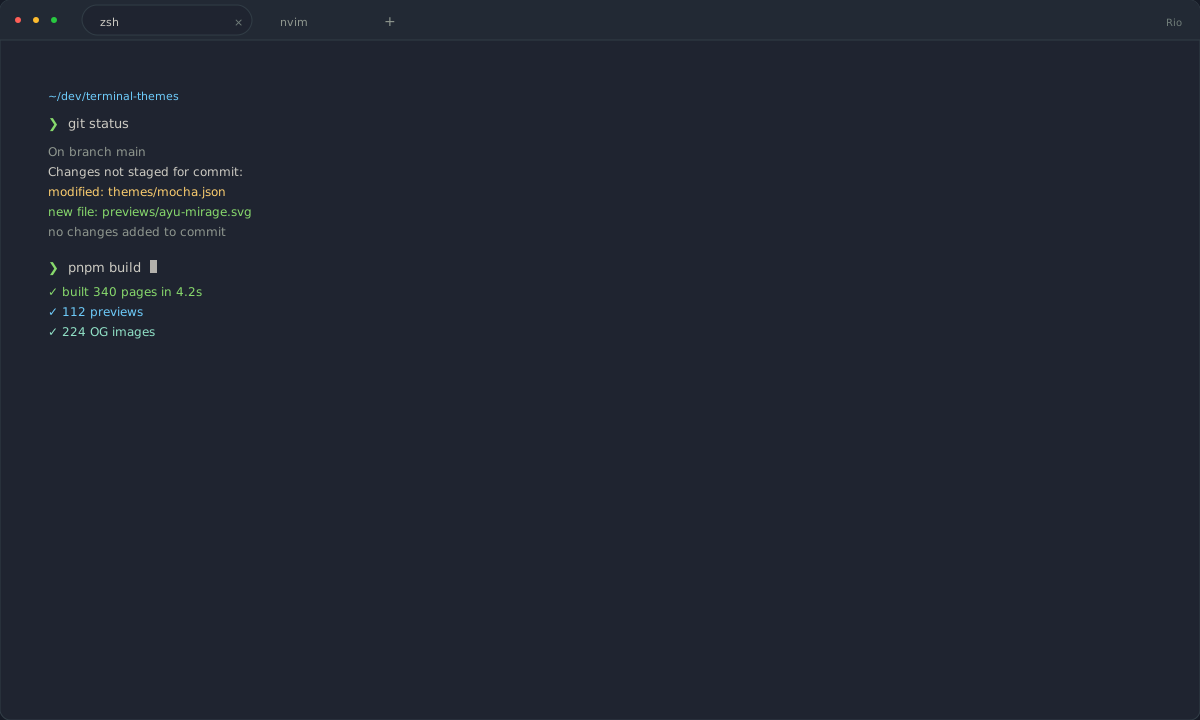
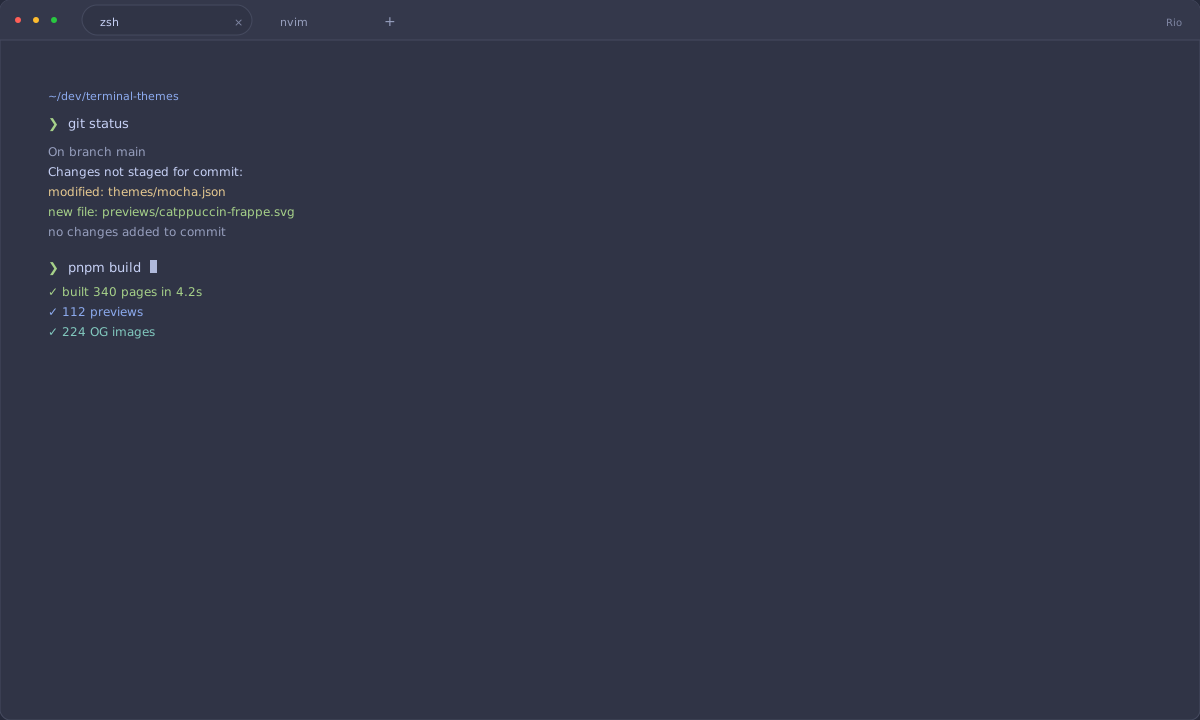
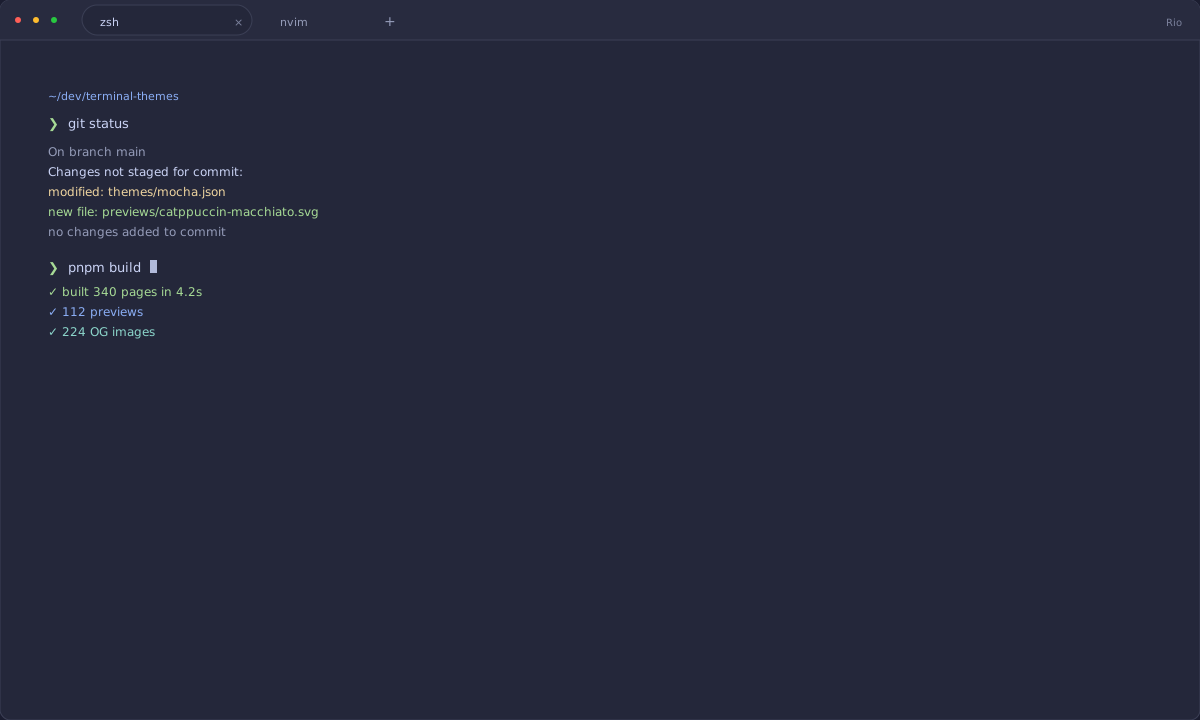
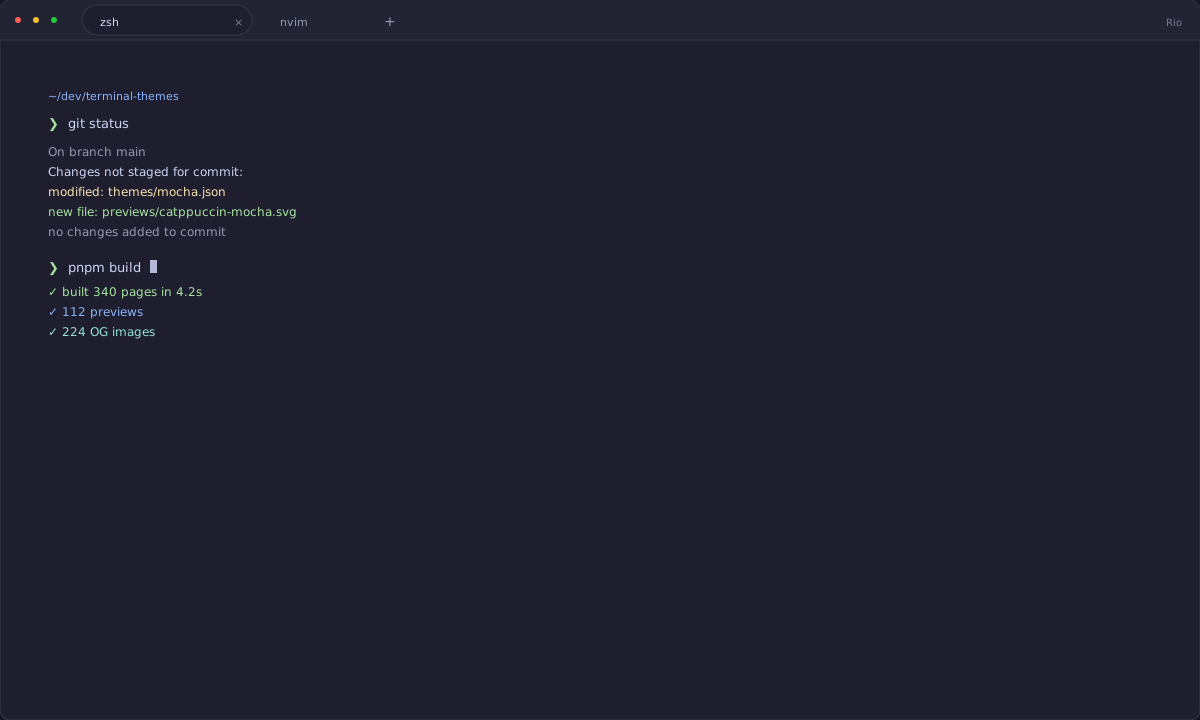
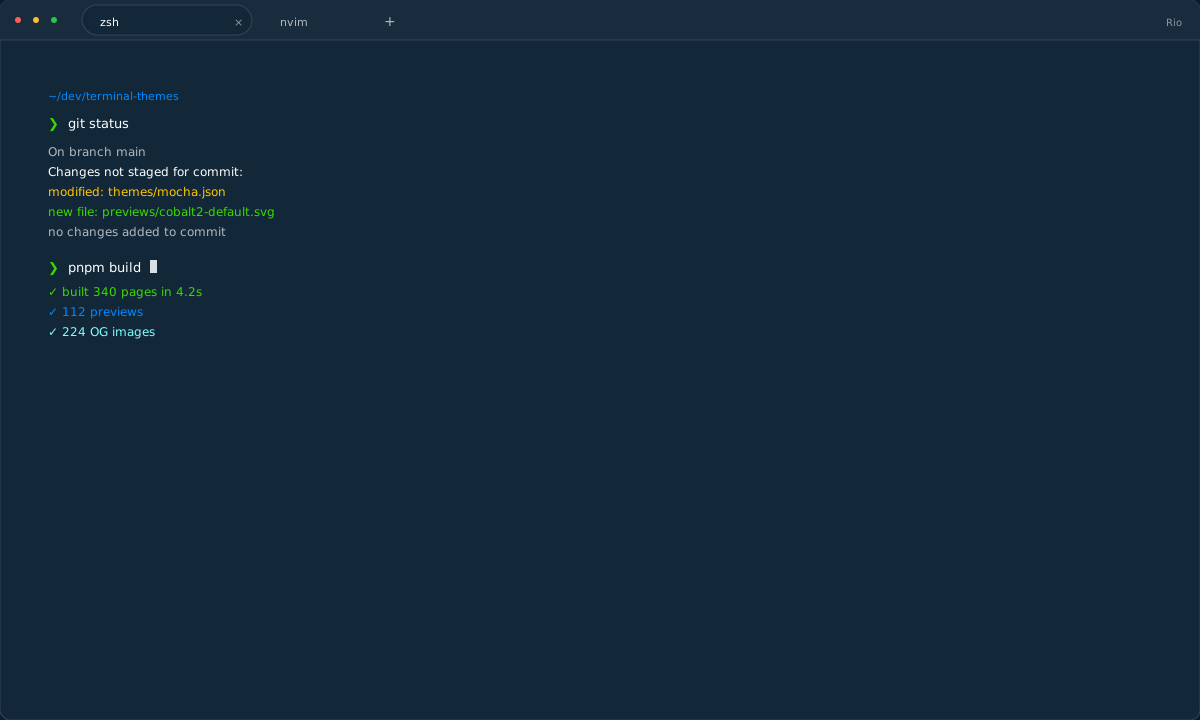
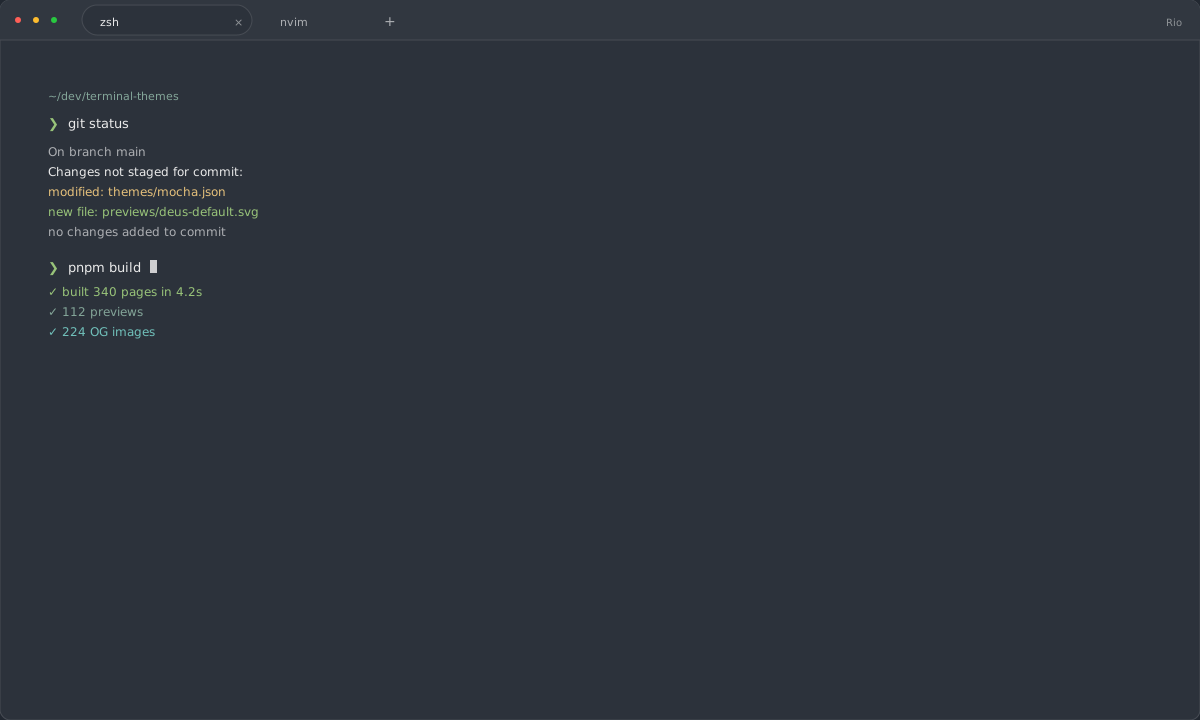
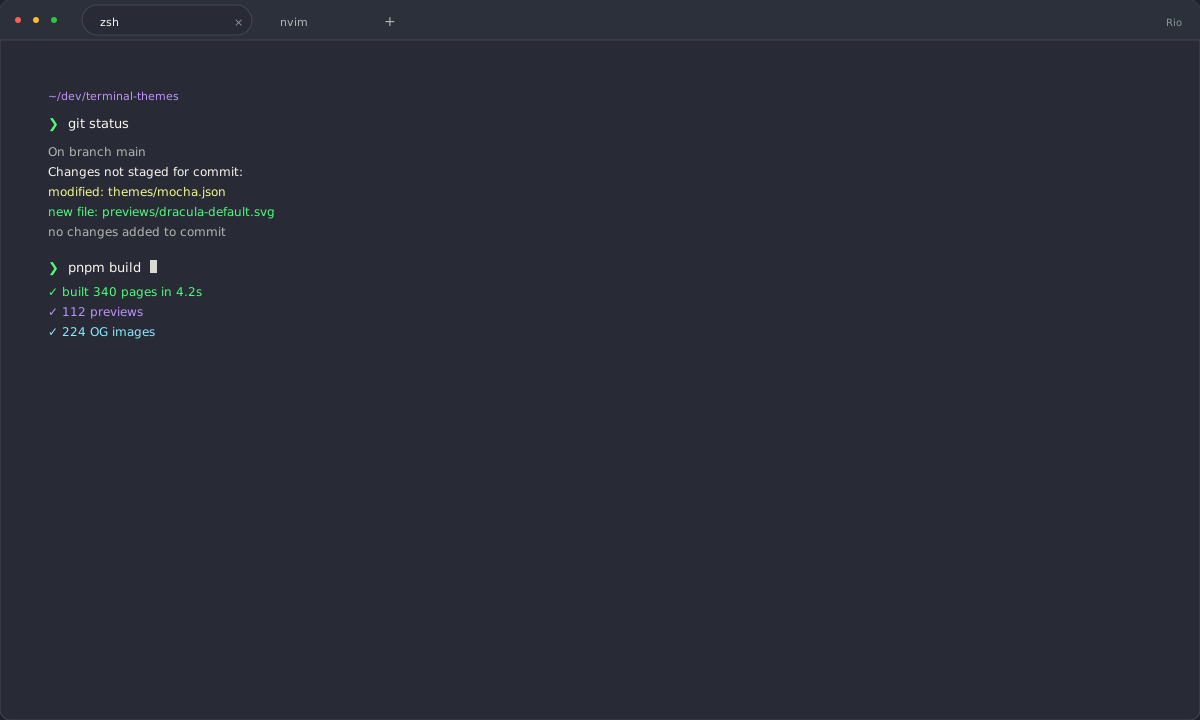
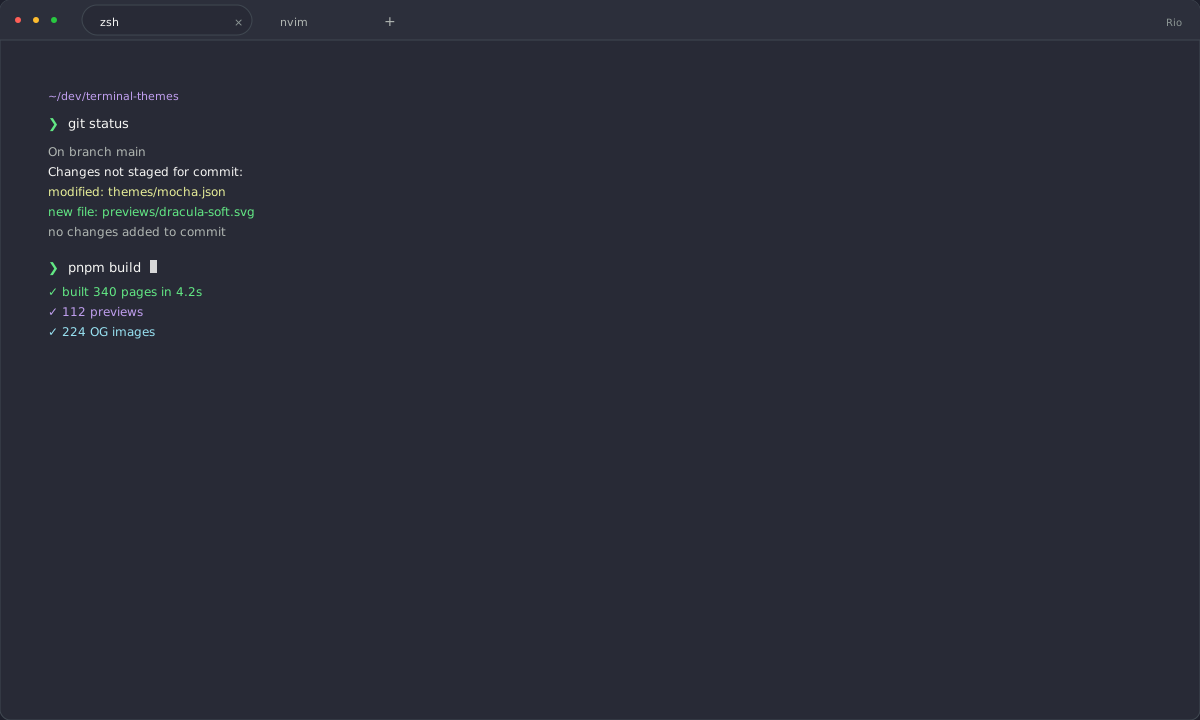
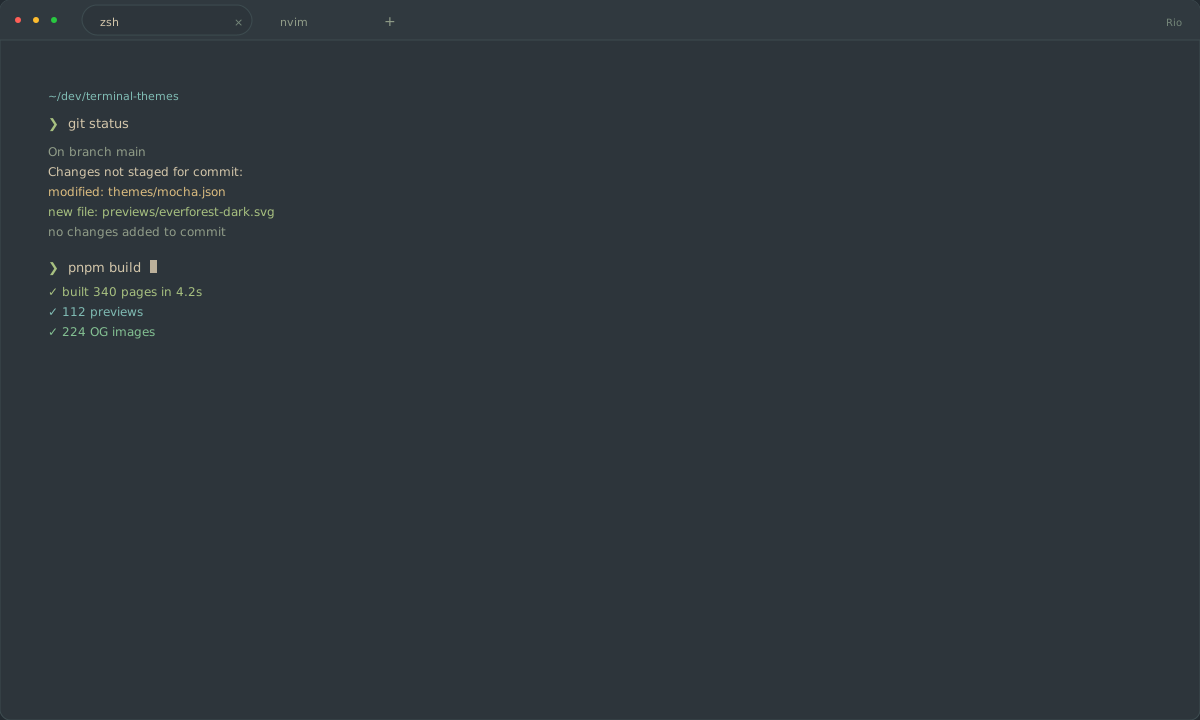
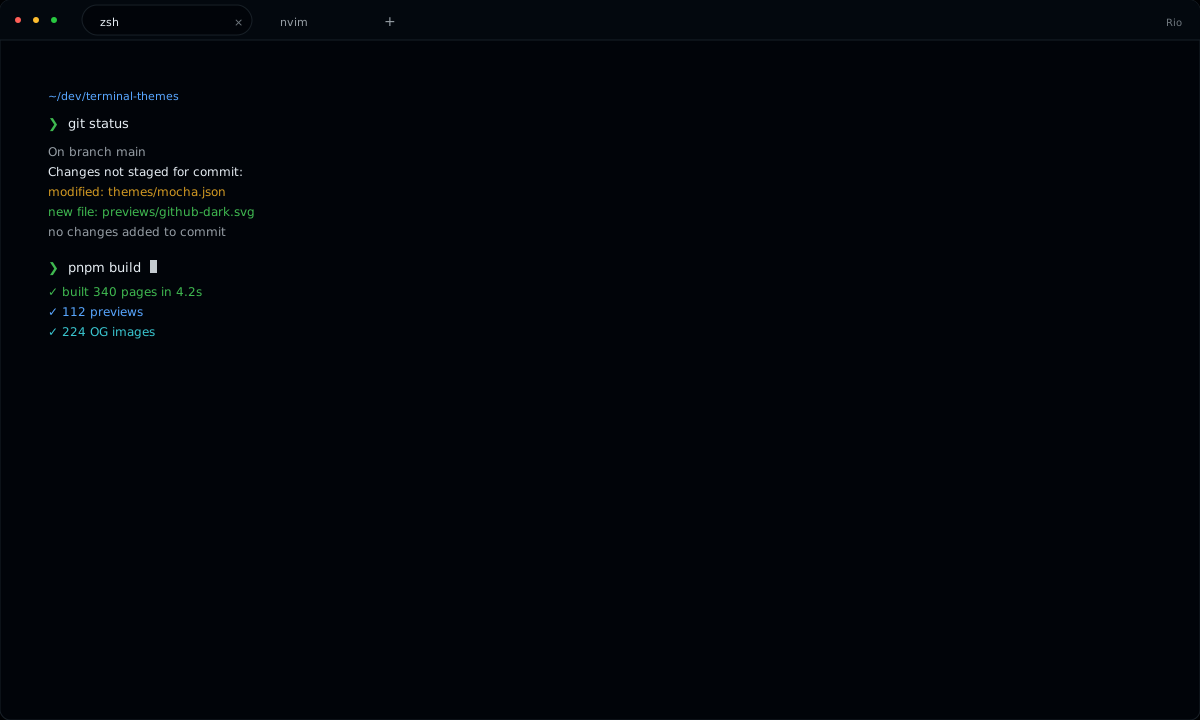
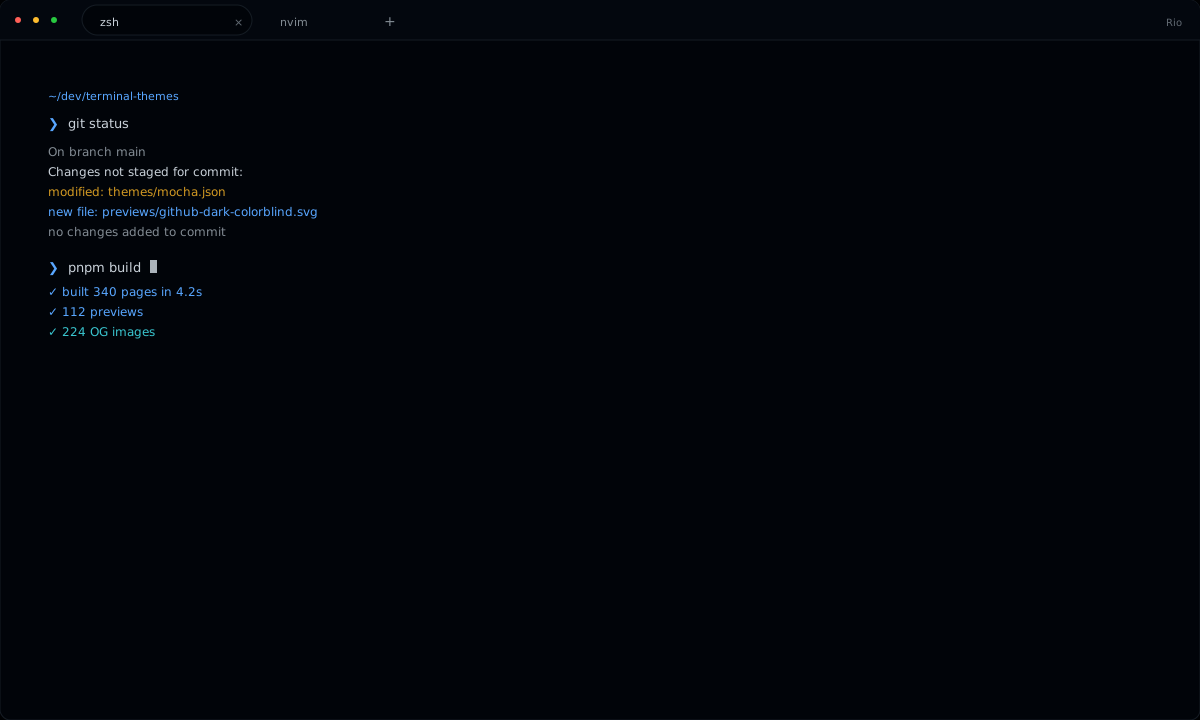
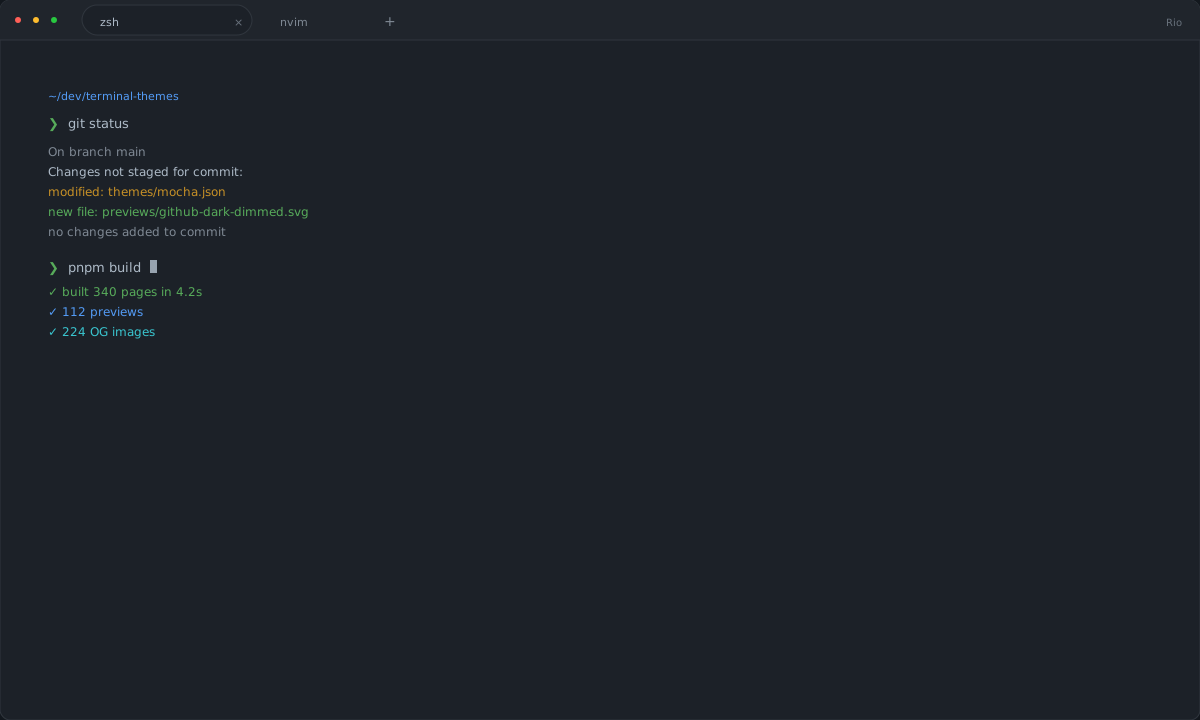
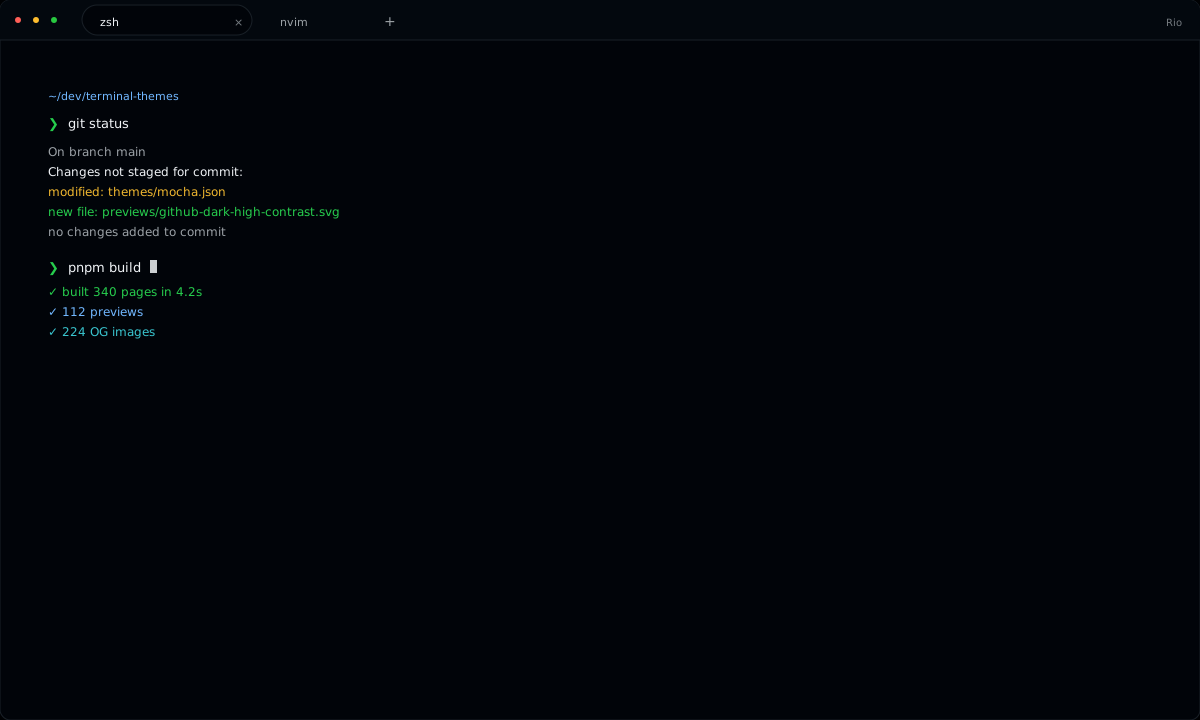
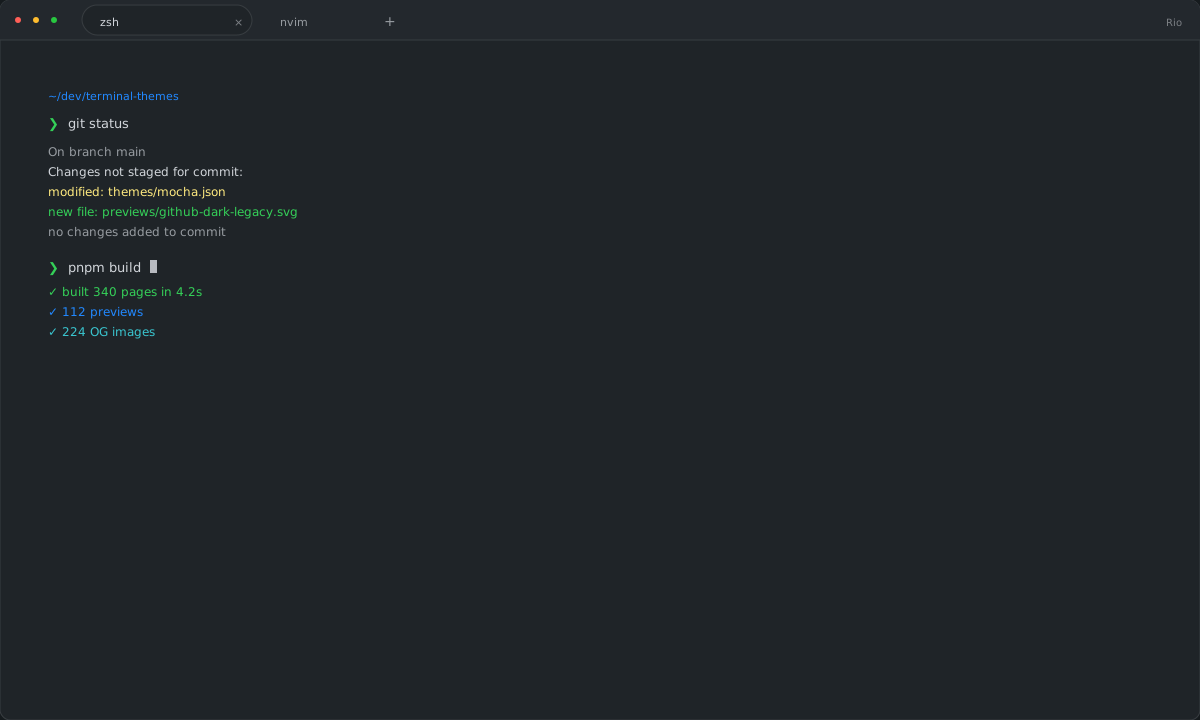
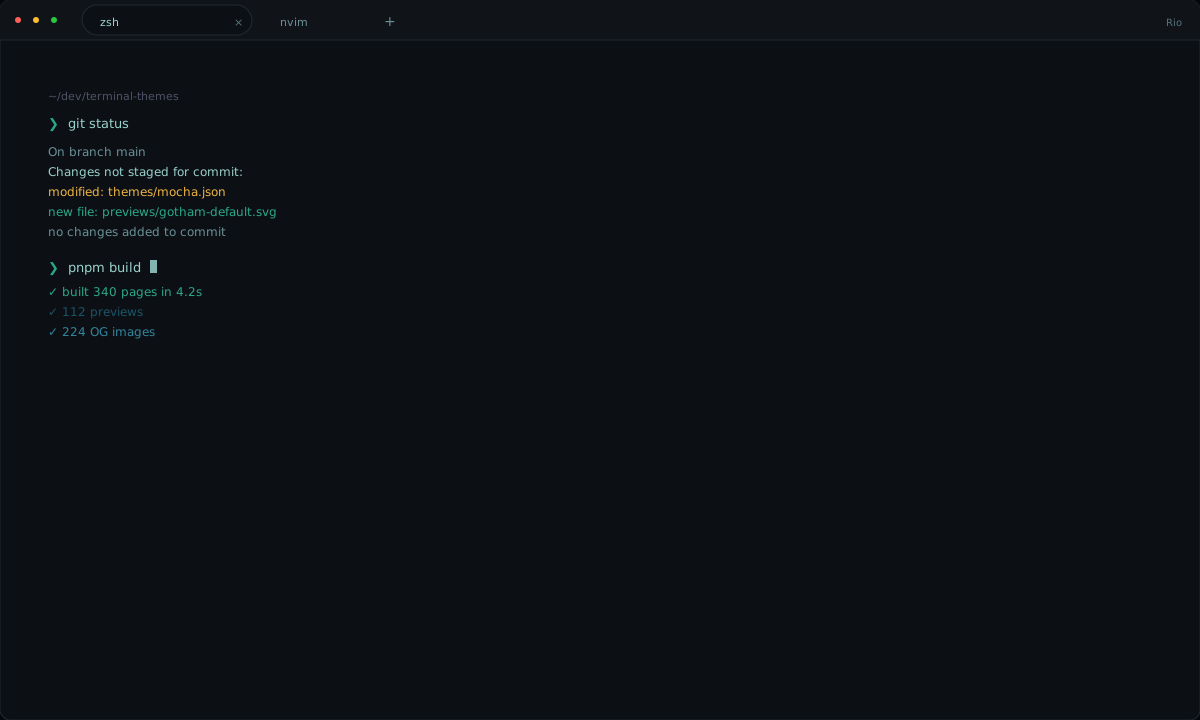
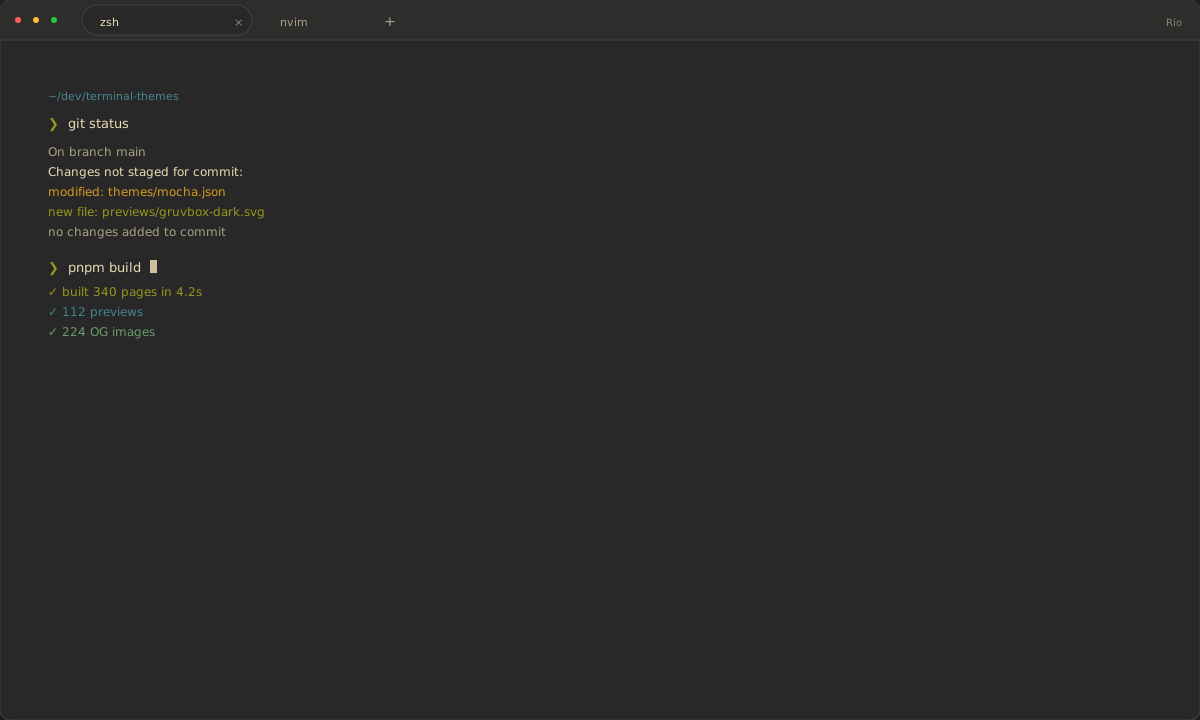
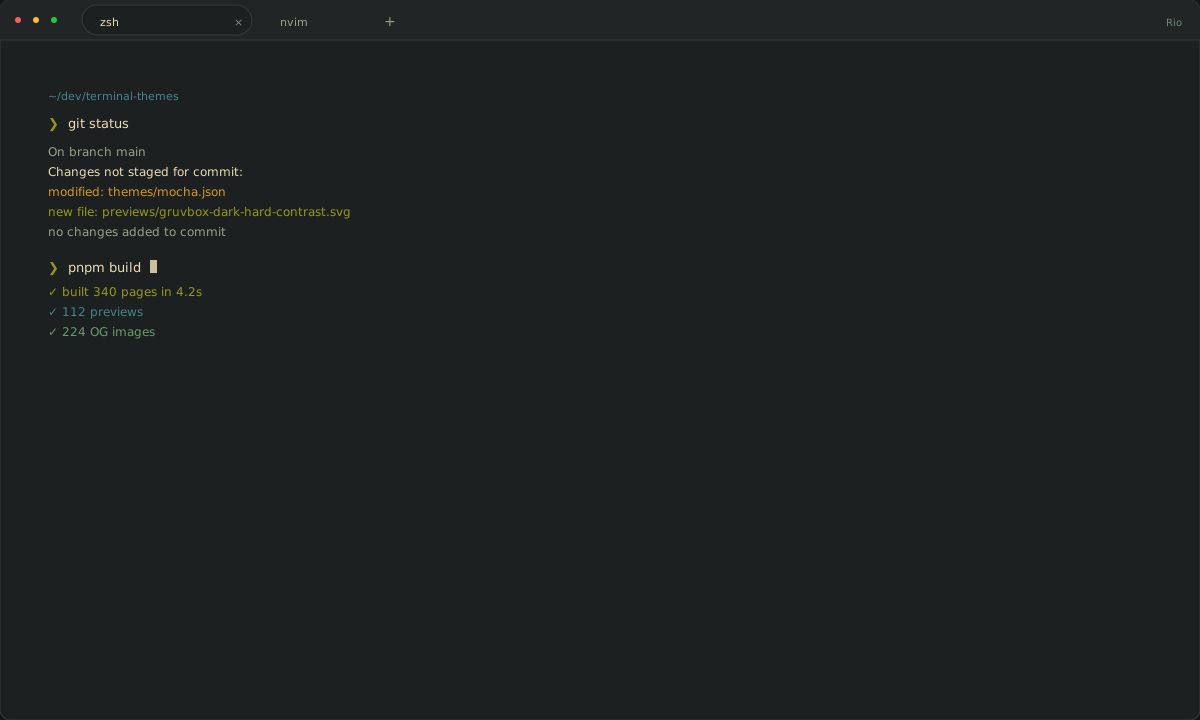
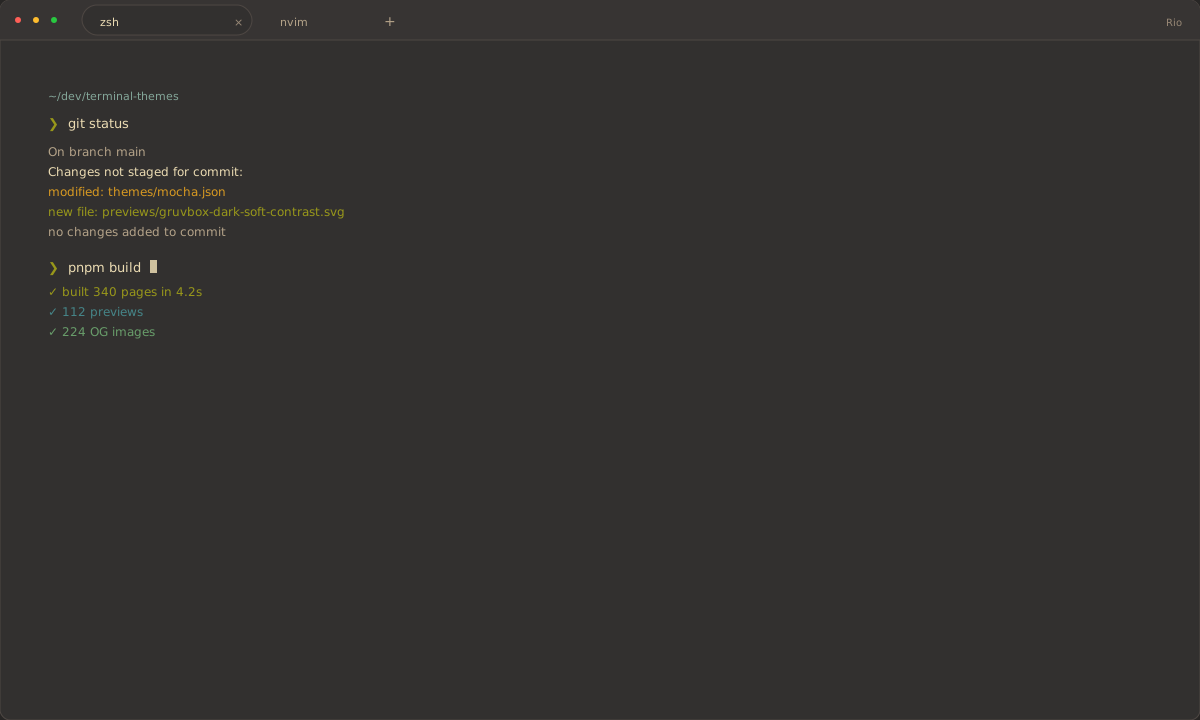
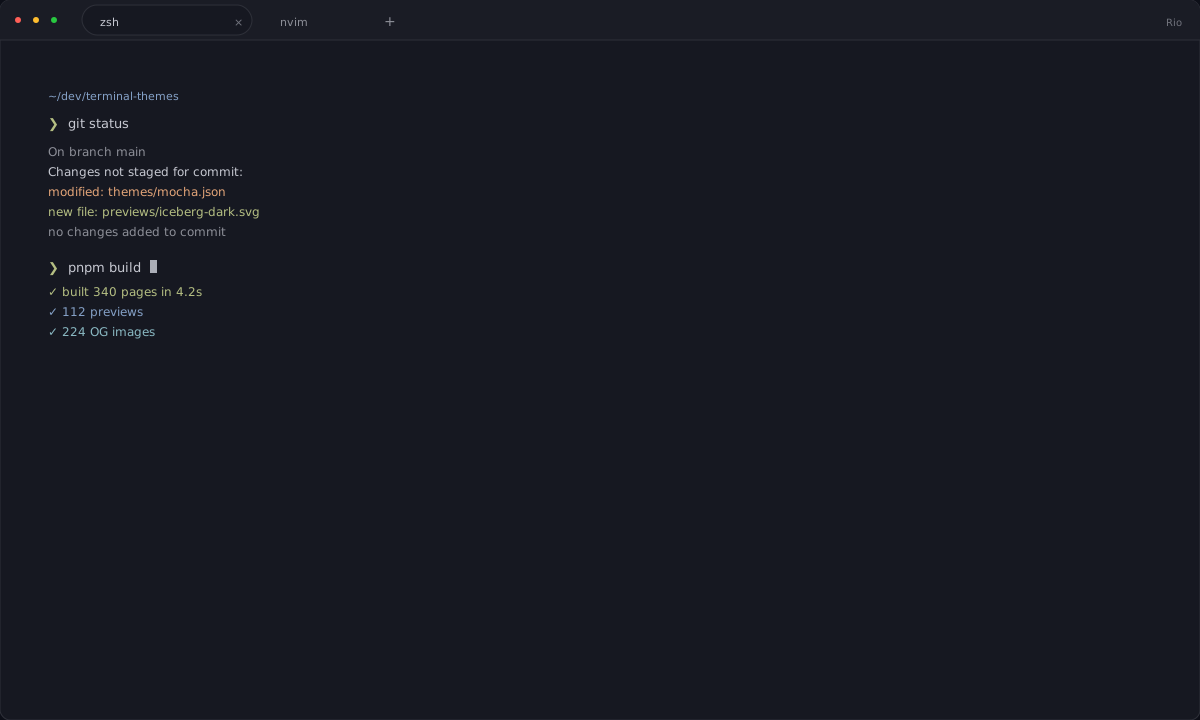
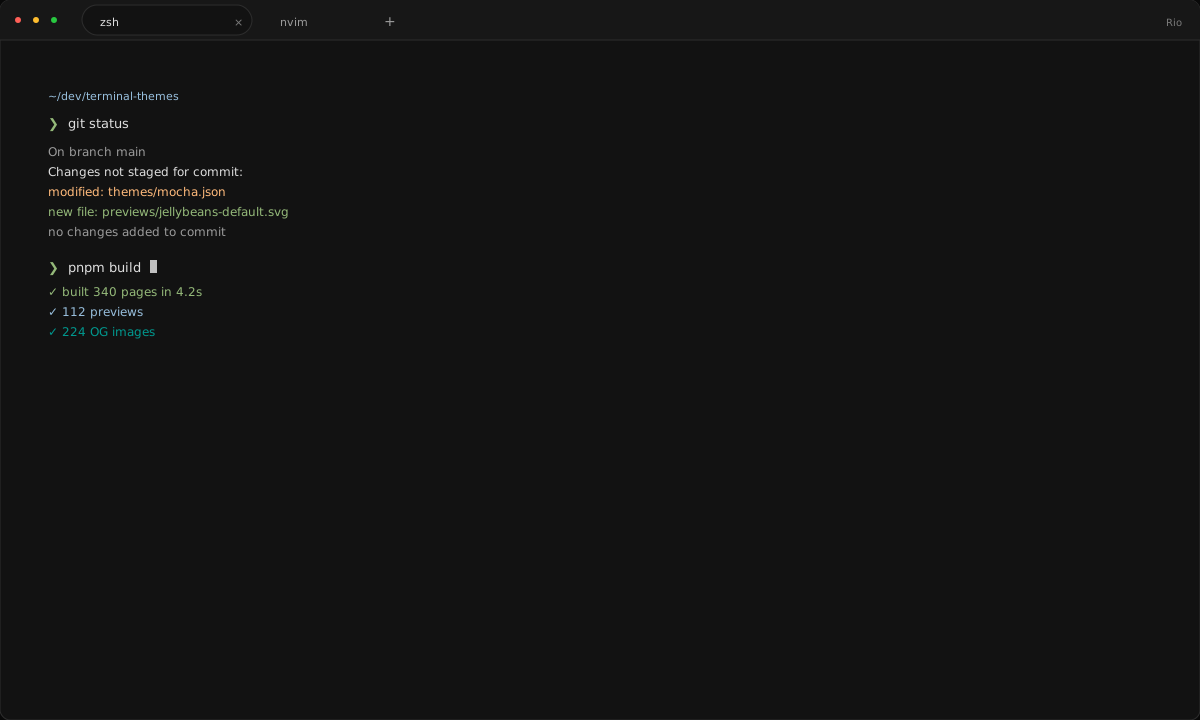
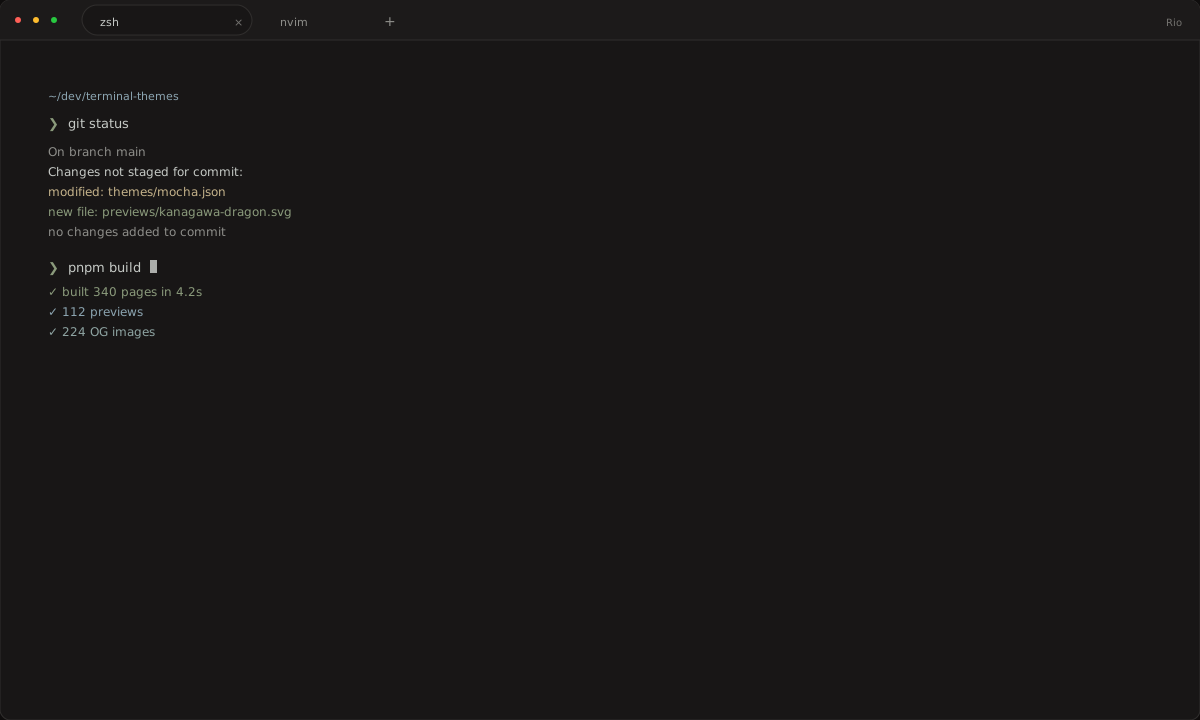
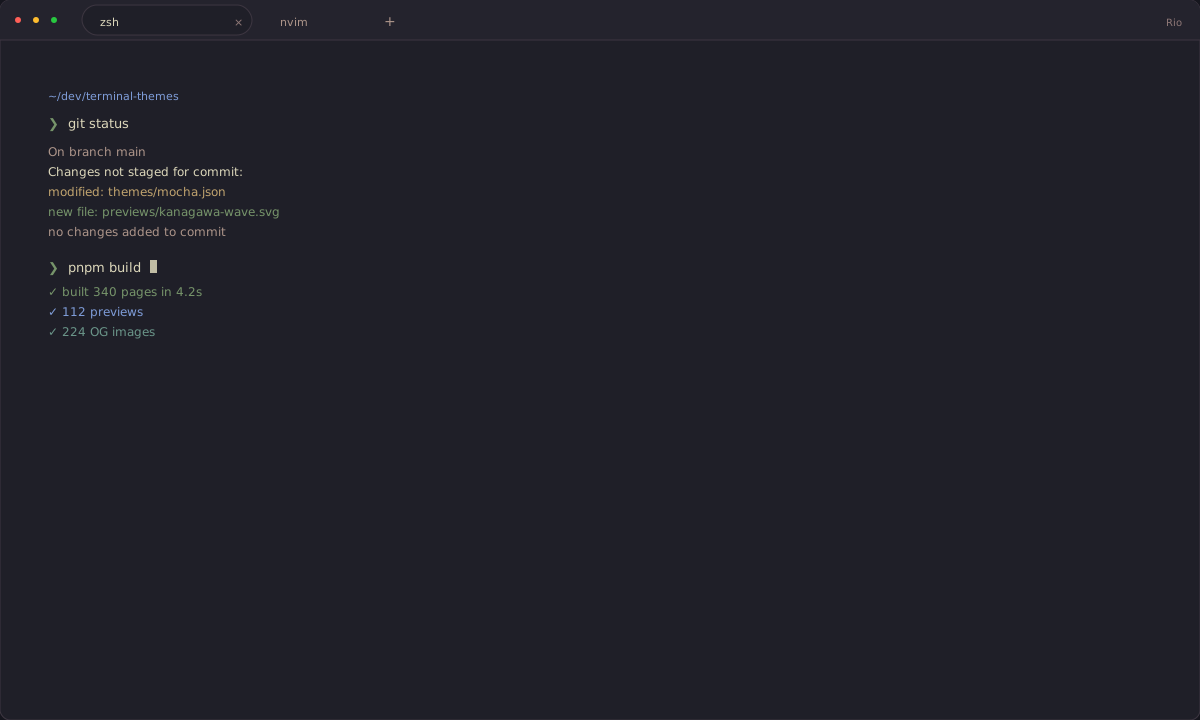
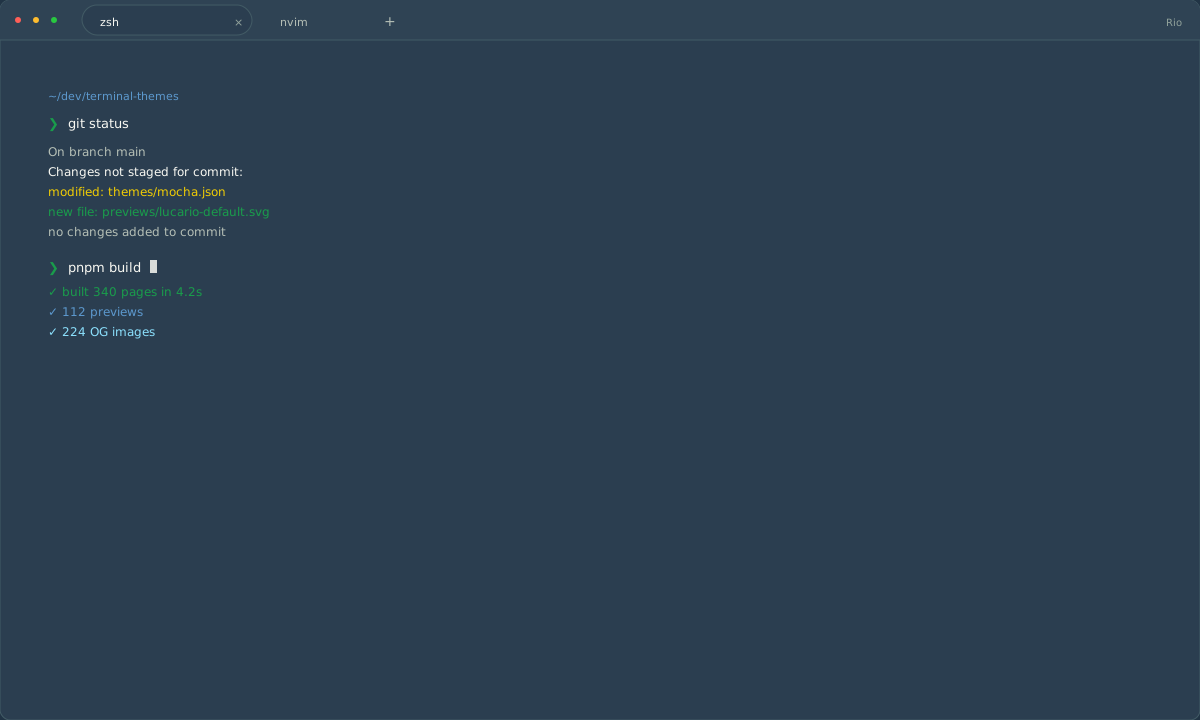
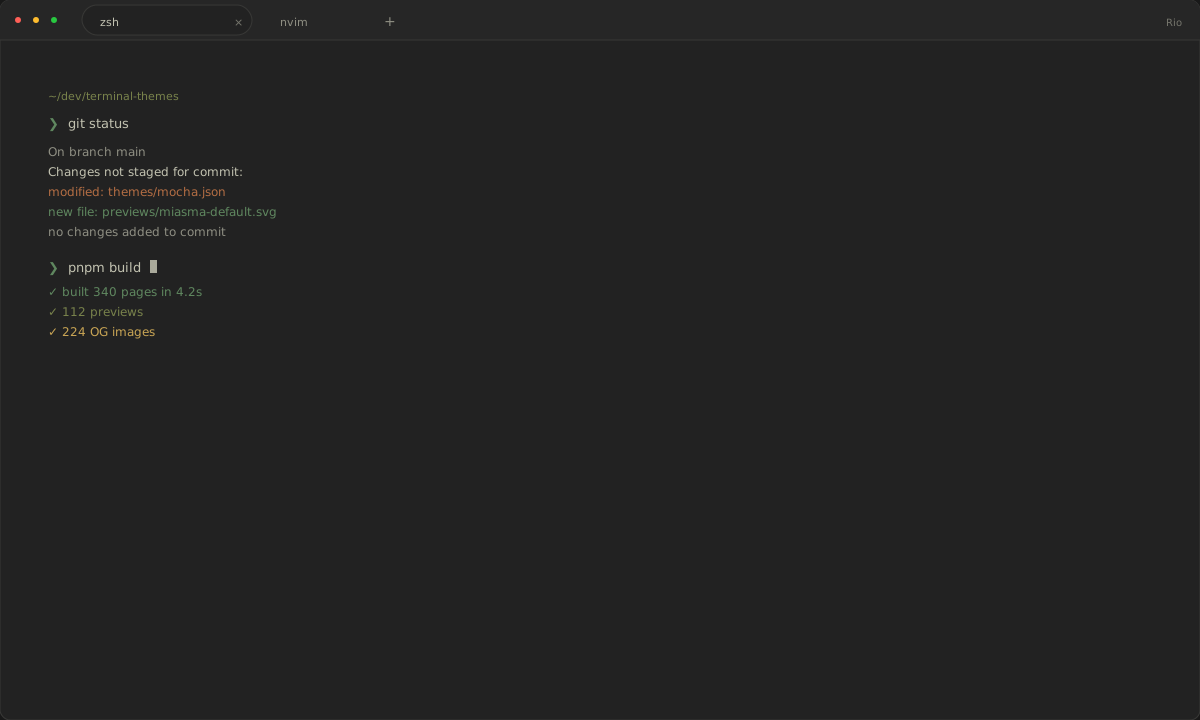
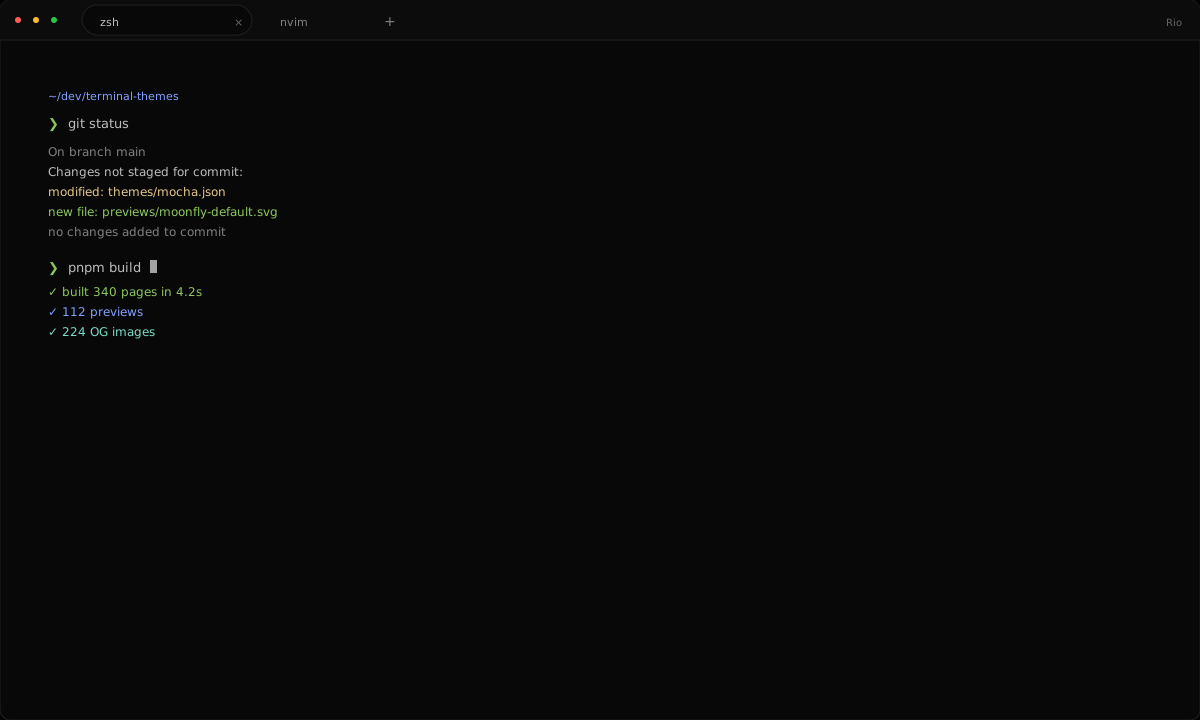
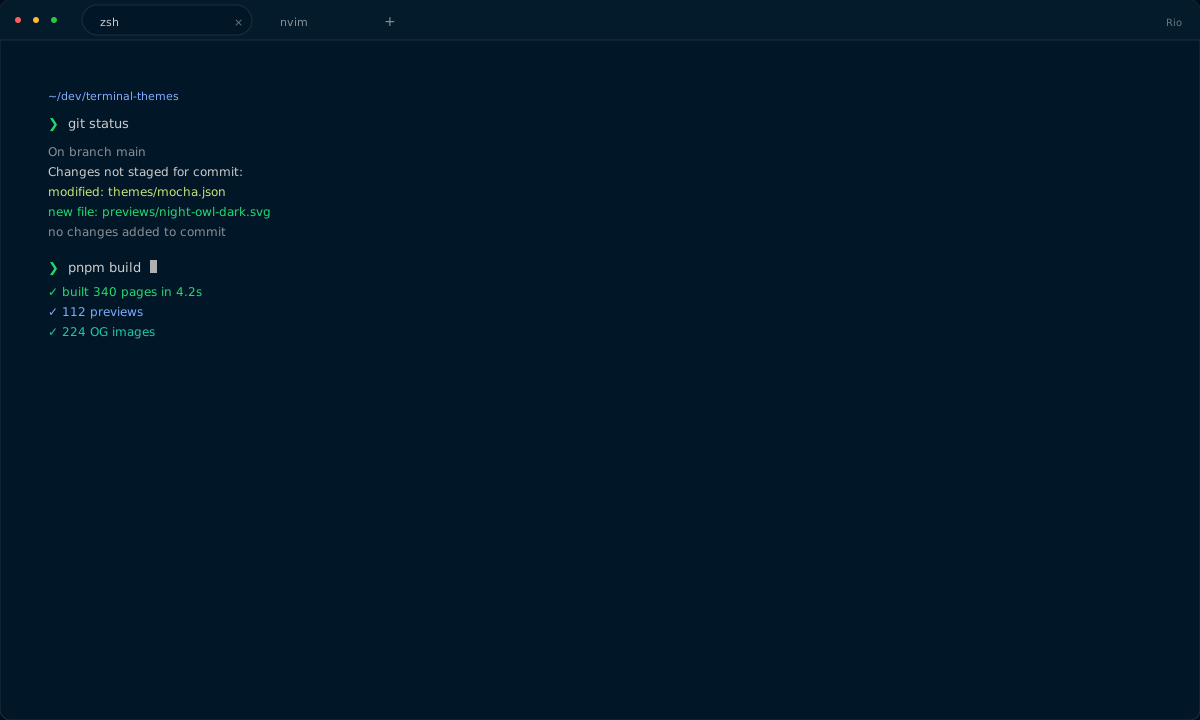
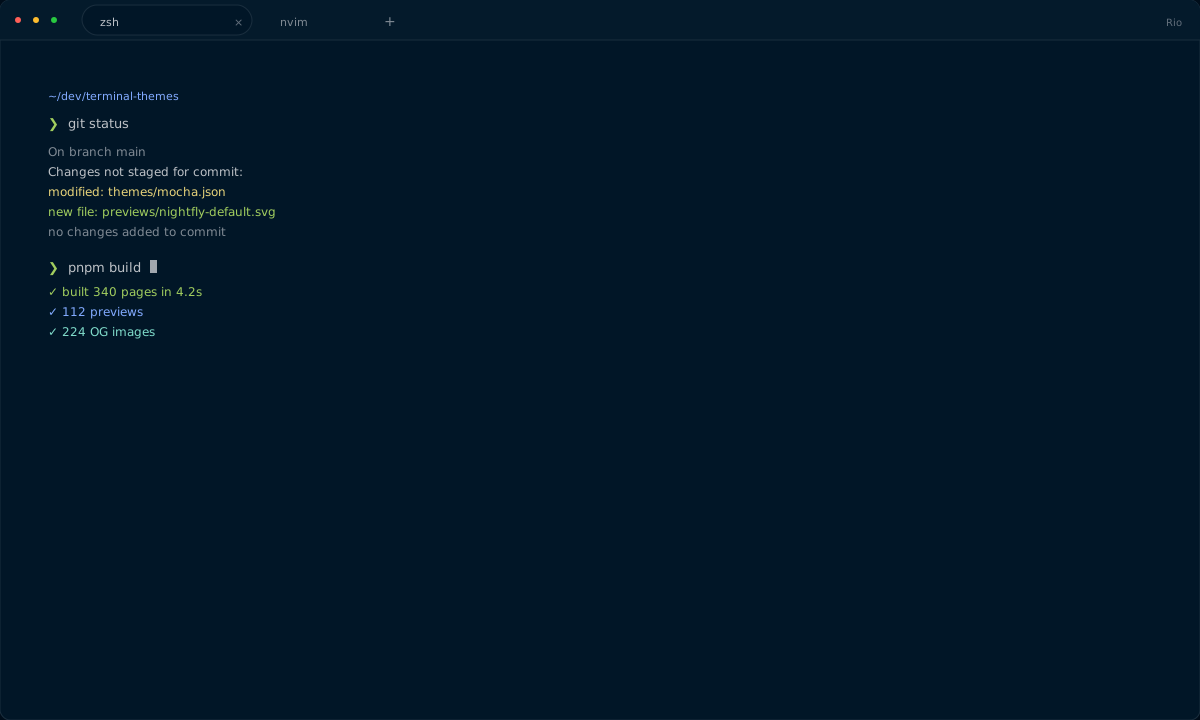
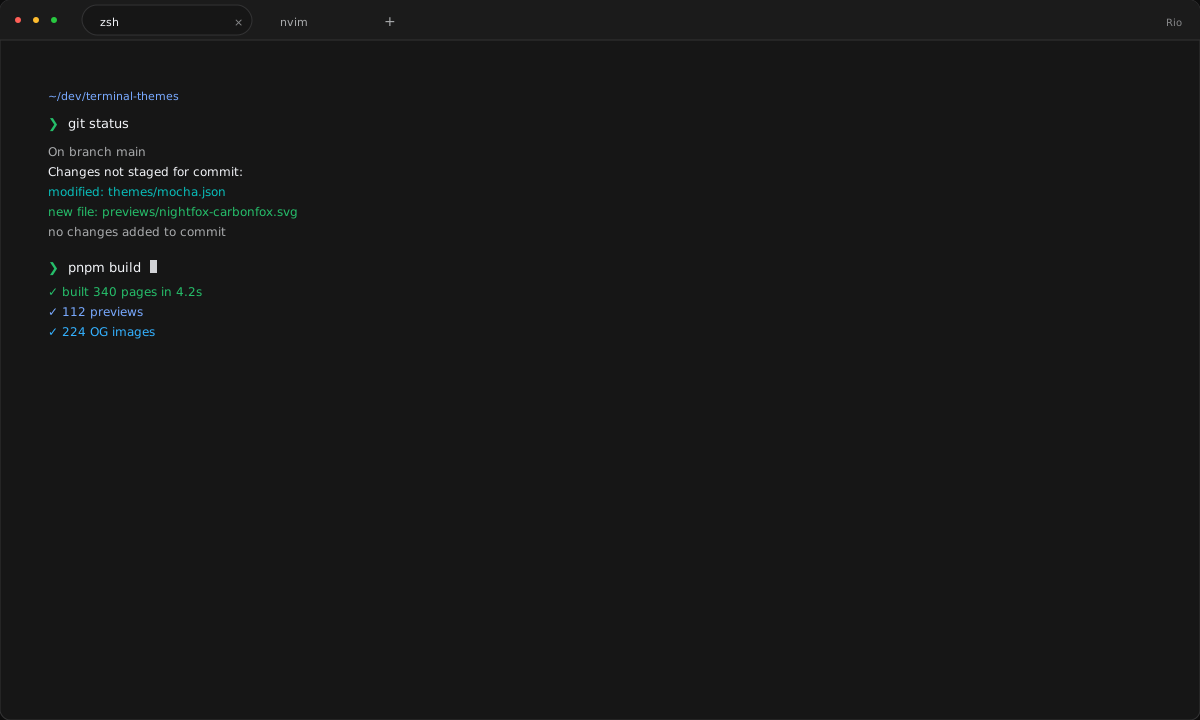
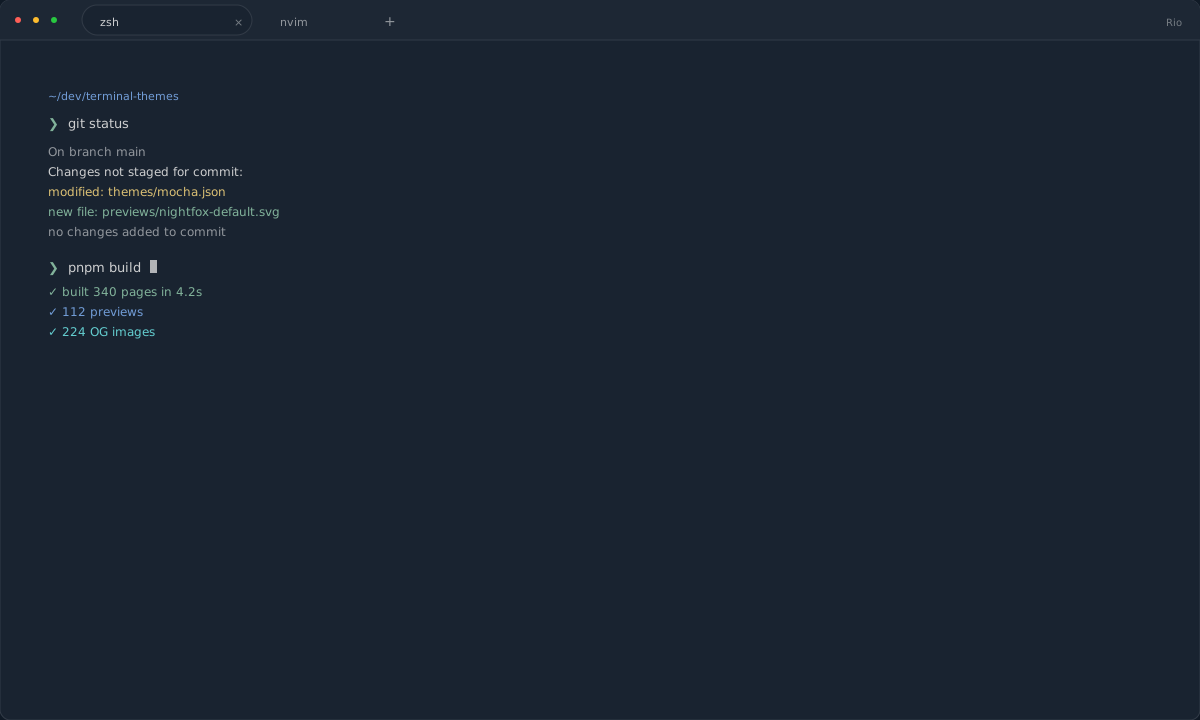
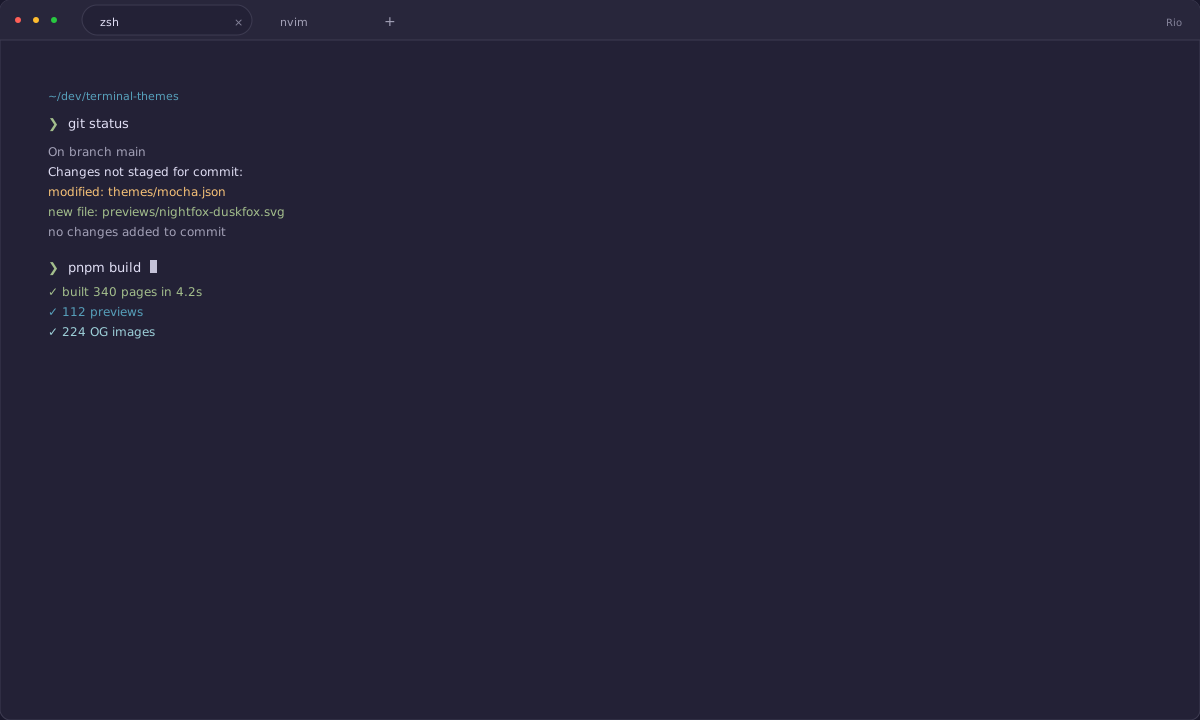
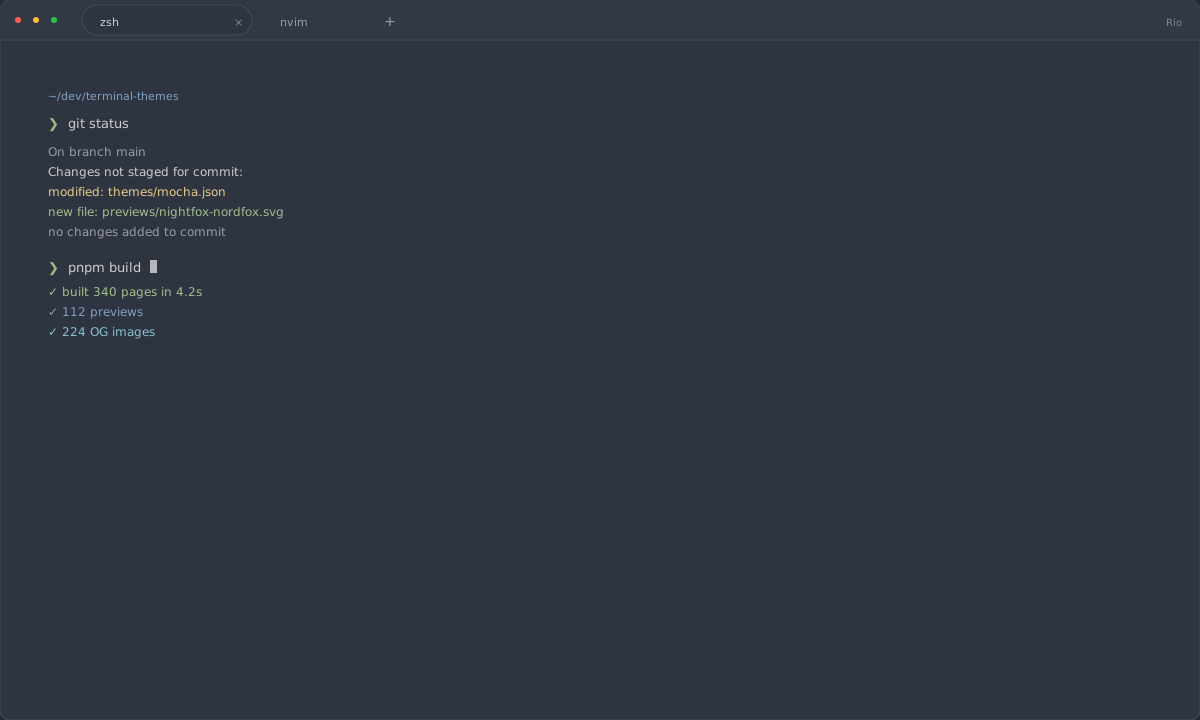
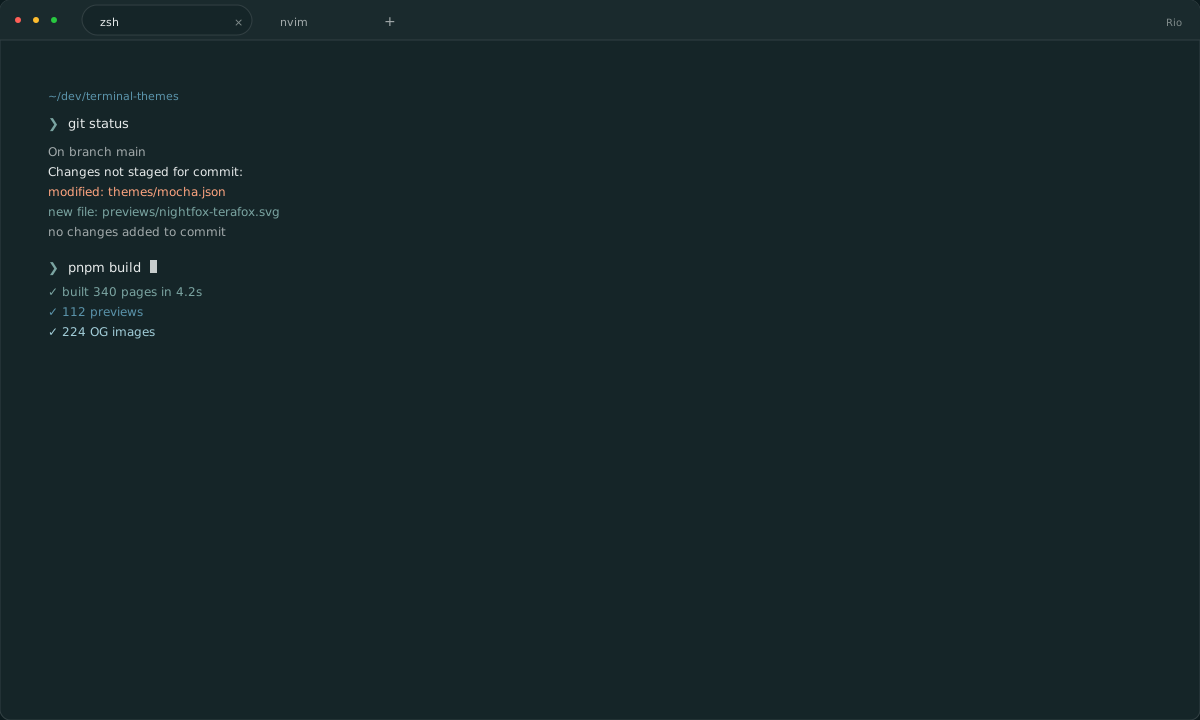
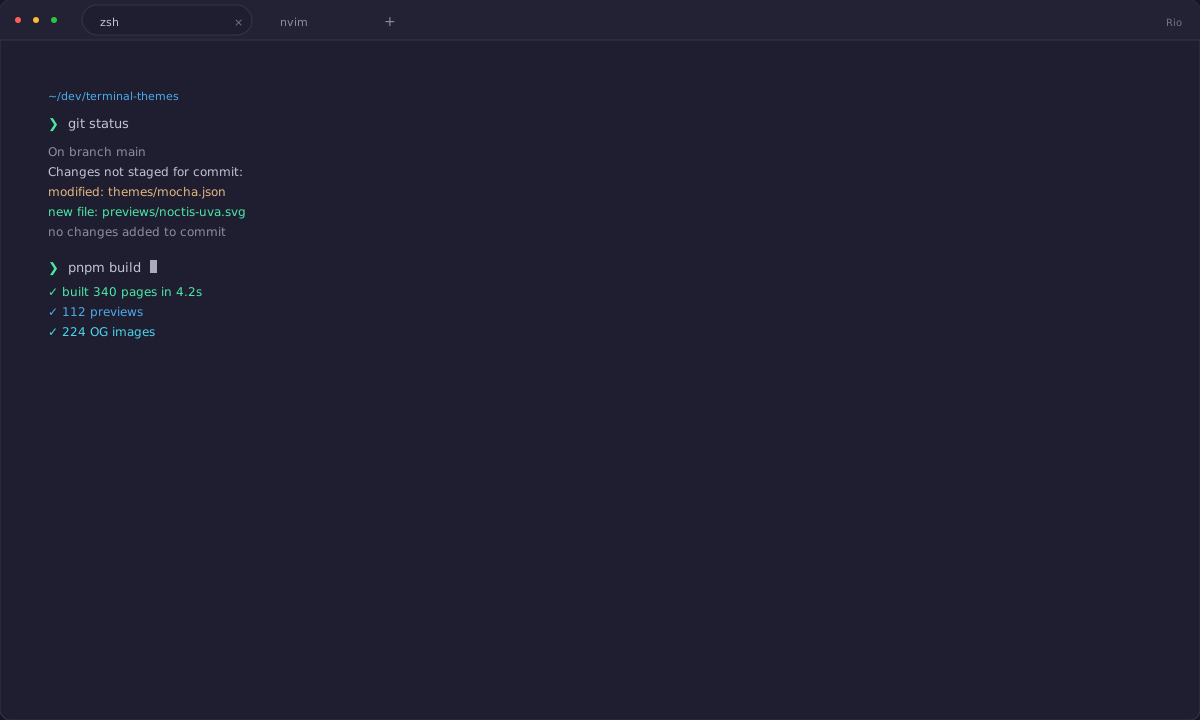
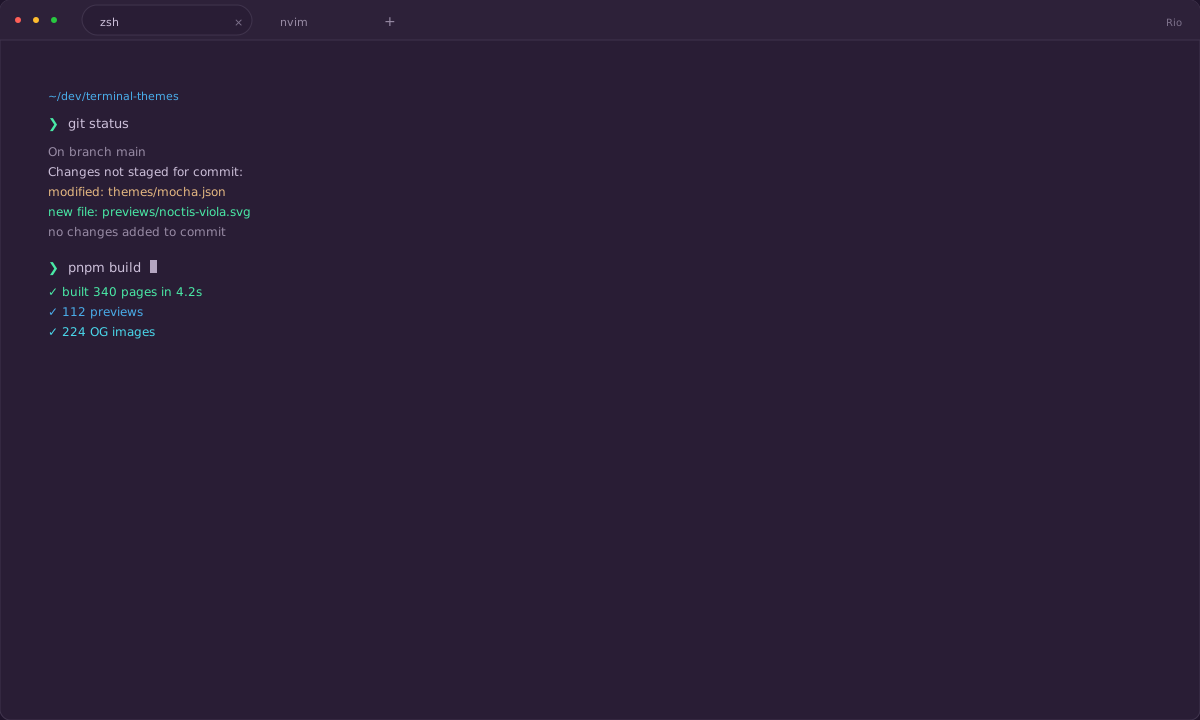
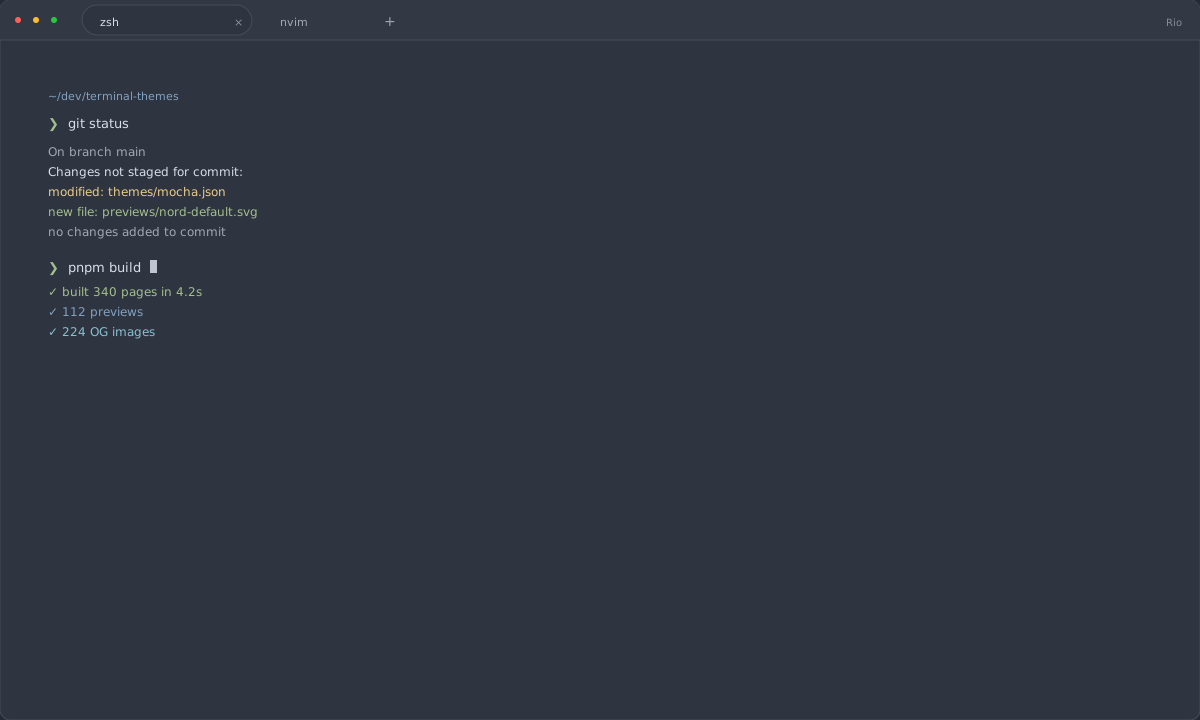
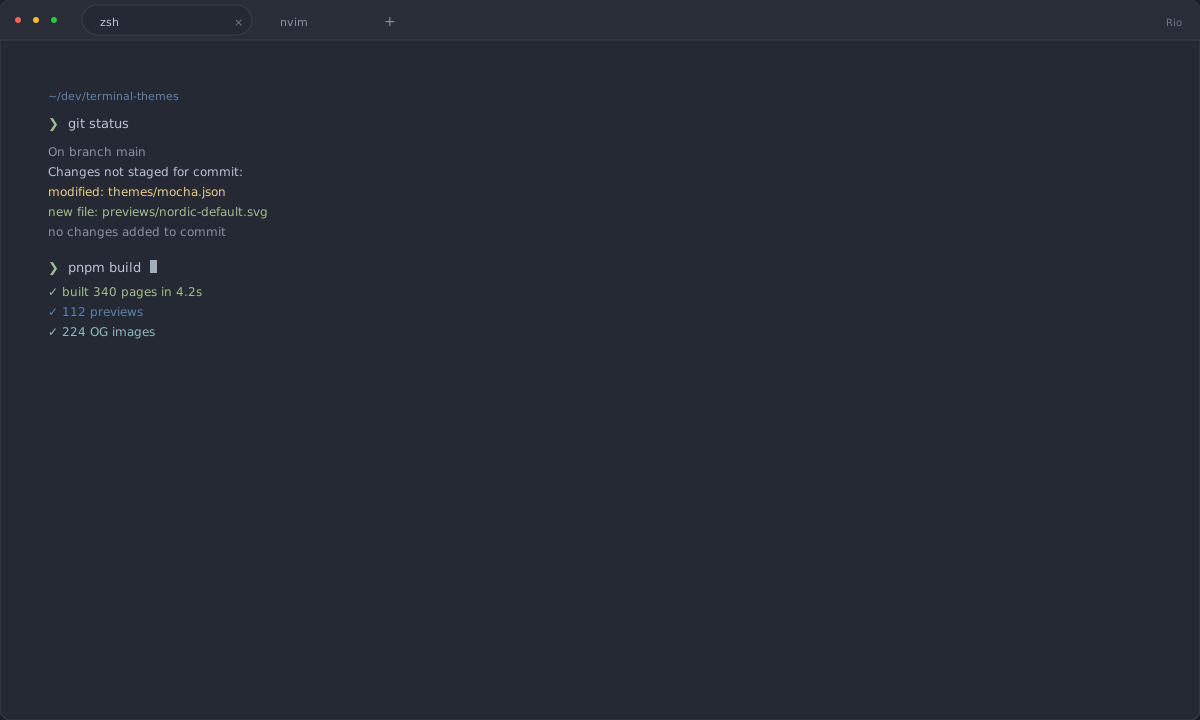
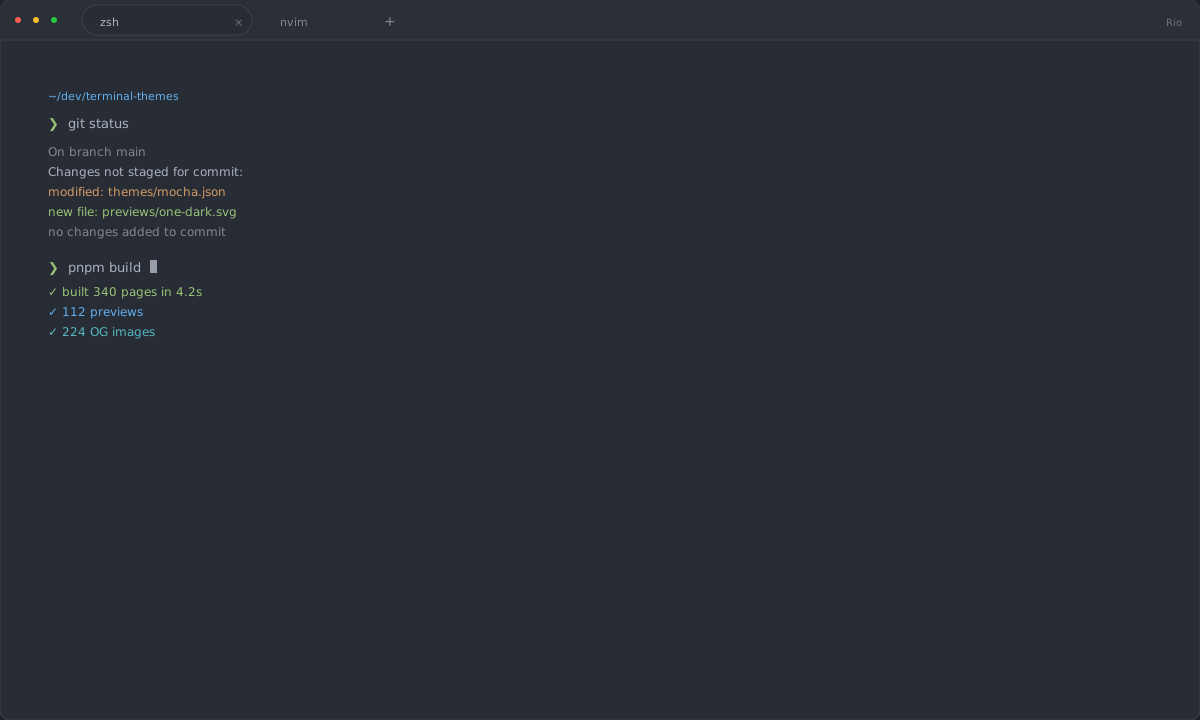
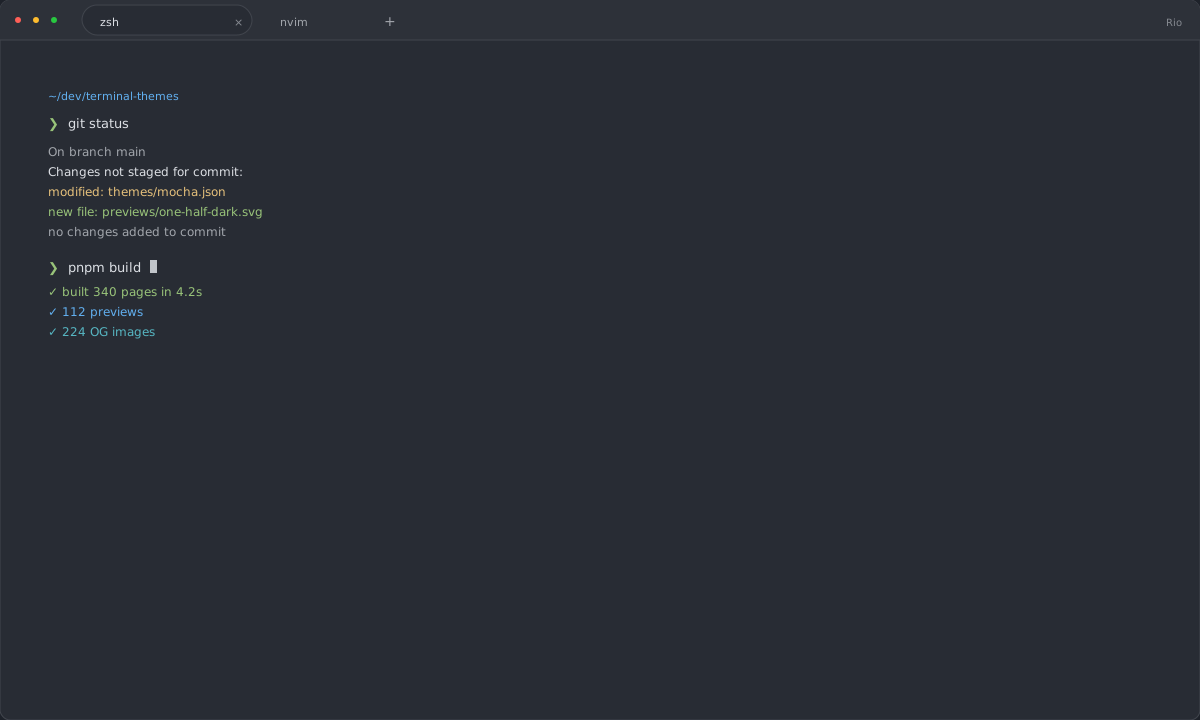
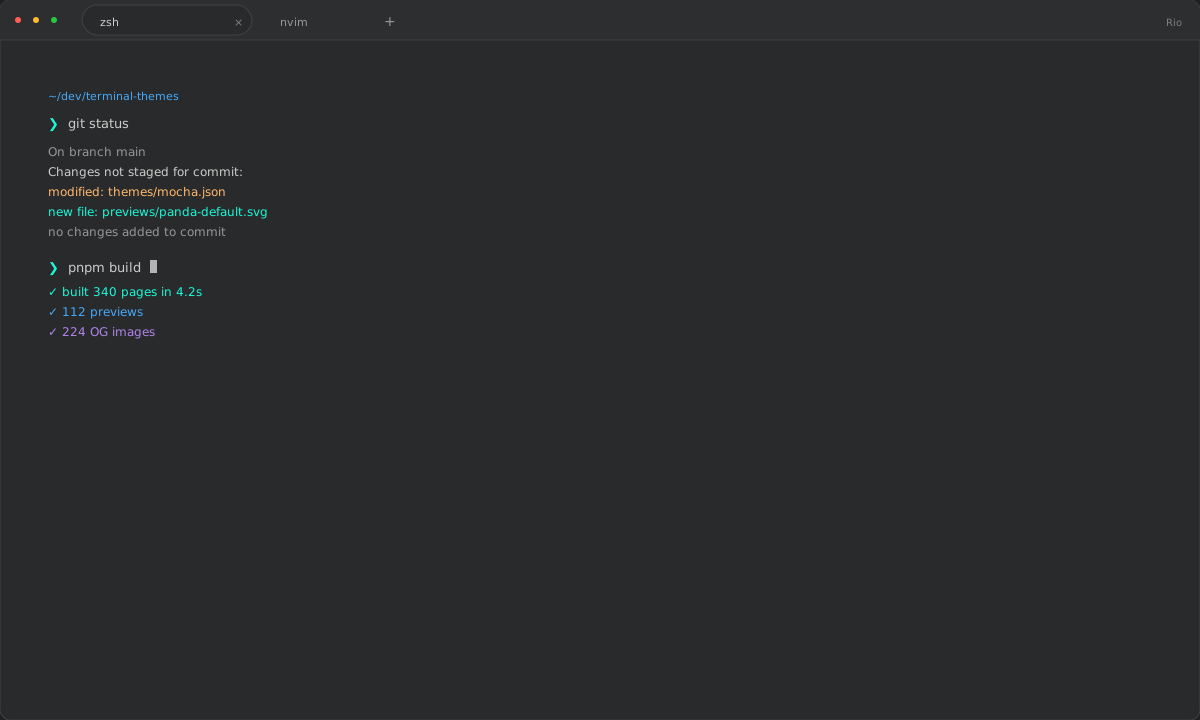
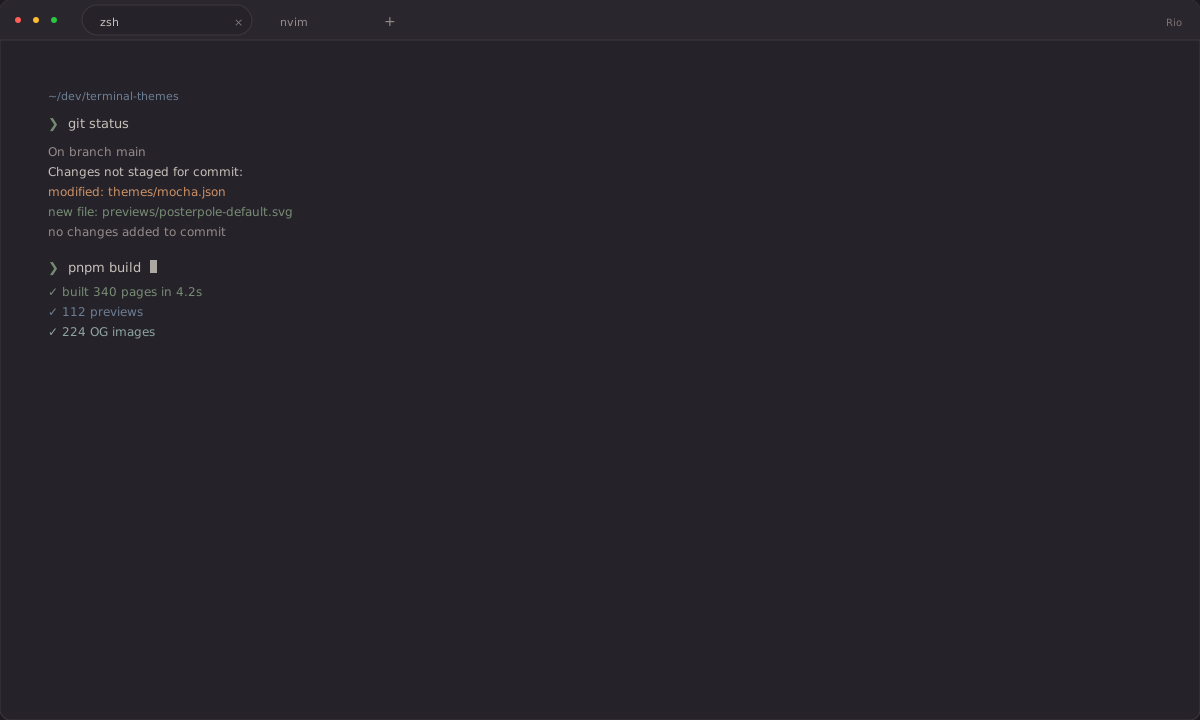
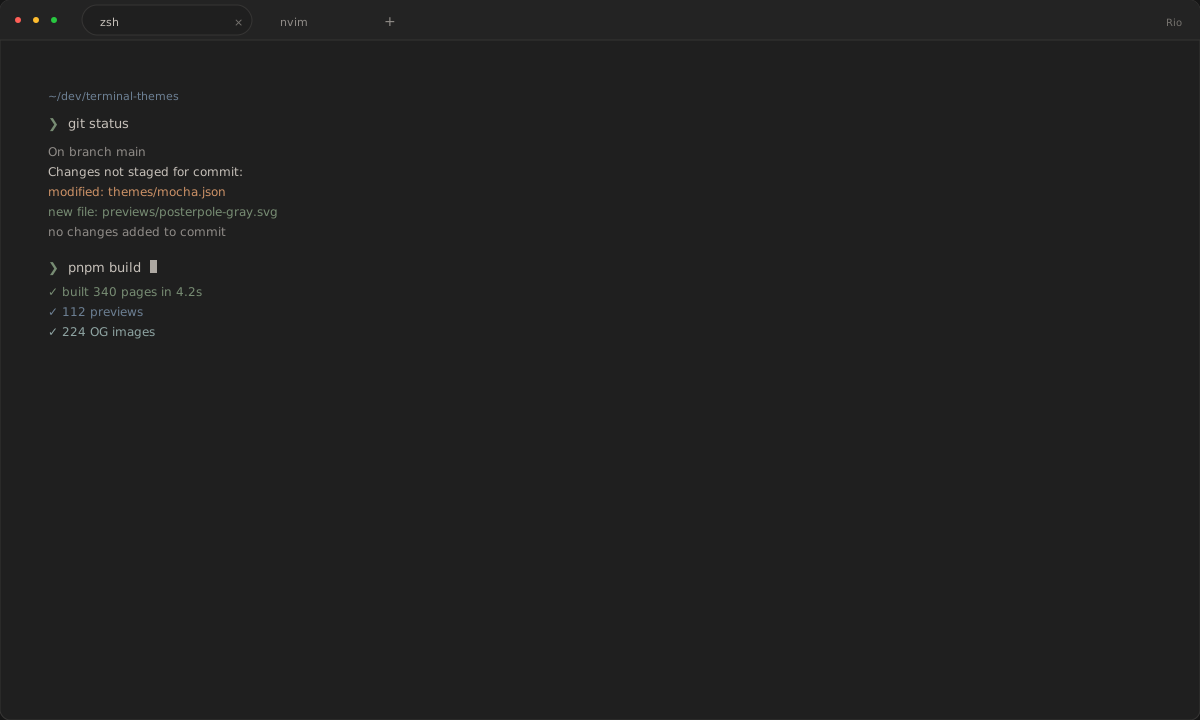
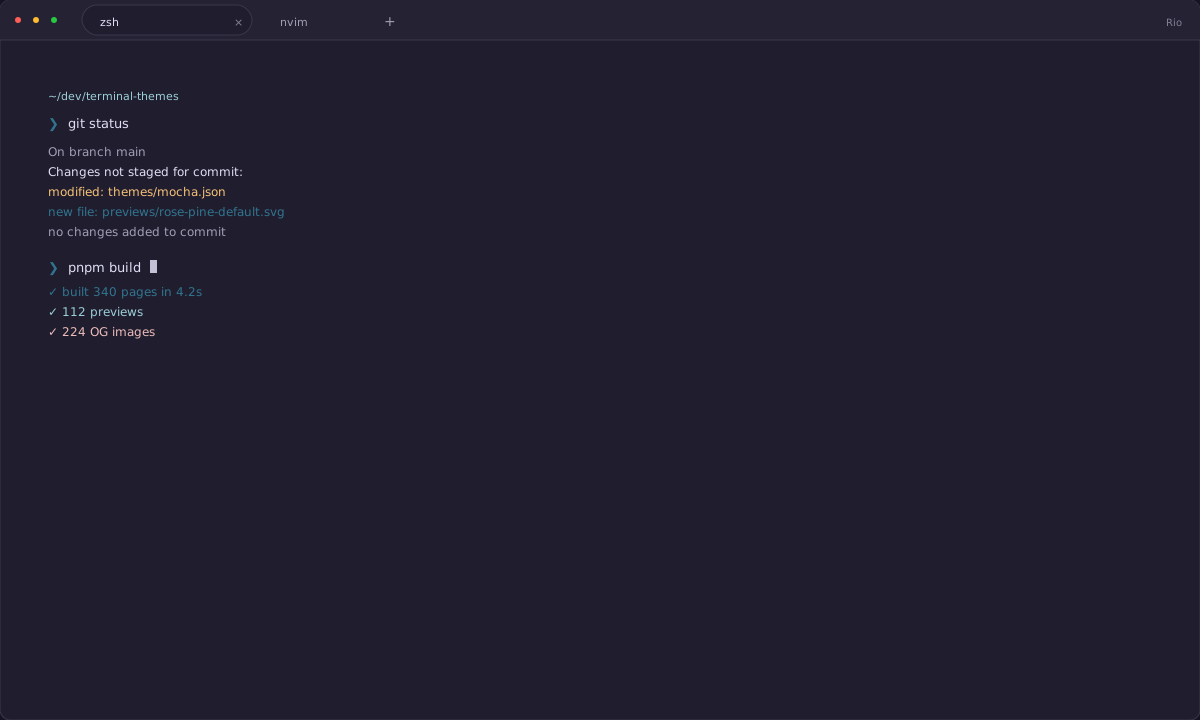
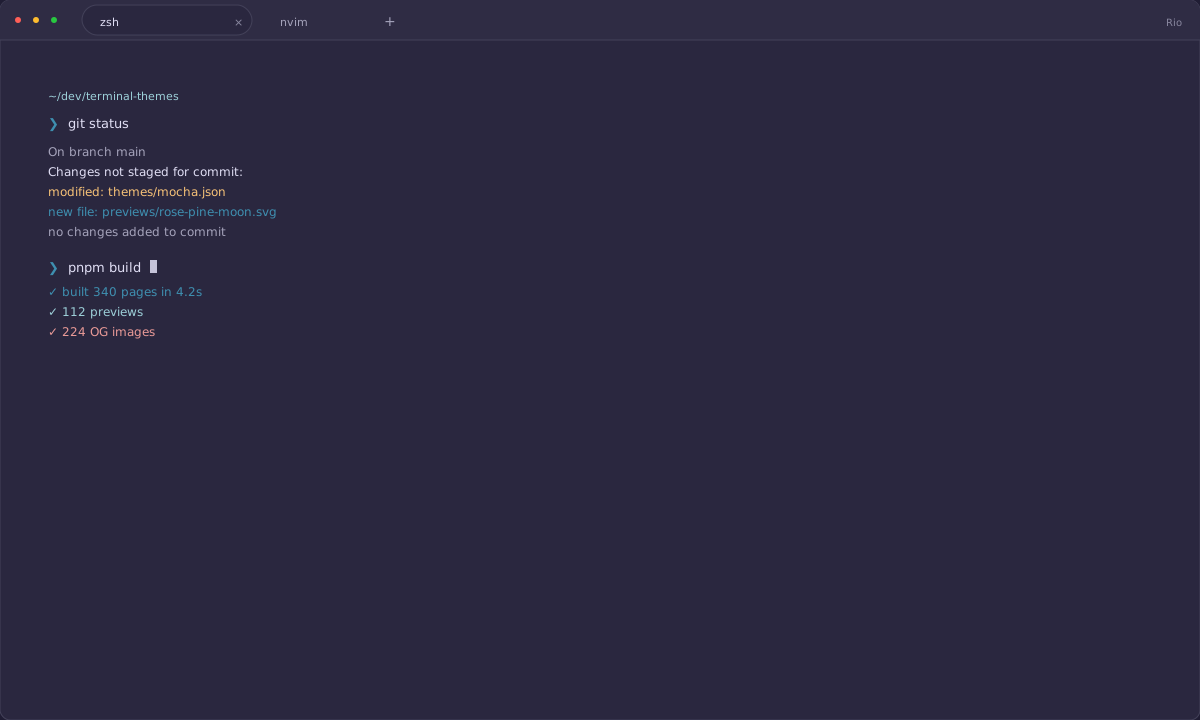
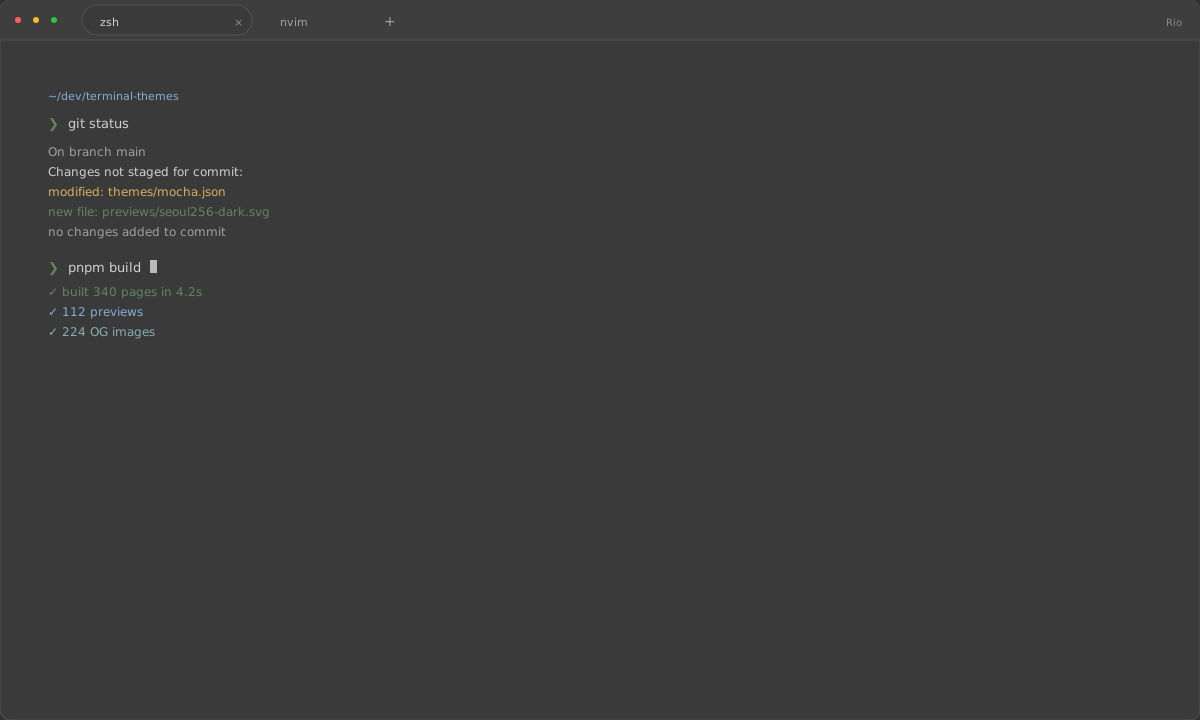
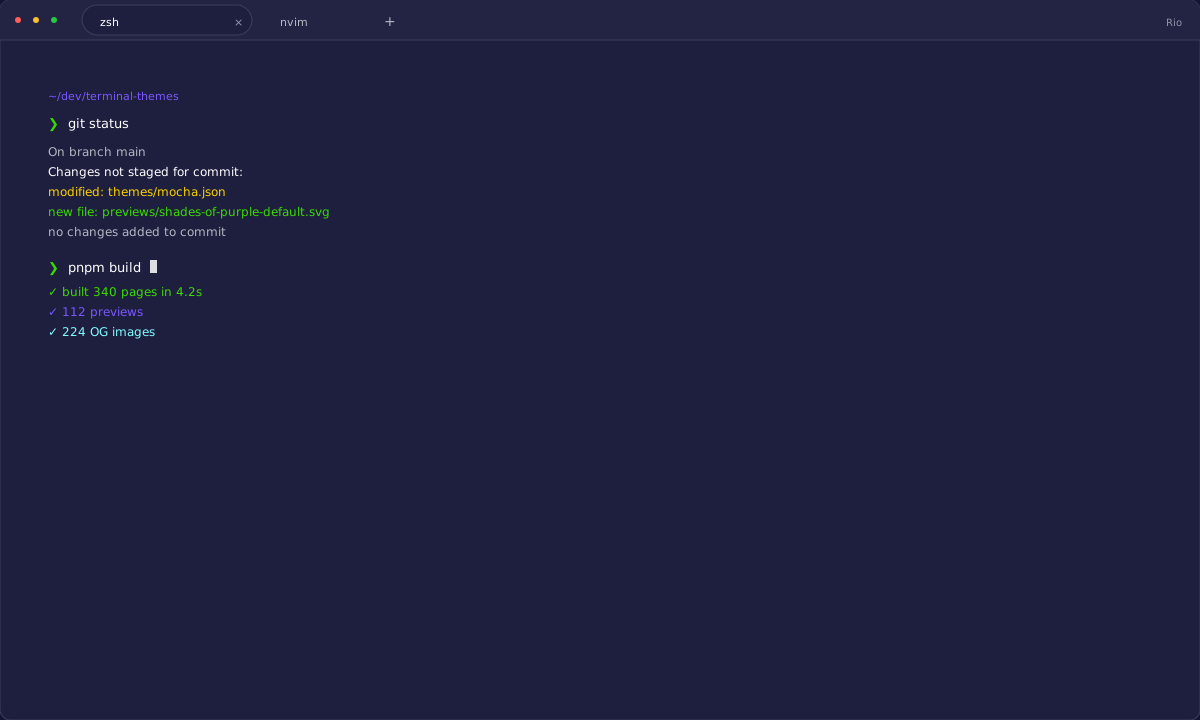
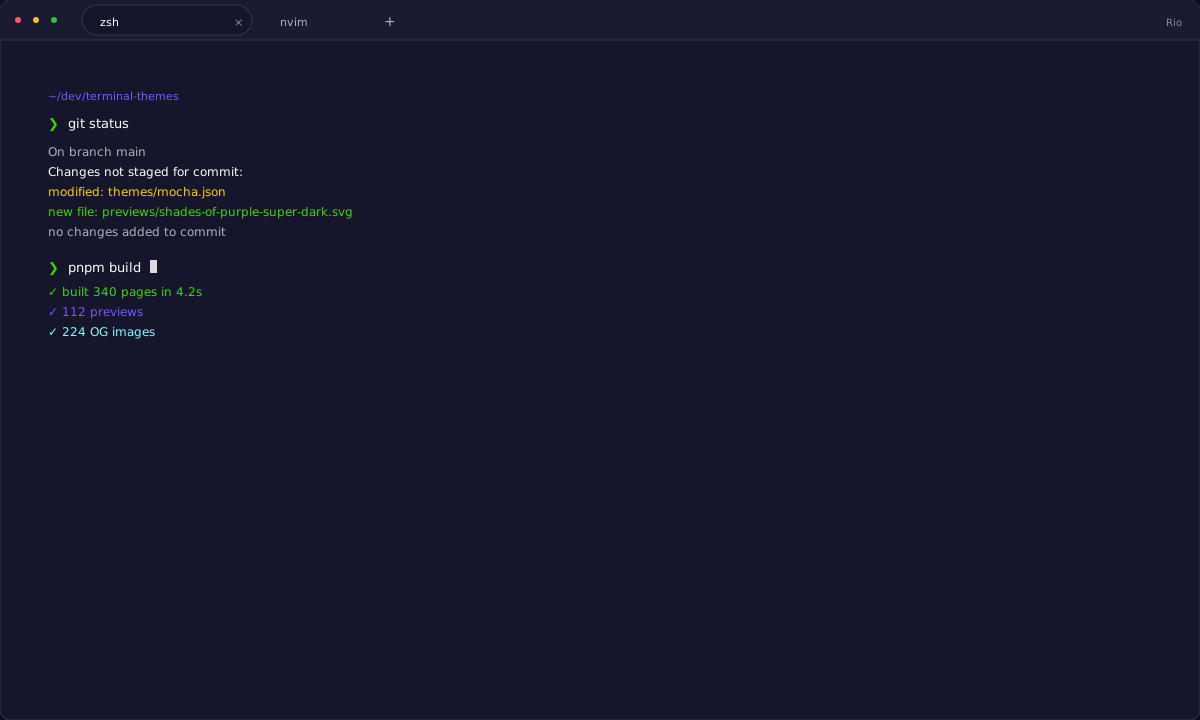
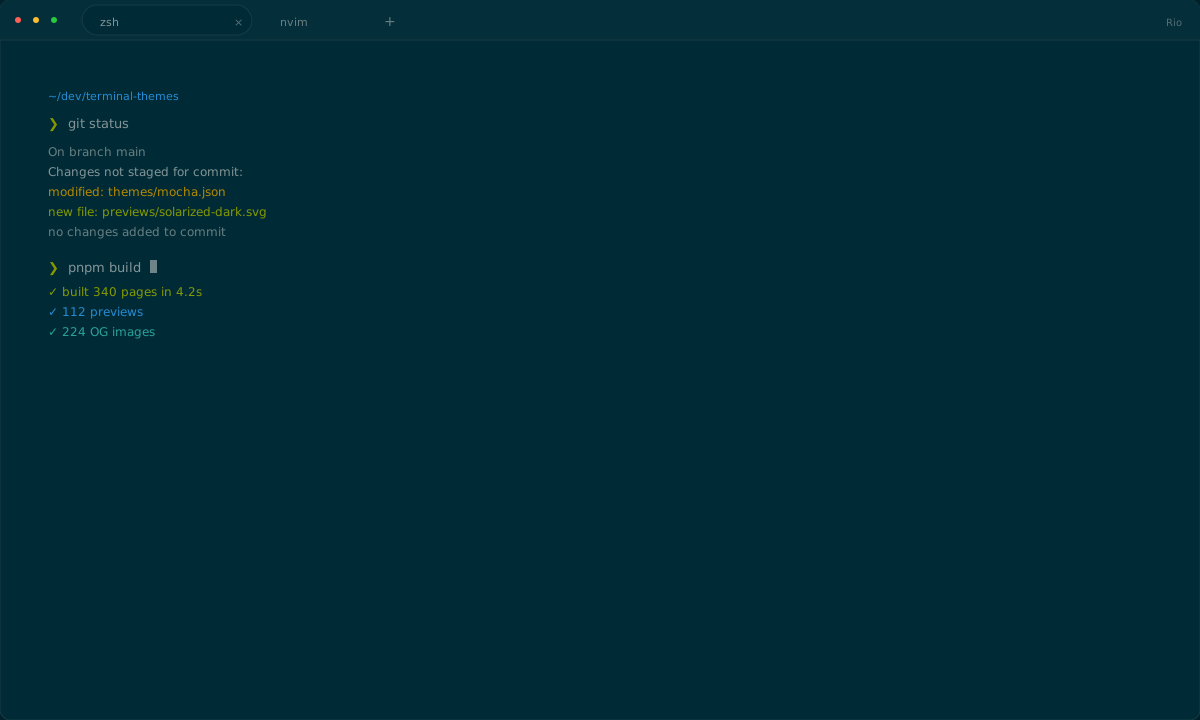
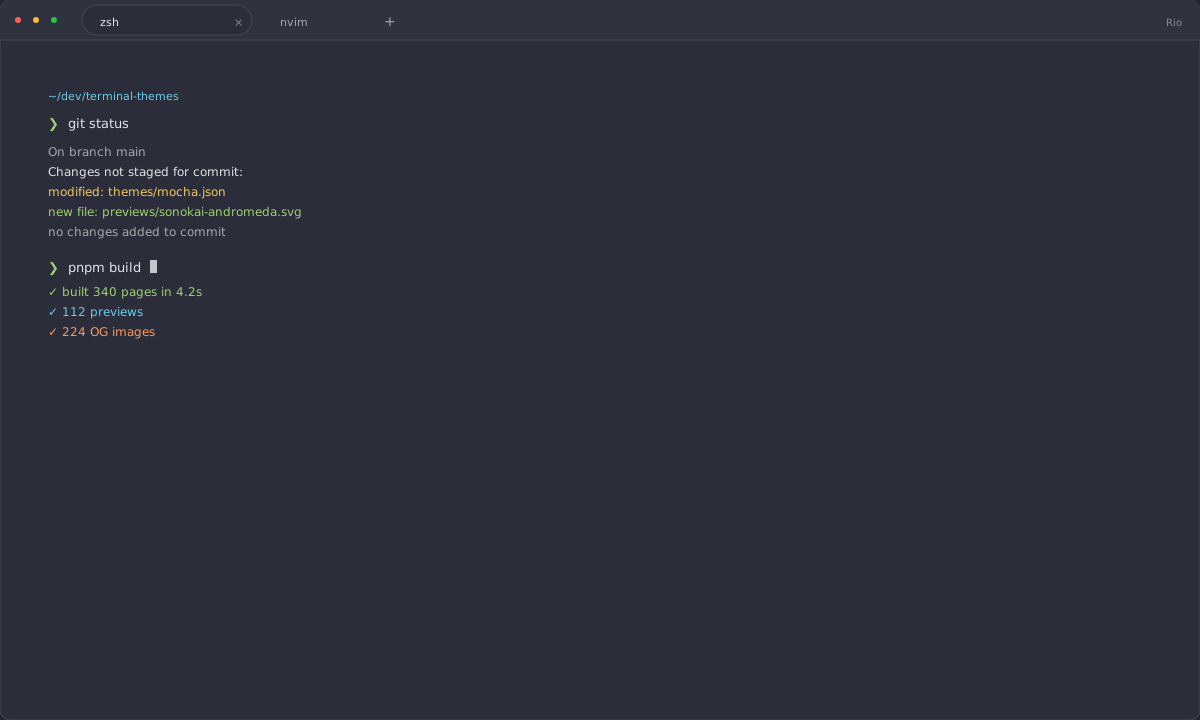
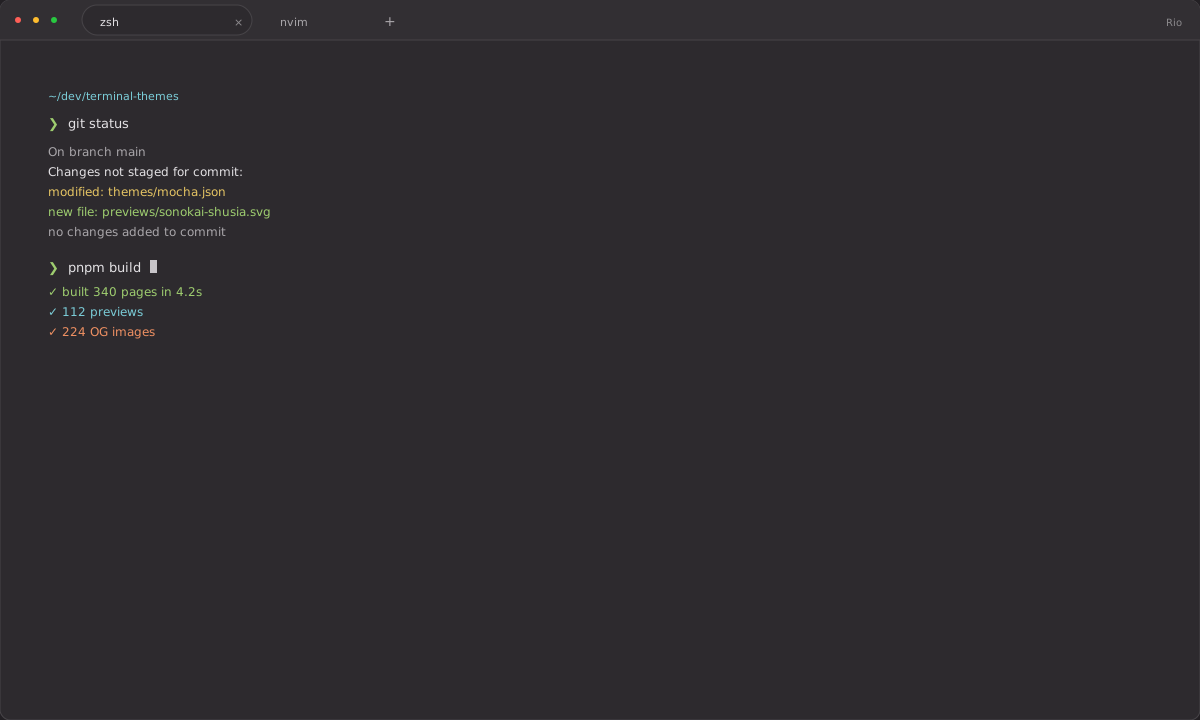
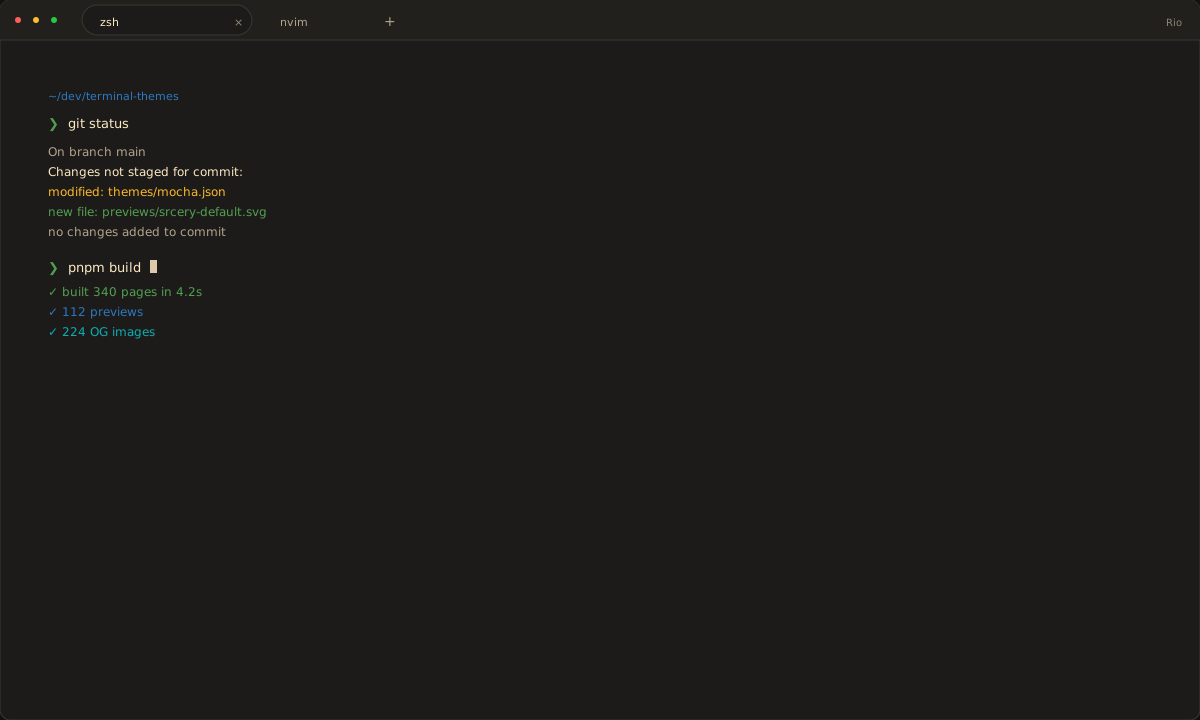
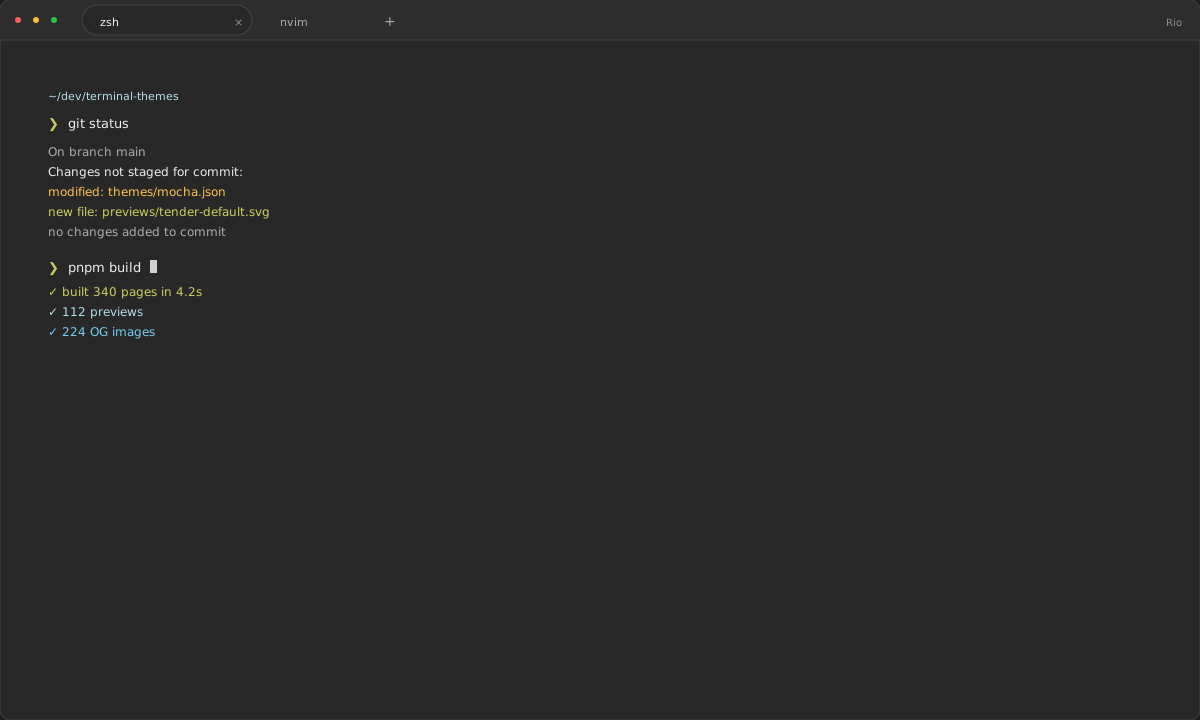
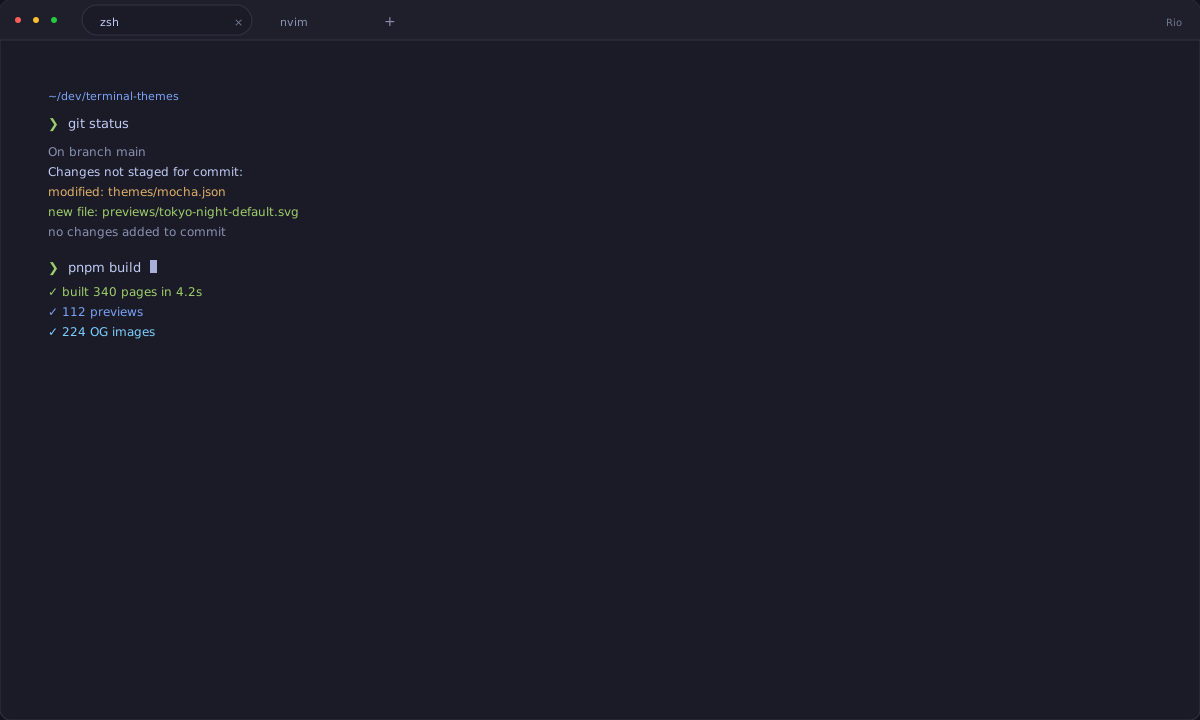
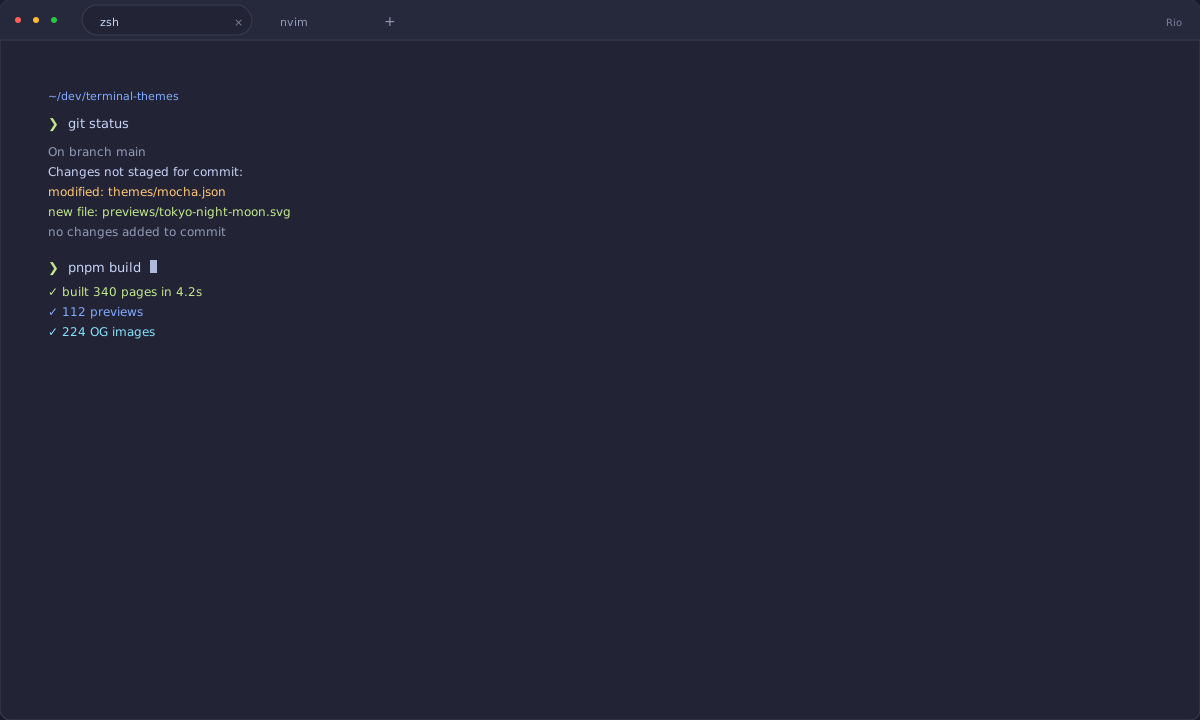
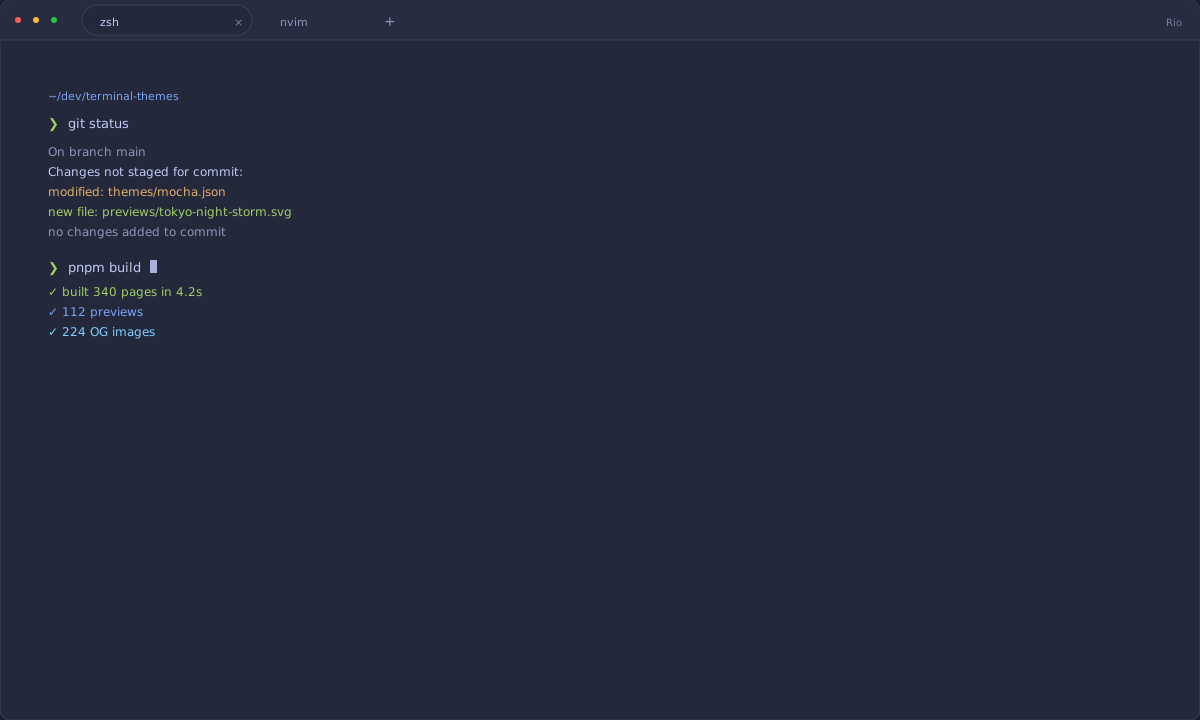
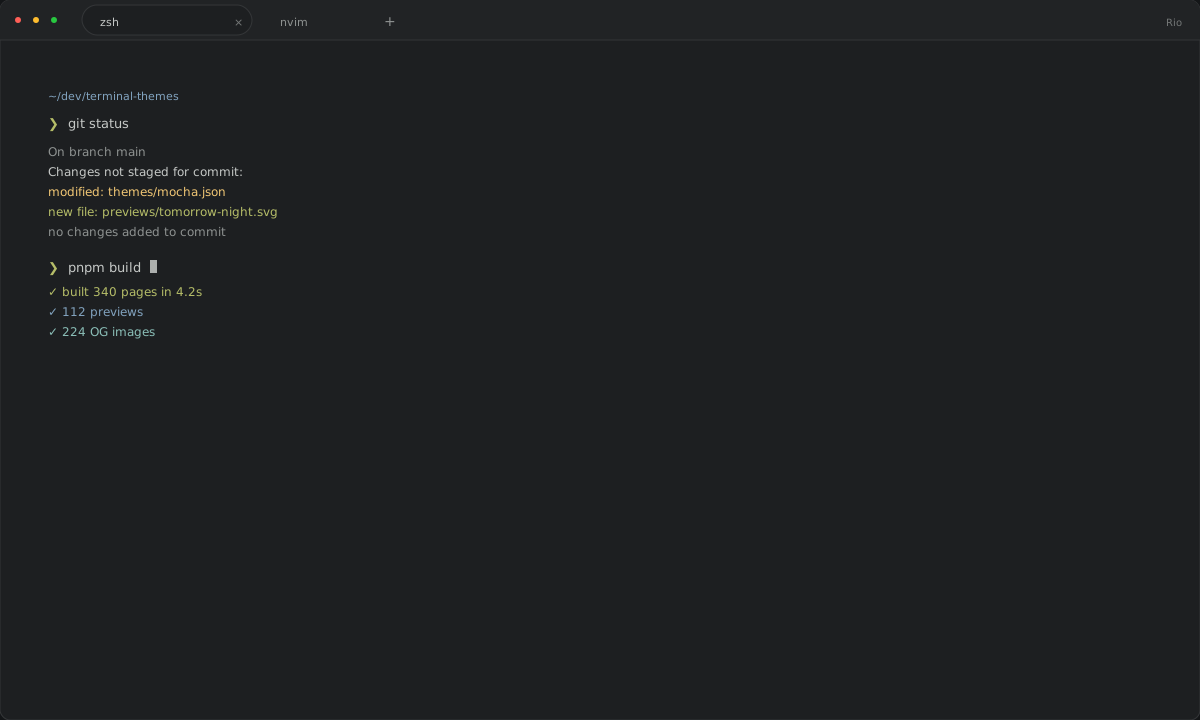
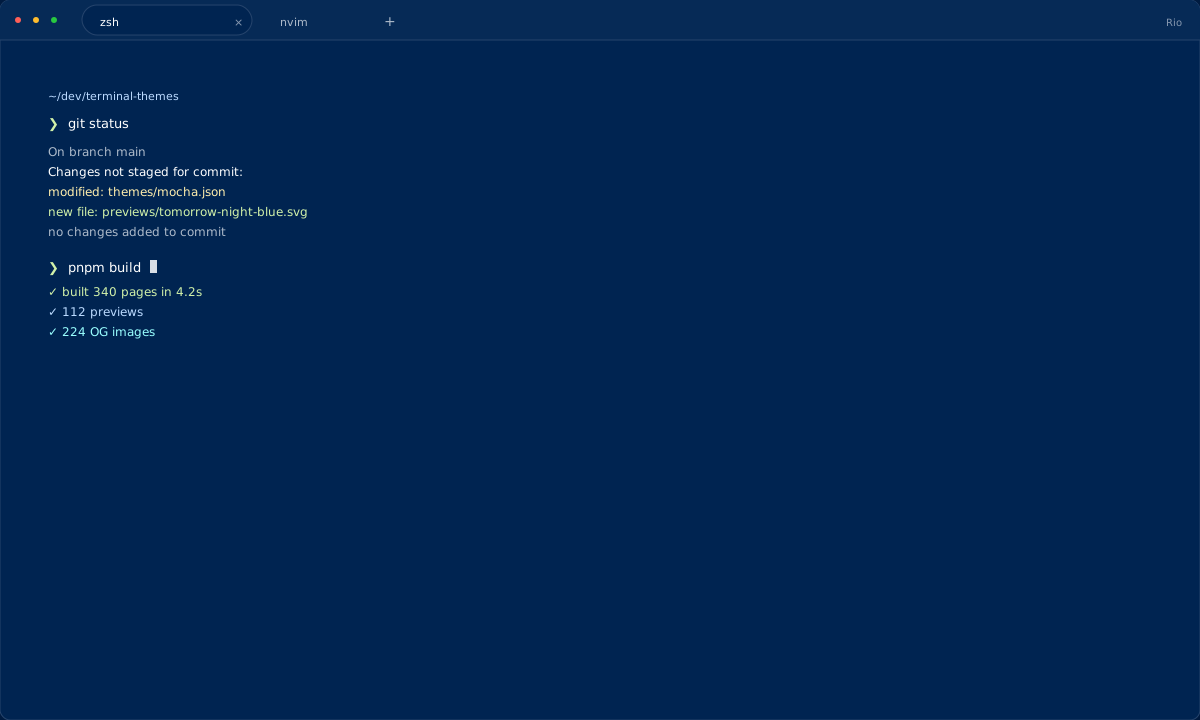
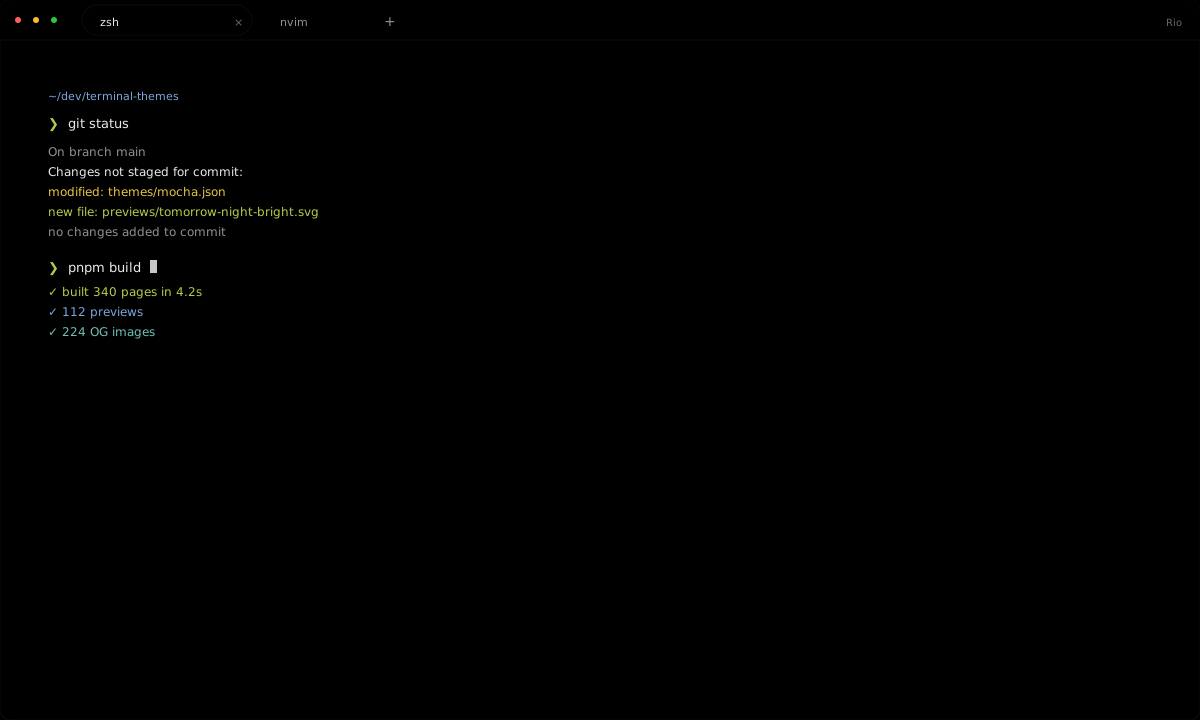
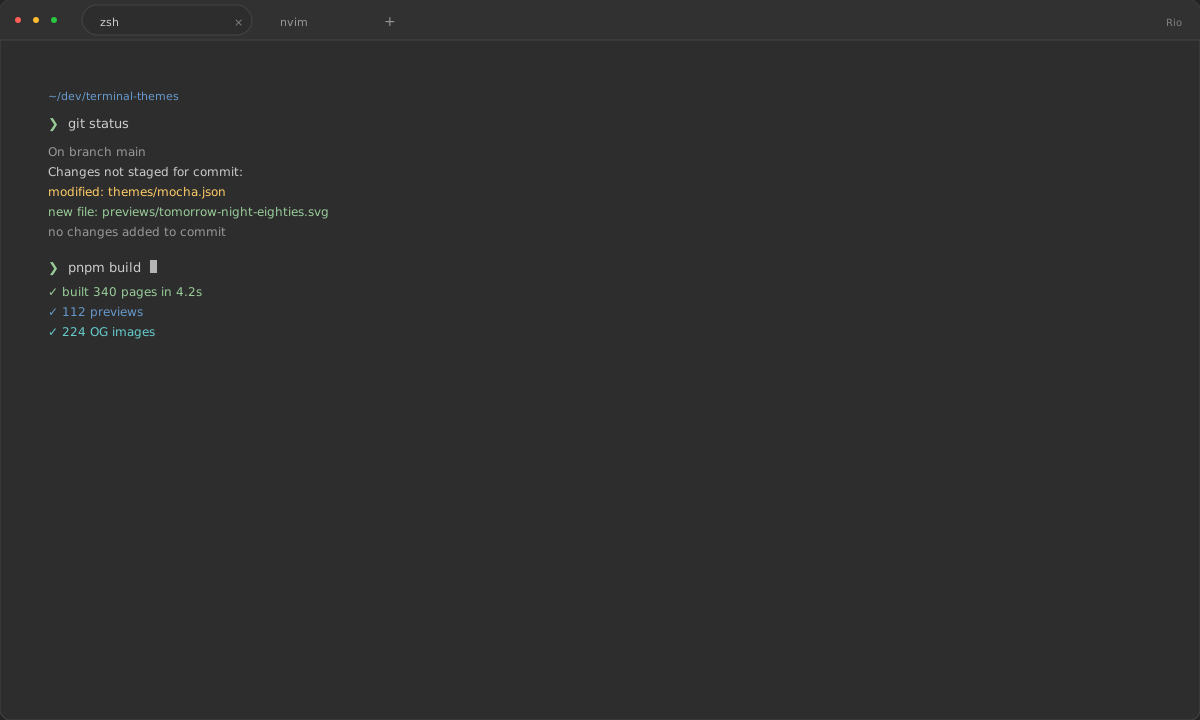
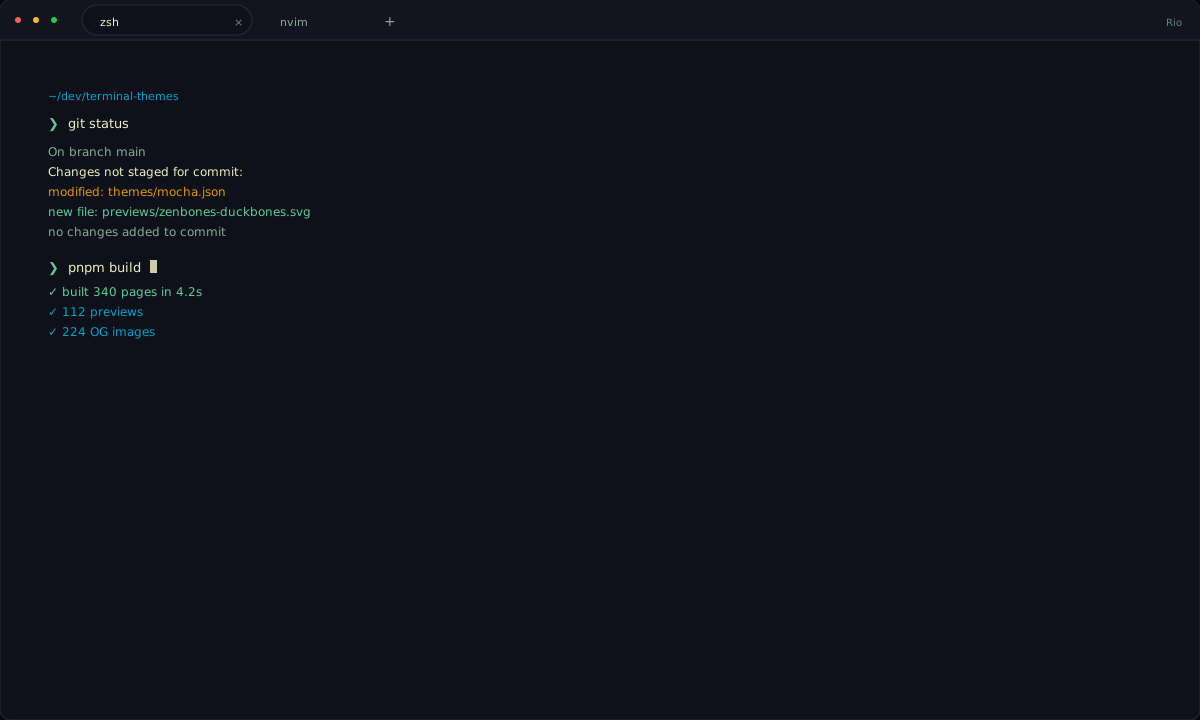
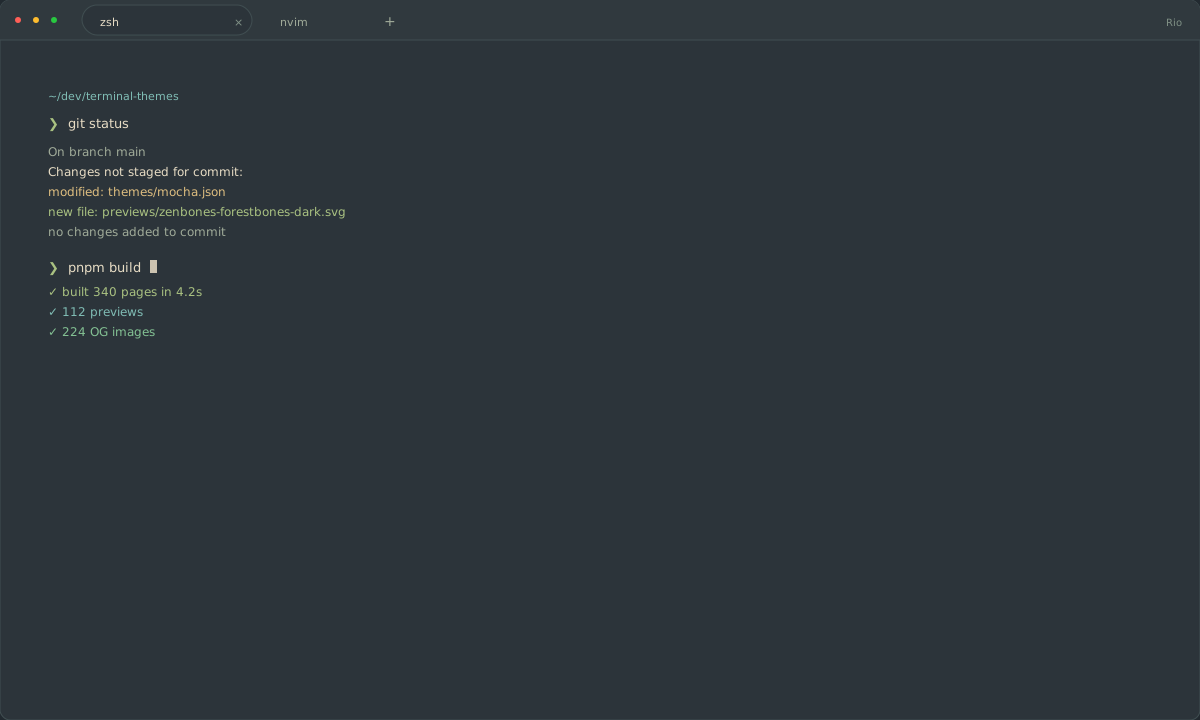
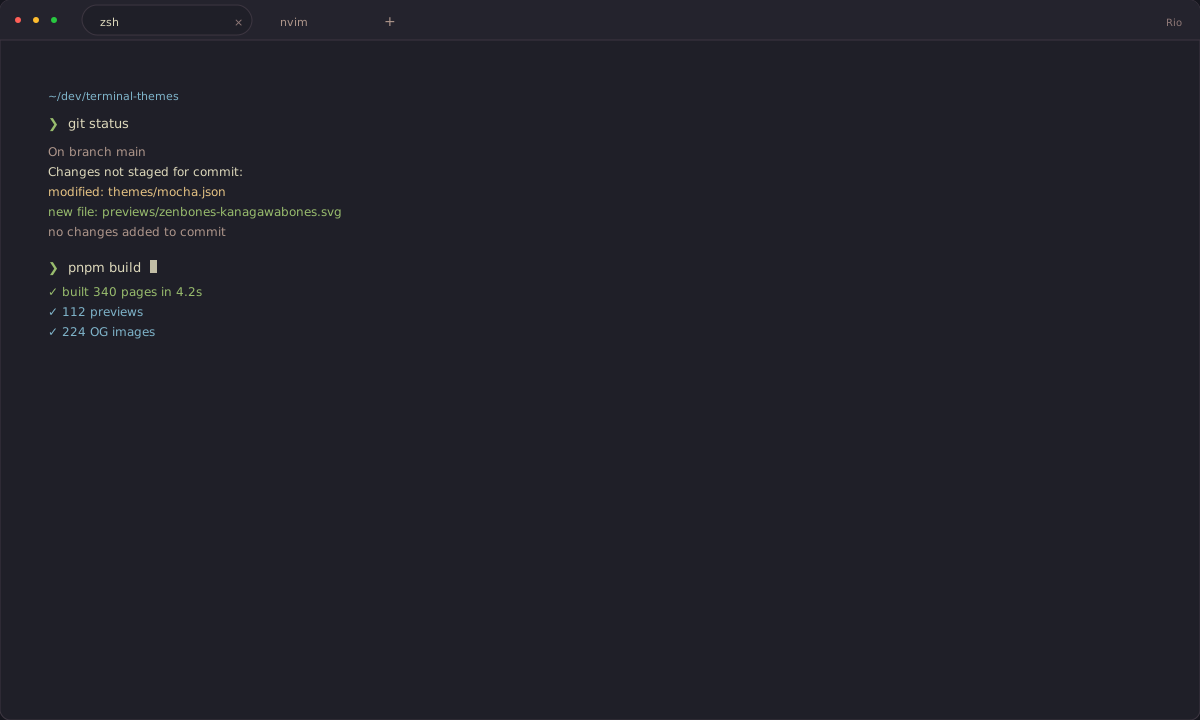
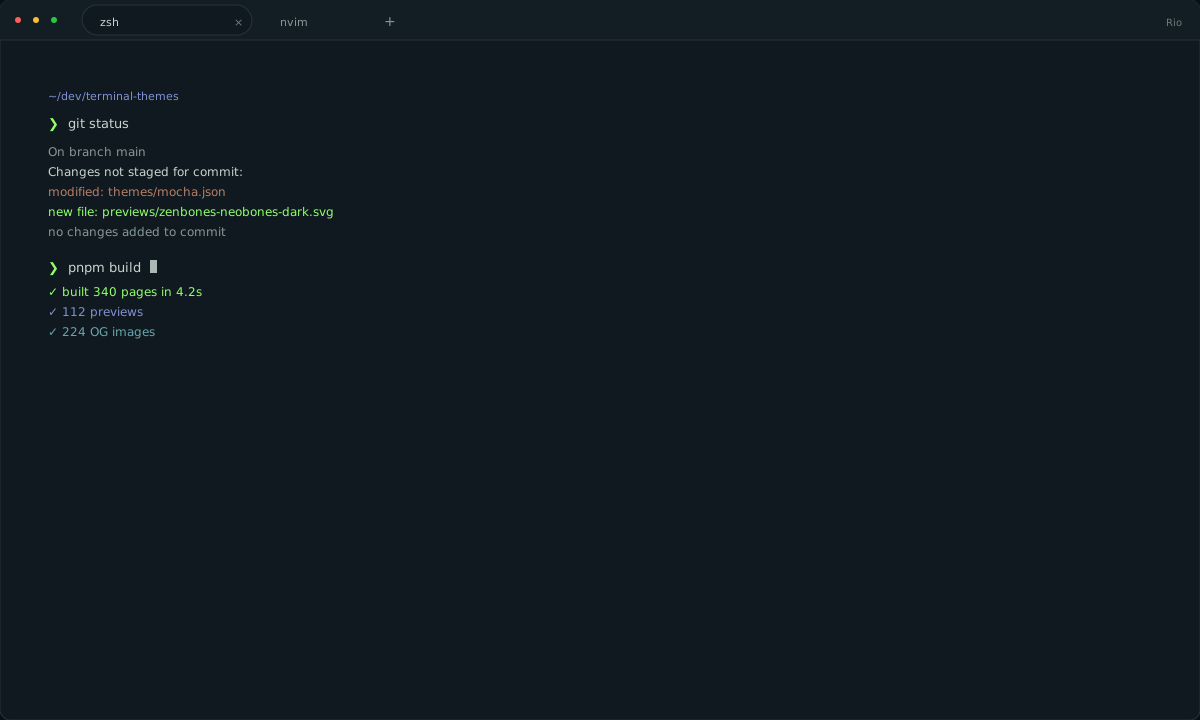
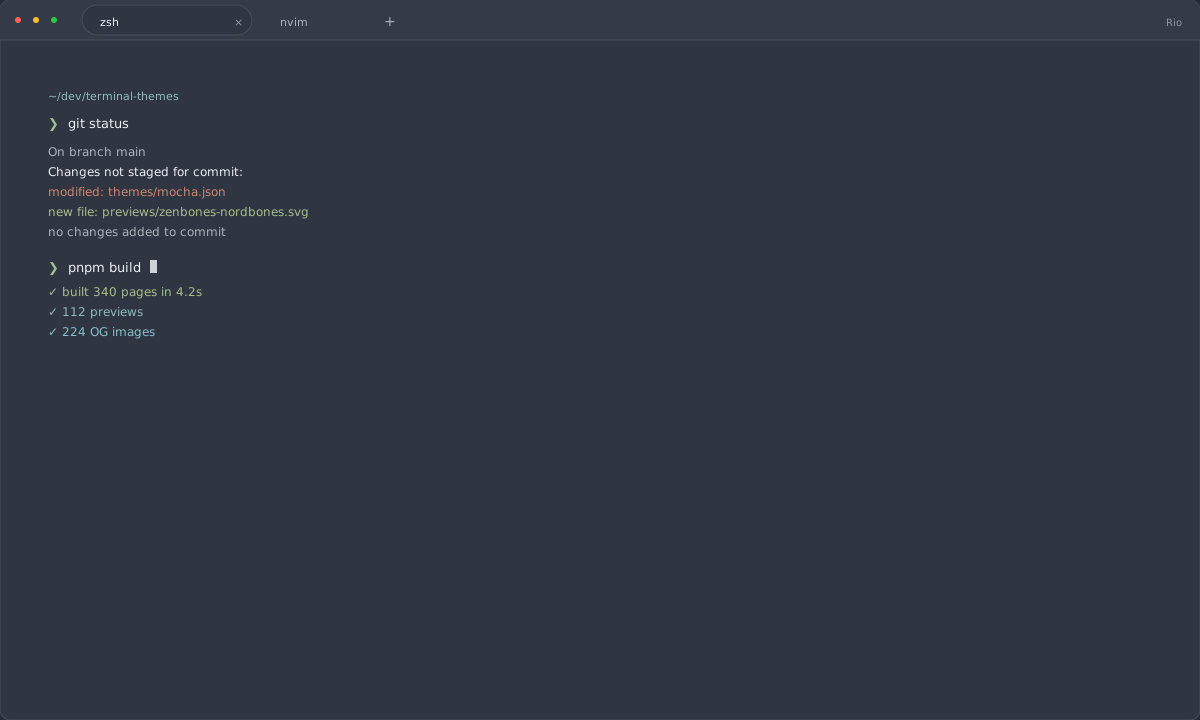
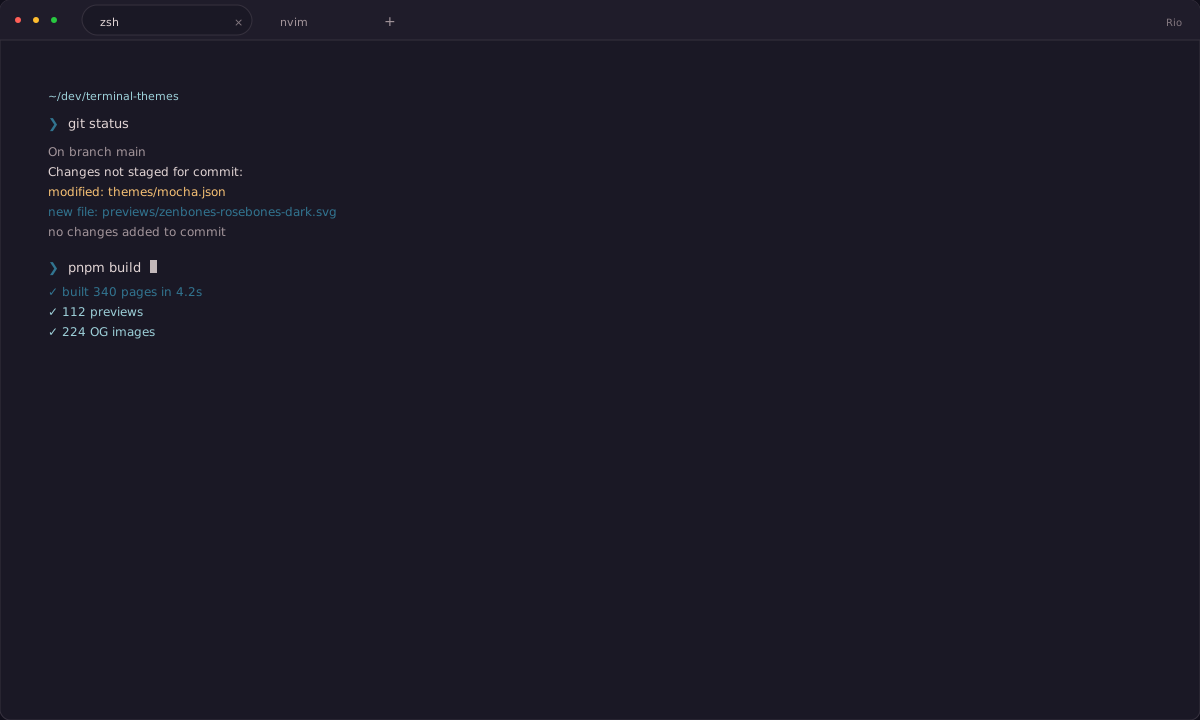
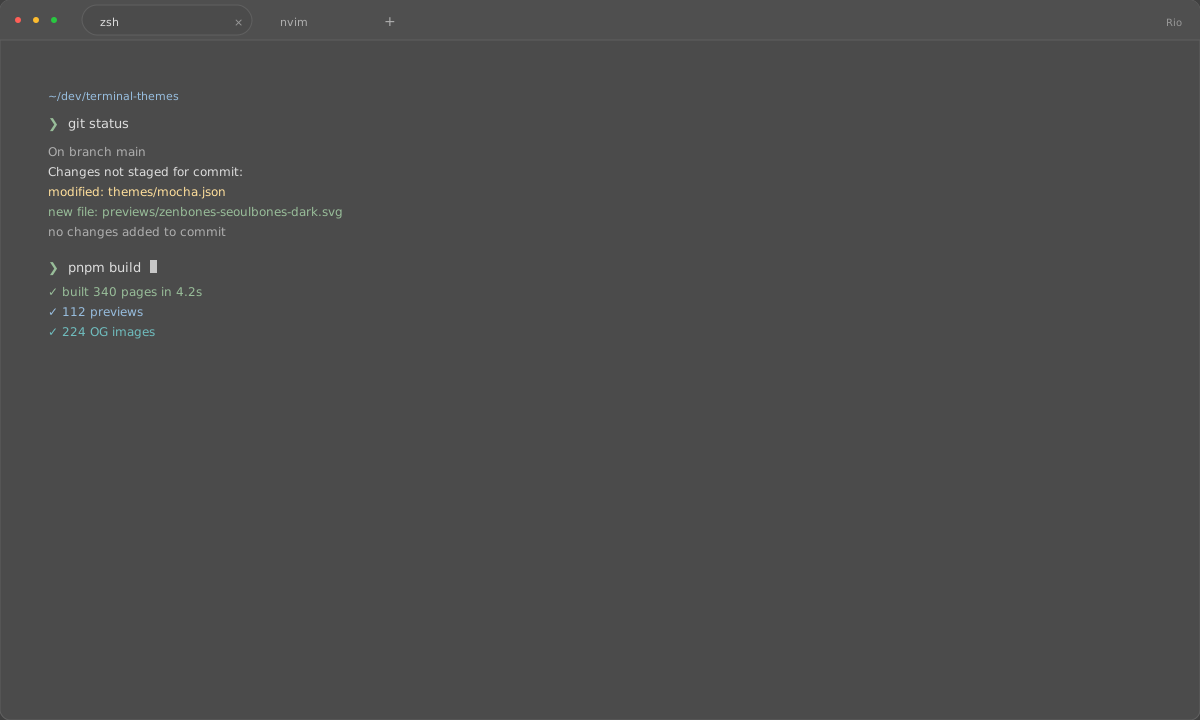
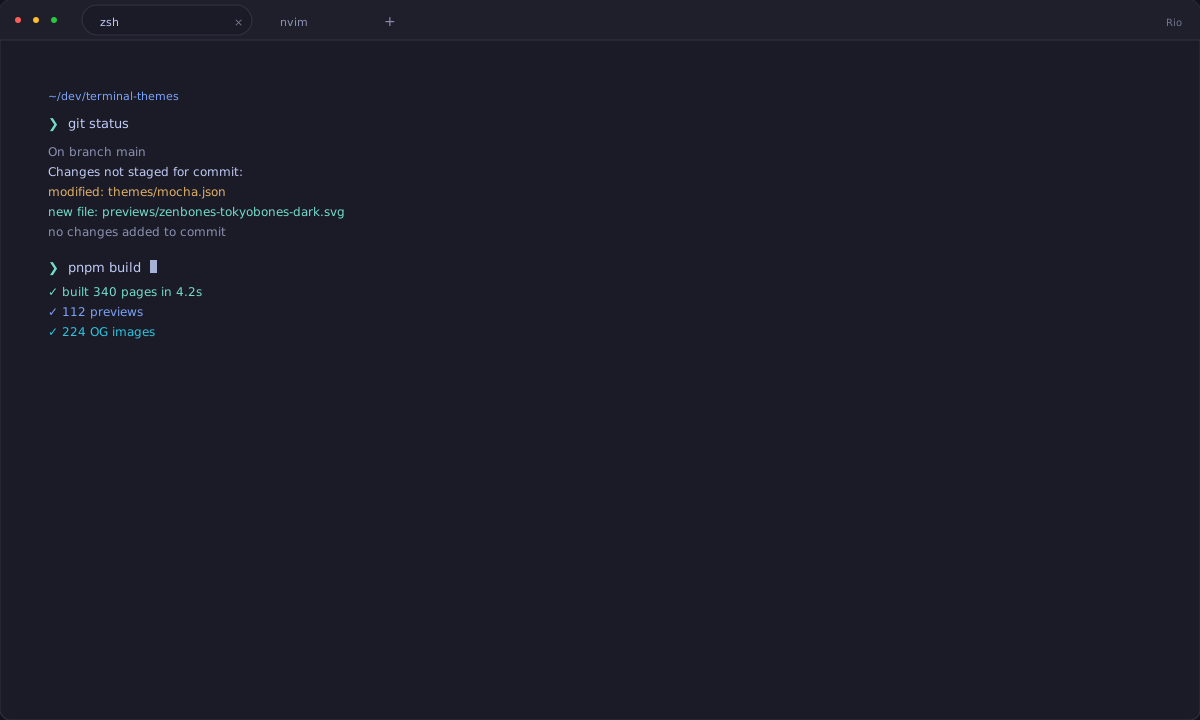
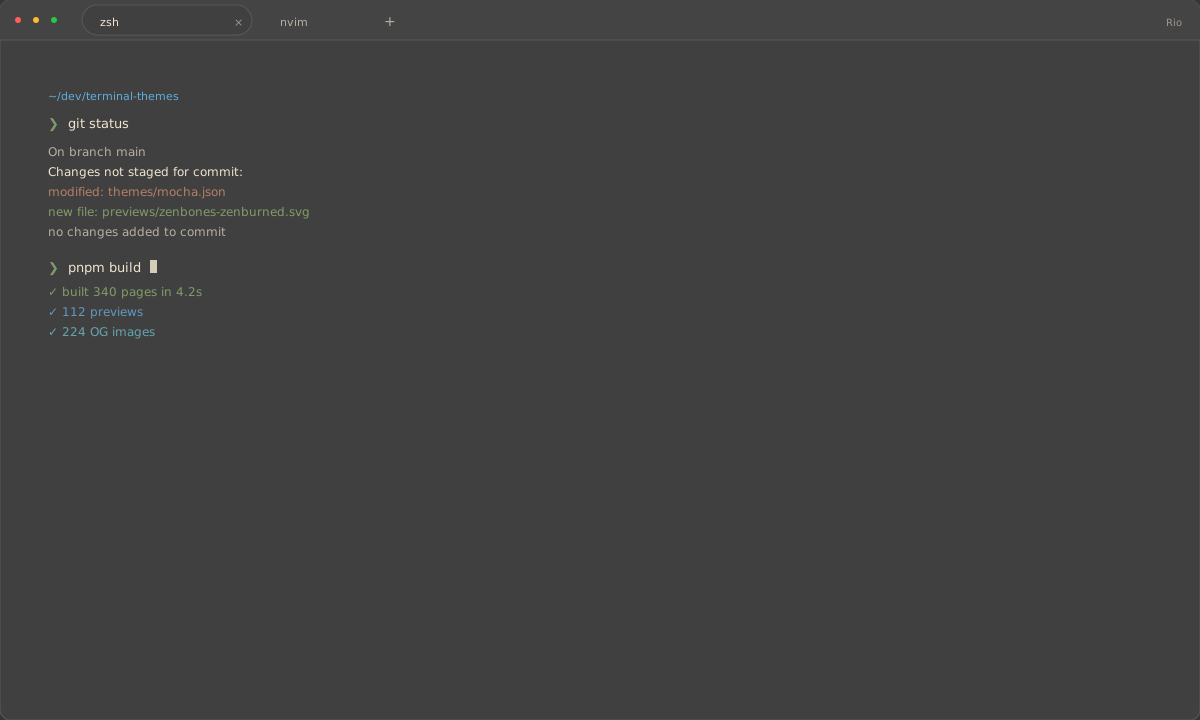
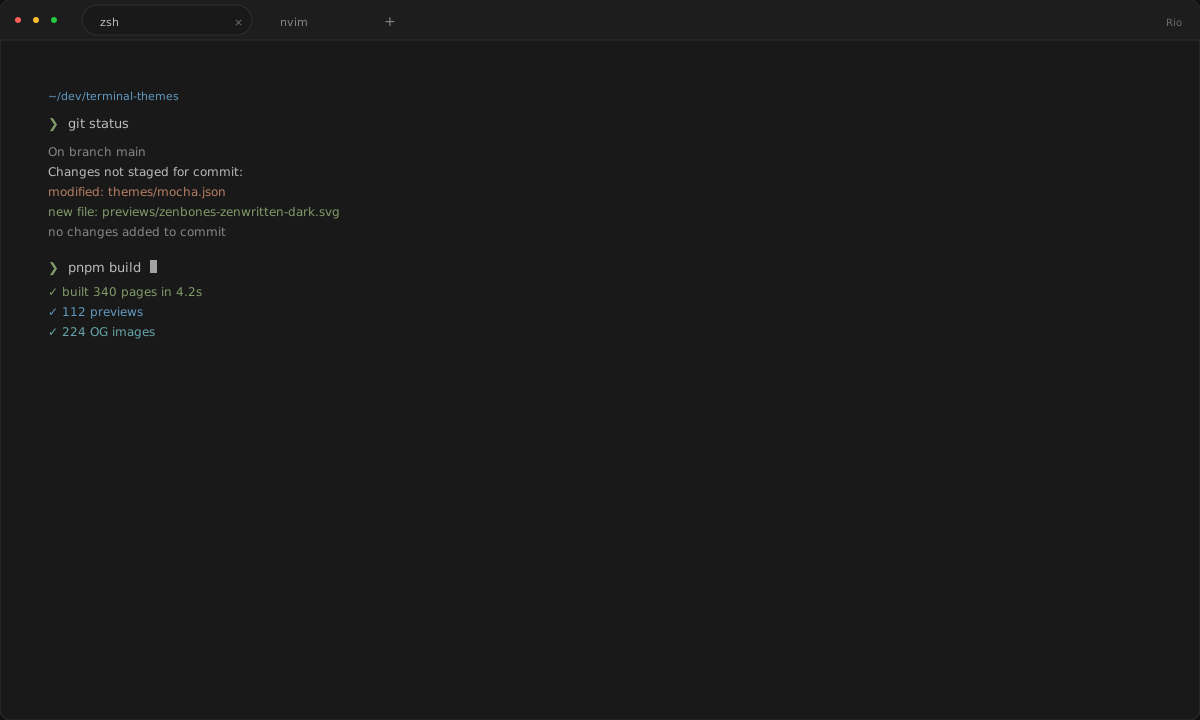
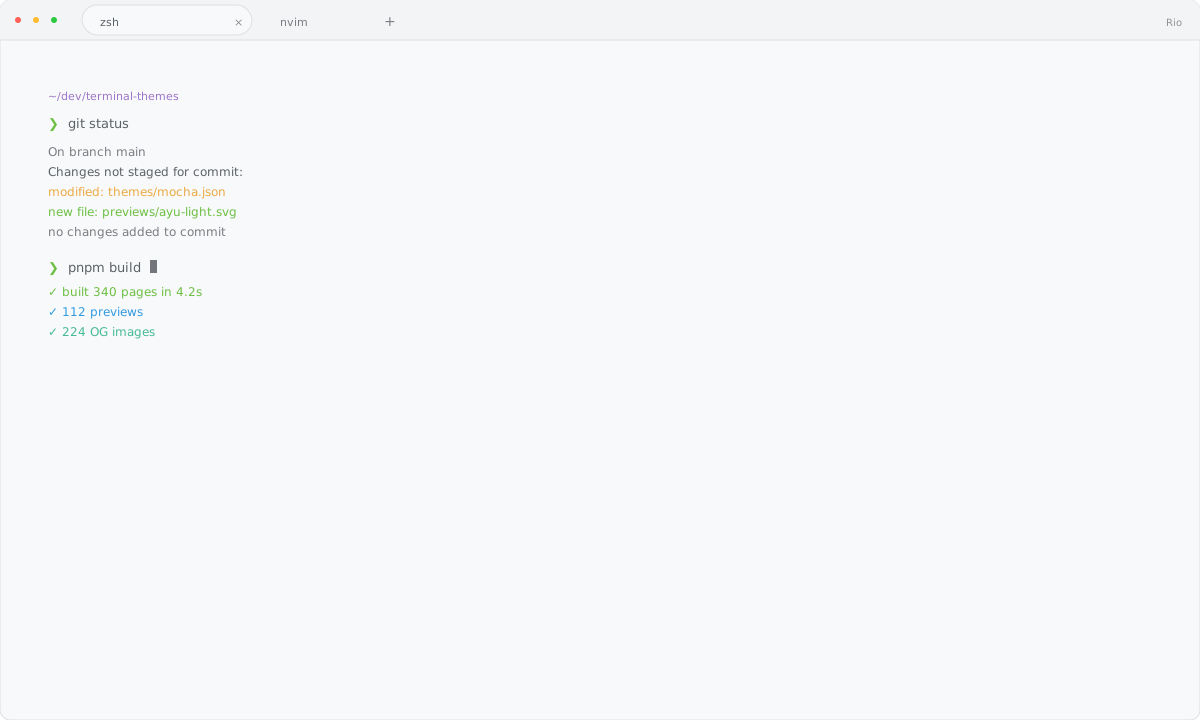
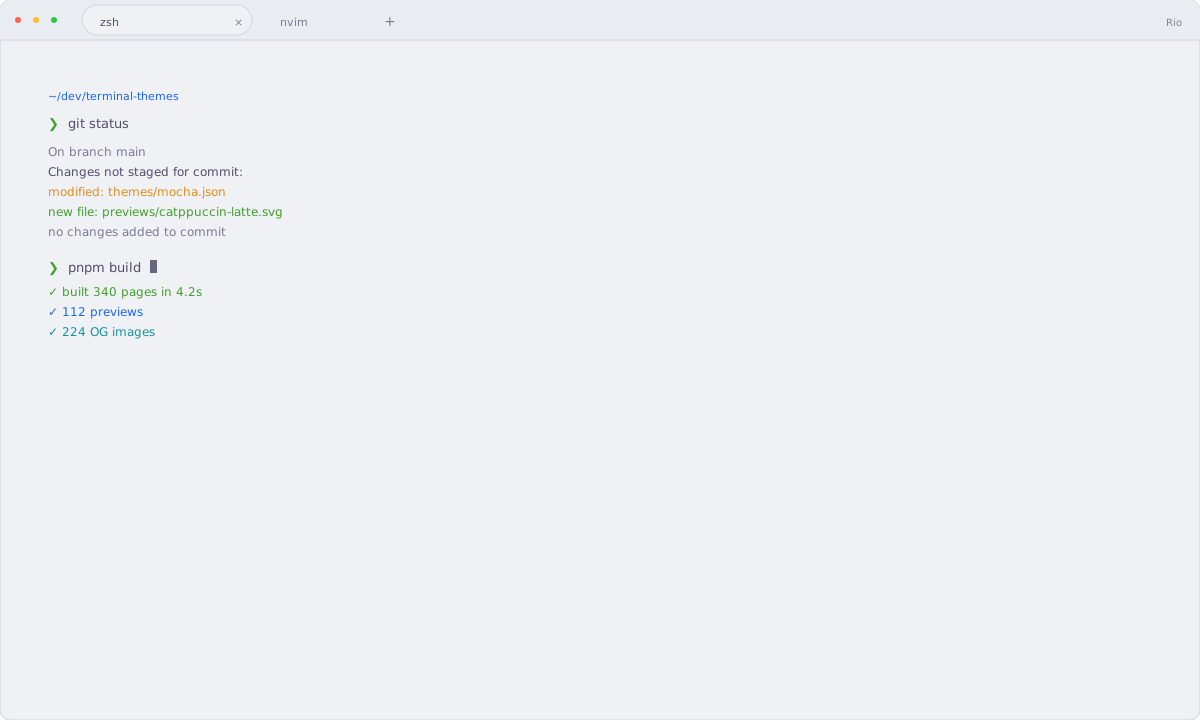
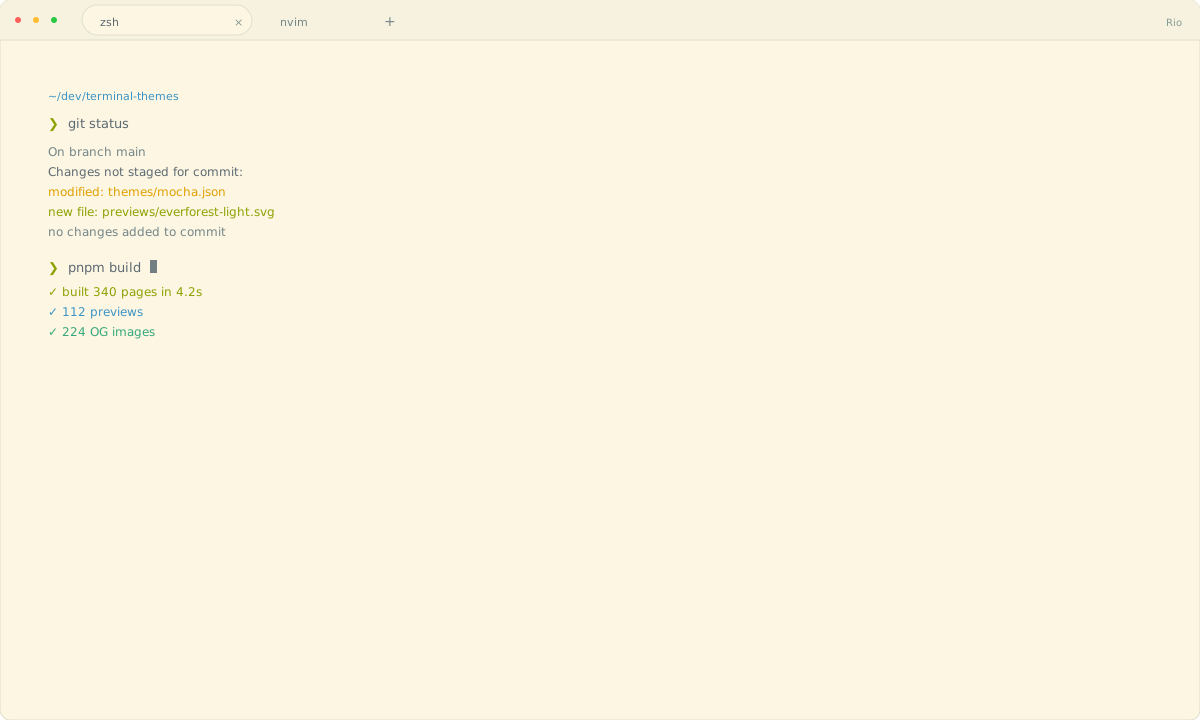
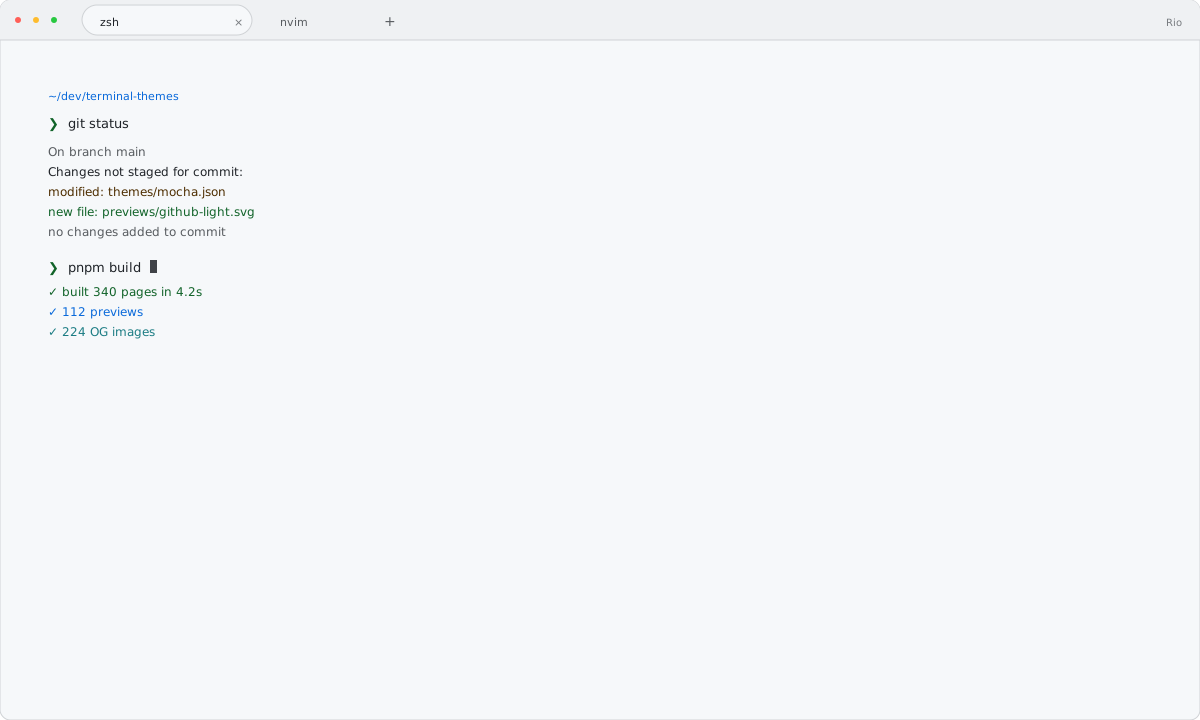
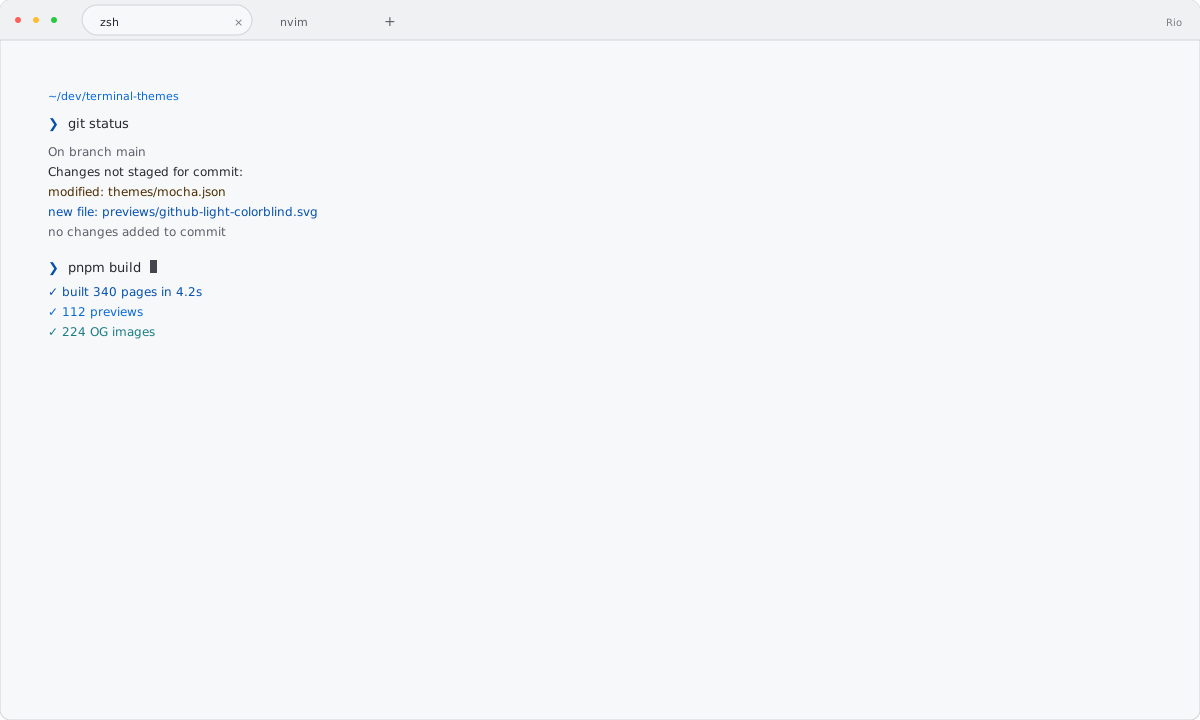
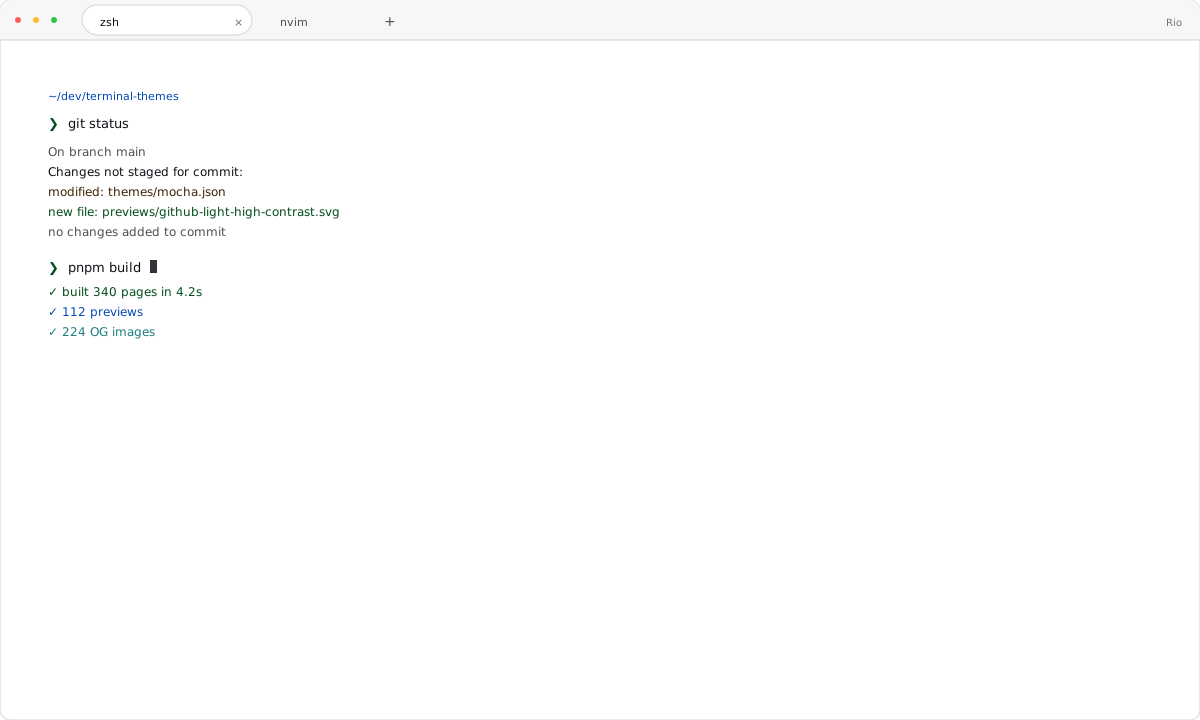
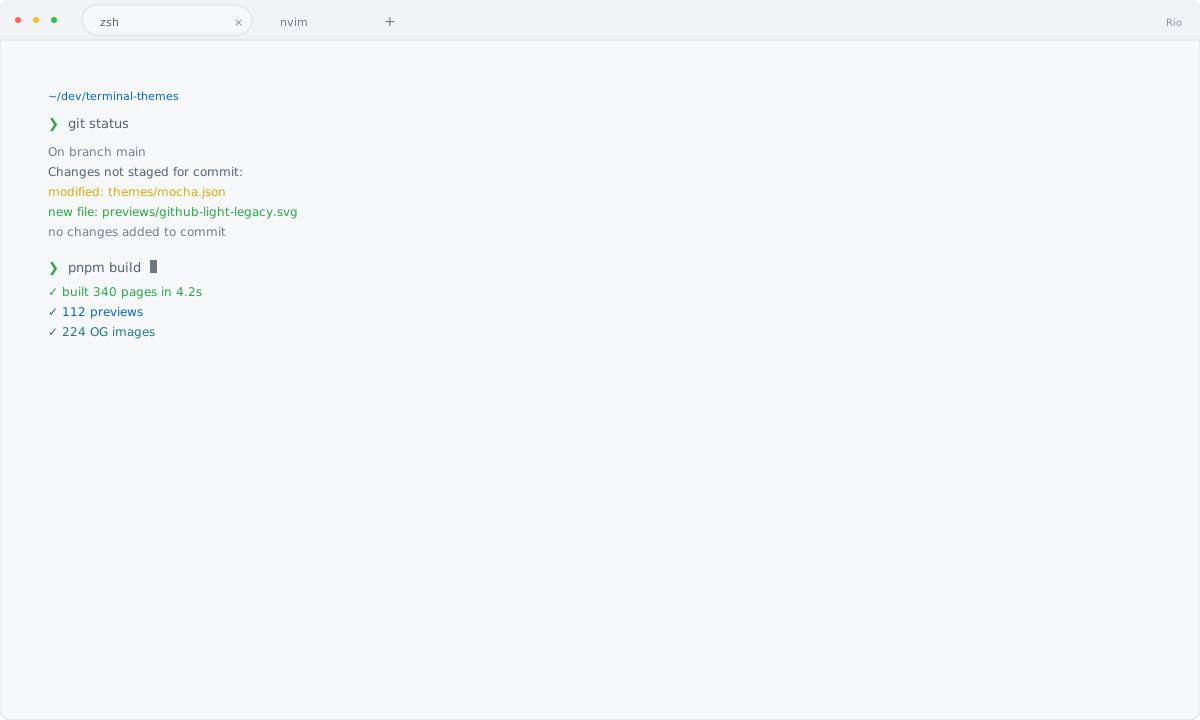
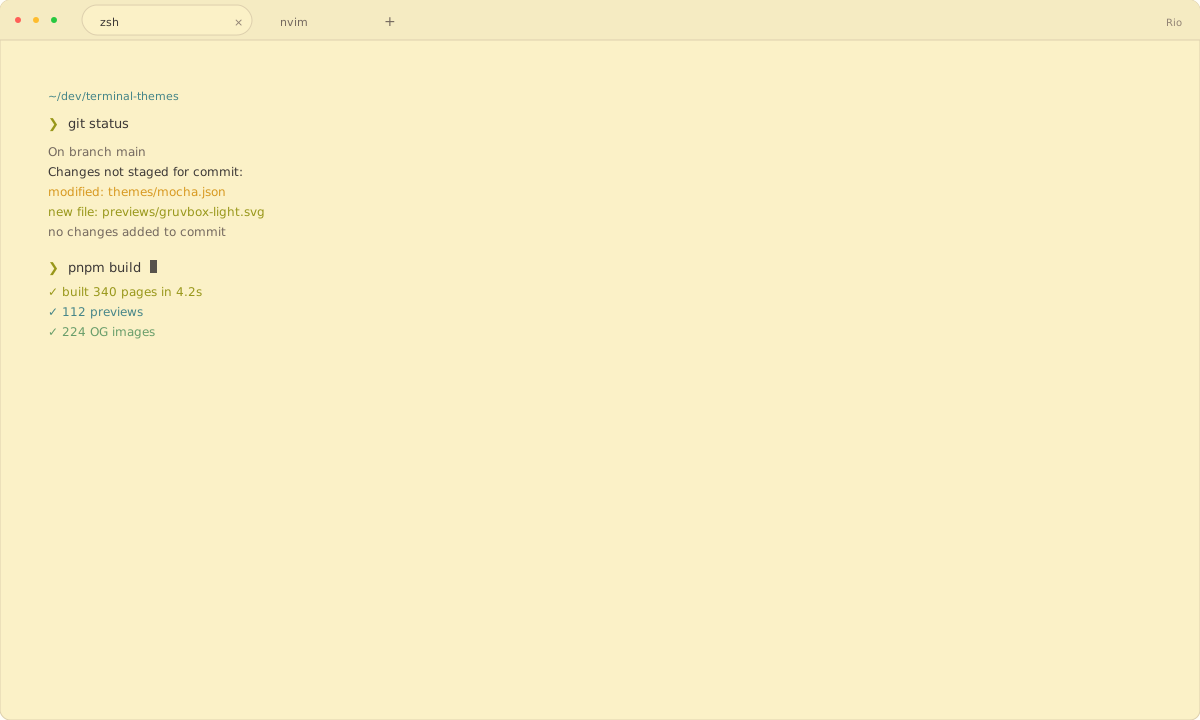
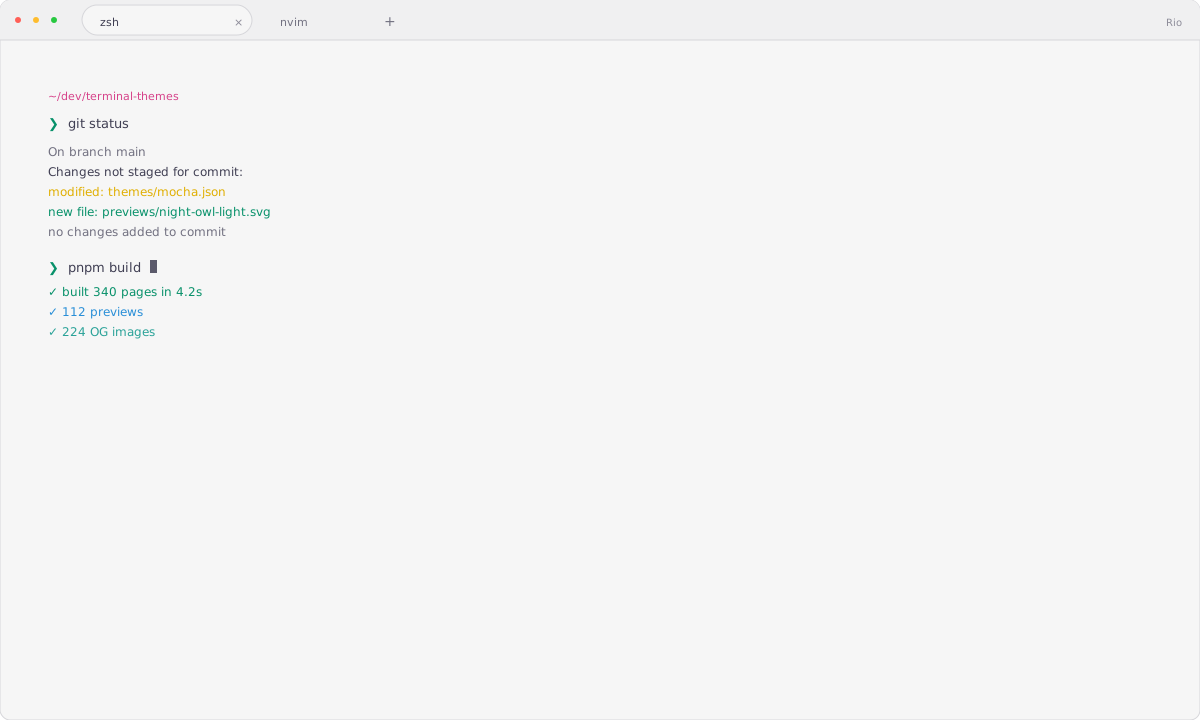
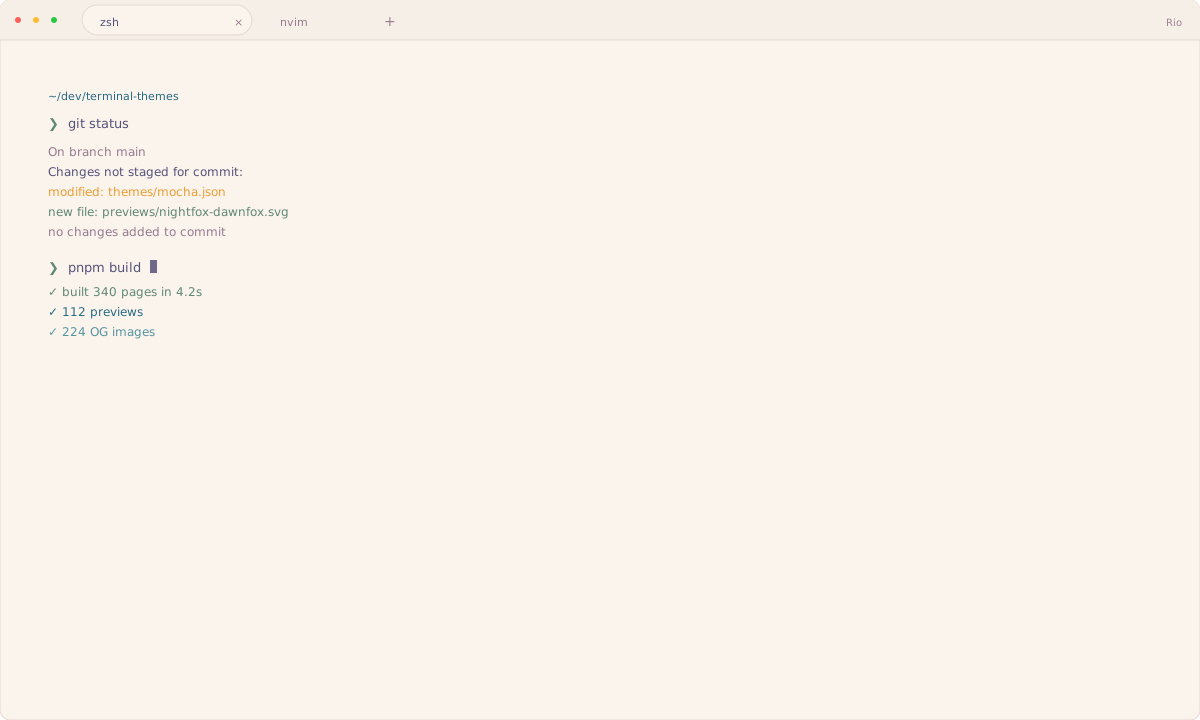
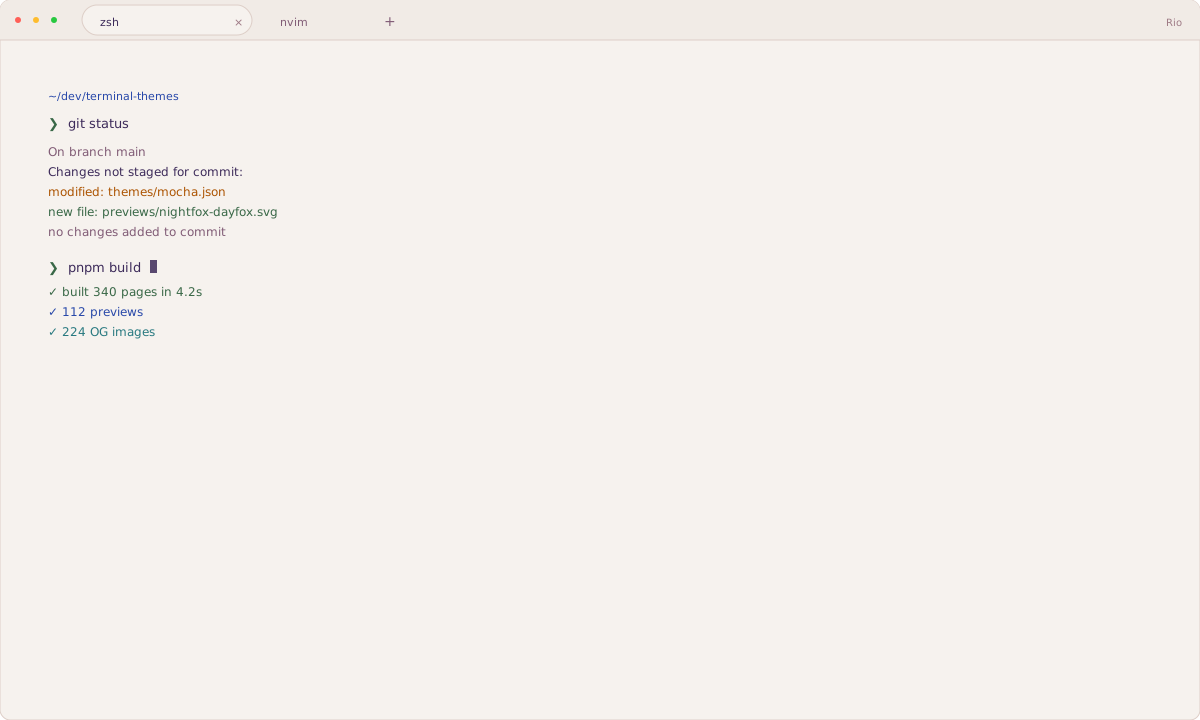
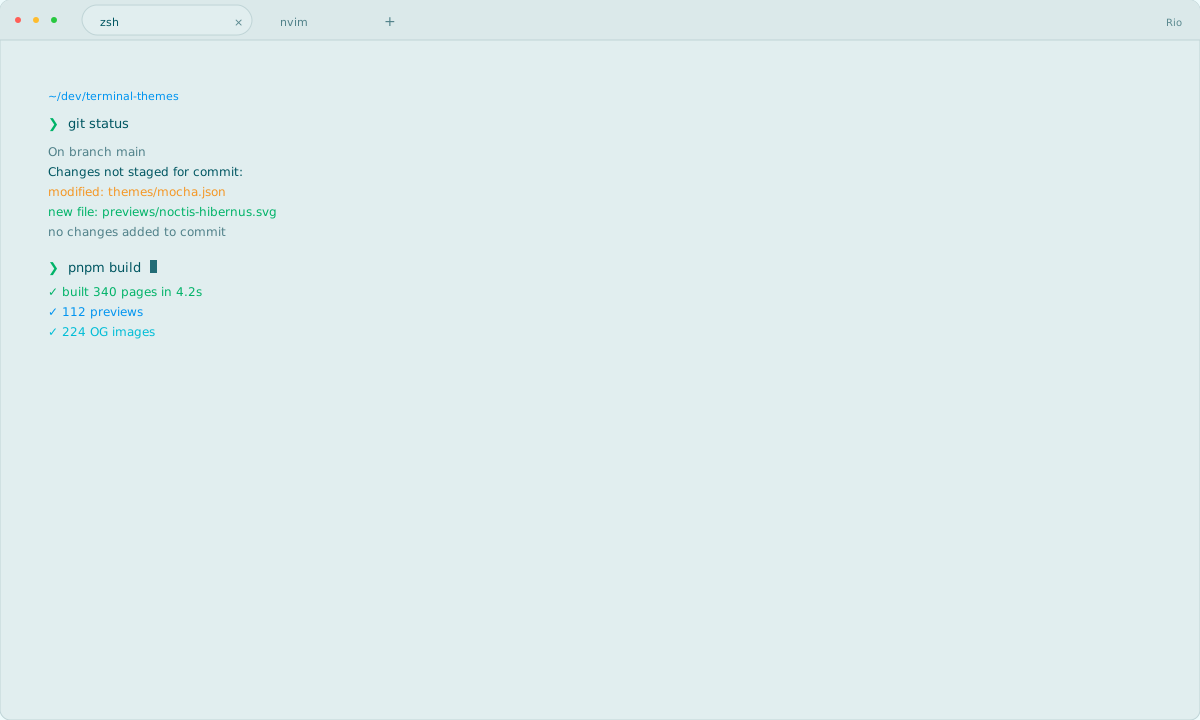
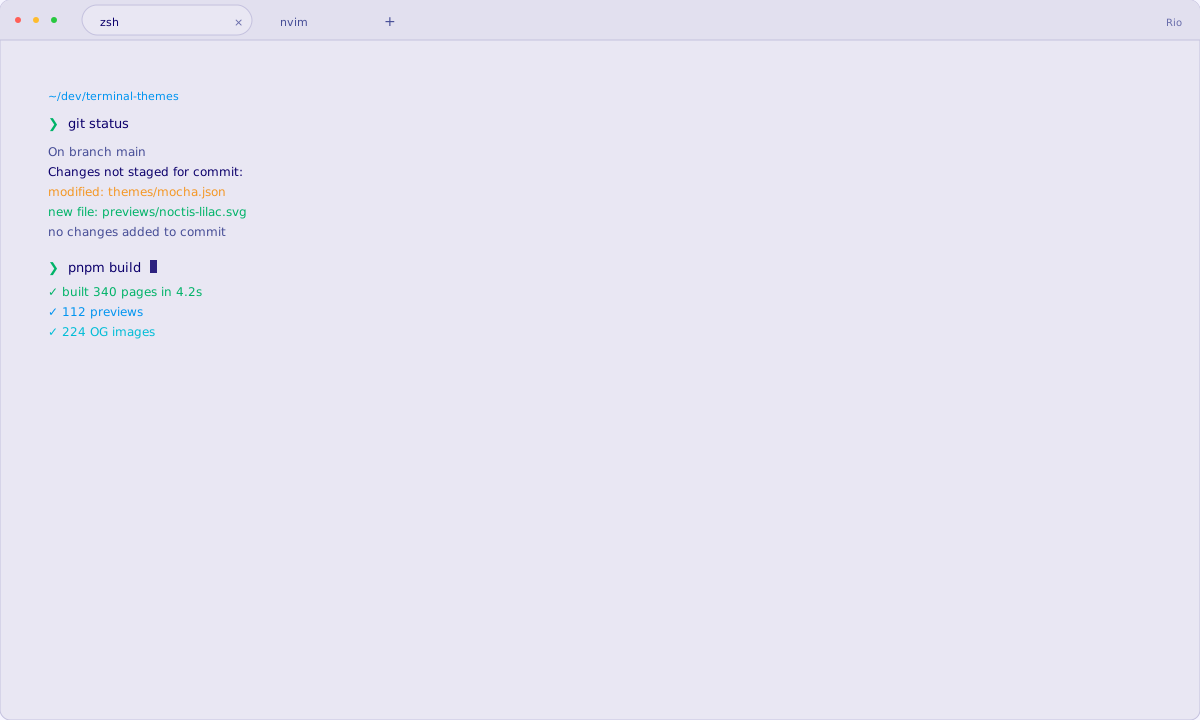
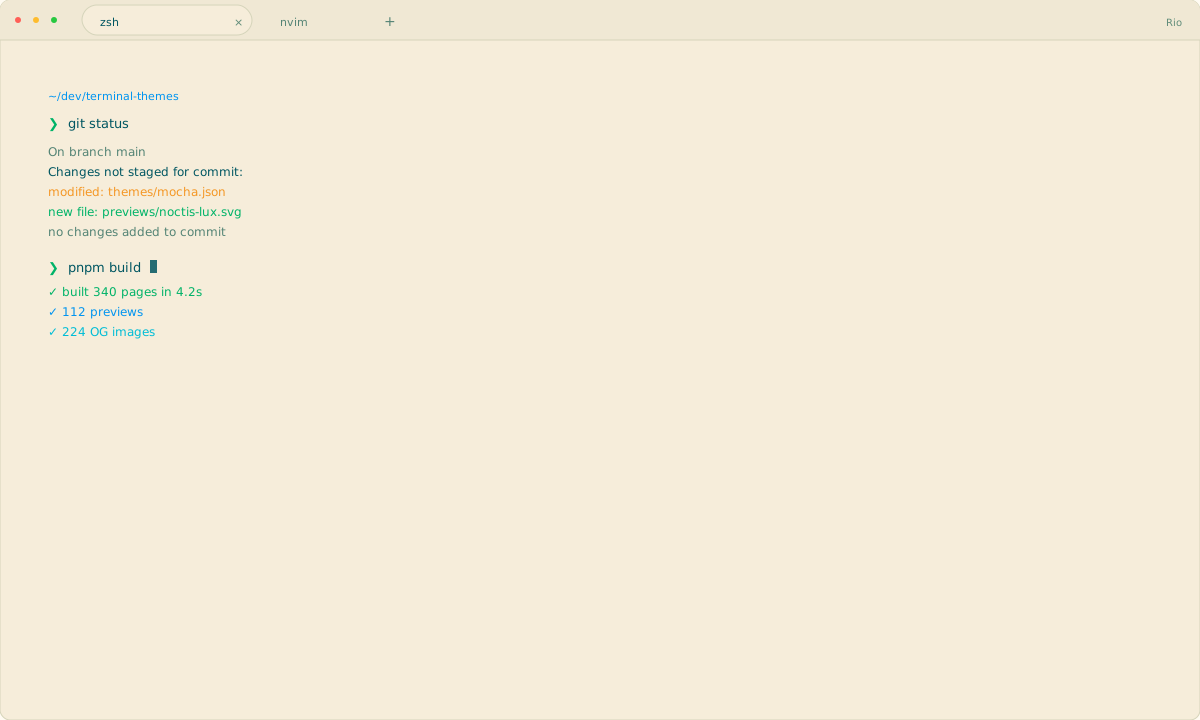
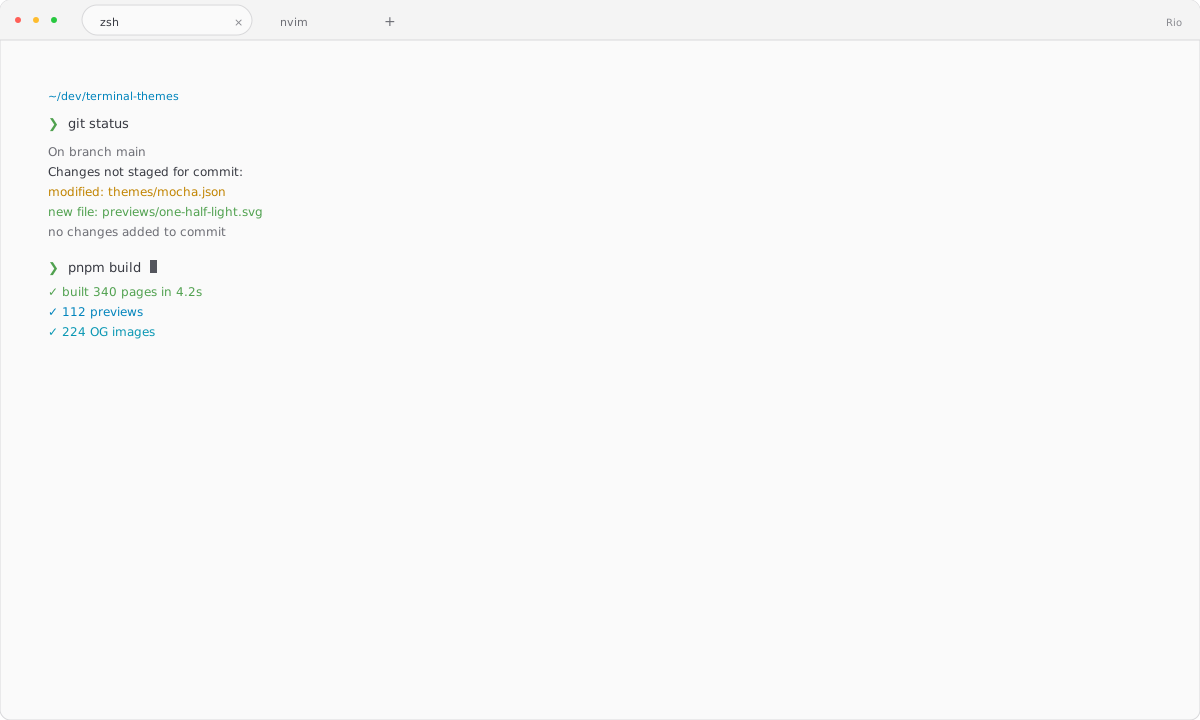
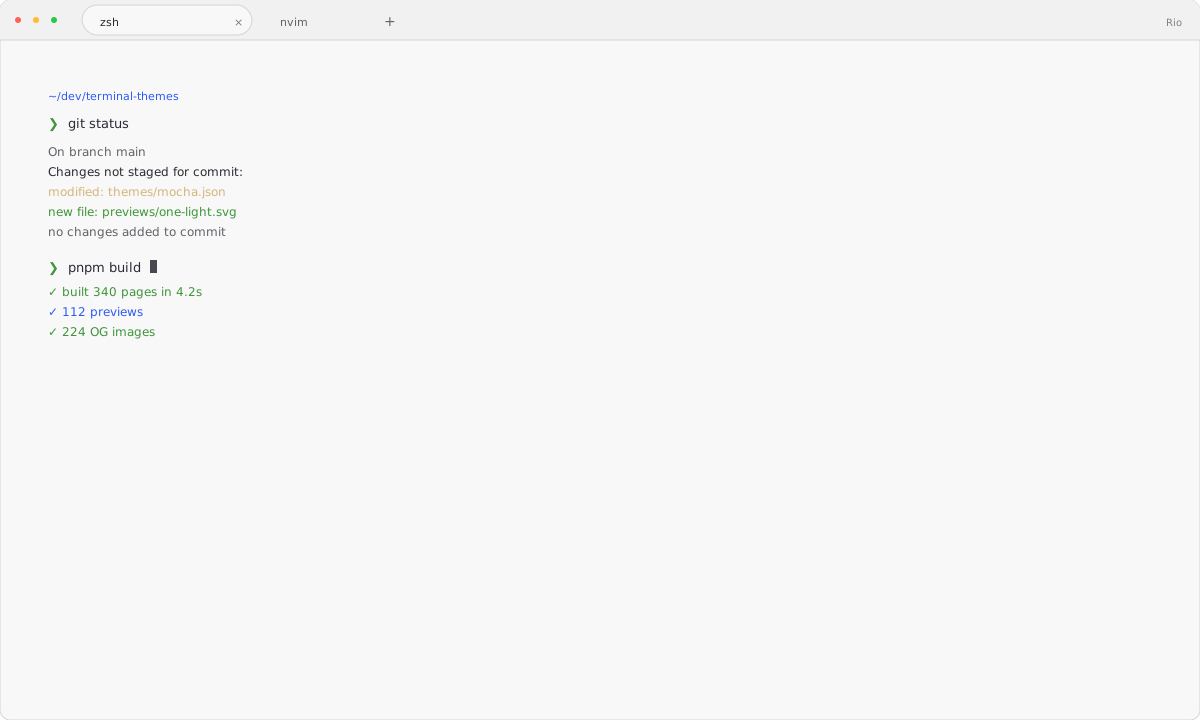
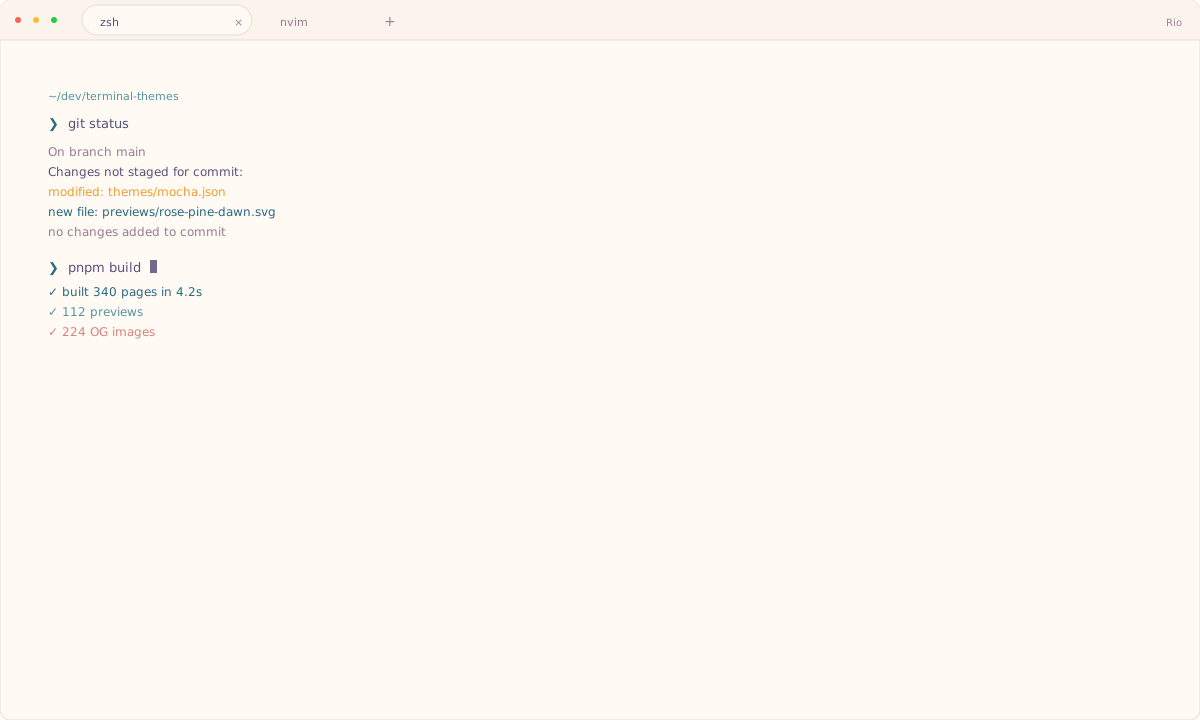
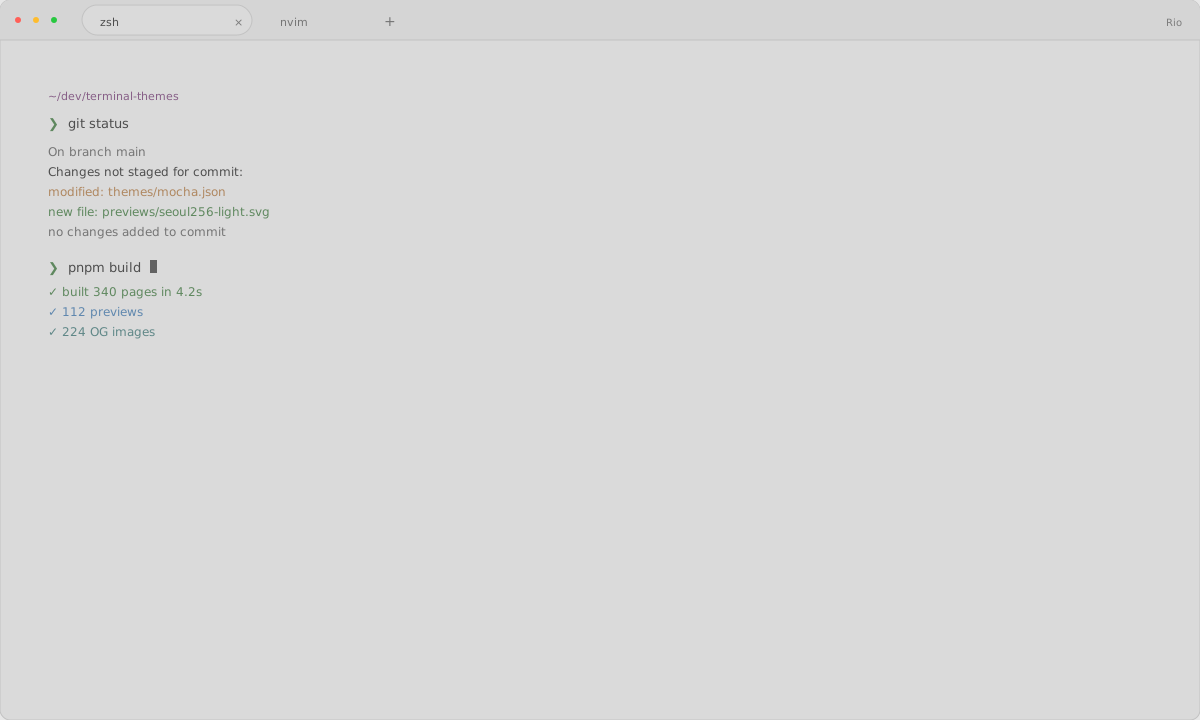
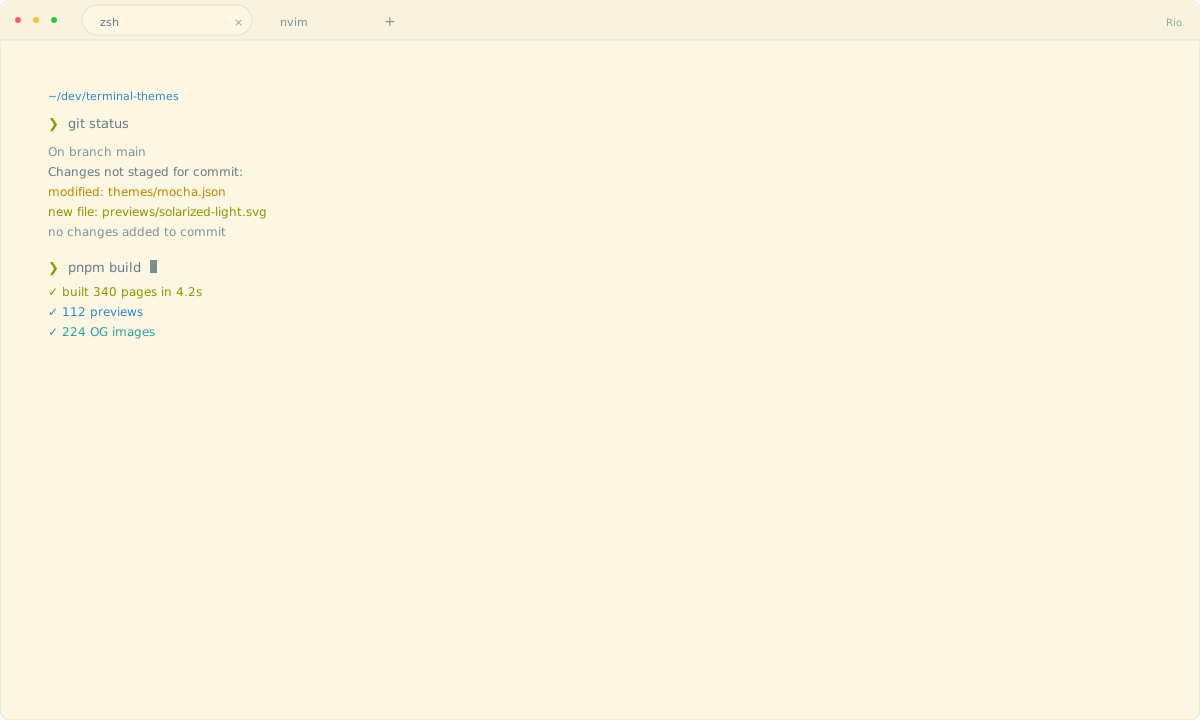
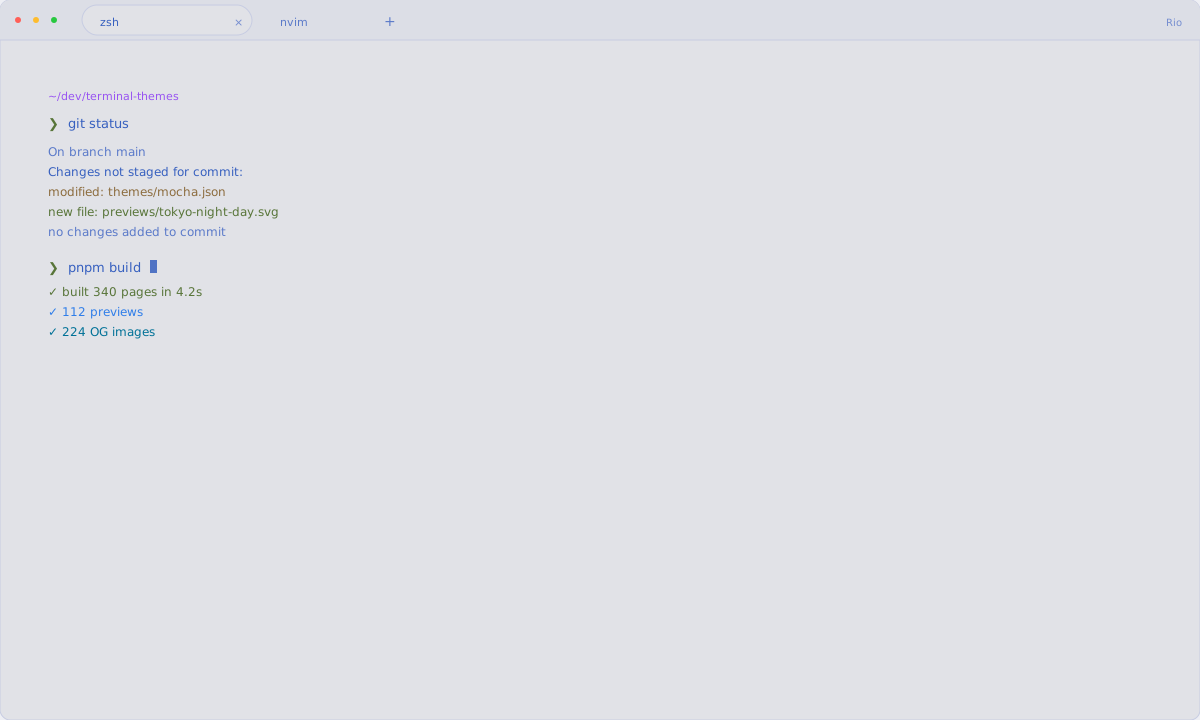
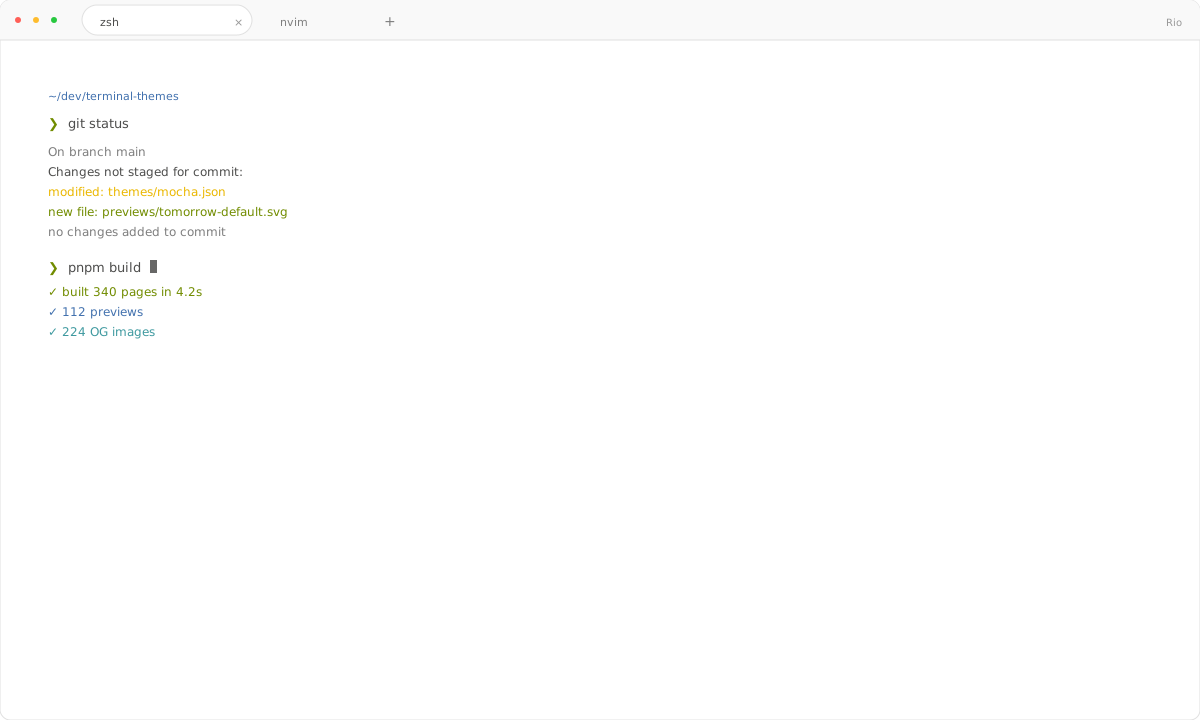
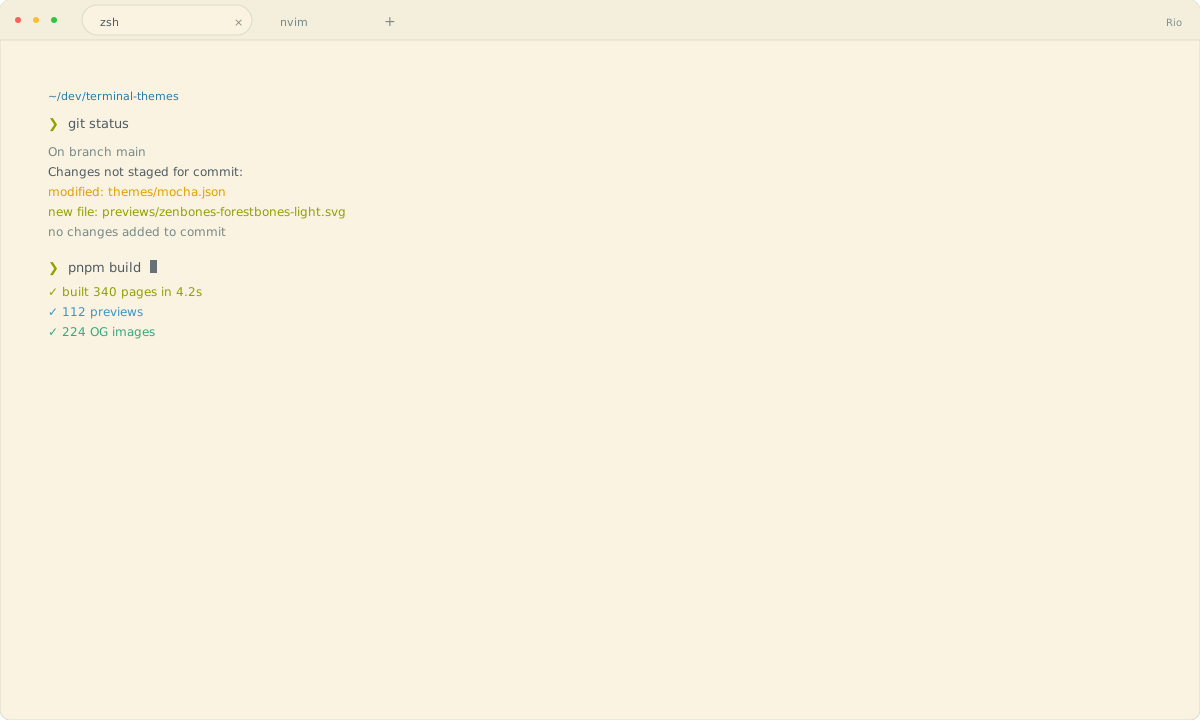
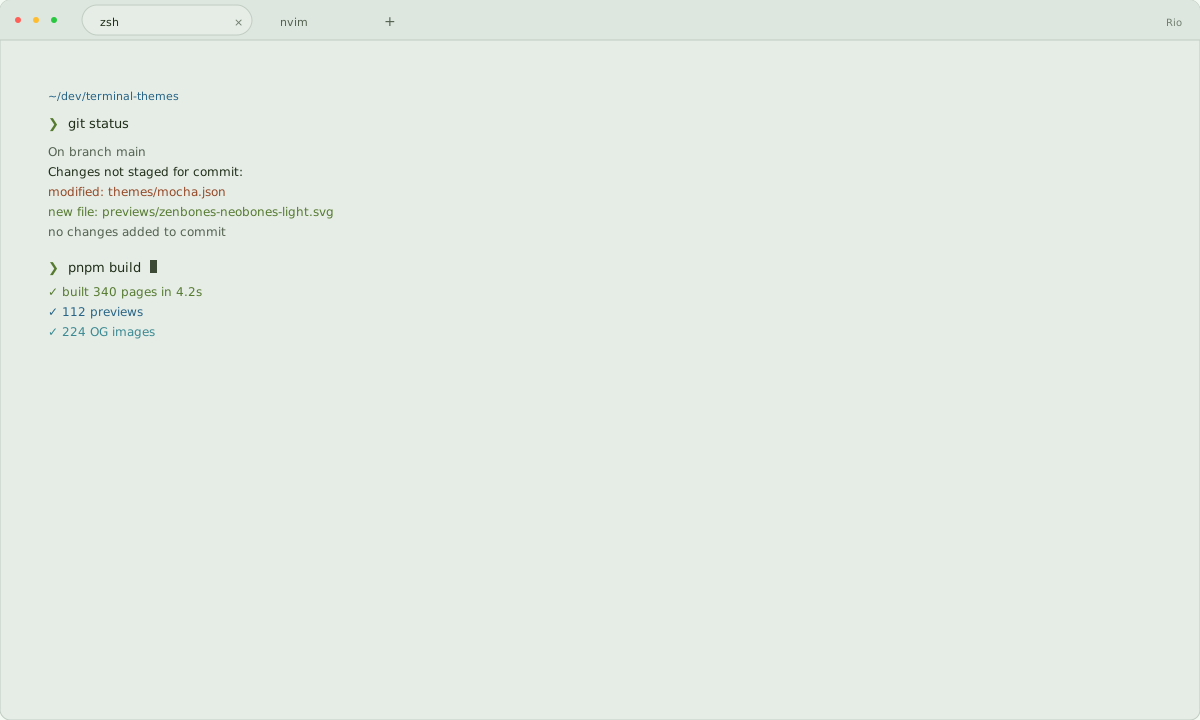
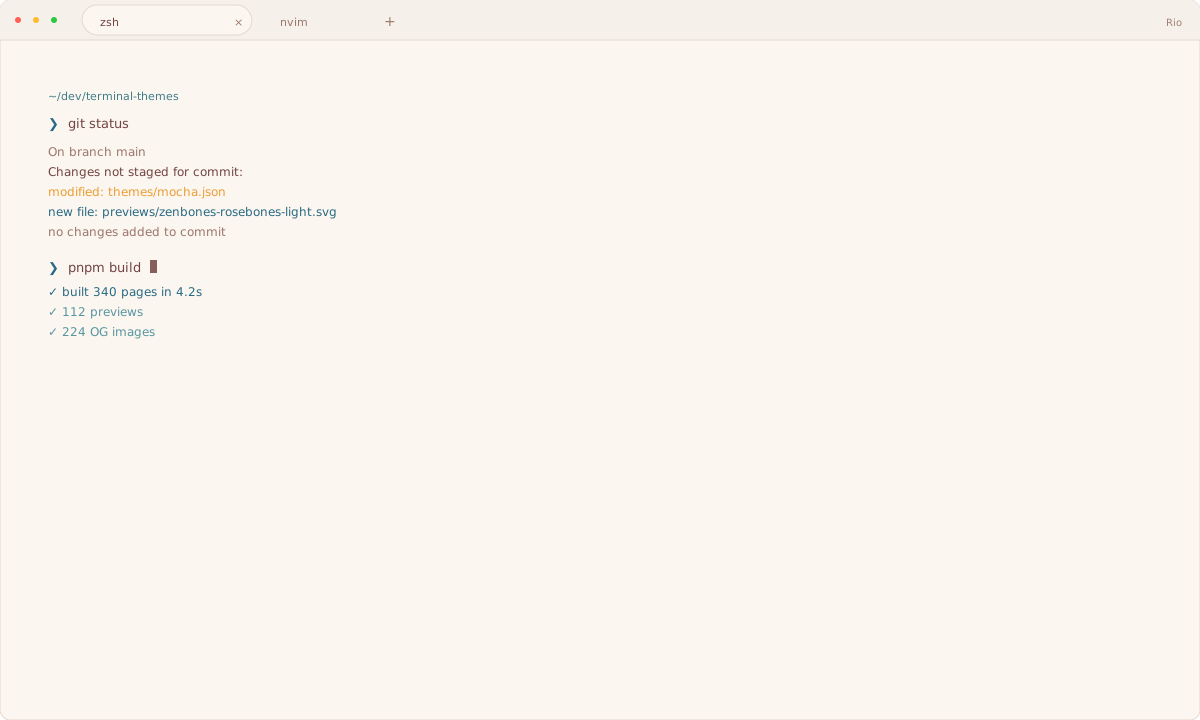
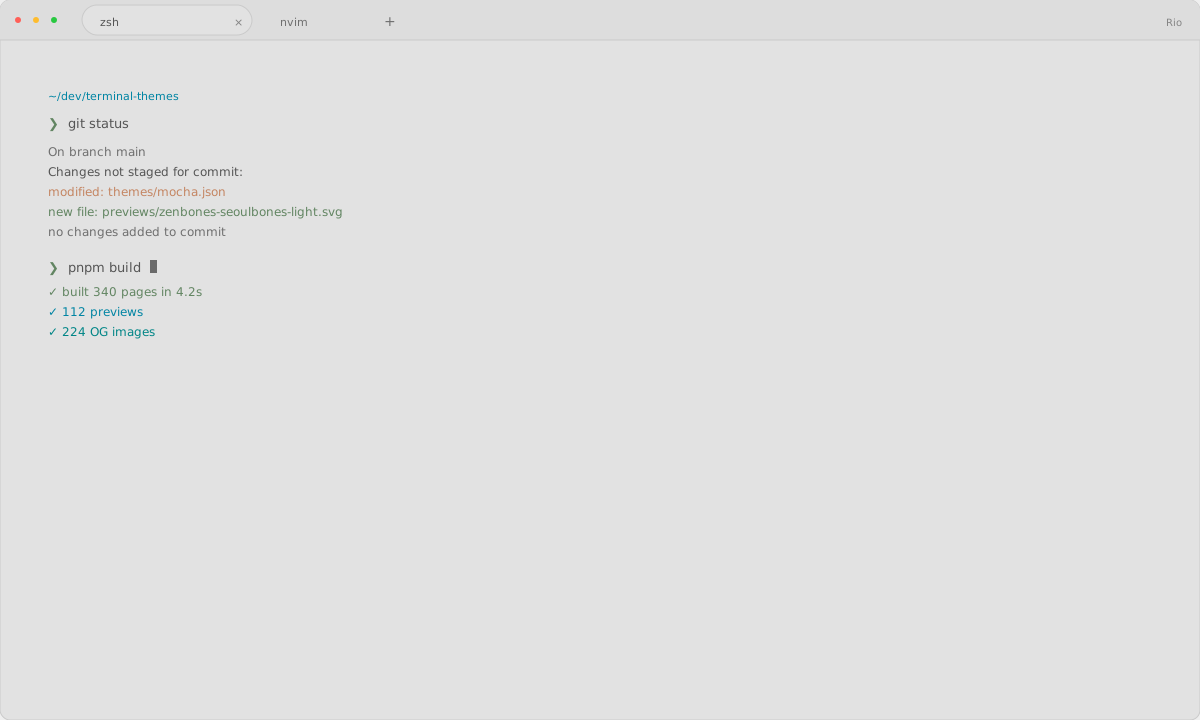
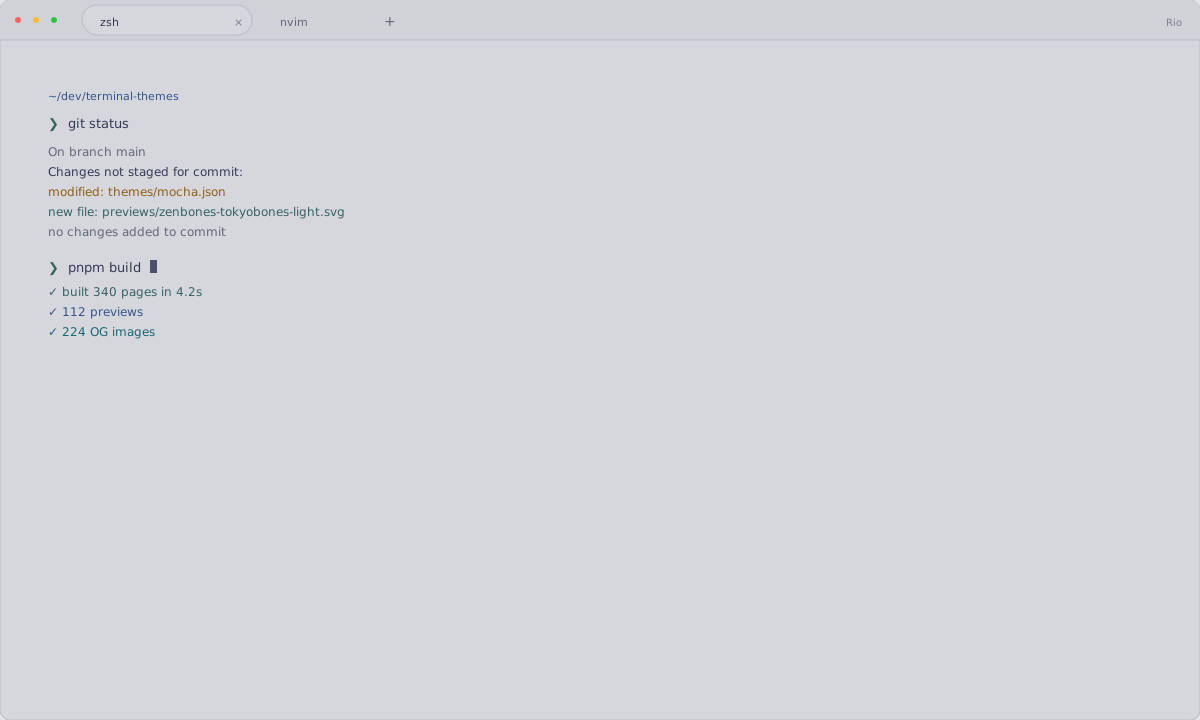
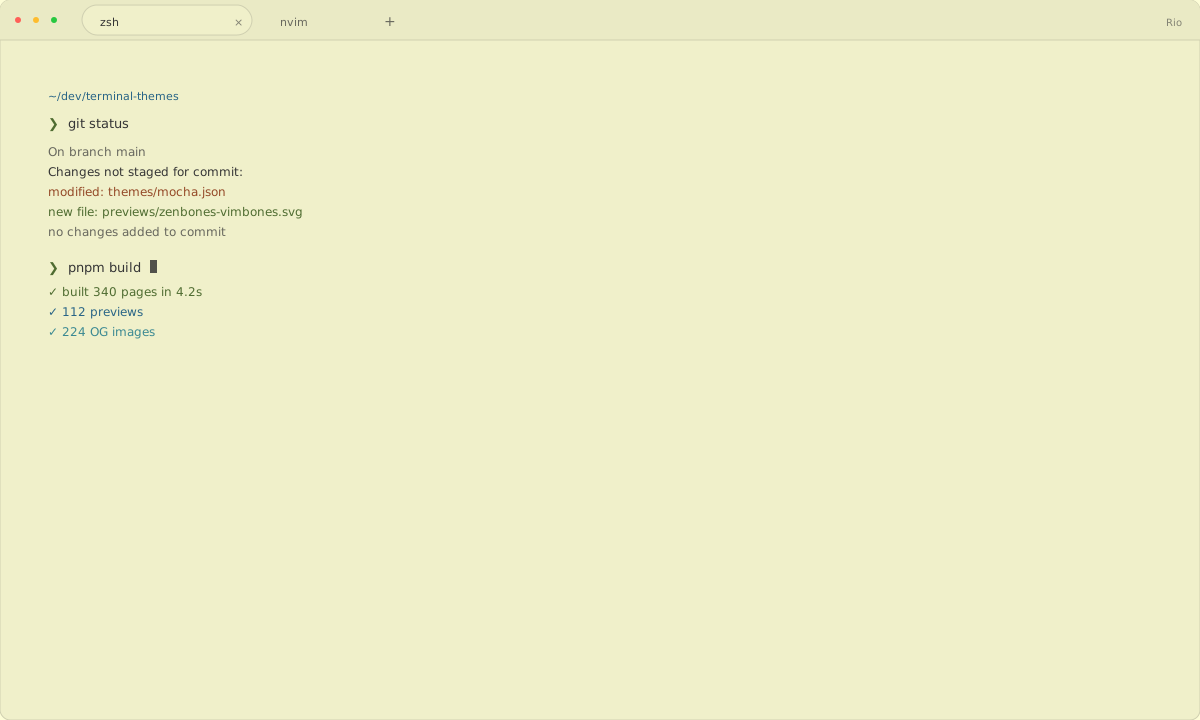
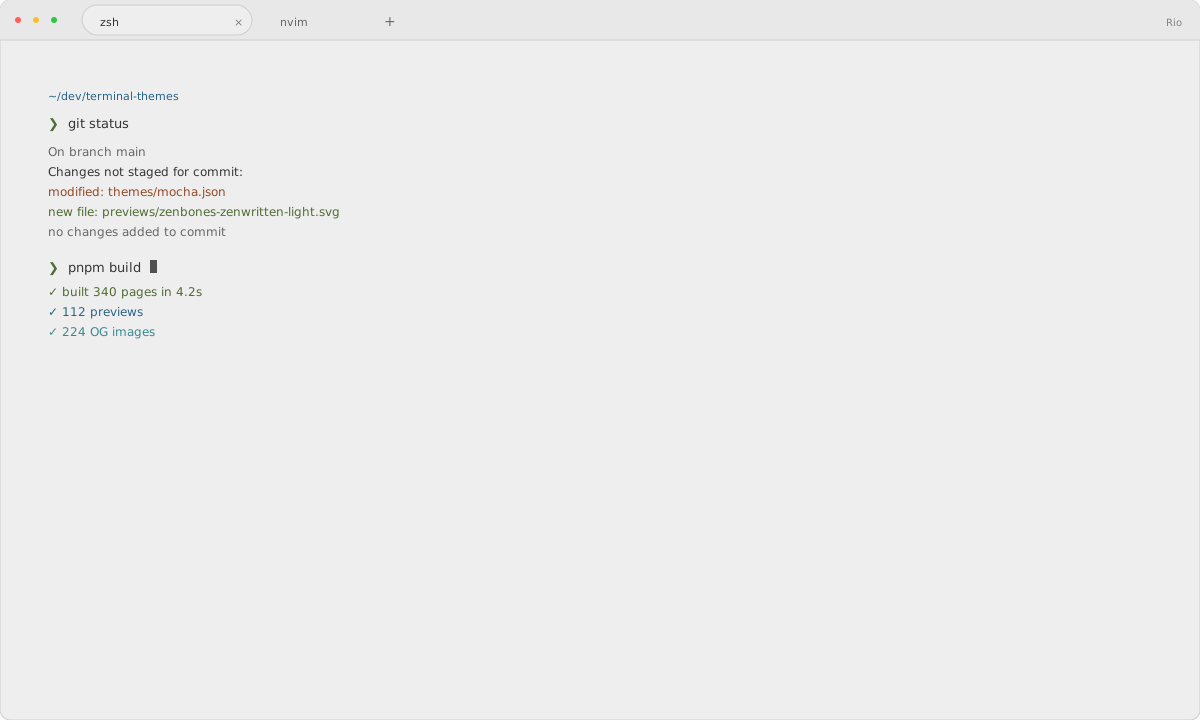
112 themes

Rio themes

Rio loads a named TOML theme. The export provides background, foreground, cursor, selection, tabs, eight ANSI colors, and eight bright colors.

What is a Rio theme?

To install a theme in Rio, download the theme file and follow the steps below; this page includes 112 ready-to-use palettes.

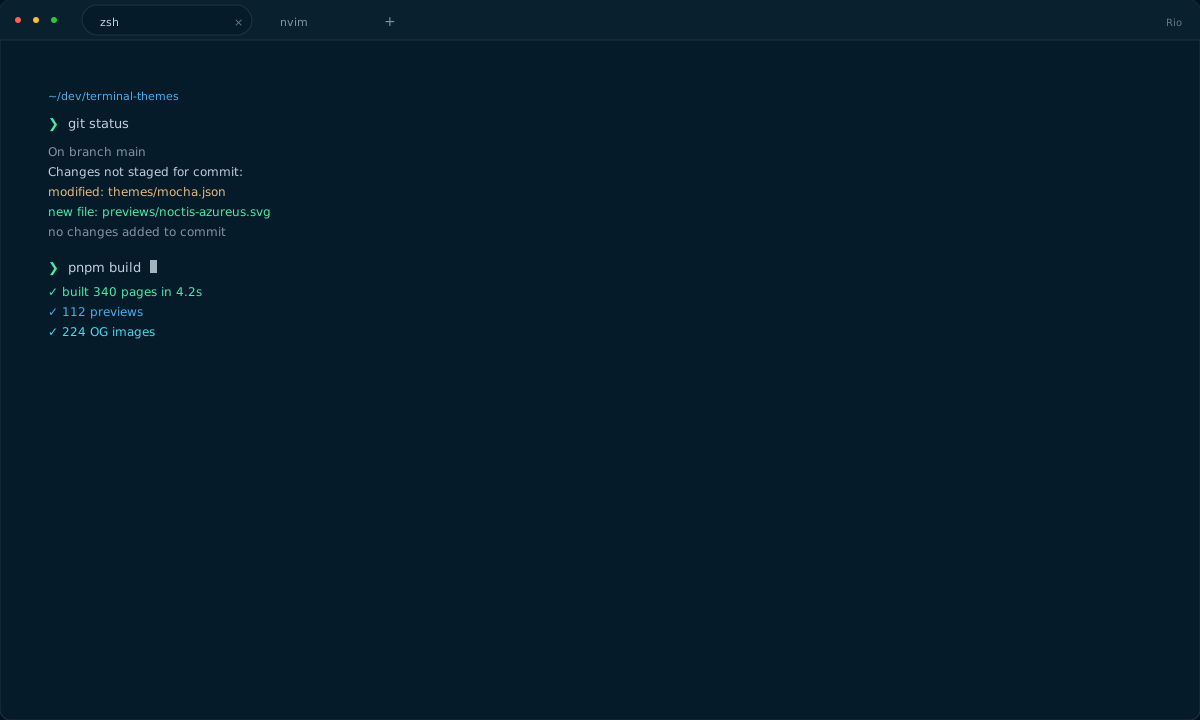
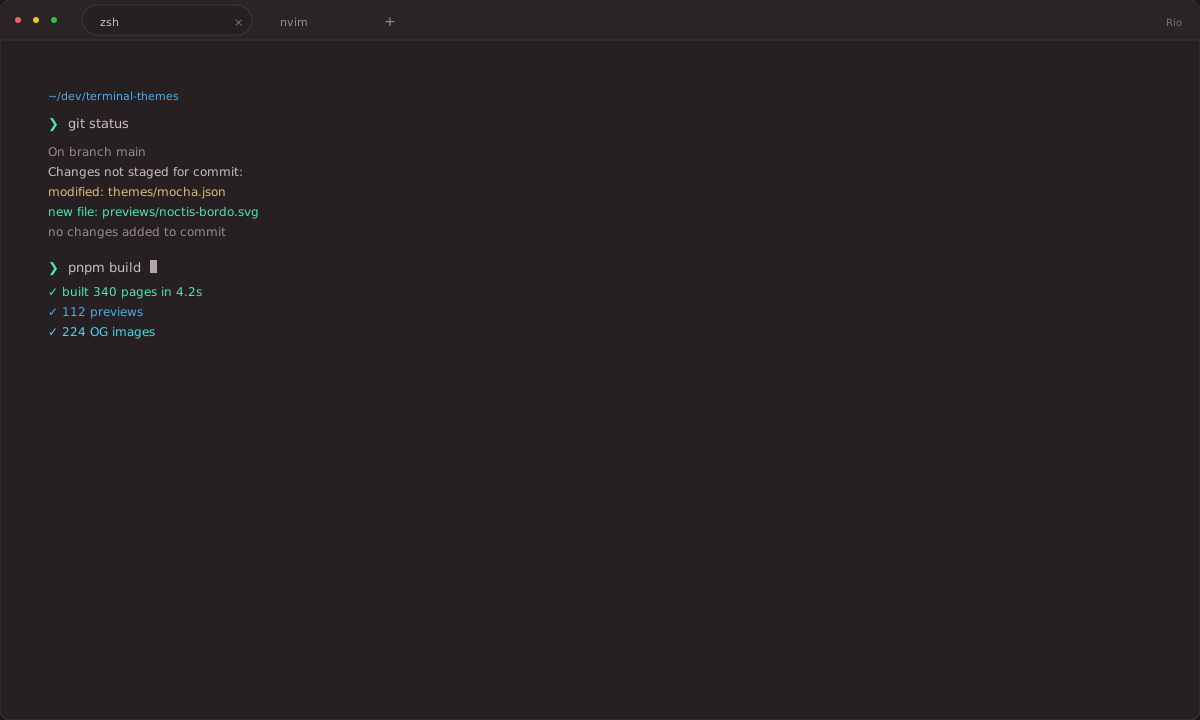
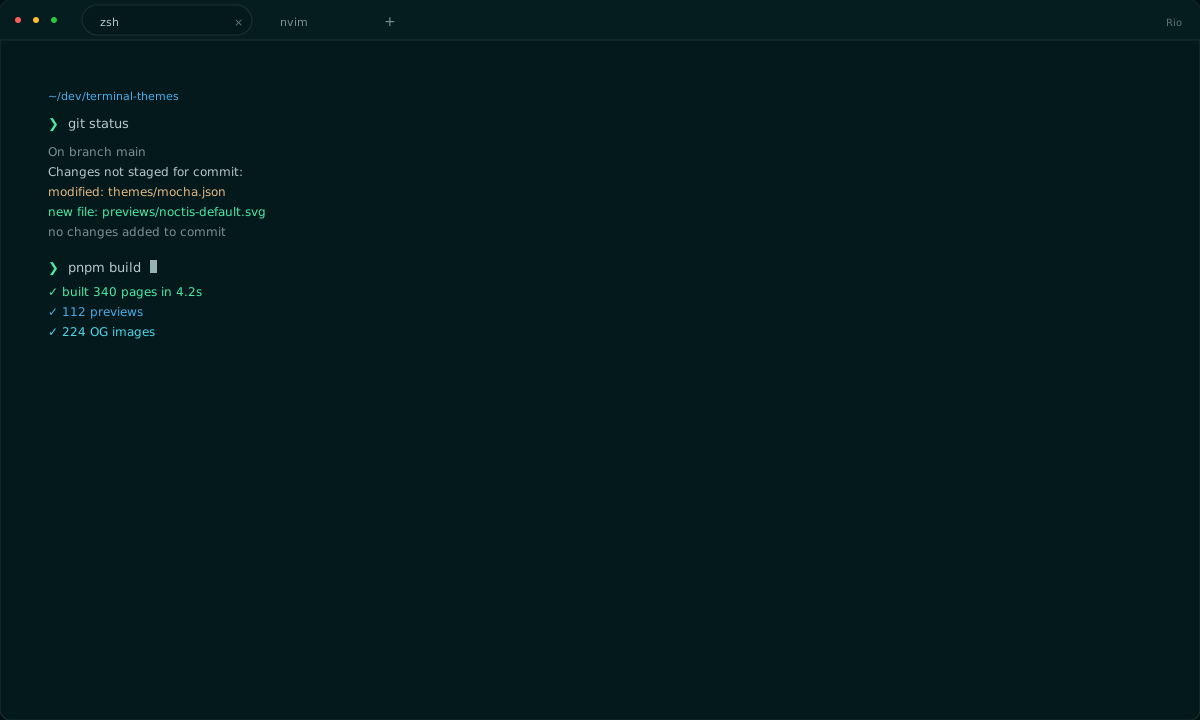
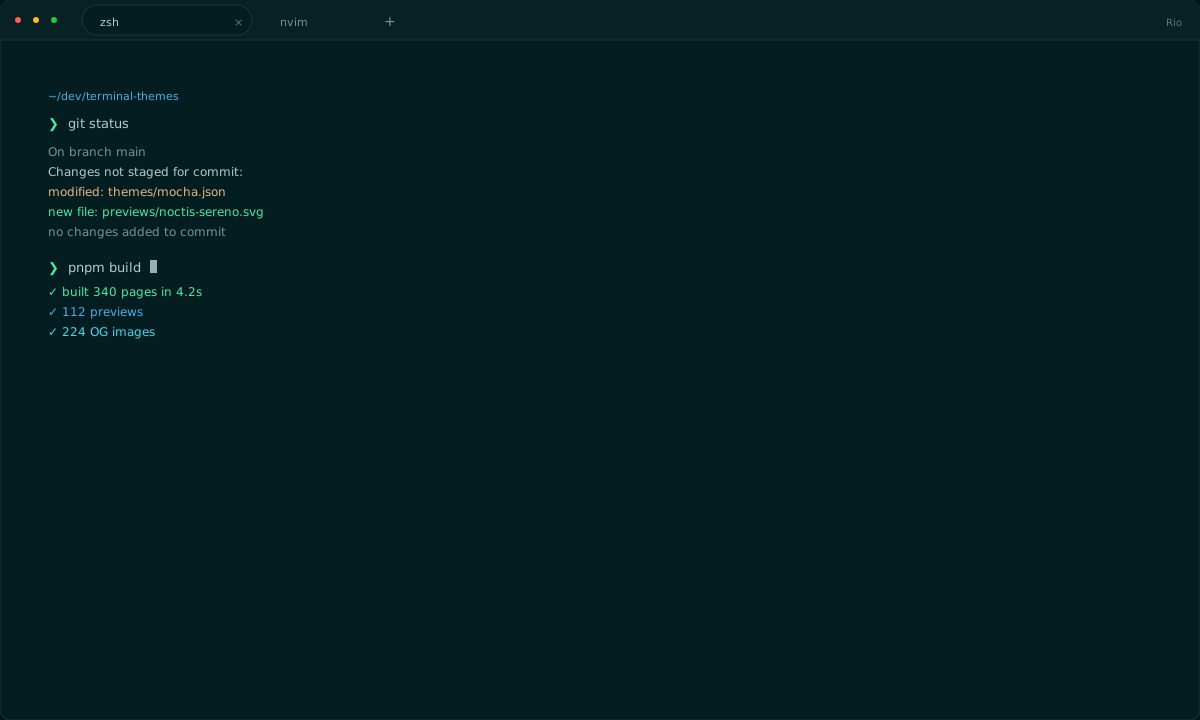
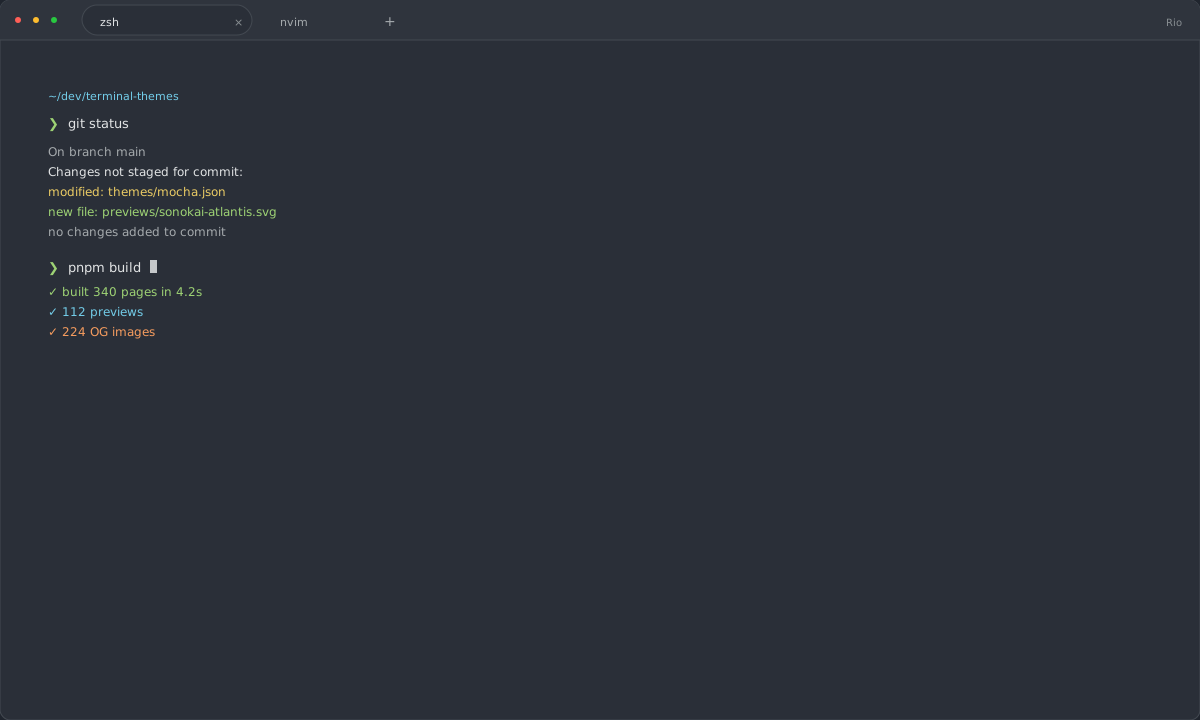
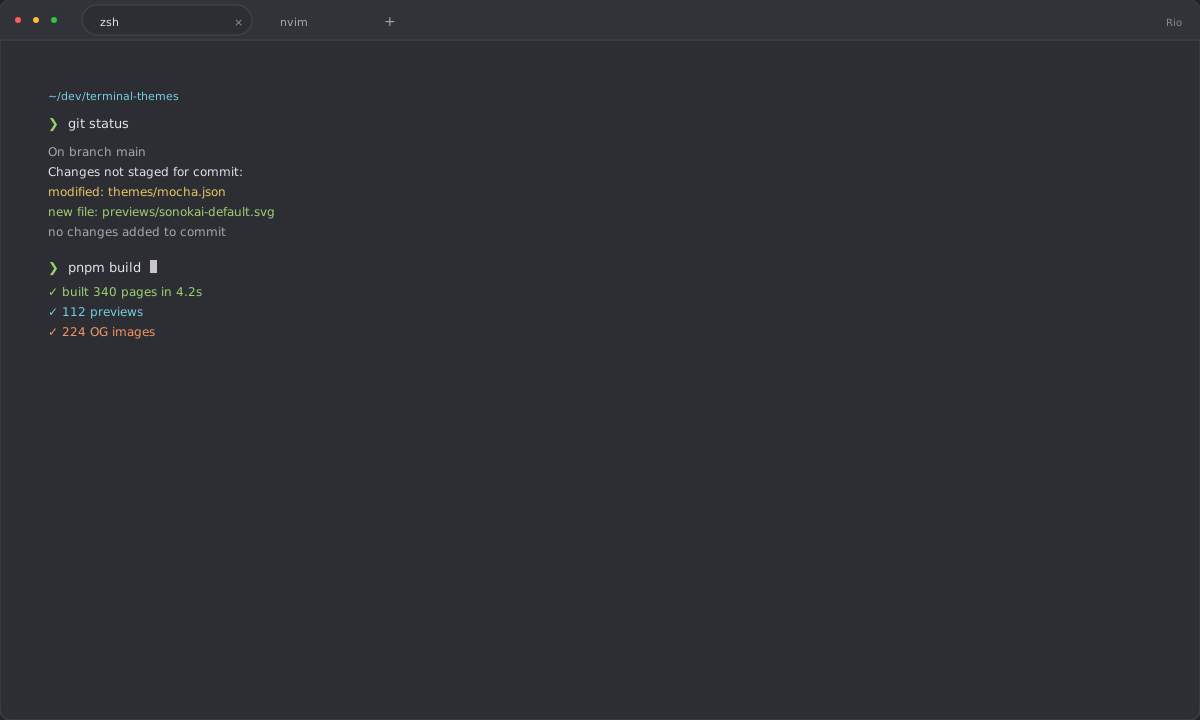
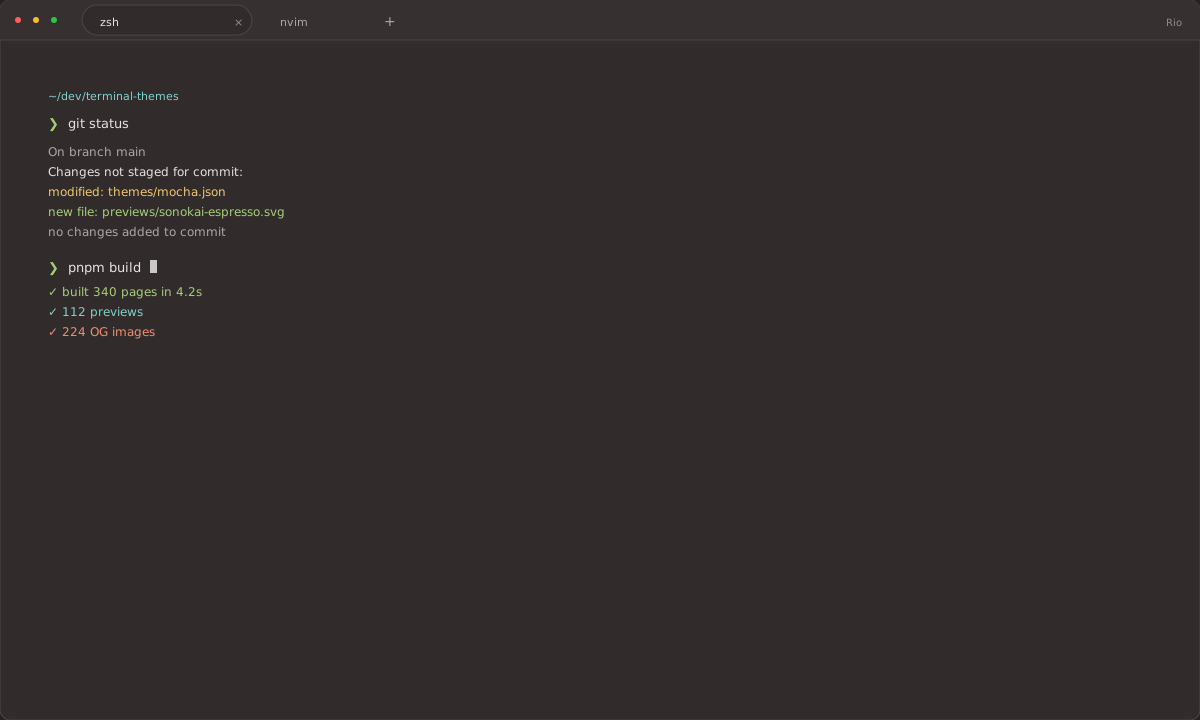
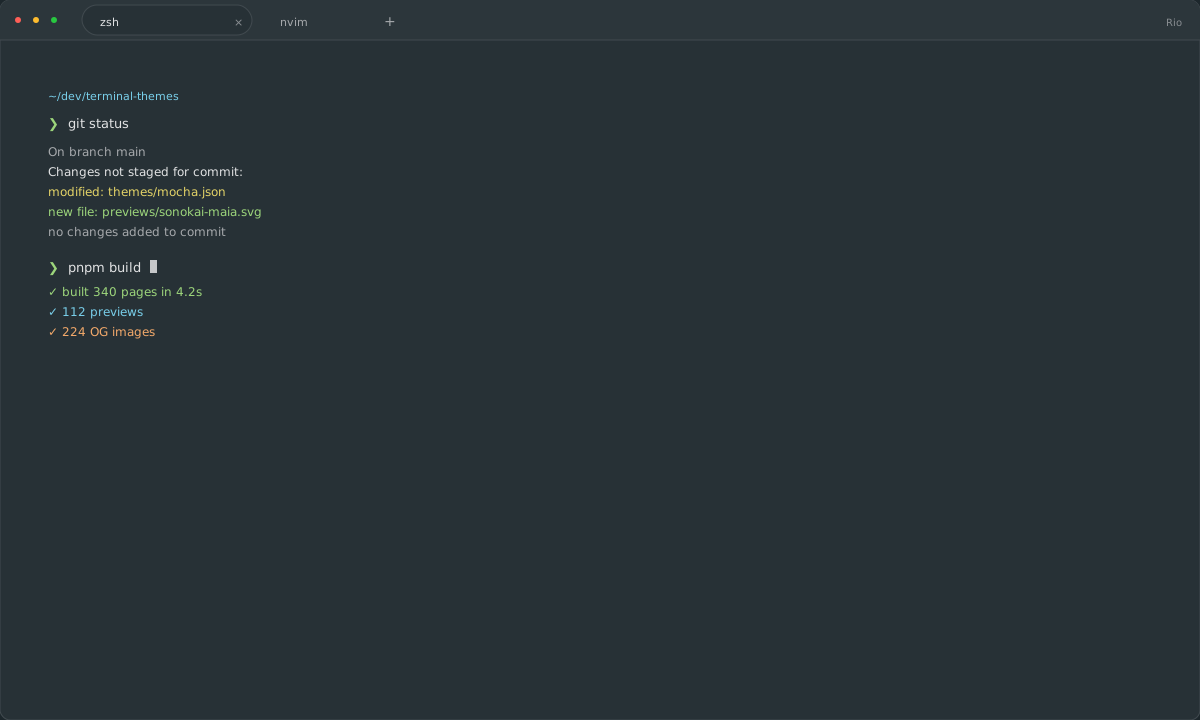
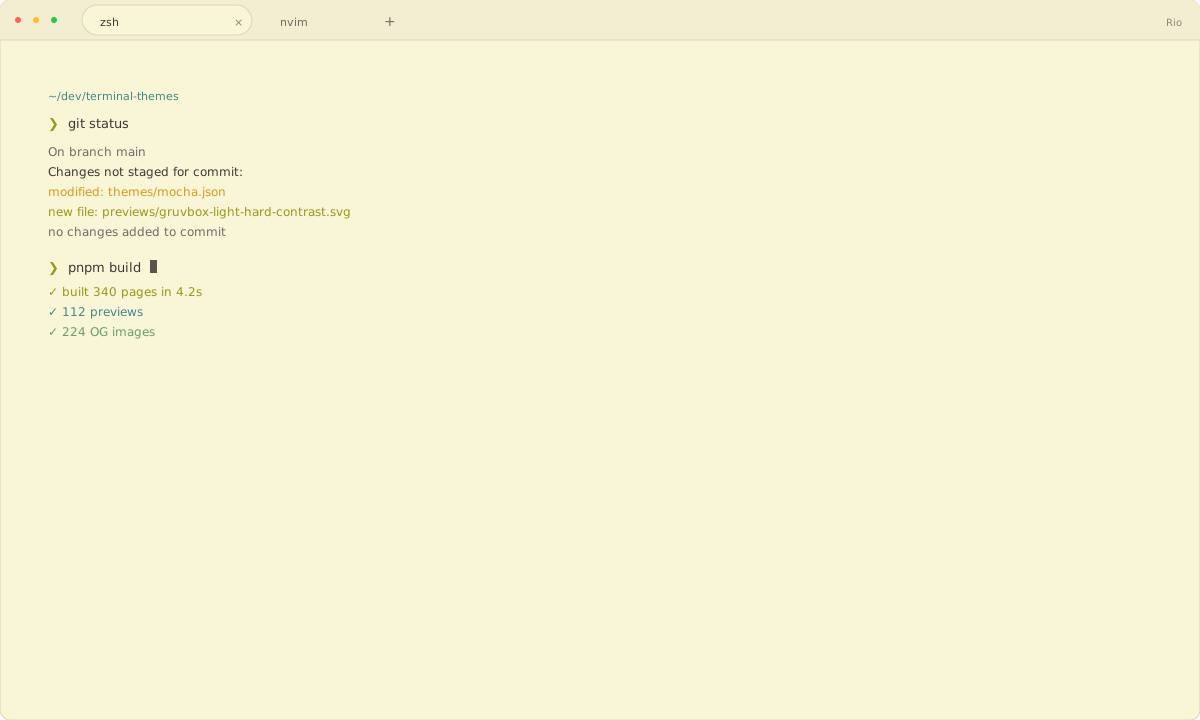
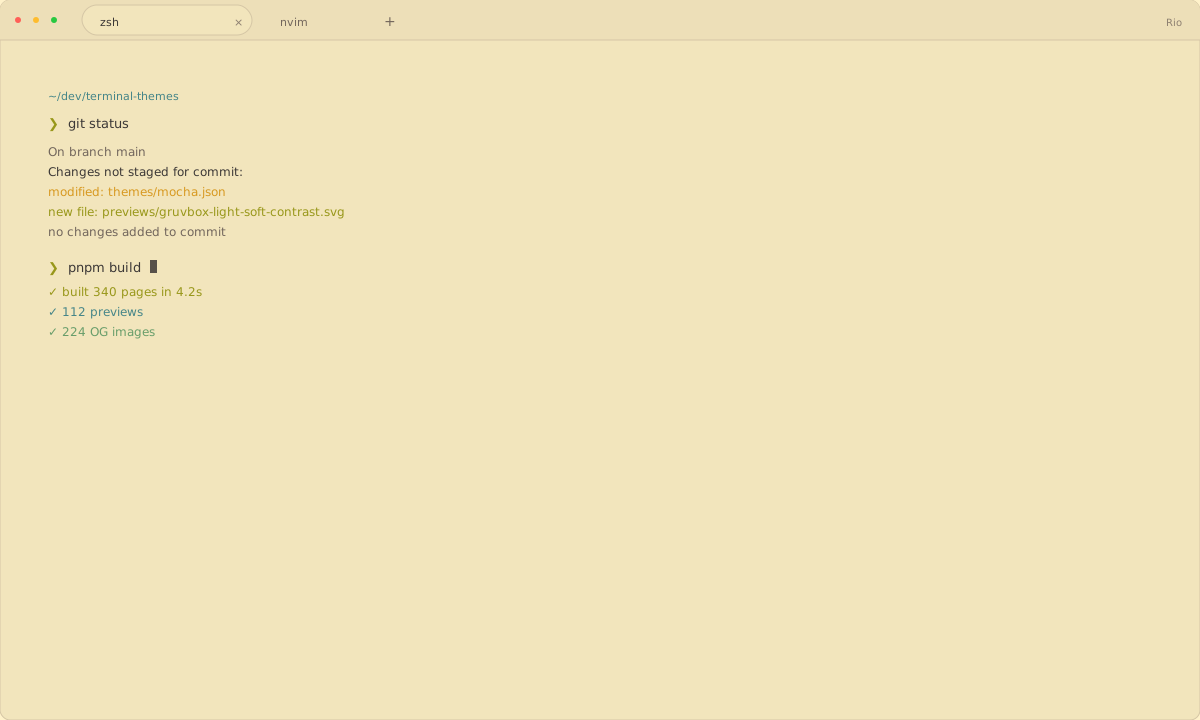
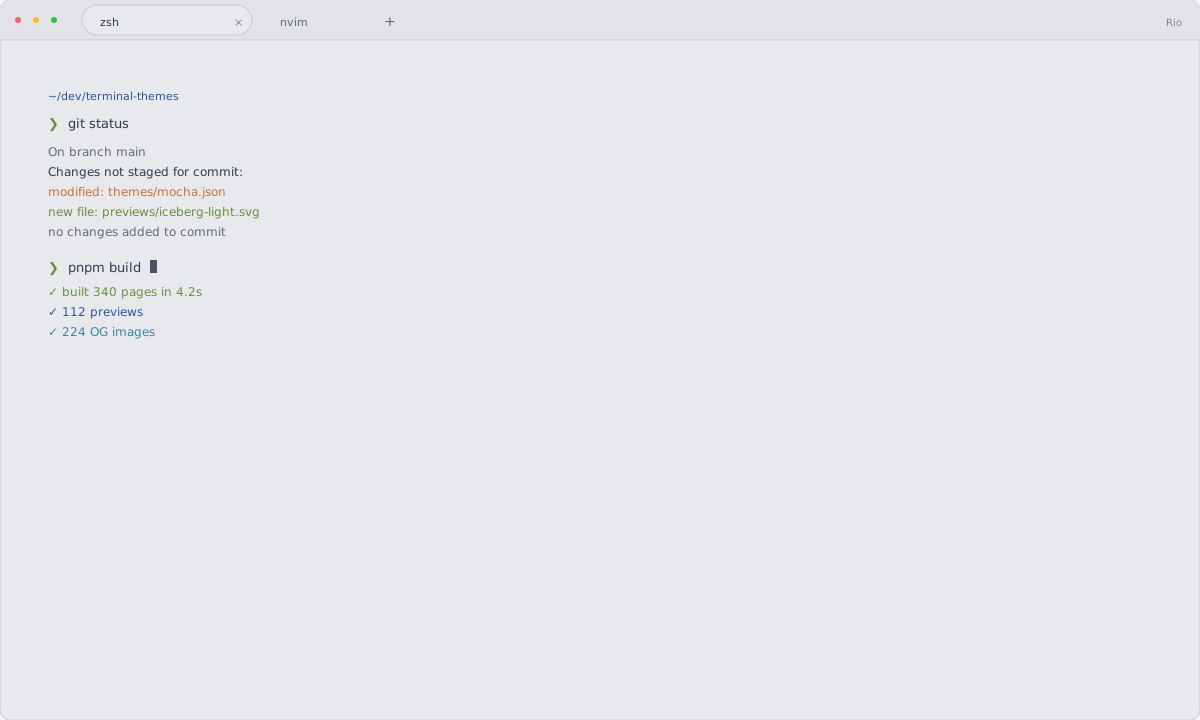
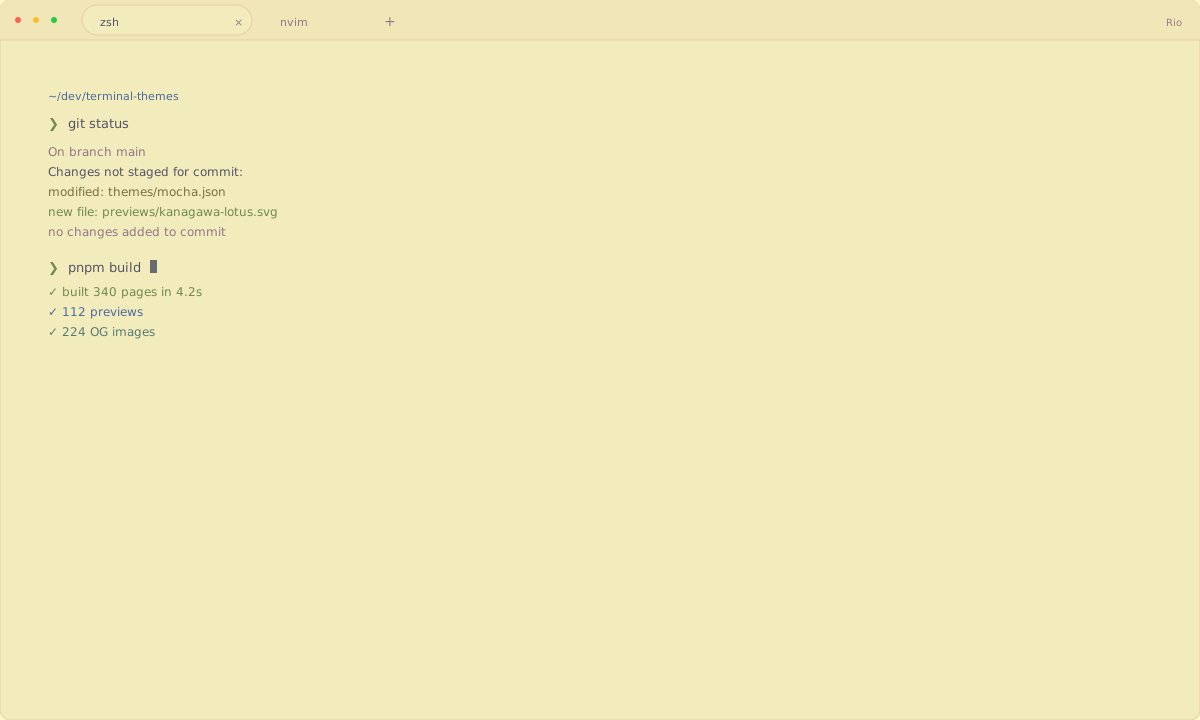
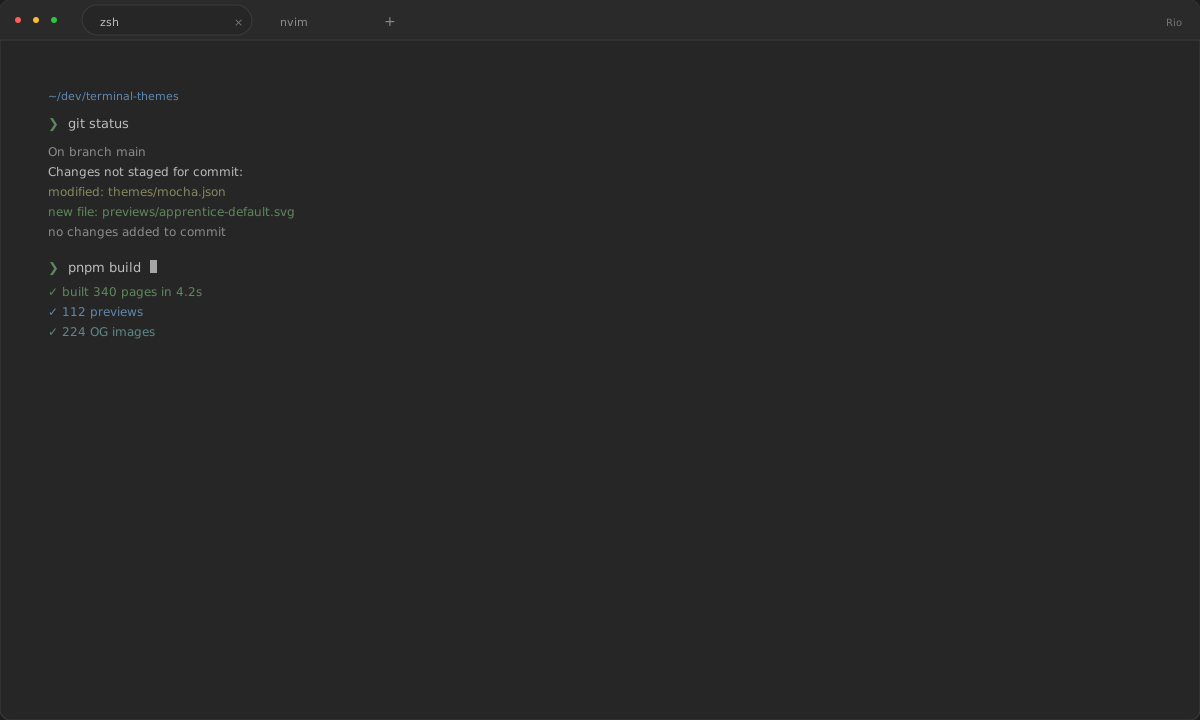
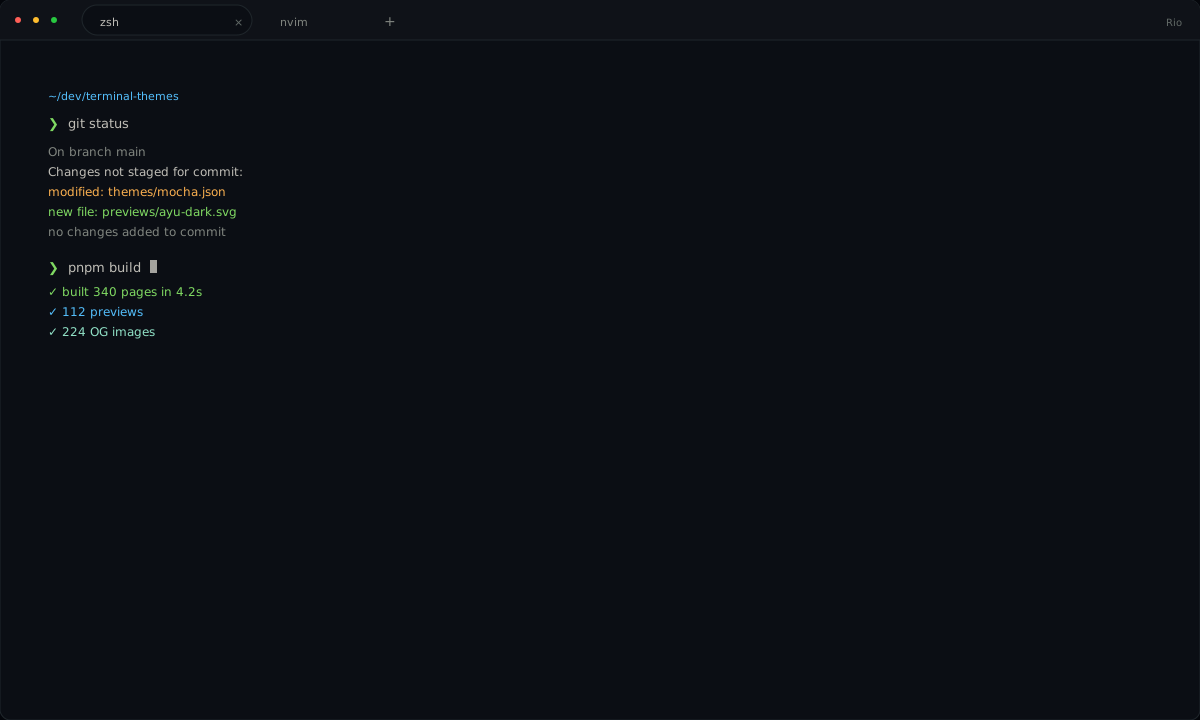
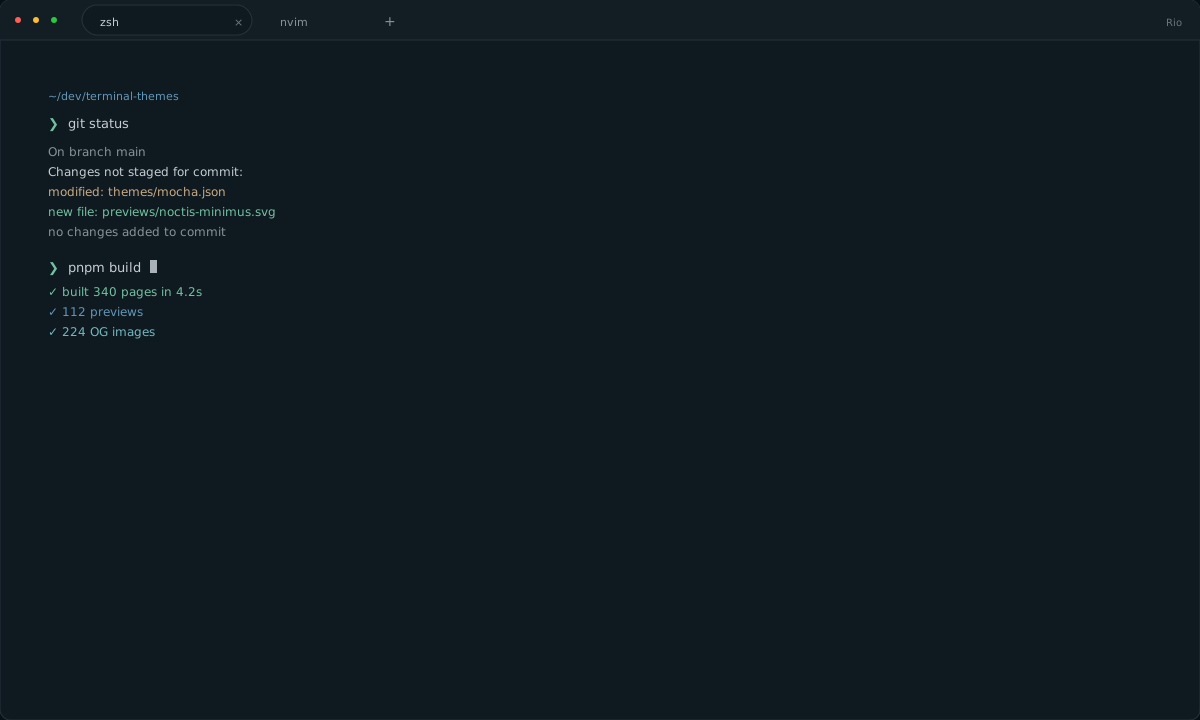
Each palette sets the background, foreground, cursor, selection, and the 16 ANSI colors used by prompts, Git, and editors. One palette is exported to each supported terminal, so colors stay consistent when you switch apps.

How does Rio load themes?

Download the Rio TOML theme. Save it to ~/.config/rio/themes/<name>.toml. This site generates the native file from one palette instead of copying an upstream theme file or screenshot.
Install a theme

Install a theme

  1. Download the Rio TOML theme.
  2. Save it to ~/.config/rio/themes/<name>.toml.
  3. Add theme = "<name>" to ~/.config/rio/config.toml.
  4. Restart Rio or reload its configuration.
One-line installmkdir -p "$HOME/.config/rio/themes" && curl -fsSL "https://terminalthemes.iwwi.app/ports/rio/catppuccin-mocha.toml" -o "$HOME/.config/rio/themes/catppuccin-mocha.toml" # Add theme = "catppuccin-mocha" to ~/.config/rio/config.toml

Example: this command installs Catppuccin Mocha. Every terminal theme page has its own command. All themes

FAQ

Frequently asked questions

Where do Rio themes go?

Download the Rio TOML theme. Save it to ~/.config/rio/themes/<name>.toml.

Do I need to restart Rio after changing a theme?

Restart Rio or reload its configuration. If the colors do not change, reopen the app or start a new terminal window.

Can I use the same Rio theme in another terminal?

Yes. Each palette is stored once and exported natively for every supported terminal. The 16 ANSI colors stay the same; only the file format changes.

Are these Rio themes free to use?

Yes. Site code is MIT-licensed. Each palette keeps its upstream license; the theme page lists the author, source, and license before you download it.
All themes

All themes

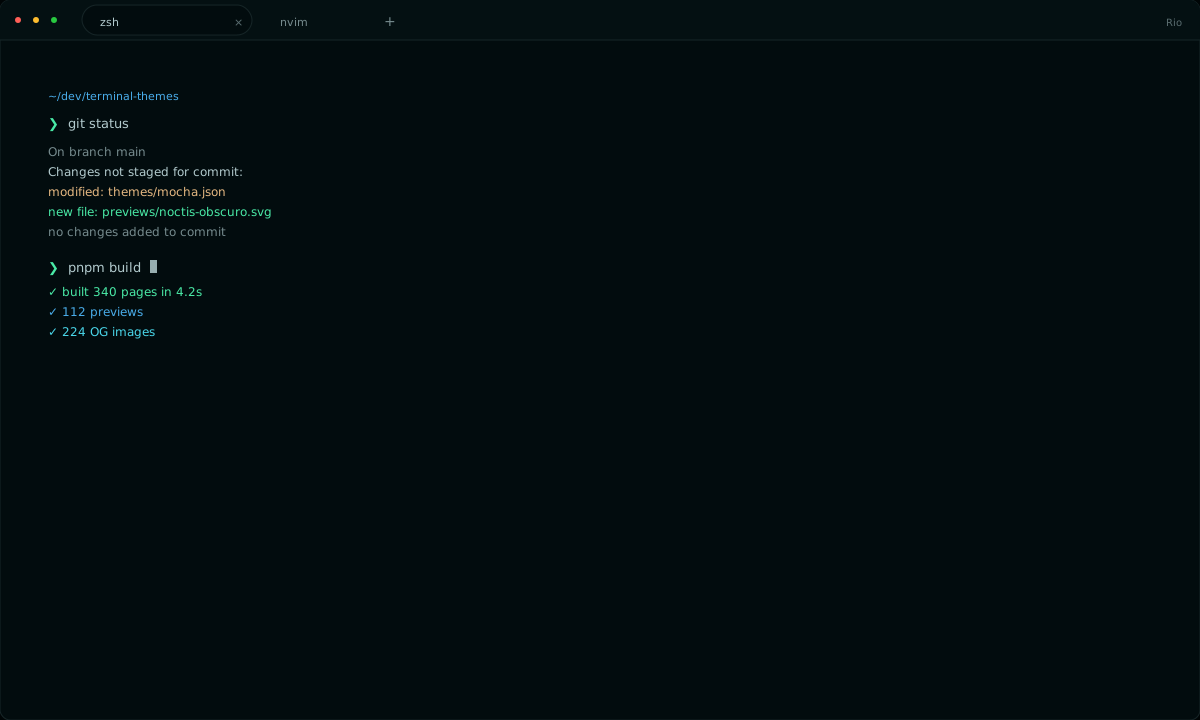
Every theme below includes the full 16-color ANSI palette and a native configuration for this app.
Dark · 80

Light · 32