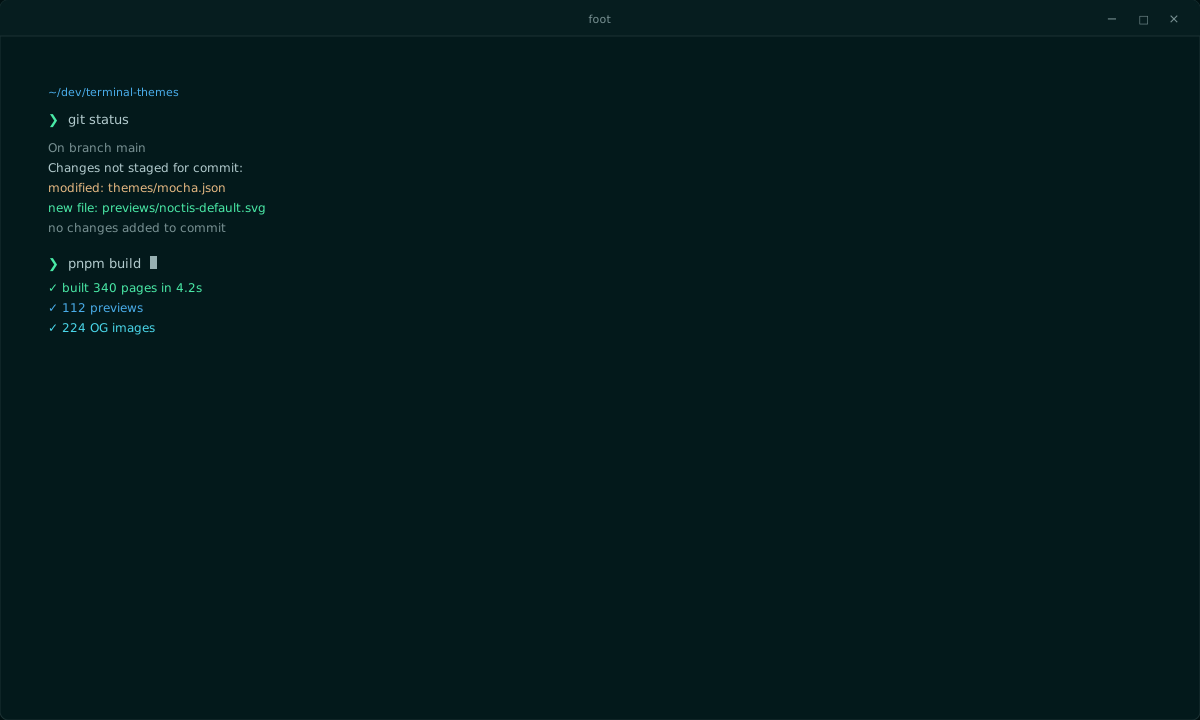
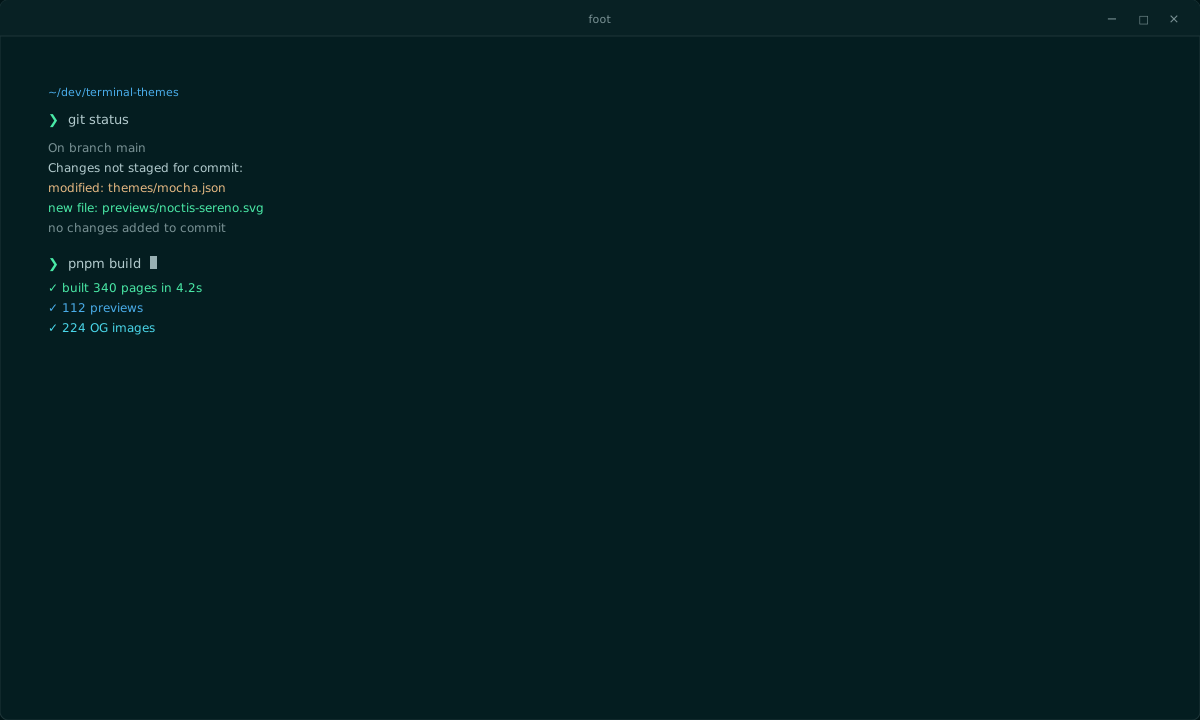
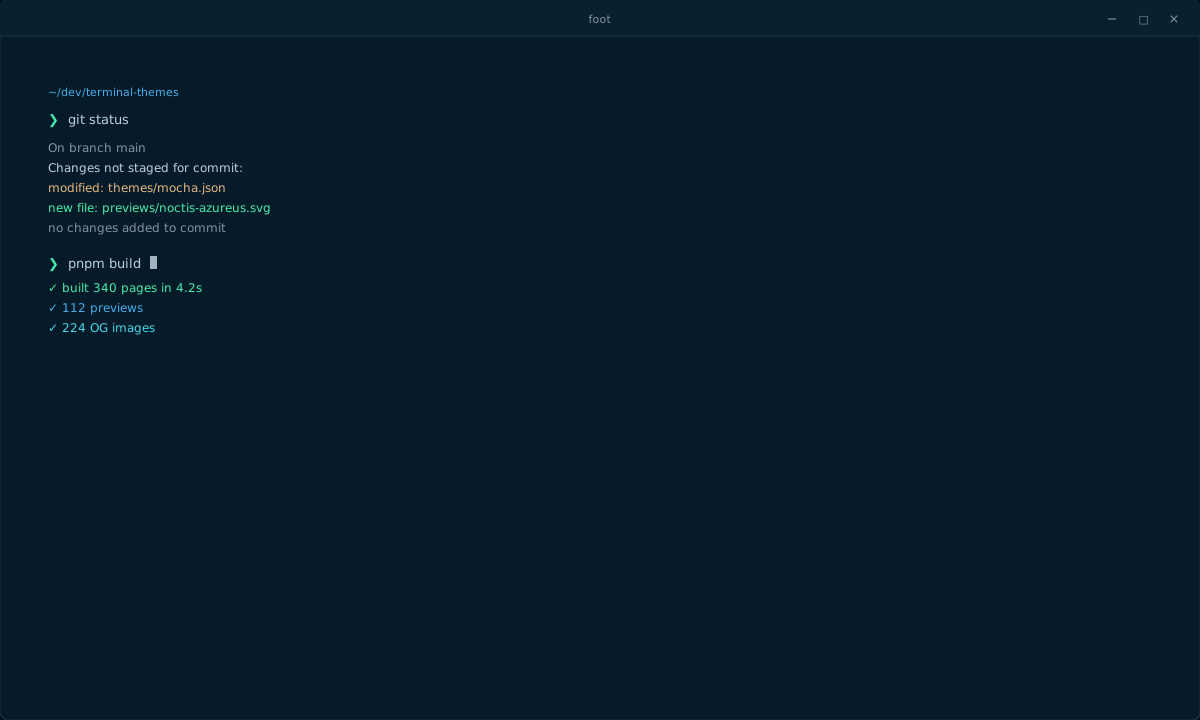
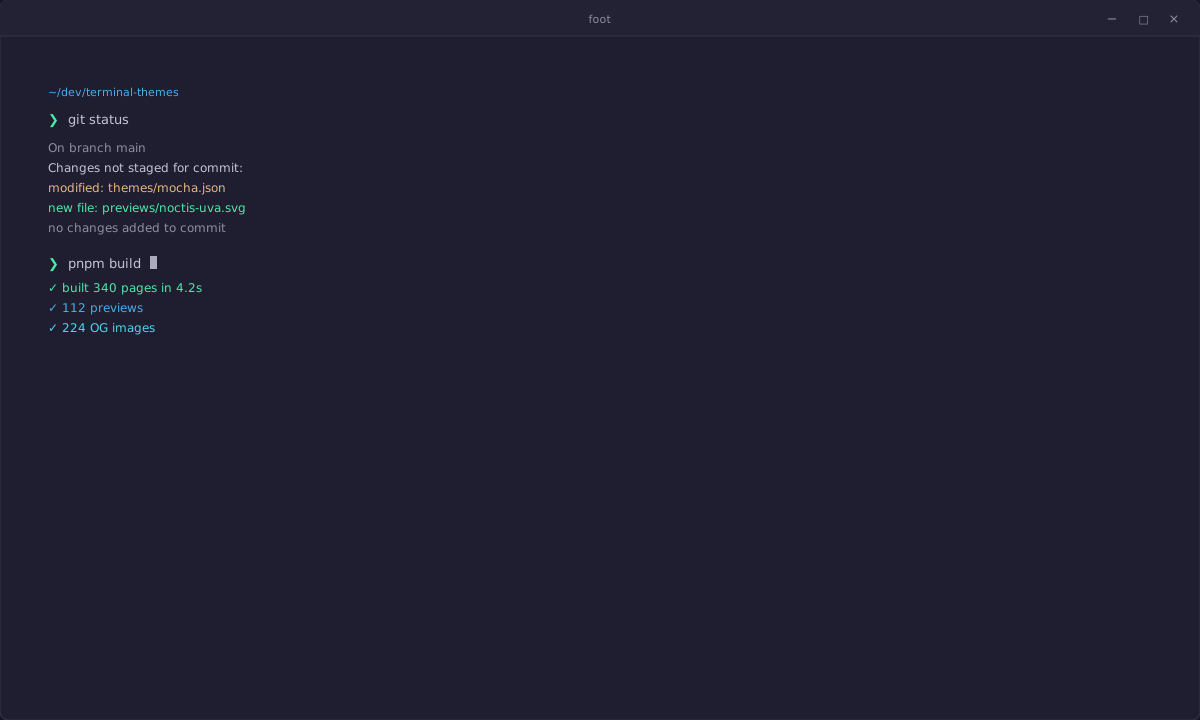
foot · noctis · dark · unknown
Noctis Obscuro for foot
Noctis Obscuro for foot: #020c0e background, 11.5:1 body contrast, and the full 16-color ANSI palette. Download the foot INI theme. Save it to ~/.config/foot/themes/<name>.ini. The same palette also exports to the other supported terminals.
Preview
Palette
ANSI
Base colors
Contrast
WCAG · vs #020c0e| Color | Hex | Ratio | Level |
|---|---|---|---|
| Foreground | #b2cacd | 11.51:1 | AAA |
| Cursor | #b2cacd | 11.51:1 | AAA |
| Selection | #47686c | 3.26:1 | AA large |
| black | #324a4d | 2.09:1 | — |
| red | #e66533 | 5.91:1 | AA |
| green | #49e9a6 | 12.71:1 | AAA |
| yellow | #e4b781 | 10.73:1 | AAA |
| blue | #49ace9 | 7.88:1 | AAA |
| magenta | #df769b | 6.78:1 | AA |
| cyan | #49d6e9 | 11.38:1 | AAA |
| white | #b2cacd | 11.51:1 | AAA |
| brightBlack | #47686c | 3.26:1 | AA large |
| brightRed | #e97749 | 6.78:1 | AA |
| brightGreen | #60ebb1 | 13.20:1 | AAA |
| brightYellow | #e69533 | 8.21:1 | AAA |
| brightBlue | #60b6eb | 8.84:1 | AAA |
| brightMagenta | #e798b3 | 8.99:1 | AAA |
| brightCyan | #60dbeb | 12.09:1 | AAA |
| brightWhite | #c1d4d7 | 12.87:1 | AAA |
Install for foot
Documentation- Download the foot INI theme.
- Save it to ~/.config/foot/themes/<name>.ini.
- Add include=~/.config/foot/themes/<name>.ini to ~/.config/foot/foot.ini.
- For a light theme, also set initial-color-theme=light in foot.ini.
mkdir -p "$HOME/.config/foot/themes" && curl -fsSL "https://terminalthemes.iwwi.app/ports/foot/noctis-obscuro.ini" -o "$HOME/.config/foot/themes/noctis-obscuro.ini"
# Add include=~/.config/foot/themes/noctis-obscuro.ini to ~/.config/foot/foot.ini; for a light theme set initial-color-theme=light.Full configuration
[colors-dark]
background=020c0e
foreground=b2cacd
cursor=020c0e b2cacd
selection-foreground=b2cacd
selection-background=47686c
regular0=324a4d
regular1=e66533
regular2=49e9a6
regular3=e4b781
regular4=49ace9
regular5=df769b
regular6=49d6e9
regular7=b2cacd
bright0=47686c
bright1=e97749
bright2=60ebb1
bright3=e69533
bright4=60b6eb
bright5=e798b3
bright6=60dbeb
bright7=c1d4d7
Let an agent install it
Give this prompt to your coding agent. It includes the foot install page, native file, steps, and safety constraints.
Help me install the Noctis Obscuro theme for foot on this machine.

Read the install page: https://terminalthemes.iwwi.app/foot/themes/noctis/obscuro/
Native theme file: https://terminalthemes.iwwi.app/ports/foot/noctis-obscuro.ini

Follow these steps:
1. Download the foot INI theme.
2. Save it to ~/.config/foot/themes/<name>.ini.
3. Add include=~/.config/foot/themes/<name>.ini to ~/.config/foot/foot.ini.
4. For a light theme, also set initial-color-theme=light in foot.ini.

One-line install:
mkdir -p "$HOME/.config/foot/themes" && curl -fsSL "https://terminalthemes.iwwi.app/ports/foot/noctis-obscuro.ini" -o "$HOME/.config/foot/themes/noctis-obscuro.ini"
# Add include=~/.config/foot/themes/noctis-obscuro.ini to ~/.config/foot/foot.ini; for a light theme set initial-color-theme=light.

Inspect and back up my existing configuration first. Change only what this theme needs; do not overwrite unrelated settings. Ask before changing my default theme. After installing, verify the file exists and tell me which files changed.FAQ
Frequently asked questions
Where does the Noctis Obscuro theme go in foot?
Download the foot INI theme. Save it to ~/.config/foot/themes/<name>.ini.
How do I install Noctis Obscuro in foot?
Download the Noctis Obscuro foot INI theme from this page, run the one-line install command, or place the file in the foot location above. For a light theme, also set initial-color-theme=light in foot.ini.
Does Noctis Obscuro keep its colors in foot?
Yes. It uses #020c0e for the background, #b2cacd for the foreground, and the full 16-color ANSI palette, with 11.5:1 body contrast. Only the foot file format changes.
Can I use Noctis Obscuro in another terminal?
Yes. The same palette exports to every terminal listed on this site; only the install path and file format change.
Similar themes