预览
调色板
ANSI
black
red
green
yellow
blue
magenta
cyan
white
b.Black
b.Red
b.Green
b.Yellow
b.Blue
b.Magenta
b.Cyan
b.White
基础颜色
背景
前景
光标
选区
对比度
WCAG · vs #2d2d2d| Color | Hex | Ratio | Level |
|---|---|---|---|
| 前景 | #cccccc | 8.58:1 | AAA |
| 光标 | #cccccc | 8.58:1 | AAA |
| 选区 | #000000 | 1.52:1 | — |
| black | #000000 | 1.52:1 | — |
| red | #f2777a | 5.05:1 | AA |
| green | #99cc99 | 7.51:1 | AAA |
| yellow | #ffcc66 | 9.23:1 | AAA |
| blue | #6699cc | 4.59:1 | AA |
| magenta | #cc99cc | 5.90:1 | AA |
| cyan | #66cccc | 7.26:1 | AAA |
| white | #ffffff | 13.77:1 | AAA |
| brightBlack | #000000 | 1.52:1 | — |
| brightRed | #f2777a | 5.05:1 | AA |
| brightGreen | #99cc99 | 7.51:1 | AAA |
| brightYellow | #ffcc66 | 9.23:1 | AAA |
| brightBlue | #6699cc | 4.59:1 | AA |
| brightMagenta | #cc99cc | 5.90:1 | AA |
| brightCyan | #66cccc | 7.26:1 | AAA |
| brightWhite | #ffffff | 13.77:1 | AAA |
安装到 Hyper
官方文档- 下载 Hyper 插件。
- 保存到 ~/.hyper_plugins/local/<name>/index.js。
- 在 Hyper 配置的 localPlugins 中加入 "<name>":macOS 为 ~/Library/Application Support/Hyper/.hyper.js,Linux 为 ~/.config/Hyper/.hyper.js,Windows 为 %APPDATA%\Hyper\.hyper.js。
- 重新加载 Hyper 或打开新窗口。
一行安装tomorrow-night-eighties.js
mkdir -p "$HOME/.hyper_plugins/local/tomorrow-night-eighties" && curl -fsSL "https://terminalthemes.iwwi.app/ports/hyper/tomorrow-night-eighties.js" -o "$HOME/.hyper_plugins/local/tomorrow-night-eighties/index.js"
# Add "tomorrow-night-eighties" to localPlugins in ~/Library/Application Support/Hyper/.hyper.js (macOS) or the platform config path.完整配置文件
exports.decorateConfig = (config) => ({
  ...config,
  foregroundColor: "#cccccc",
  backgroundColor: "#2d2d2d",
  borderColor: "#000000",
  cursorColor: "#cccccc",
  cursorAccentColor: "#2d2d2d",
  selectionColor: "#000000",
  colors: {
    ...config.colors,
    black: "#000000",
    red: "#f2777a",
    green: "#99cc99",
    yellow: "#ffcc66",
    blue: "#6699cc",
    magenta: "#cc99cc",
    cyan: "#66cccc",
    white: "#ffffff",
    lightBlack: "#000000",
    lightRed: "#f2777a",
    lightGreen: "#99cc99",
    lightYellow: "#ffcc66",
    lightBlue: "#6699cc",
    lightMagenta: "#cc99cc",
    lightCyan: "#66cccc",
    lightWhite: "#ffffff"
  }
});
下载tomorrow-night-eighties.js
让 Agent 帮我安装
把这段提示词交给编码 Agent。它会读取 Hyper 的安装页面、备份配置并只修改这个主题需要的文件。
帮我在这台机器上安装 Tomorrow Night Eighties 的 Hyper 主题。

先阅读安装页面:https://terminalthemes.iwwi.app/zh/hyper/themes/tomorrow/night-eighties/
原生配置文件:https://terminalthemes.iwwi.app/ports/hyper/tomorrow-night-eighties.js

请按以下步骤操作:
1. 下载 Hyper 插件。
2. 保存到 ~/.hyper_plugins/local/<name>/index.js。
3. 在 Hyper 配置的 localPlugins 中加入 "<name>":macOS 为 ~/Library/Application Support/Hyper/.hyper.js,Linux 为 ~/.config/Hyper/.hyper.js,Windows 为 %APPDATA%\Hyper\.hyper.js。
4. 重新加载 Hyper 或打开新窗口。

一行安装命令:
mkdir -p "$HOME/.hyper_plugins/local/tomorrow-night-eighties" && curl -fsSL "https://terminalthemes.iwwi.app/ports/hyper/tomorrow-night-eighties.js" -o "$HOME/.hyper_plugins/local/tomorrow-night-eighties/index.js"
# Add "tomorrow-night-eighties" to localPlugins in ~/Library/Application Support/Hyper/.hyper.js (macOS) or the platform config path.

请先检查并备份现有配置,只修改这个主题需要的设置,不要覆盖无关配置;如果要修改默认主题,先询问我。安装后验证文件存在并告诉我改了哪些文件。FAQ
常见问题
Tomorrow Night Eighties 的 Hyper 主题文件放在哪里?
下载 Hyper 插件。 保存到 ~/.hyper_plugins/local/<name>/index.js。
如何在 Hyper 中安装 Tomorrow Night Eighties?
下载本站生成的 Tomorrow Night Eighties Hyper plugin,按页面中的一行安装命令放入 Hyper 的配置位置;完成后重新加载 Hyper 或打开新窗口。
Tomorrow Night Eighties 在 Hyper 中会改变颜色吗?
不会。它使用背景 #2d2d2d、前景 #cccccc 和完整的 16 色 ANSI 调色板,正文对比度为 8.6:1;只改变 Hyper 需要的文件格式。
Tomorrow Night Eighties 还能用于其他终端吗?
可以。同一份调色板可以导出到本站支持的每个终端;每个版本只改变安装路径和文件格式。
相似主题
相似主题
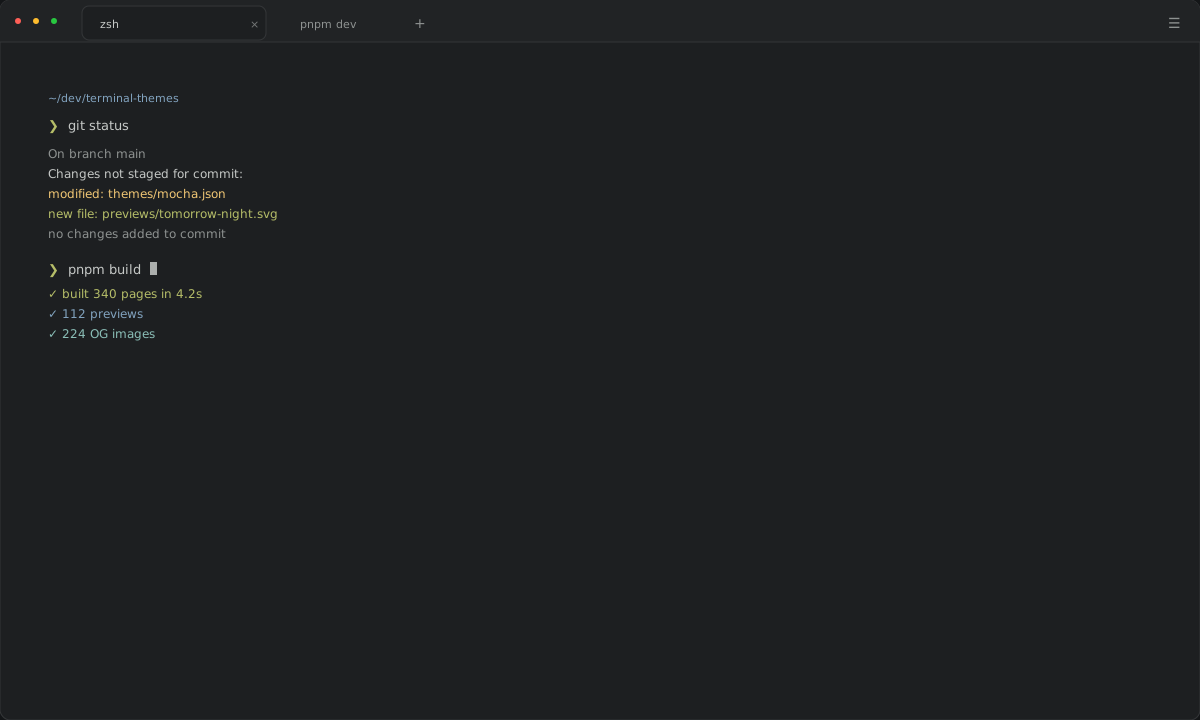
ΔE00 5.4
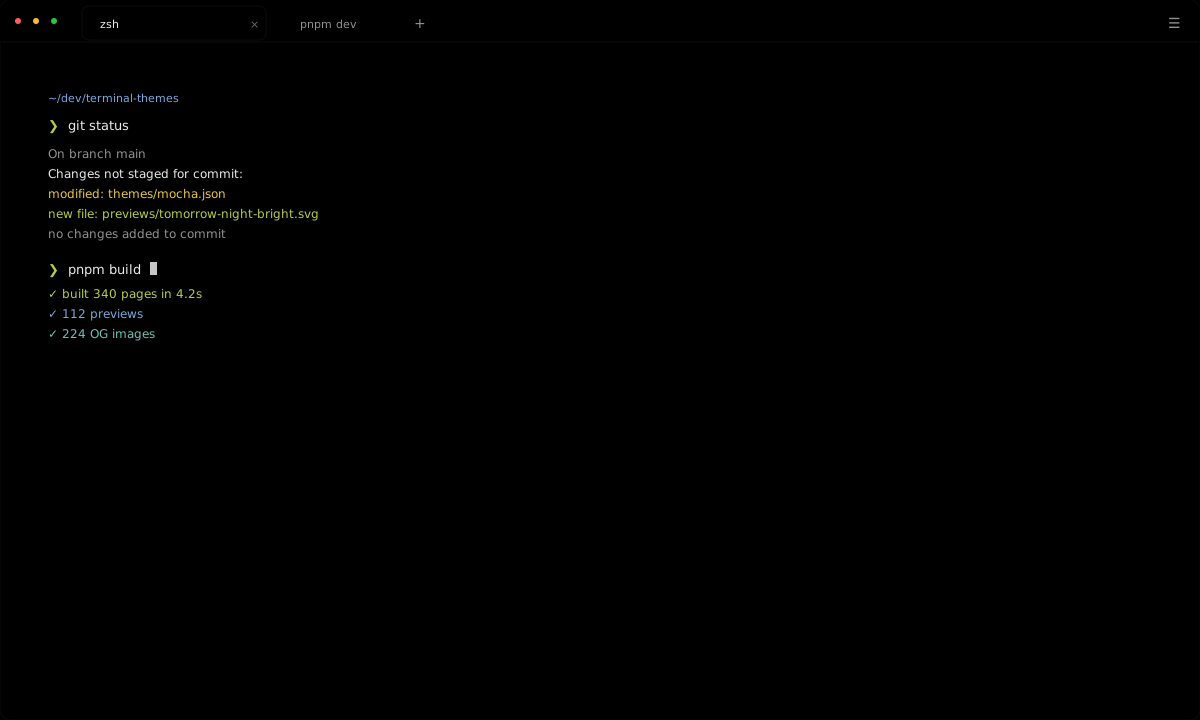
ΔE00 6.6
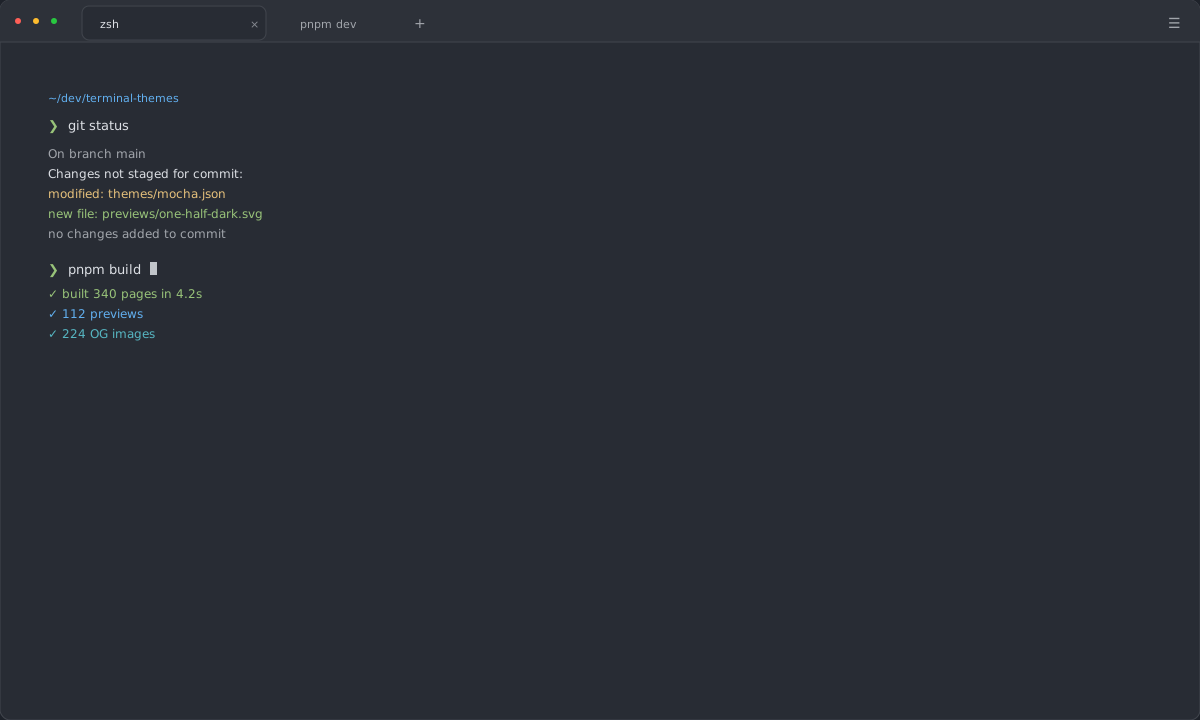
ΔE00 7.5
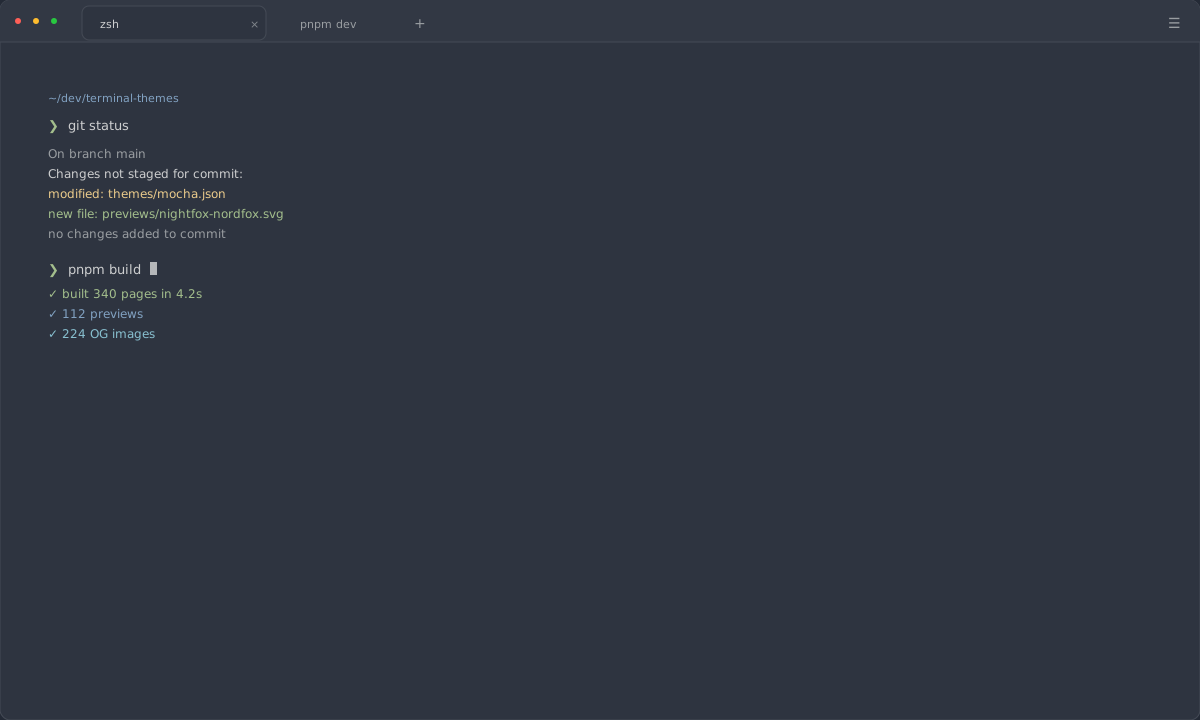
ΔE00 8.8